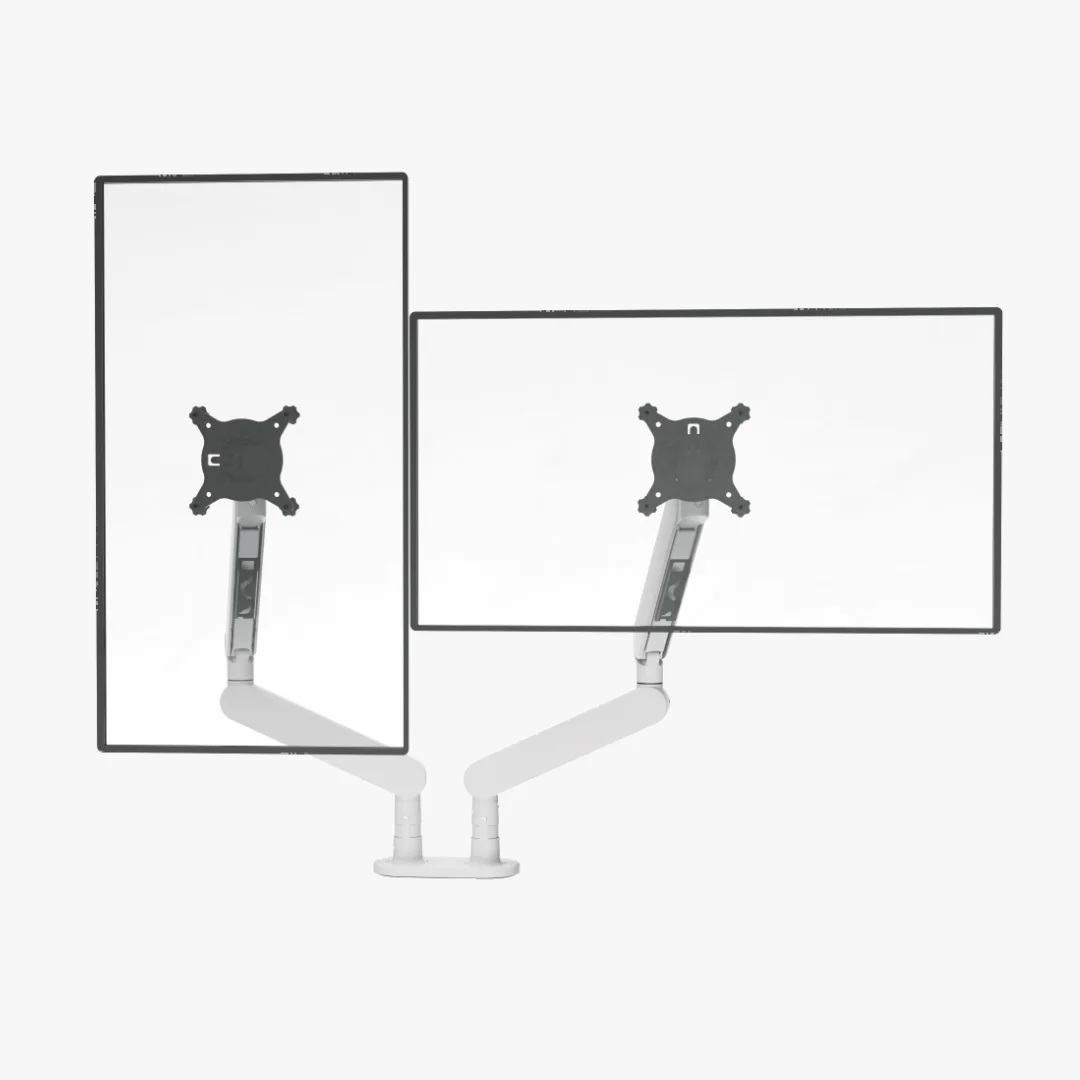
The finishing touches
Best dual monitor arms with a stand: skip the clamp when needed
A freestanding dual arm can rescue a thin, glass, or awkward desktop where a clamp is a bad idea. Measure the base footprint, screen weight, height adjustment, and the desk space the stand will quietly consume.
Choose a freestanding base when the desktop cannot take a clamp or you need easier repositioning.
Renters and desk owners dealing with fragile tops, rear obstructions, or changing layouts.
The base still needs enough depth and weight; a stand can steal useful desktop space.
Our take is based on published specifications and linked sources. We have not hands-on tested these products. Some links may earn a commission.
Fastest accurate answer
CTS200 is the best monetized match—but it is not freestanding.
The official CTS200 page names the package “Dual Monitor w/ Stand,” while its specifications require a 15–50 mm clamping edge. The displayed complete Silver Monitor Arm was $139.99; the tempting $29.99 selector is a laptop tray only. Buy it only when that clamp geometry and exact package match your desk, and verify the final cart total before paying.
| Model | Mount reality | Screen / load | VESA | Desk constraint | Price snapshot |
|---|---|---|---|---|---|
| Sunaofe CTS200 Dual Modular Monitor Arm with Stand | Top-mounted desk clamp; not a freestanding floor or desktop base | Up to 34 in per official listing 2–9 kg (4.4–19.8 lb) per arm | 75×75 / 100×100 mm | 15–50 mm solid clamping edge; rear clearance still required | $139.99 Silver Monitor Arm snapshot; $299.99 reference price. The $29.99 option is laptop-tray-only. |
| HUANUO CM1 Freestanding Dual Monitor Mount | True freestanding 15.4 × 11 in desktop base | 13–32 in Up to 17.6 lb per arm | 75×75 / 100×100 mm | No clamp; keep arm travel over the base center of gravity | $45.99 snapshot |
| Mount-It! MI-1781 Freestanding Dual Monitor Desk Stand | True freestanding desktop base | 13–27 in Up to 22 lb per arm | 75×75 / 100×100 mm | No clamp; published height adjustment up to 16 in | $74.99 snapshot |
| VIVO STAND-V002FG Dual Monitor Desk Stand | True freestanding glass desktop base | Current page offers 32 in and 38 in variants Variant-specific; verify selected size before checkout | Verify selected variant on the current product page | No clamp; glass base occupies the rear desktop surface | $59.99 snapshot for the displayed configuration |
Four current routes
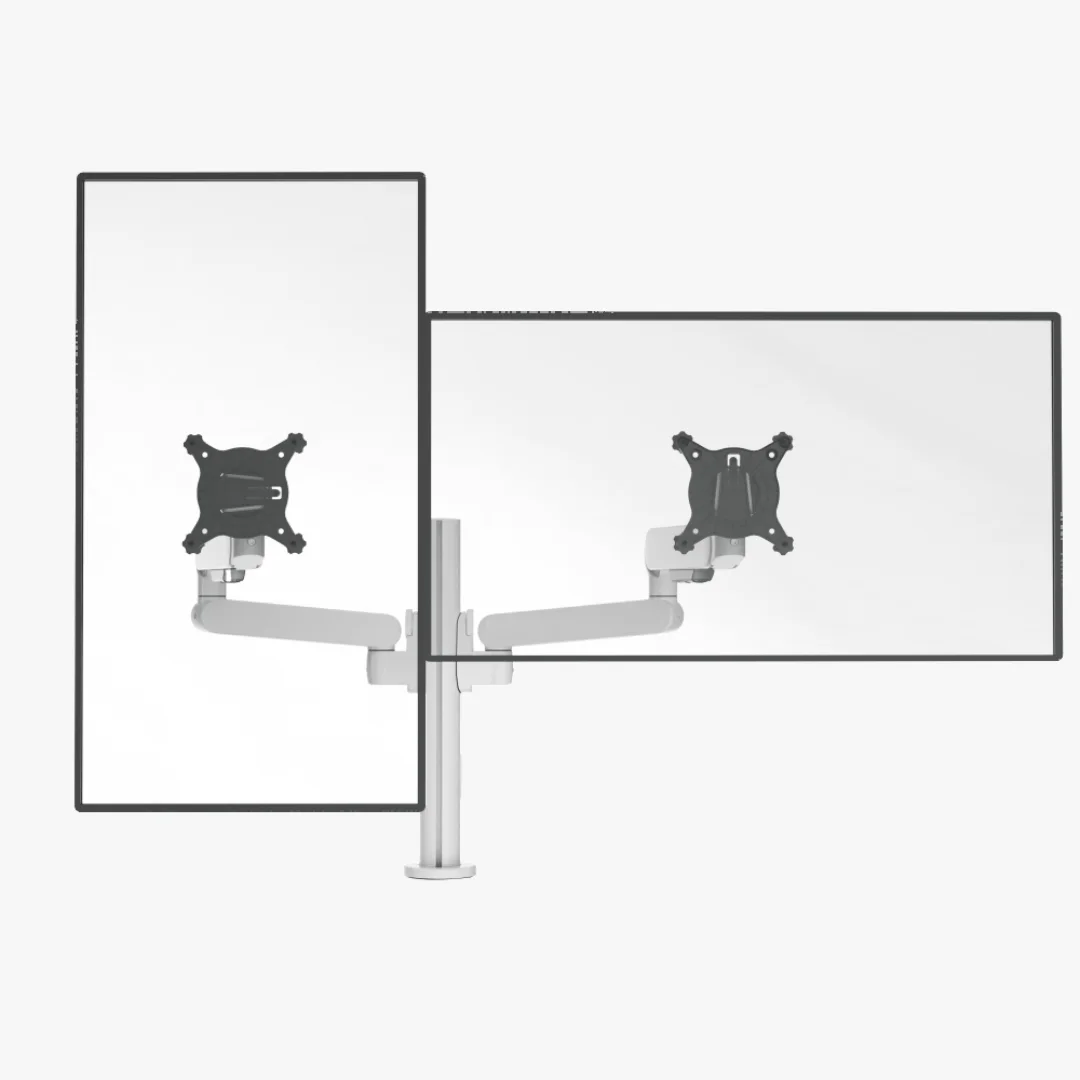 Photo: manufacturer
OPTION 01
Sunaofe CTS200 Dual Modular Monitor Arm with Stand
Choose: Choose when you want the CTS modular arm package and your desk has a clear, solid clamping edge.
Skip: Skip if your desk cannot accept a clamp or if “with stand” meant a movable freestanding base to you.
 Photo: manufacturer
OPTION 02
HUANUO CM1 Freestanding Dual Monitor Mount
Choose: Choose for desks that cannot be clamped when the 15.4 × 11 in base fits behind your keyboard and devices.
Skip: Skip if you need deep forward reach or want the mount to remove nearly all hardware from the desktop.
 Photo: manufacturer
OPTION 03
Mount-It! MI-1781 Freestanding Dual Monitor Desk Stand
Choose: Choose for smaller panels when a no-drill base and a simple center-pole layout are more useful than broad arm travel.
Skip: Skip for screens above 27 inches or when you need the independent reach of gas-spring arms.
 Photo: manufacturer
OPTION 04
VIVO STAND-V002FG Dual Monitor Desk Stand
Choose: Choose when you specifically want a movable glass-base stand and the selected screen-size variant is documented for both panels.
Skip: Skip if desk depth is tight or if the selected variant does not publish a clear weight and VESA match for your monitors.
Before-checkout worksheet
Measure the package, not the product title.
Each display
Record bare-screen weight, outside width, VESA pattern, recess depth, and cables or cameras carried by each arm.
Clamp route
Measure the solid rear edge, thickness, apron, drawer, cable tray, wall gap, and the space needed to tighten the clamp.
Freestanding route
Tape the full base footprint onto the desk. Confirm keyboard depth, device placement, and that arm travel stays over the base.
Box contents
Select the exact finish and package. Confirm that two arms, pole/base or clamp, VESA plates, screws, and any laptop tray are actually included.
Dual monitor stand FAQ
Is the Sunaofe CTS200 a freestanding dual monitor stand?
No. The current CTS200 listing shows a top-mounted desk clamp and publishes a 15–50 mm desk-thickness range. “With Stand” is part of Sunaofe’s package naming; it does not mean a broad base that rests freely on the desktop.
Why does the CTS200 page show a $29.99 option?
The $29.99 variant is labeled “Laptop tray only.” The displayed Silver Monitor Arm configuration was $139.99 when checked. Select the exact arm finish and package before treating any price as the complete dual-monitor mount.
Should I buy a clamp mount or a freestanding base?
A clamp can preserve more usable desktop area but needs a solid, unobstructed edge and rear clearance. A freestanding base avoids clamping and drilling but consumes desk depth and must keep the screens within the base’s stable center-of-gravity range.
What do I measure before buying a dual monitor stand?
Record each monitor’s bare weight, physical width, VESA pattern, and recess depth. Then measure desk depth, rear edge thickness, under-edge obstructions, wall clearance, and the footprint available for a base or moving arms.