All guides · 126 decision pages

Find the shortest path to your buying decision.

Browse by the constraint you need to solve: physical fit, exact-model trade-offs, desk height, apartment setup, controls, safety, or MacBook display compatibility.

WorkChoose Fit Tools

Run a focused calculator or compatibility checker before you compare products.

Open fit tools

Current Sunaofe chair paths

Compare fit, or check the current offer directly.

Price snapshots checked September 3–4, 2026. WorkChoose may earn through Awin; the order is based on fit evidence, not commission.

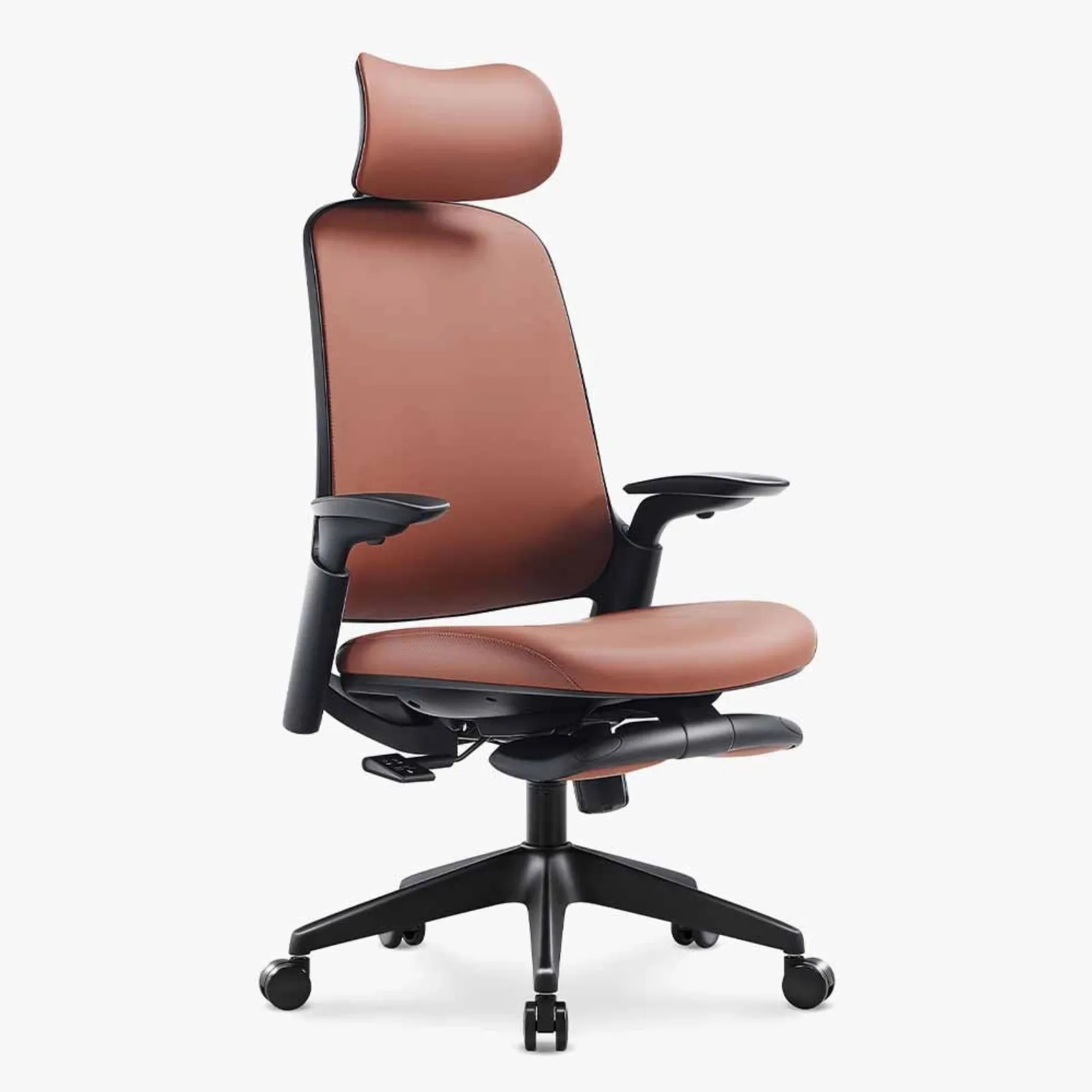
Sunaofe Atlas official product imageManufacturer image

$499.99 snapshot

Atlas

Higher published seat range and numeric adjustments

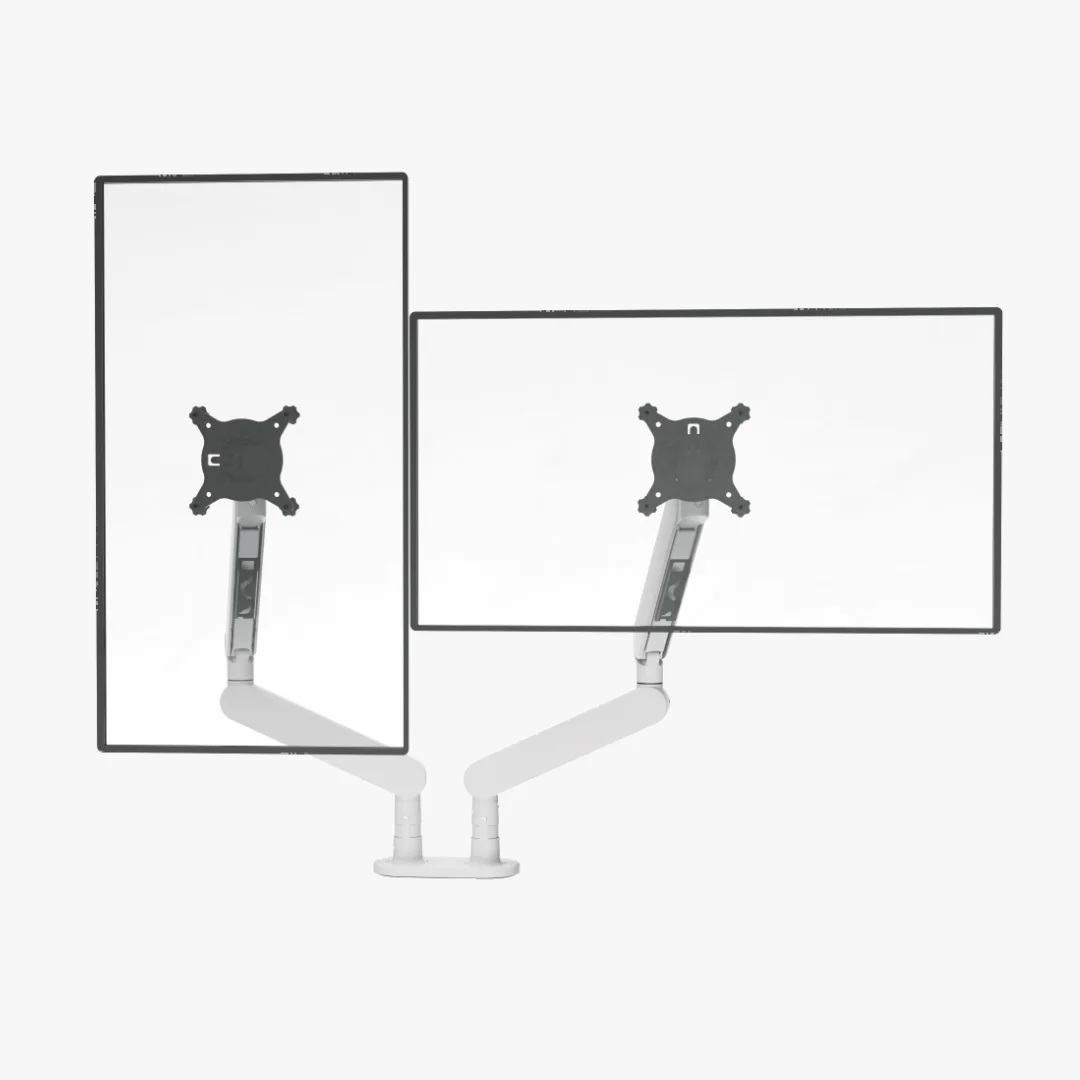
Sunaofe CTS300 dual monitor arm official product imageManufacturer image

Current Sunaofe monitor-arm path

CTS300 dual monitor arm

$139.99 snapshot

Two monitors up to the published 19.8 lb per-arm limit; verify bare-screen weight, VESA, clamp range, and rear clearance.

Start here

Decision tools and setup map

Begin with the number or constraint that can rule a product in or out before you browse models.

Under-desk work setup hubFollow the full pad, desk, display, cable, control, and safety decision path.Open guide Home-office layout calculatorCheck room width and depth against the desk, monitors, chair route, and optional walking-pad footprint.Open guide Current walking-pad model finderFilter current models by body width, belt length, weight, load, folding, and starting speed.Open guide Standing-desk comparison chartFilter exact desk configurations by finished height, desktop size, frame geometry, published load, and walking-pad or dual-monitor fit.Open guide Portable-monitor comparison chartFilter source-backed models by display size, resolution, ports, touch, power path, weight, and Mac or iPad notes.Open guide Walking-pad desk-height calculatorCheck the keyboard-height room left after the walking surface and footwear raise you.Open guide Sit-stand desk height calculatorUse measured seated and standing elbow heights to set both desktop targets and check a finished desk range.Open guide Dual-monitor desk size calculatorPlan desktop width, depth, monitor-arm room, and cable slack before comparing desks.Open guide Walking-pad belt-size calculatorUse your measured step or stride instead of treating height as a universal shortcut.Open guide Under-desk walking-pad setup guideMeasure, place, adjust, route cables, and run the first short work session.Open guide Walking-pad desk and monitor-arm stabilitySeparate desk motion, arm motion, cable tension, floor level, and contact with the pad.Open guide Best dual monitor armsCompare two-screen arms by per-screen weight, VESA, desk thickness, rear clearance, mounting route, and return friction.Open guide Best dual monitor arms with standsSeparate clamp-mounted packages from true freestanding bases, then check box contents, desk footprint, VESA, and screen weight.Open guide Best dual monitor arms for 32-inch monitorsCheck two full-size panels by bare-screen weight, physical span, VESA, desk clamp, rear sweep, and cable travel.Open guide Best dual monitor arms for standing desksCheck seated-to-standing height coverage, per-arm load, clamp and rear clearance, two-screen span, desk stability limits, and cable slack.Open guide Best monitor arms for 34-inch ultrawidesMatch bare display weight, VESA and curved rear-shell clearance before trusting a screen-size label.Open guide Best monitor arms with laptop traysSeparate complete bundles, tray-ready arms, and tray-only accessories by device count, load, VESA, and desk fit.Open guide Sunaofe CTS200 vs CTS300Compare the two dual-arm variants by included stand, display limits, clamp fit, package size, and current stock terms.Open guide Sunaofe CTS300 monitor arm reviewCheck the exact CTS300 arm by dual-screen weight, VESA, desk mounting, variant price, conflicting size claims, shipping, and returns.Open guide Sunaofe CTS100 monitor arm reviewCheck the single-arm model by display weight, VESA pattern, desk thickness, motion range, installation, and return conditions.Open guide

Choose by constraint

Walking-pad buying guides

Each guide answers one purchasing constraint so similar pages do not compete for the same decision.

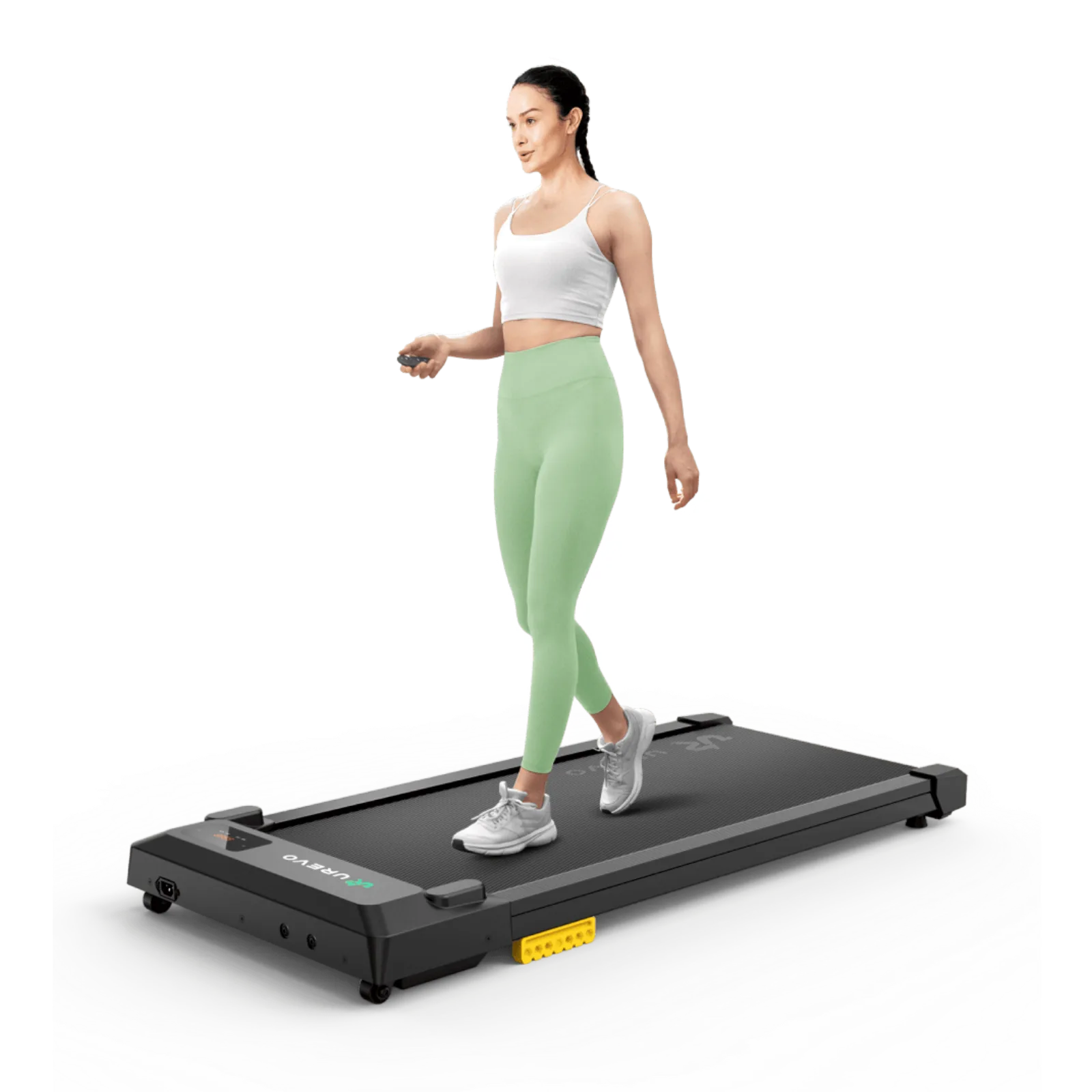
Best walking pads for under-desk workCompare exact models by belt, body, minimum speed, controls, storage, and evidence quality.Open guide Best walking pads for runningSeparate walking-only, hybrid, and running-capable models by published speed, running area, capacity, rails, folding, and room fit.Open guide Best walking pads for apartmentsCheck full footprint, move weight, wheels, storage opening, route, and outlet.Open guide Quiet walking pads for apartmentsKeep motor sound, footfall, and structure-borne vibration as three separate questions.Open guide Walking pads for heavier usersVerify the exact selected capacity, belt room, warranty, support, and manufacturer conflicts.Open guide Walking pads for tall peopleCombine measured stride, belt dimensions, desk height, and rear step-off room.Open guide Walking pads for video callsScreen controls, starting speed, microphone evidence, camera motion, and stop workflow.Open guide Walking pads for carpetLet the exact manual decide floor permission, ventilation, leveling, and mat use.Open guide Walking pads with remote controlsCompare included controls, pairing, button functions, safety behavior, and replacements.Open guide Incline walking pads under a deskRecalculate height, cable room, posture, and step-off space when the deck rises.Open guide Walking-pad handrail attachmentsConfirm exact model compatibility, attachment geometry, height, and desk interference.Open guide Walking-pad mats for hardwood floorsCompare pad footprint, contact points, material claims, thickness, and ventilation.Open guide Walking pad vs treadmill for a home officeCompare task fit, controls, speed, rails, footprint, storage, and ownership.Open guide Walking-pad safety and maintenanceUse exact manuals for placement, starting, stopping, cleaning, lubrication, and storage.Open guide

Choose between two

Exact walking-pad comparisons and support

These pages preserve model variants and source conflicts instead of blending a product family into one answer.

WalkingPad Z1 vs C2Compare storage shape, belt, body, weight, capacity, controls, and accessory limits.Open guide WalkingPad R3 vs C2Separate the current R3 Hybrid+ handrail model from the C2 and older R3 variants.Open guide WalkingPad R2 vs R3 Hybrid+Compare two current handrail-and-fold models by belt, speed, controls, folded size, weight, and official specification conflicts.Open guide WalkingPad R2 vs C2Choose between a faster 2-in-1 handrail model and a lighter walk-focused fold using exact current US evidence.Open guide WalkingPad R2 vs X21Compare two handrail-and-fold models by desk mode, belt width, speed controls, storage shape, move weight, and official conflicts.Open guide WalkingPad X21 vs X25Choose between two double-fold running models by belt room, speed ceiling, move weight, capacity, controls, and storage geometry.Open guide WalkingPad X218 vs X25+Choose between two faster treadmills by running area, speed, capacity, machine weight, frame shape, and storage method.Open guide WalkingPad C2 vs A1 ProCompare folded footprint, belt width, selected capacity, controls, and carry weight.Open guide WalkingPad A1 Pro vs P1Separate same-size frames by starting speed, capacity option, display, and controls.Open guide WalkingPad P1 vs C2Trade the P1 starting speed and belt width against the C2 fold and move weight.Open guide WalkingPad P1 vs Z1Compare belt shape, speed range, body weight, stated load, controls, and display evidence.Open guide WalkingPad Z1 vs A1 ProChoose between the lighter Z1 and A1 Pro belt width, lower start, FootSense, and variants.Open guide UREVO E1L vs E1L ProSeparate the flat E1L from the compact incline-and-app Pro model.Open guide UREVO SpaceWalk 3S vs E1L ProTrade 3S belt room for the E1L Pro body size, lift weight, and published load.Open guide UREVO SpaceWalk 3S vs 5LCompare belt and body dimensions while retaining the 5L load and warranty conflicts.Open guide UREVO SpaceWalk 5L vs CyberPadTrade the lighter, smaller 5L against CyberPad belt room and listed incline.Open guide UREVO CyberPad Home vs OfficeCompare exact belt length, body size, move weight, capacity conflicts, and regional manuals.Open guide UREVO Strol 2E vs CyberPad HomeChoose between a folding flat-deck 2-in-1 and an incline walking pad while preserving CyberPad’s page-versus-manual load conflict.Open guide UREVO Strol 2S Pro vs 2ETrade the 2S Pro’s wider belt and auto incline against the lighter 2E and its explicit under-desk mode.Open guide UREVO Strol 2E Pro vs 2ECompare the Pro model’s incline and higher load claim with the flatter, lighter original 2E.Open guide UREVO Strol 2E Pro vs 2S ProTrade the lighter 2E Pro and higher listed load against the 2S Pro’s longer, wider belt and faster ceiling.Open guide UREVO Strol 2S Pro vs CyberPadCompare a foldable handrail treadmill with CyberPad for Home by belt, speed, incline, capacity, storage, and desk fit.Open guide UREVO Foldi 3S vs Strol 2S ProChoose between an integrated adjustable workstation and a lighter handrail treadmill for a separate standing desk.Open guide WalkingPad C2 replacement remoteCheck exact model, pairing evidence, button functions, and official replacement path.Open guide WalkingPad C2 lubricationFollow the C2 manual amount, distribution speed, timing, and conflicting general guidance.Open guide WalkingPad C2 belt adjustmentUse the exact manual direction map for drift or slip and an empty low-speed check.Open guide Sperax walking-pad CPSC warningIdentify affected models and follow the current official recall instructions.Open guide

Complete the workstation

Standing-desk buying guides

A desk must still reach the right keyboard height after the walking surface raises the user.

Best standing desks for a walking padCompare maximum height, top assumptions, geometry, load labels, assembly, and return boundaries.Open guide Best standing desks for dual monitorsCompare desktop width and depth, arm-clamp room, equipment load, cable travel, and highest-position stability evidence.Open guide Best pneumatic standing desksCompare current no-power desks by counterbalance range, work-surface size, adjustment workflow, height, and equipment fit.Open guide Best standing desks with drawersCompare built-in, add-on, and modular drawers by desktop size, knee-room loss, mounting geometry, and configuration risk.Open guide Best standing desks with wireless chargingCompare built-in Qi charging by coil location, phone-case tolerance, power details, desktop fit, height range, and what each manufacturer leaves unverified.Open guide Sunaofe Lunar standing desk reviewCheck Lunar's four top sizes, published height and load labels, wireless-charging gaps, monitor-arm fit, accessories, and order risk.Open guide Standing desks for tall walking-pad usersCalculate finished keyboard room after pad height, footwear, and desktop thickness.Open guide Small-space standing desks with a walking padCheck inner-leg room, body clearance, storage route, desk depth, and cable loops.Open guide FlexiSpot E7 vs E7 ProKeep frame-only height, top thickness, width labels, and static-load terms separate.Open guide FlexiSpot E7 Pro vs E7 PlusCompare a two-leg C-frame with a four-column frame using finished-height assumptions, width, lift labels, and assembly trade-offs.Open guide FlexiSpot E7 Plus vs E7QCompare two four-column desks by motor count, frame range, matched load labels, product weight, and unresolved inner clearance.Open guide Branch Tria vs DuoChoose between Tria’s broader height range and integrated organization or Duo’s compact 36-inch starting size.Open guide UPLIFT V2 vs FlexiSpot E7 ProCompare frame height, derived finished height, top thickness, width, and unlike load labels.Open guide

Choose the seat

Office-chair buying guides

Compare chair fit, adjustment evidence, desk clearance, and return friction before relying on a comfort claim.

Best home-office setups for small spacesCompare three measurable chair, monitor-arm, and desk combinations by room width, operating depth, screen span, and clamp fit.Open guide Sunaofe chair reviewsCompare every current chair model by price, mechanism, published fit evidence, and the measurements still missing.Open guide Best office chairs under $200Compare chairs that currently clear a strict $200 ceiling by seat geometry, support controls, desk clearance, warranty, and return friction.Open guide Best office chairs under $300Compare current chairs by seat-height range, armrest clearance, dimensions, capacity, and return conditions.Open guide Best office chairs for long hoursCompare measurable seat fit, adjustment controls, recline, materials, return trials, and work-rhythm limits without mistaking specifications for all-day comfort.Open guide Best office chairs for small spacesCompare real footprint, base width, flip-up arms, desk clearance, and chair pull-out space for compact rooms.Open guide Best mesh office chairs under $250Compare low-cost mesh chairs by seat geometry, flip-up or removable arms, recline, capacity, delivery, and the real return cost.Open guide Best ergonomic office chairs under $500Compare the $300–$500 tier by seat fit, adjustment range, lumbar mechanism, armrests, return cost, and missing specifications.Open guide Best office chairs for short peopleCompare minimum seat height, actual seat depth, arm fit, desk clearance, and the cost of getting the fit wrong.Open guide Best office chairs for heavy peopleCompare manufacturer capacity, usable seat geometry, cylinder and base evidence, warranty, and return risk.Open guide Best office chairs for tall peopleCompare maximum seat height, usable seat depth, back and headrest reach, arm fit, capacity, and missing manufacturer measurements.Open guide Best office chairs with lumbar supportCompare height/depth-adjustable, dynamic, and auto-follow mechanisms by published travel, fit controls, and return risk.Open guide Best office chairs with headrestsCompare included and optional headrests by height, depth, tilt, rotation, recline interaction, and missing fit ranges.Open guide Best office chairs with footrestsCompare retractable footrests by recline range, leg-support geometry, seat fit, floor clearance, and return risk.Open guide Best reclining office chairsSeparate work tilt from deep recline, then compare lock positions, footrest geometry, seat fit, moving arm and lumbar support, capacity, and returns.Open guide Best office chairs with flip-up armsCompare chairs that tuck under a desk by arm path, underside clearance, seat fit, material, capacity, and returns.Open guide Sunaofe Resistance Chair reviewCheck the published footprint, flip-up arms, seat-height range, unknown measurements, and original-box return condition.Open guide Sunaofe Boss Pro reviewCheck the footrest, 125° recline, seat-height fit, conflicting depth figures, leather tradeoffs, and return conditions.Open guide Sunaofe Morph Edition reviewCheck the auto-tracking lumbar claim, 7D arms, fit gaps, shipping conflict, and whether it earns the premium over Morph Classic.Open guide Sunaofe Morph Classic reviewCheck the $449.99 Classic fit evidence, lumbar and arm claims, policy terms, and whether Edition is worth $50 more.Open guide Sunaofe Morph Edition vs AtlasCompare two near-$500 chairs by seat-height range, lumbar mechanism, arm and headrest controls, finish, configuration, and checkout risk.Open guide Sunaofe Atlas reviewCheck Atlas headrest, lumbar and backrest travel, seat-height fit, missing seat dimensions, and return-packaging risk.Open guide Sunaofe Trace reviewCheck Trace's 15-inch minimum seat height, auto-follow backrest, fold-away arms, current price, and conflicting pre-sale timing.Open guide Sunaofe Atlas vs TraceCompare seat-height ranges, backrest mechanisms, armrests, availability, and return risk between two closely priced chairs.Open guide Sunaofe Resistance vs Boss ProChoose between compact mesh and a padded executive chair by fit, arms, recline, footprint, and return friction.Open guide

Add the screen

MacBook portable-monitor guides

Start with the exact Mac model and signal path before choosing display size or accessories.

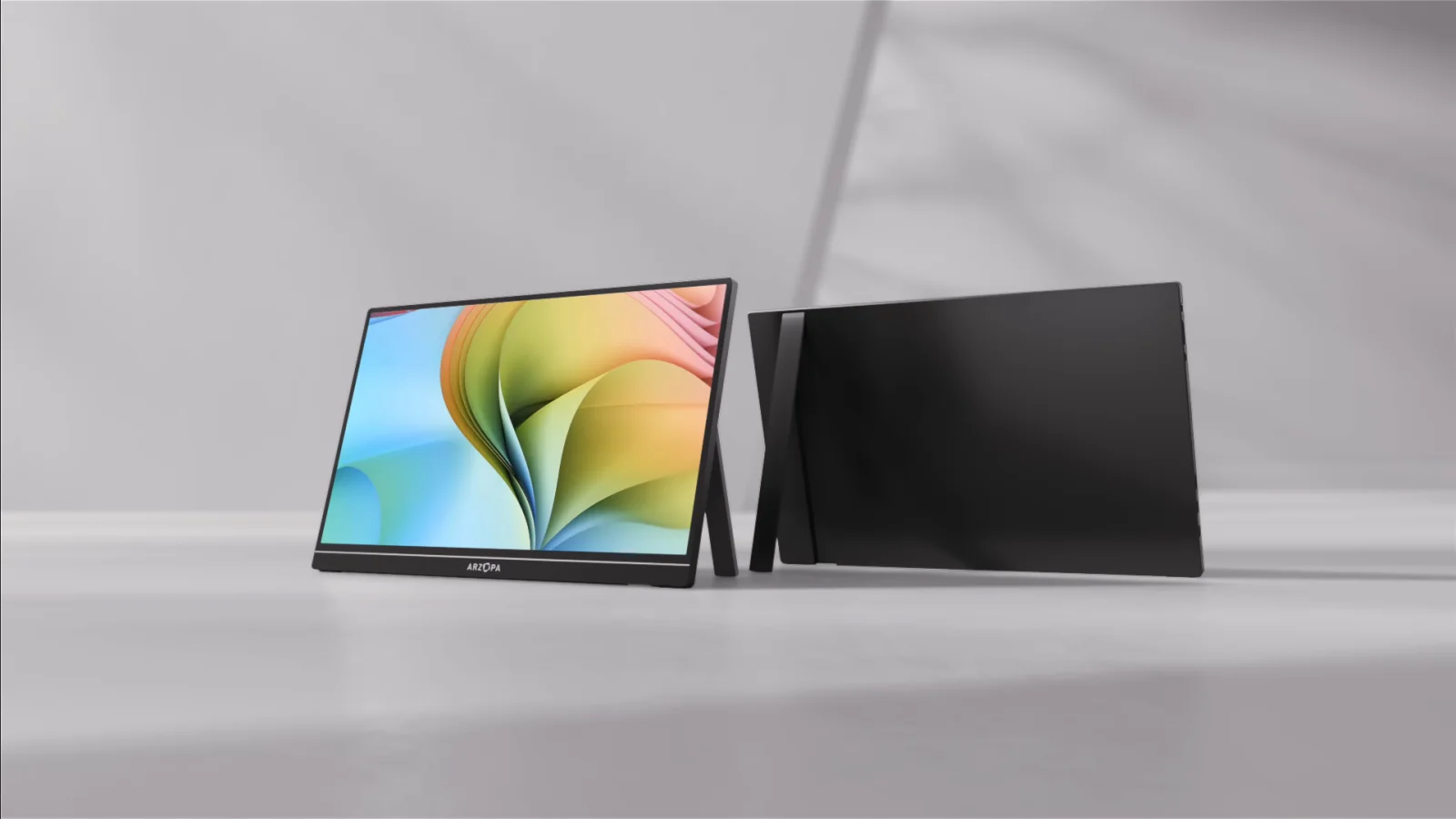
Portable-monitor connection checkerCheck whether the laptop, monitor input, cable, adapter, and power path form a complete connection before buying.Open guide Best portable monitors for MacBookCompare inputs, power, resolution, stand, cable path, compatibility, and returns.Open guide Best portable monitors for laptopsMatch Windows or Chromebook ports to USB-C video, HDMI power, drivers, stand, and cable requirements.Open guide Best portable monitors for PS5Check HDMI input, separate power, 120Hz, VRR, HDR, audio, and the actual PS5 output signal before buying.Open guide Best portable monitors for Steam DeckCompare direct USB-C and dock HDMI setups by power delivery, resolution, refresh rate, and SteamOS display behavior.Open guide Best portable monitors for Xbox Series X|SCheck HDMI, separate power, Series X and S resolution targets, 120Hz, VRR, HDR, and audio settings.Open guide Best portable monitors for Nintendo Switch 2Match the official dock and power path with HDMI, 1080p or 1440p at 120fps, HDR, and speaker support.Open guide Best portable gaming monitorsCompare refresh rates by input, resolution, HDMI, USB-C, battery power, VRR, HDR, brightness, and audio across gaming devices.Open guide Arzopa Z1FC reviewCheck the 144Hz FHD specs, FreeSync conflict, connection and power paths, current bundle, returns, and warranty evidence.Open guide Arzopa Z1RC review: 2.5K work canvasCheck the 16:10 2.5K work-space trade-off, 60Hz limit, USB-C and mini-HDMI paths, separate power, and current purchase terms.Open guide Arzopa Z3FC review: QHD/180Hz gaming fitCheck the QHD and higher-refresh gaming trade-off, source signal, HDMI and USB-C paths, separate power, current bundle, and returns.Open guide Best Arzopa portable monitorChoose among Z3FC for QHD gaming headroom, Z1RC for 2.5K 16:10 work space, Z1FC for FHD 144Hz portability, Z1C for a straightforward FHD setup, and A1M for a larger 17.3-inch canvas.Open guide Best portable monitors for iPad ProMatch the exact iPad, USB-C video path, external power, Stage Manager workflow, and monitor fit.Open guide Portable monitors for MacBook Air M4Match Apple display support with exact monitor ports, cables, power, and lid state.Open guide Touchscreen portable monitors for MacBookSeparate video, touch input, power, macOS support, and required USB paths.Open guide Portable monitor vs screen extenderCompare native display paths, DisplayLink, drivers, attachment, weight, and power.Open guide DisplayLink vs InstantViewCompare the two USB-display paths by installation, macOS permissions, protected video, latency, and IT restrictions.Open guide Best DisplayLink docks for MacBookCompare verified DisplayLink docks by output path, charging, ports, macOS permissions, and protected-video limits.Open guide MacBook Air M3 dual-monitor supportApply Apple’s exact lid-state and model requirements before buying a second display.Open guide MacBook Air M1 dual monitors with DisplayLinkSeparate the native one-display limit from the dock, driver, permissions, and trade-offs.Open guide MacBook Air M2 dual monitors with DisplayLinkCheck the exact DisplayLink adapter path, software permissions, power, and limitations.Open guide Arzopa Z1RC vs Z1FC for MacBookCompare resolution, refresh rate, signal, power, stand, and exact Mac workflow.Open guide Arzopa A1M vs Z1RCChoose between a larger 17.3-inch FHD screen and a sharper 16-inch 2.5K 16:10 work canvas.Open guide Arzopa A1M vs Z1FCChoose between A1M’s larger 17.3-inch workspace and Z1FC’s lighter 144Hz format.Open guide Arzopa Z1C vs Z1FCChoose between two 16.1-inch FHD screens by refresh rate, color claim, power, weight, ports, and current official conflicts.Open guide Arzopa Z3FC vs Z1FCChoose between 2.5K at a listed 180Hz and FHD at 144Hz after checking the exact signal, power, and Mac display path.Open guide Arzopa Z3FC vs Z1RCCompare the 16:9 QHD high-refresh gaming route with the 16:10 2.5K/60Hz productivity route by signal path, power, and workspace fit.Open guide

Recommendations keep their evidence boundary.

Manufacturer claims stay labeled, unknown measurements stay unknown, and affiliate compensation never determines the order of a comparison.

Read how we choose