
Screens & connections
Arzopa Z3FC review: QHD detail with a gaming lean
The Z3FC is for the travel setup where a chat window is not enough: games, media, and a sharper second screen. Its QHD and high-refresh positioning makes sense only when the host, cable, power, console, or handheld can support the chosen mode.
A compelling portable choice when your source can make use of QHD and higher refresh modes.
Gaming laptops, handhelds, and console setups where detail and motion are both priorities.
The advertised ceiling is not a promise that every device, cable, or game will reach it.
Our take is based on published specifications and linked sources. We have not hands-on tested these products. Some links may earn a commission.
Buying links, offers & research notes Expand
By WorkChoose Editorial TeamUpdated September 8, 2026Specification-backed
Eligible Z3FC purchase buttons use an approved PartnerBoost affiliate link, so WorkChoose may earn a commission at no added cost. Product, evidence, support, and policy links remain direct. Price, stock, shipping, and bundle contents can change.
This code is for Arzopa Global's website, not Amazon US. Confirm the region, eligible model, exclusions, and final total in the official store's cart. Global and Brazil buyers can use the verified regional offer list.
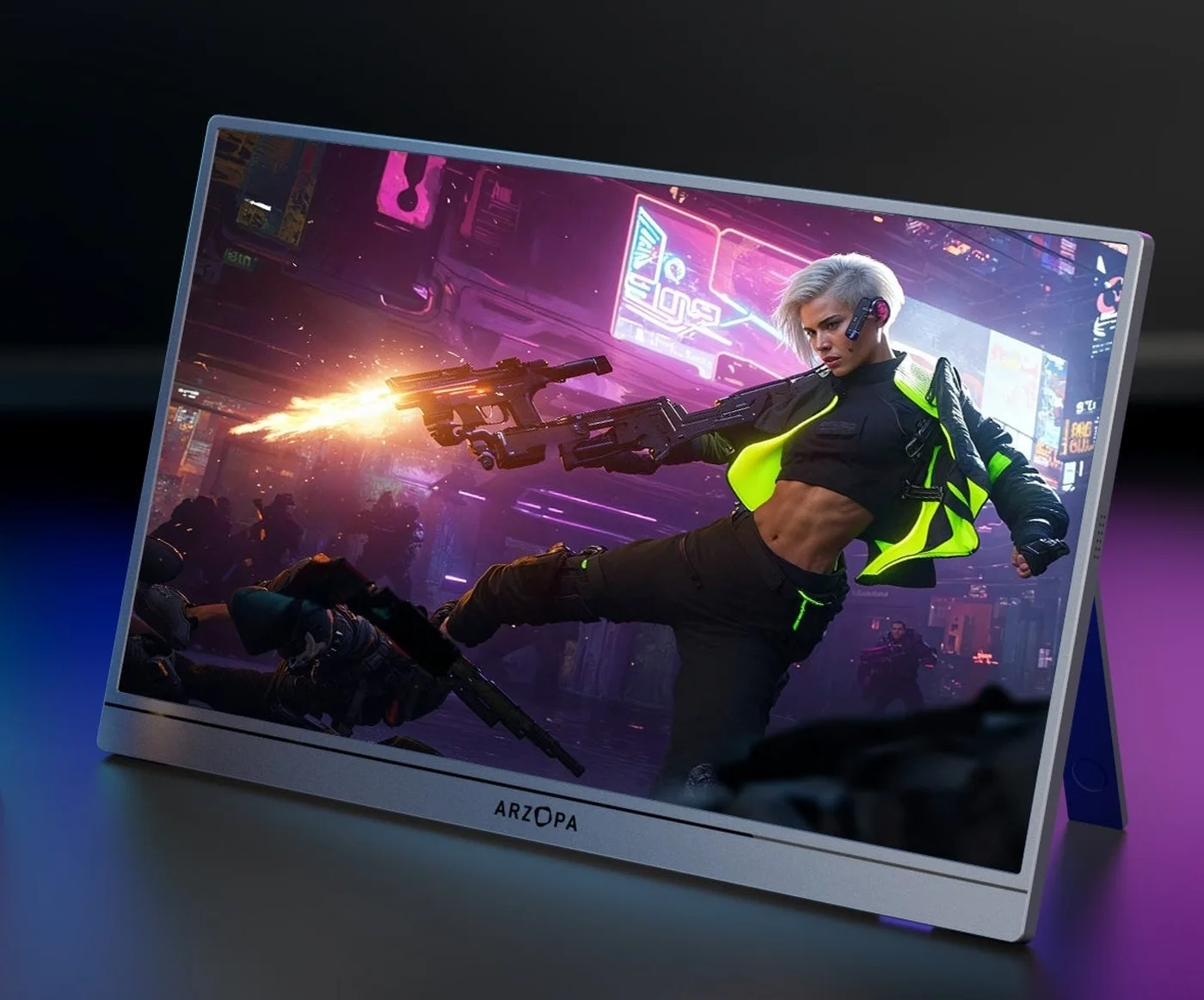 Photo: manufacturer
Manufacturer-hosted image for product identification; not a WorkChoose photograph.
Panel
16.1″ 2K QHD
Listed ceiling
180Hz via DP / USB-C
HDMI ceiling
144Hz
Rated power
12.9W
US official snapshot
$139.99
Original price shown: $359.99
Global official snapshot
€142.99
Checked September 4, 2026; regional prices can vary.
Price snapshots are tied to the listed regions and date. Currency, tax, shipping, stock, and live price may change.
Check the current regional priceA closer look
Start with the port and power fit
The Z3FC’s 180Hz headline is useful only after the host, cable, input, and power path are known. These quick picks keep the exact-model decision visible while you compare alternatives.
Photo: manufacturerArzopa Z3FC
Arzopa
Best fit when
You want QHD detail and a USB-C / DP path up to 180Hz
Official specs checked September 4, 2026
See current price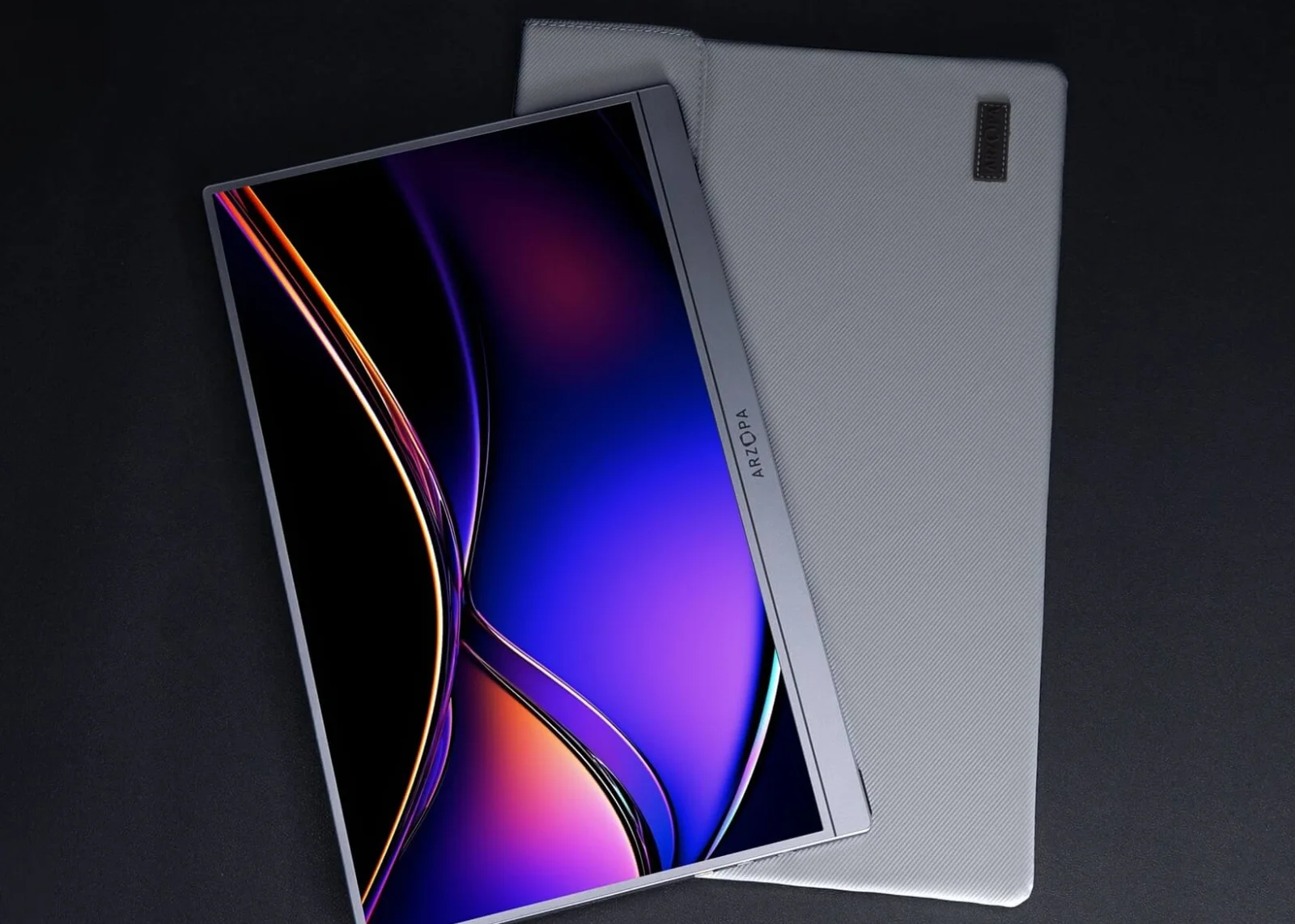 Photo: manufacturer
Arzopa Z1FC
Arzopa
Consider instead when
FHD is enough and a lower refresh target fits the budget
Official specs checked September 4, 2026
See current price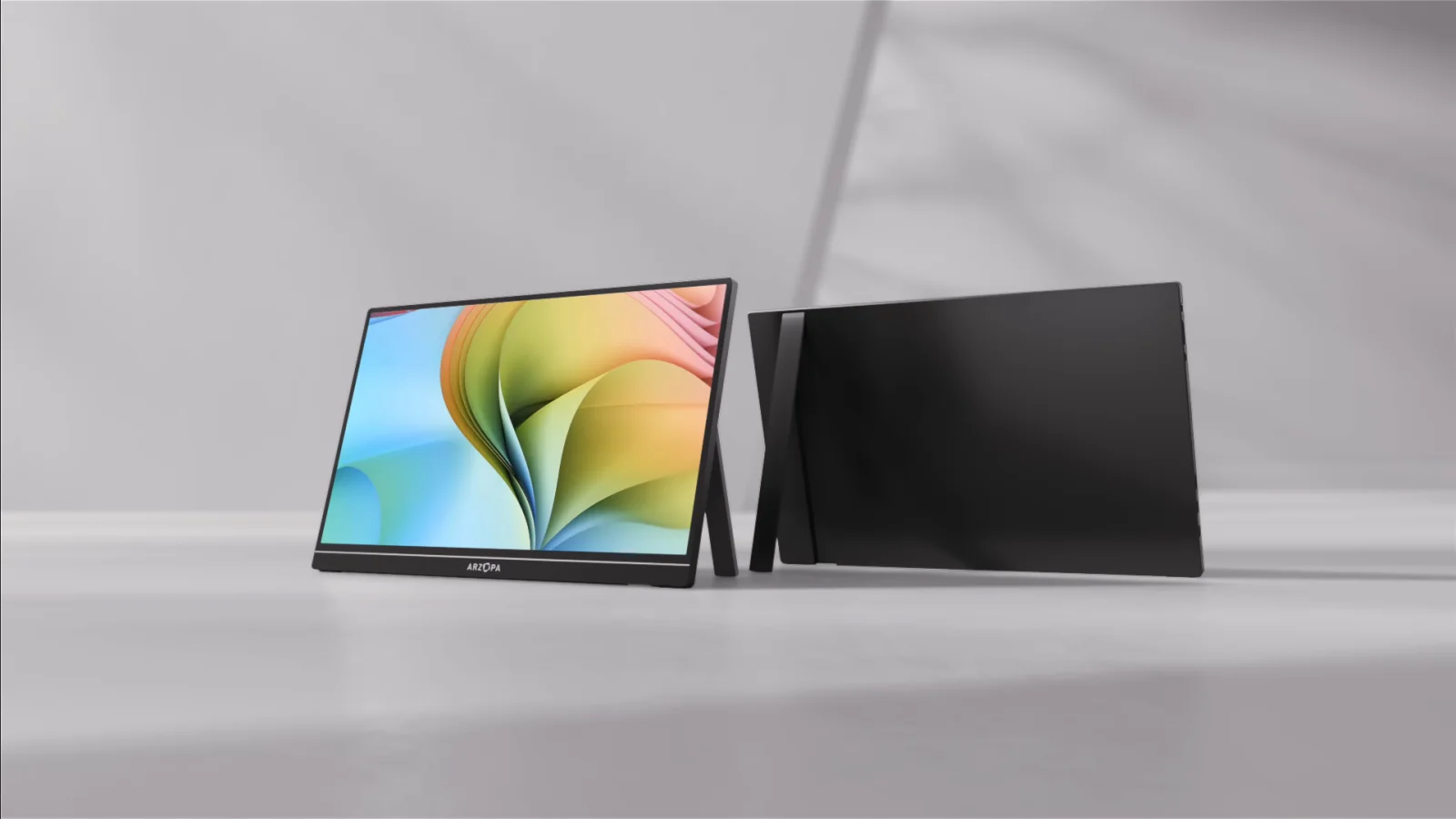 Photo: manufacturer
Arzopa Z1RC
Arzopa
Compare when
QHD workspace matters more than a 180Hz gaming ceiling
Official specs checked September 4, 2026
See current priceThe short answer
A compelling published spec sheet, with a two-input refresh limit and no internal battery listed.
Why it is interesting
The official combination is unusually focused for a portable screen: 2560×1440 at 16:9, 400 nits, 107% sRGB, FreeSync, HDR10, and a USB-C / DisplayPort ceiling of 180Hz.
The catch
HDMI is listed up to 144Hz, USB-C video depends on the host’s DisplayPort capability, and the monitor is externally powered. The 180Hz number is an input ceiling, not a guarantee for every laptop, dock, console, cable, or game.
Who should pause
Pause if you need a built-in battery, a measured HDR or color result, a one-cable HDMI console setup, or hands-on WorkChoose measurements. None is established by this page.
Published facts
What the official Z3FC pages publish—and what still needs checking.
The values below come from Arzopa’s official US and global listings checked on September 4, 2026. They are published specifications, not measurements from WorkChoose. Input limits and power behavior still depend on the connected source and cable.
| Check | Published value | Purchase implication |
|---|---|---|
| Panel and canvas | 16.1-inch IPS, 2560×1440, 16:9 | QHD gives more workspace than FHD; the 16:9 ratio fits ordinary laptop and console output. |
| Refresh ceiling | DisplayPort / USB-C up to 180Hz; HDMI up to 144Hz | The connector path matters. Do not expect the HDMI ceiling from a USB-C-only claim or vice versa. |
| Brightness and color | 400 nits; 107% sRGB; 8-bit | These are manufacturer figures. They do not replace an independent measurement or calibration profile. |
| Gaming features | FreeSync and HDR10 listed | Feature labels are useful for shortlist fit, but host, input, firmware, and actual mode determine behavior. |
| Ports | 2× USB-C 3.1 plus mini HDMI 2.0 | One full-featured USB-C path may carry video and power; HDMI setups should prepare a separate USB-C power cable. |
| Power and battery | 12.9W rated power; no built-in battery listed | Treat the Z3FC as an externally powered monitor. A capable host, charger, or power bank may be needed. |
Connection decision
Choose the signal path before you buy the refresh rate.
The same Z3FC can behave like a one-cable laptop screen or a two-cable console setup. Connector shape alone is not enough: the source must provide the right video mode, and the monitor must receive enough power.
Path A · full-featured USB-C / DisplayPort
One cable can be enough when the host can do both jobs.
- 01Confirm the source USB-C port supports DisplayPort video output, not charging only.
- 02Use a full-featured USB-C cable that supports video and power.
- 03Check whether the host can supply stable power; add independent USB-C power if the image flickers, dims, or restarts.
- 04Set the desired mode on the host and verify the refresh rate actually exposed to the monitor.
Path B · HDMI plus monitor power
HDMI carries the picture; plan another cable for power.
- 01Feed mini HDMI from the source or dock with the correct HDMI-to-mini-HDMI cable or adapter.
- 02Connect separate USB-C power to the Z3FC; HDMI does not power the panel.
- 03Treat 144Hz as the official HDMI ceiling and verify what the source and adapter expose at 2560×1440.
- 04Keep the original cables and packaging while you test signal, power, audio, and return eligibility.
| Source | Video route | Power plan | Do not assume |
|---|---|---|---|
| Laptop / handheld USB-C | Full-featured USB-C to USB-C | Host may power it; add USB-C if unstable | Every USB-C port carries video |
| Laptop / dock HDMI | HDMI to mini HDMI | Separate USB-C monitor power | The full-size HDMI plug fits directly |
| PS5 / Xbox / desktop GPU | HDMI output to mini HDMI | Separate USB-C power or power bank | The source will expose 144Hz automatically |
| Nintendo Switch 2 Dock | Official Dock HDMI to mini HDMI | Dock power plus monitor USB-C power as needed | Direct console USB-C video |
Independent evidence
Read practical review evidence alongside the manufacturer claims.
These three independent reviews add context the product pages cannot: measured behavior on a particular unit, everyday gaming or work impressions, and the trade-offs of a lightweight portable chassis. They are attributed observations from their own review units and dates, not WorkChoose testing.
Tom’s Hardware
Its Z3FC review covers the QHD panel, 180Hz USB-C path, 144Hz HDMI path, build, cables, and a measured brightness result from its sample. That measured result is useful context beside Arzopa’s 400-nit published claim.
TechRadar
Its hands-on review discusses daily work and gaming, a 120Hz test scenario, the lack of a built-in battery, the on-screen display, and HDR limitations observed with a Switch 2 setup.
Amateur Photographer
Its review evaluates the Z3FC as a portable second screen, covering the QHD / 180Hz / 107% sRGB positioning, portability, included protection, and the compromises around speakers and the case.
Regional policies
Warranty and returns depend on where you buy.
Arzopa publishes different warranty durations for its US and global channels. The global return policy gives a 30-day return or exchange window, but it also sets condition and shipping rules. Save the order details and keep the original packaging while you verify your unit.
US warranty
The US official warranty page states a 2-year limited warranty for eligible purchases. Registration may add one extra year under its terms.
Global warranty
The global warranty page states a 1-year limited warranty, subject to its exclusions and proof-of-purchase requirements.
Global return window
Return or exchange is available within 30 days of receipt under the global return policy, subject to condition and packaging requirements.
Non-defective return shipping
The global policy says non-defective refunds exclude shipping and handling, including return fees; the buyer generally pays return shipping.
Defect or damage
For eligible manufacturing defects, Arzopa says it can cover return shipping up to $10. Report damaged or defective delivery within 24 hours.
Keep the evidence
Keep the box, cables, manual, photos, order number, variant, and invoice until the signal, power, and return checks are complete.
Choose the Z3FC when
QHD and high refresh solve the real problem.
- You want a 16.1-inch portable second screen and QHD text space is useful.
- Your laptop or handheld has a verified DisplayPort-capable USB-C route and can provide stable power.
- You are using HDMI and already have a separate USB-C power plan for the monitor.
- You want FreeSync and HDR10 on the shortlist, while understanding that labels are not measurements.
- You can keep the original packaging while checking the exact regional return and warranty terms.
Skip or pause when
The unresolved limitation is a deal-breaker.
- You need a built-in battery and cannot carry or provide external USB-C power.
- You require measured HDR, color calibration, input-lag data, or a guaranteed per-input refresh mode.
- You expect HDMI to deliver the 180Hz ceiling; the official global page lists HDMI up to 144Hz.
- You cannot keep original packaging or accept buyer-paid return shipping for a non-defective global return.
- You need independent WorkChoose hands-on measurements; this page explicitly does not claim them.
Related host decisions
Keep the exact-model review next to the host decision.
The Z3FC appears in several host searches, but each host adds a different constraint. These guides keep compatibility advice in one place while this page stays focused on exact-model evidence and purchase risks.
Z3FC vs Z1FC comparison
Compare QHD 180Hz positioning with the FHD 144Hz alternative.
Read nextArzopa Z1C vs Z3FC: FHD 60Hz vs QHD 180Hz
Compare the budget FHD 60Hz Z1C with Z3FC’s published QHD 180Hz ceiling.
Read nextZ3FC vs Z1RC comparison
Choose between the 16:9 high-refresh gaming route and the taller 16:10 productivity canvas.
Read nextBest Arzopa portable monitor
Compare all five tracked Arzopa models by job, signal path, power, and tradeoff.
Read nextArzopa Z3FC coupon offers
Current regional offers; check the region, stacking rules, and final total at checkout.
Read nextBest portable gaming monitor guide
Use the broader gaming shortlist after checking your port and power path.
Read nextZ1FC vs Z3FC for ROG Ally X
Compare FHD 144Hz and QHD 180Hz on the Ally X, including dock output, cable, input, and external power.
Read nextPortable monitor for PS5
Review HDMI output, external power, audio, and console limits.
Read nextPortable monitor for Nintendo Switch 2
Use the official Dock HDMI route and plan monitor power.
Read nextPortable monitor for Steam Deck
Check dock output, USB-C video, HDMI, power, and SteamOS mode.
Read nextPortable monitor connection checker
Walk through source port, cable, adapter, input, refresh, and power.
Read nextFAQ
Arzopa Z3FC buying questions
Is the Arzopa Z3FC worth it for gaming and work?+
The Z3FC is a strong fit on published specifications when you want a 16.1-inch 2560×1440 screen, a DisplayPort or USB-C ceiling of 180Hz, and a portable external display. The buying decision still depends on your source, cable, power plan, and region. WorkChoose did not receive, connect, measure, calibrate, or return this monitor, so this is a source-backed fit assessment rather than a hands-on score.
Does the Arzopa Z3FC support 180Hz over HDMI?+
No. Arzopa’s global product page publishes up to 180Hz through DisplayPort or USB-C and up to 144Hz through HDMI. The actual mode also depends on the source, cable, adapter or dock, resolution, and operating system. Treat 180Hz as the USB-C or DisplayPort ceiling and 144Hz as the HDMI ceiling.
Is the Arzopa Z3FC good for PS5?+
It can be a sensible portable PS5 screen if your setup can use the PS5 HDMI output, a mini-HDMI connection, and separate USB-C power for the monitor. The official specification lists HDMI up to 144Hz, but PS5 games and output settings determine the mode available. WorkChoose did not test a PS5 connection, so verify the complete cable and power path before ordering.
Is the Arzopa Z3FC good for Steam Deck?+
It can fit a Steam Deck or dock setup when the dock exposes a compatible DisplayPort or HDMI signal and the monitor receives enough external power. USB-C can be a one-cable path only when the host port supports DisplayPort video and enough power; HDMI generally needs separate USB-C monitor power. Use the connection checker for your exact dock and cable.
Does the Arzopa Z3FC have a built-in battery?+
A built-in battery is not listed in the current official specifications or package information. Treat the Z3FC as an externally powered monitor. USB-C power from a capable host may be enough in some setups, while HDMI, console, and dock configurations should plan for a separate USB-C power source.
How bright is the Arzopa Z3FC?+
Arzopa lists 400 nits for the Z3FC. That is a published specification, not a WorkChoose measurement. Tom’s Hardware reported a lower brightness result on its review unit, so treat the official number and independent measurements as different evidence points and avoid assuming identical performance from every unit or mode.
Does the Arzopa Z3FC support HDR10 and FreeSync?+
The current official specification lists HDR10 and FreeSync. Those labels describe supported features; they do not by themselves establish measured HDR brightness, tone mapping, color accuracy, input lag, or adaptive-sync behavior on your host. Confirm the exact input and device combination if either feature is essential.
What is the Arzopa Z3FC price?+
On September 4, 2026, the US Arzopa product page showed a $139.99 current price against a $359.99 original price, while the global page showed €142.99. These are regional snapshots. Price, stock, currency, tax, shipping, and bundle terms can change, so open the live listing for the destination you will use.
What warranty and return terms apply to the Arzopa Z3FC?+
The US Arzopa warranty page describes a 2-year limited warranty, with registration potentially adding one more year under its terms. The global warranty page states a 1-year limited warranty. The global return page allows return or exchange within 30 days, but non-defective refunds exclude shipping and handling and the buyer generally pays return shipping; defect-related return support can be up to $10. The store and region on your order control which policy applies.
Did WorkChoose test the Arzopa Z3FC?+
No. WorkChoose did not receive, connect, measure, calibrate, load-test, or return the Z3FC. This page separates Arzopa’s current published specifications and policies from observations attributed to Tom’s Hardware, TechRadar, and Amateur Photographer. It does not claim measured brightness, refresh behavior, HDR quality, color accuracy, input lag, or FreeSync performance.
Are the Arzopa purchase links affiliate links?+
Yes. Eligible Z3FC purchase buttons use an approved PartnerBoost affiliate link, so WorkChoose may earn a commission at no added cost. Product, evidence, support, and policy links remain direct, and the assessment is unchanged.
Final check
Buy the exact region only after you can name its input, power, return, and warranty terms.
The Z3FC is a credible 2K / high-refresh travel monitor on published specifications. That is enough for a fit-based shortlist, while the live regional listing and your own host determine the final purchase decision.
Checked September 4, 2026. Product pages, prices, stock, bundles, warranty terms, return conditions, firmware, and compatibility can change. This page does not assign a star rating and does not claim hands-on testing.