
Screens & connections
Best portable monitor for Nintendo Switch 2: travel gaming fit
A Switch 2 travel screen should be easy to unpack after a long day. Prioritize the dock, HDMI path, power adapter, stand, and the resolution or refresh mode the console can actually send before choosing between these screens.
Choose a monitor whose input, power, and stand arrangement match the Switch dock and your travel kit.
Switch 2 owners who want a larger screen for hotels, visits, or compact desks.
The console, dock, HDMI cable, power adapter, and monitor must all be compatible together.
Our take is based on published specifications and linked sources. We have not hands-on tested these products. Some links may earn a commission.
Buying links, offers & research notes Expand
A closer look
Match the Switch 2 signal before the screen
These are fit signals, not a universal ranking. Start with the Dock HDMI path, decide whether 1080p/120 or 1440p/120 matters, then account for monitor power and audio.
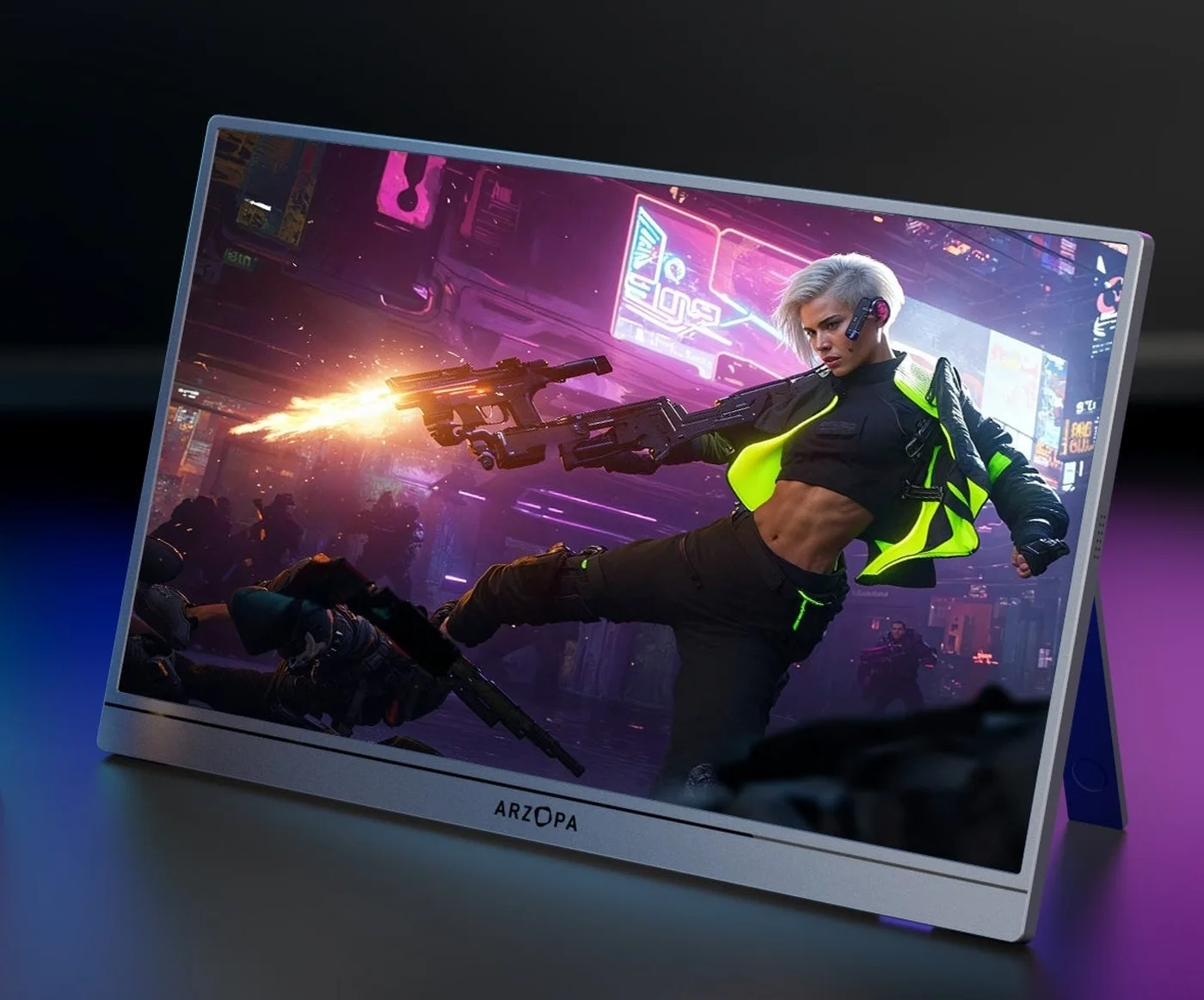 Photo: manufacturer
Arzopa Z3FC
Arzopa
Best 1440p/120 direction
2.5K · 16:9 · 180Hz
Official specs checked September 8, 2026
See Amazon US listing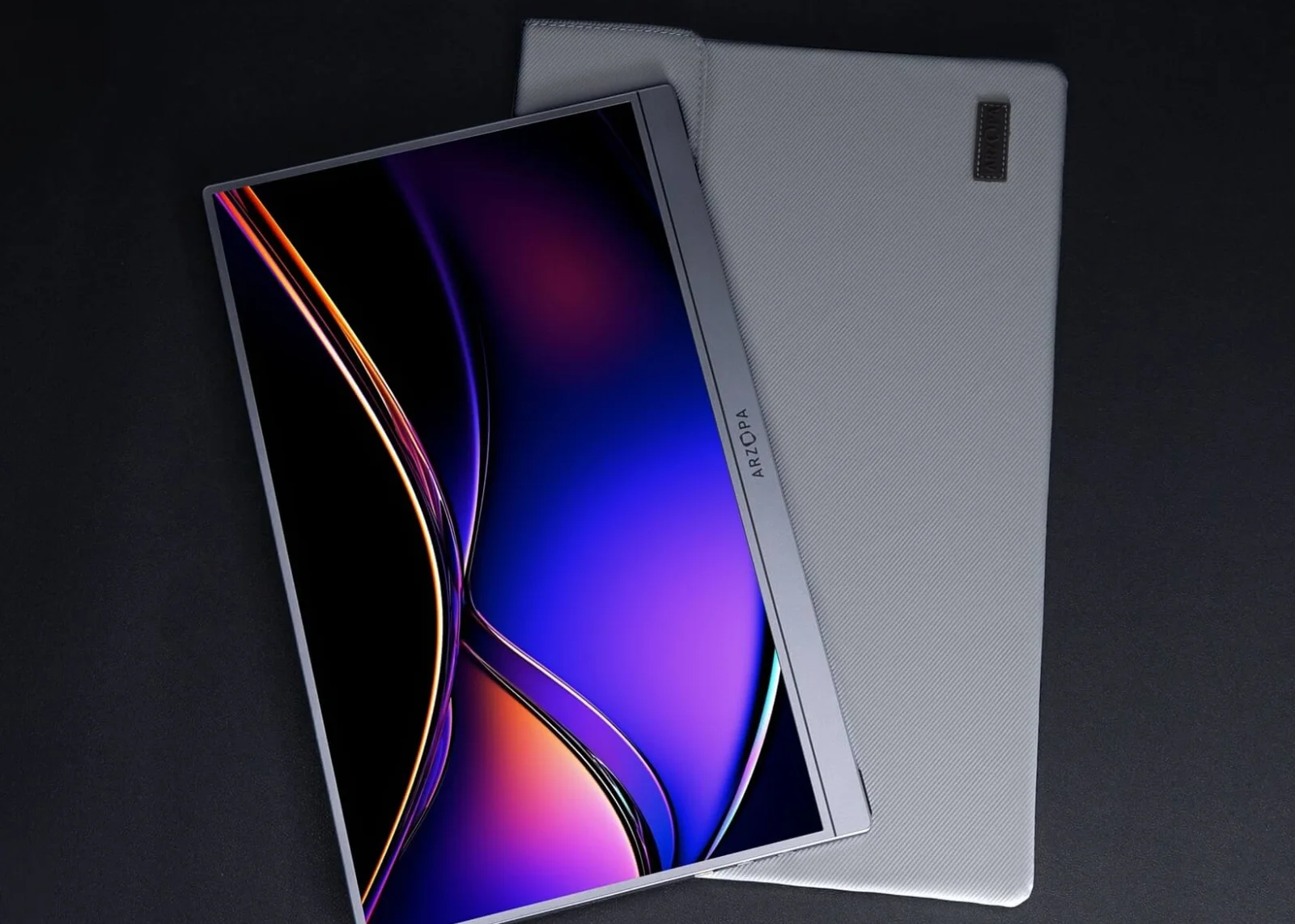 Photo: manufacturer
Arzopa Z1FC
Arzopa
Best 1080p/120 direction
FHD · 16:9 · 144Hz
Official specs checked September 8, 2026
See Amazon US listing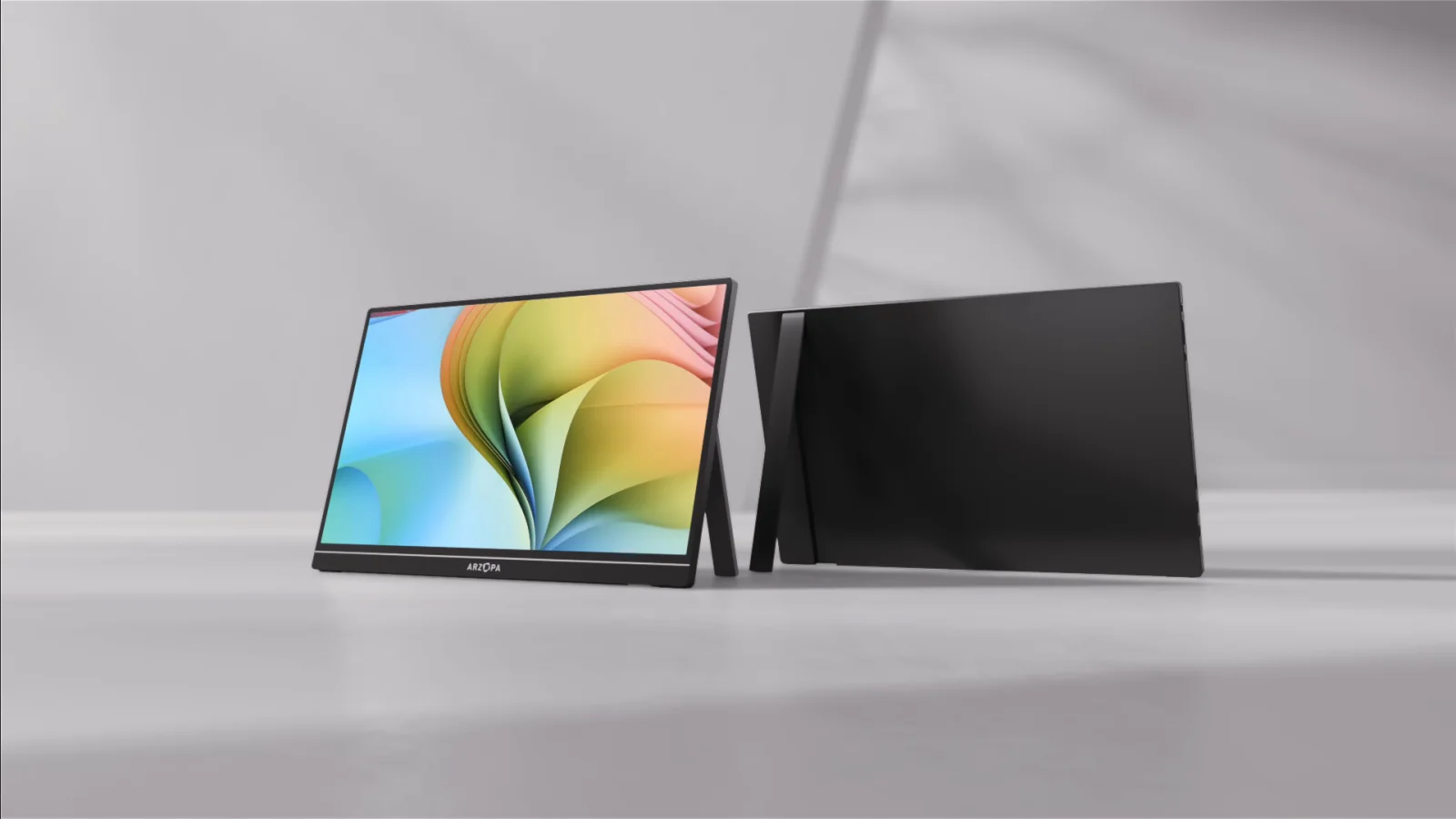 Photo: manufacturer
Arzopa Z1RC
Arzopa
Best work-space option
2.5K · 16:10 · 60Hz
Official specs checked September 8, 2026
See Amazon US listingFour gates before checkout
Buy for the Dock signal, not a generic USB-C label.
Start with the official Dock
Nintendo documents Switch 2 TV Mode through the dock's HDMI connector. The bottom USB-C port connects to the dock and charging path; do not turn a generic USB-C monitor input into a direct-video promise.
Use NGN-01 power for the Dock
Nintendo's support guidance calls for the Switch 2 AC adapter model NGN-01, and says the dock needs at least 54W from an alternative adapter. The monitor is a second power load.
Send HDMI to the screen
Pack a full-size HDMI-to-mini-HDMI or HDMI-to-micro-HDMI cable that matches the monitor. HDMI carries the picture and audio; it does not power a portable monitor.
Treat VRR and 120fps separately
Nintendo lists 1080p/1440p up to 120fps and HDR10 in TV Mode, but its system page says VRR is only possible in handheld/tabletop modes. A 120Hz panel is useful; external VRR is not a Switch 2 benefit.
Connection decision tree
Dock first. HDMI second. Power the monitor as its own device.
Nintendo's official sequence is the page's source of truth: Switch 2 in the Dock, NGN-01 AC adapter in the Dock, and an Ultra High Speed HDMI cable from the Dock to a television or monitor. The portable display normally needs an additional USB-C power feed. A monitor's PD marking does not automatically charge the console.
| Path | Cable or signal chain | Decision and limitation |
|---|---|---|
| Official console path | Switch 2 → Dock → NGN-01 AC adapter → Dock HDMI → monitor HDMI input | Required baseline for a dependable TV Mode setup. Use the Ultra High Speed HDMI cable Nintendo specifies, then select the monitor's input. |
| Monitor power | Wall charger or power bank → monitor USB-C power input | Plan this independently. A monitor's USB-C PD label describes its own power input unless the manufacturer explicitly documents pass-through to the console. |
| 1080p / 120fps branch | Dock HDMI → 1080p monitor rated above 120Hz | Z1FC has a 144Hz ceiling; Z1C is 60Hz. Actual 120fps availability depends on the game, Switch 2 TV Output setting, cable, and monitor handshake. |
| 1440p / 120fps branch | Dock HDMI → 2560×1440 monitor with a 120Hz HDMI mode | Z3FC is the closest Arzopa panel match. Verify that the exact monitor and HDMI path expose 1440p/120; a 180Hz product badge is not proof of console compatibility. |
| 4K / 60fps branch | Dock HDMI → 4K monitor that accepts 60Hz | Nintendo lists 4K/60 in TV Mode. Most compact Arzopa candidates here are 1080p or 1440p, so do not imply that they display 4K natively. |
| Audio branch | Dock HDMI → monitor speakers or 3.5mm output | Nintendo sends linear PCM 5.1 over HDMI in TV Mode. A portable monitor needs built-in speakers or an audio output if you do not want headphones. |
Scope boundary
Switch 2 is not the original Switch, OLED model, or Switch Lite.
This page owns Switch 2's current dock, HDMI, 120fps, HDR10, and external-VRR boundary. Keeping the older console families out of the shortlist avoids a misleading direct-USB-C promise and keeps their lower 1080p intent available for a separate guide.
Switch 2
Dock + NGN-01 + HDMI in TV Mode; up to 4K/60 or 1080p/1440p at 120fps, with HDR10. VRR is not an external-display feature.
Switch / OLED
Nintendo documents Dock + HAC-002 AC adapter + HDMI and up to 1080p in TV Mode. It belongs on an original-Switch guide.
Switch Lite
Nintendo says Switch Lite does not support TV Mode. Do not list a portable monitor as a normal Lite accessory.
Five fit-led candidates
Choose the panel that solves your Switch 2 constraint.
Arzopa has four current candidates here, with ASUS as a battery-equipped comparison. Eligible Arzopa purchase buttons use approved PartnerBoost affiliate links, so WorkChoose may earn a commission at no added cost. ASUS, other purchase, product evidence, and support links remain direct. None of these entries is a WorkChoose hands-on test.
Photo: manufacturerBest match for the Switch 2's 1440p/120 target
Arzopa Z3FC
Display
16.1-inch IPS · 2,560 × 1,440 · 16:9
Refresh / output
180Hz panel; Switch 2 can select 1440p at up to 120fps when the game and link negotiate it
Ports
2 × USB-C (DP/PD) · 1 × mini HDMI 2.0
Power
12.9W rated; no built-in battery listed. Power the monitor independently over USB-C in the dock setup.
Audio
Built-in 2 × 1W speakers
HDR / VRR
HDR10 listed by Arzopa; picture quality was not tested; FreeSync listed for compatible hosts; Nintendo does not support external VRR
Travel weight
1.72 lb / 780g
Switch 2 connection plan
Use the Switch 2 Dock's HDMI output with a full-size HDMI-to-mini-HDMI cable. Feed the monitor's second USB-C port from a charger or power bank; do not treat its PD label as a promise that it will charge the console.
Choose it
Choose it when a 16:9 2.5K panel, HDR10, high-refresh headroom, and mini-HDMI are useful for both Switch 2 and a PC.
Skip it
Skip it when you need a built-in battery, measured HDR or input-lag results, or a display that guarantees 1440p/120 over every HDMI cable chain.
Evidence: Arzopa lists 2.5K 16.1-inch IPS, 180Hz, 400 nits, HDR10, FreeSync, dual USB-C DP/PD, mini-HDMI 2.0, 12.9W, built-in speakers, and 780g. WorkChoose did not test this monitor.
Photo: manufacturerBest budget-sized 1080p/120 candidate
Arzopa Z1FC
Display
16.1-inch IPS · 1,920 × 1,080 · 16:9
Refresh / output
144Hz panel; use the Switch 2's 1080p/120 mode only if the HDMI chain exposes it
Ports
2 × USB-C (DP/PD) · 1 × mini HDMI 2.0
Power
10W rated; no built-in battery listed. HDMI carries video, so the screen needs separate USB-C power.
Audio
Built-in 2 × 1W speakers
HDR / VRR
HDR10 listed by Arzopa; FreeSync not listed; external Switch 2 VRR is not supported
Travel weight
1.72 lb / 780g
Switch 2 connection plan
Dock the console, connect the Dock HDMI port to the monitor's mini-HDMI input, and use a separate USB-C source for the display. The monitor's USB-C video feature is useful for laptops, not a reason to promise direct Switch 2 video.
Choose it
Choose it when native 1080p, a compact 16:9 canvas, HDR10, and a 144Hz ceiling matter more than 2.5K detail.
Skip it
Skip it when 1440p/120, a built-in battery, verified outdoor brightness, or a hands-on compatibility result is essential.
Evidence: Arzopa lists 16.1-inch FHD IPS, 144Hz, 300 nits, HDR10, dual USB-C DP/PD, mini-HDMI 2.0, 10W, dual speakers, and 780g. WorkChoose did not test 1080p/120 output.
Photo: manufacturerBest for text and a mixed work / game bag
Arzopa Z1RC
Display
16-inch IPS · 2,560 × 1,600 · 16:10
Refresh / output
60Hz listed; not a 120fps-first Switch 2 choice
Ports
2 × full-function USB-C · 1 × mini HDMI
Power
Arzopa says there is no battery; use a separate 5V/3A-or-higher source when the dock path needs it.
Audio
Built-in 2 × 1W speakers
HDR / VRR
HDR is not listed on the current product specification block; VRR/FreeSync is not listed; external Switch 2 VRR is not supported
Travel weight
1.79 lb
Switch 2 connection plan
Use Dock HDMI to the monitor's mini-HDMI input and power the screen separately over USB-C. Its 16:10 panel may show unused space around a 16:9 console image; WorkChoose did not measure scaling behavior.
Choose it
Choose it when the same screen will handle documents, browsing, and a Switch 2 session and vertical workspace matters more than 120Hz.
Skip it
Skip it when smooth 120fps play, native 16:9 fill, HDR10, or a battery-powered travel setup is the main requirement.
Evidence: Arzopa lists 16-inch 16:10 2560×1600 IPS, 60Hz, 350 nits, 123% sRGB, dual full-function USB-C, mini-HDMI, dual speakers, and no battery. WorkChoose did not test console compatibility.
 Photo: manufacturer
Lowest-spec entry point for docked 1080p
Arzopa Z1C
Display
16.1-inch IPS · 1,920 × 1,080 · 16:9
Refresh / output
60Hz listed; it cannot show the Switch 2's 120fps mode
Ports
2 × USB-C (DP/PD) · 1 × mini HDMI 2.0
Power
8W rated; battery is not listed. HDMI devices generally need a separate USB-C power feed.
Audio
Built-in 2 × 1W speakers
HDR / VRR
HDR is not established in the cited current product evidence; FreeSync not listed; external Switch 2 VRR is not supported
Travel weight
1.72 lb
Switch 2 connection plan
Follow Nintendo's Dock + NGN-01 + HDMI path, then supply the monitor over USB-C. It is a simple 1080p/60 screen, not a one-cable handheld monitor in this console setup.
Choose it
Choose it when the goal is an inexpensive 1080p travel screen with speakers and no need for 120fps.
Skip it
Skip it when you bought Switch 2 specifically for 120fps, want 1440p detail, or need a battery for outlet-free use.
Evidence: Arzopa lists 16.1-inch FHD IPS, 60Hz, 300 nits, dual USB-C DP/PD, mini-HDMI 2.0, 8W, dual speakers, and 1.72 lb. WorkChoose did not test this monitor.
Battery-equipped non-Arzopa comparison
ASUS ROG Strix XG16AHPE
Display
15.6-inch IPS · 1,920 × 1,080 · 16:9
Refresh / output
144Hz listed; a panel ceiling is not a Switch 2 frame-rate guarantee
Ports
USB-C · 1 × micro HDMI
Power
Built-in 7,800mAh battery; ASUS says up to 3 hours at 144Hz. It still needs charging for longer trips.
Audio
Stereo speakers with embedded ESS amplifier
HDR / VRR
HDR is not stated on the official product page reviewed; G-SYNC Compatible for supported NVIDIA hosts; not Switch 2 external VRR
Travel weight
900g for the AHPE variant
Switch 2 connection plan
Use the Switch 2 Dock HDMI output with an HDMI-to-micro-HDMI cable. The battery can power the display, but it does not replace the Switch 2 Dock or its NGN-01 AC adapter for TV Mode.
Choose it
Choose it when a built-in battery, 144Hz headroom, micro-HDMI, kickstand, and stronger travel audio outweigh current availability.
Skip it
Skip it when you need a current US listing, 1440p, documented HDR10, or a product whose Switch 2 fit is not dependent on legacy stock.
Evidence: ASUS lists FHD 144Hz IPS, 7,800mAh battery, up to 3 hours at 144Hz, USB-C, micro-HDMI, kickstand, stereo/ESS audio, and 900g. WorkChoose did not test battery life or console compatibility.
Continue the decision
Use the guide that matches the host device.
Portable monitors for Steam Deck
Use the direct USB-C DP Alt Mode, Dock HDMI, PD, and SteamOS mode map.
Read nextPortable monitor connection checker
Work through DP Alt Mode, HDMI, power, adapters, and no-signal checks.
Read nextPortable monitor comparison chart
Filter published size, resolution, refresh, inputs, power, weight, and stand fields.
Read nextBest portable gaming monitors
Compare the broader gaming shortlist across consoles, handhelds, and PCs.
Read nextArzopa Z1FC review
Check the exact model's 144Hz, input, power, and return caveats.
Read nextArzopa Z3FC review
Check the QHD panel, USB-C/DisplayPort up to 180Hz, HDMI up to 144Hz, external monitor power, and current regional purchase terms.
Read nextFrequently asked questions
What is the best portable monitor for Nintendo Switch 2?
Arzopa Z3FC is the strongest spec-led starting point because its 2560×1440 16:9 panel and 180Hz ceiling leave room for Nintendo's 1440p/120fps TV Mode target. It still requires the official Dock, NGN-01 power, HDMI video, and separate monitor power; WorkChoose did not test the setup.
Does Nintendo Switch 2 output video directly over USB-C?
Nintendo's official Switch 2 specifications document TV Mode output through the HDMI connector on the Dock. They describe the bottom USB-C port as the charging and Dock connection and the top port as accessories and/or charging. This guide therefore does not promise direct USB-C monitor video from the console.
What cables and power do I need?
Use the Switch 2 Dock, the NGN-01 AC adapter, and an Ultra High Speed HDMI cable. Connect the Dock HDMI output to the monitor's HDMI, mini-HDMI, or micro-HDMI input with the correct cable or adapter. Power the monitor separately over USB-C unless its manufacturer documents another arrangement.
Can Switch 2 use 120fps on a portable monitor?
Nintendo lists 120fps when 1920×1080 or 2560×1440 is selected in TV Mode. The game, TV Output setting, cable, Dock, monitor HDMI implementation, and negotiated mode still decide what appears. A 120Hz-or-higher panel is necessary for the panel side, not sufficient for every game.
Does Switch 2 support 4K and HDR10 on an external display?
Nintendo lists up to 3840×2160 at 60fps and HDR10 in TV Mode. This page does not claim that the Arzopa 1080p or 1440p models accept 4K, and an HDR10 label is not a measured statement about brightness, contrast, or tone mapping.
Does Switch 2 support VRR on a portable monitor?
Do not buy a portable monitor for external Switch 2 VRR. Nintendo's system page says VRR is only possible in handheld and tabletop modes. A product's FreeSync or G-SYNC label may be useful for a PC, but it does not establish Switch 2 TV Mode VRR.
Will a portable monitor play Switch 2 audio?
Nintendo specifies linear PCM 5.1 audio over HDMI in TV Mode. Choose a monitor with built-in speakers or a headphone output if you want sound at the screen. The four Arzopa models in this guide list dual 1W speakers; the ASUS comparison lists stereo speakers and an ESS amplifier.
Is this also a guide for the original Nintendo Switch or Switch Lite?
No. The original Switch and OLED model use a different dock and AC-adapter path and top out at 1080p over HDMI in TV Mode. Nintendo says Switch Lite does not support TV Mode. Keep those queries on a separate guide so their requirements are not mixed with Switch 2's 4K/120fps boundary.
Were these portable monitors tested by WorkChoose?
No. This shortlist is based on current manufacturer pages and Nintendo documentation. WorkChoose did not measure input lag, HDR quality, audio loudness, 120fps mode negotiation, battery runtime, stand stability, or cable behavior. Confirm the exact SKU and test your own Dock, HDMI cable, charger, and monitor combination.
Are the Arzopa buttons affiliate links?
Yes. Eligible Arzopa purchase buttons use approved PartnerBoost affiliate links, so WorkChoose may earn a commission at no added cost. ASUS, official evidence, and support links remain direct; product order still follows fit and evidence.