
Screens & connections
Portable monitor comparison chart: find your useful fit
When several portable monitors look alike, scan size, ports, power, and Mac or iPad fit first. Use the chart to make a shortlist, then open the model page when one caveat matters more than a neat row of numbers.
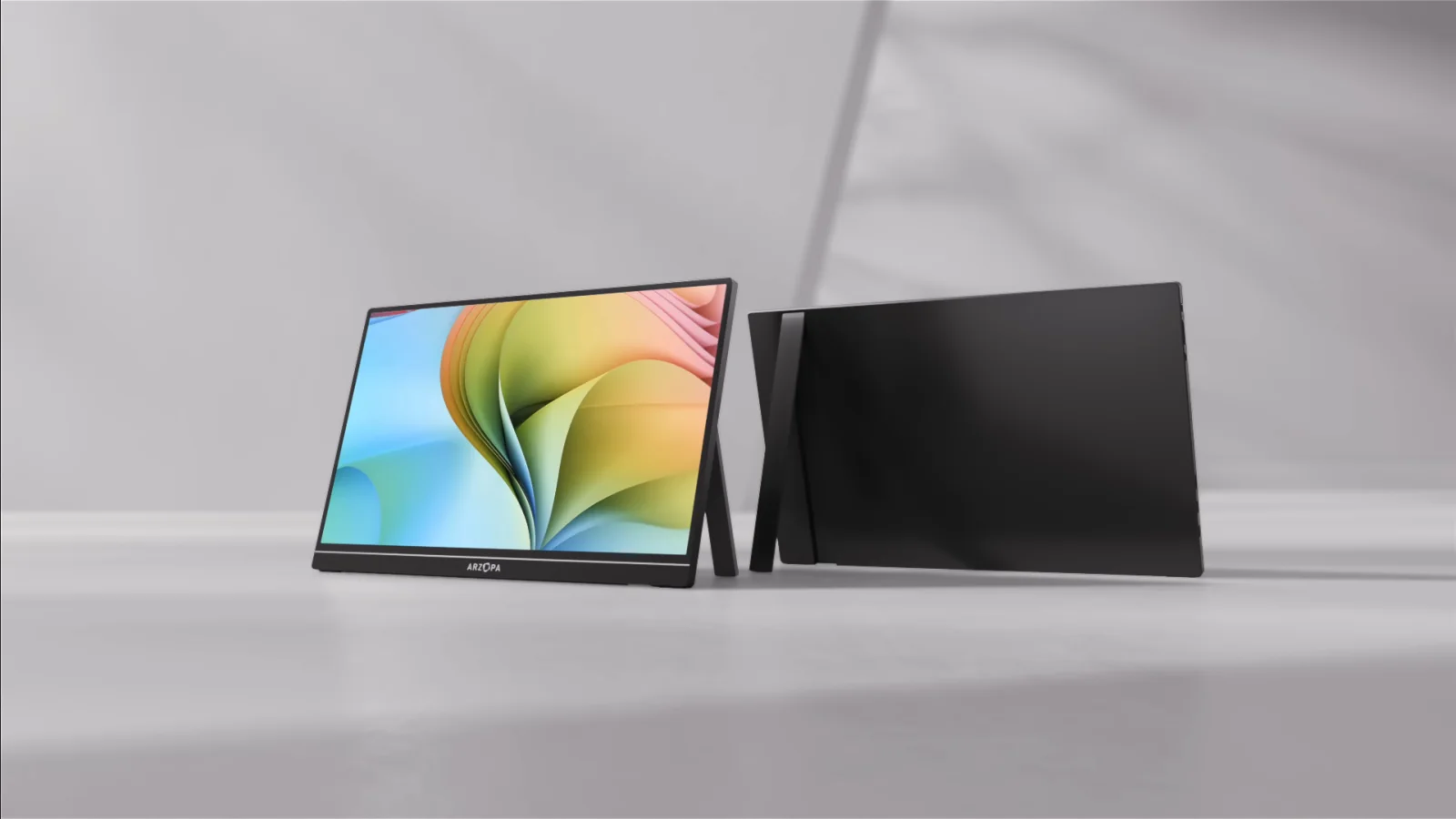
Use the chart to shortlist by panel and ports, then pick around the host, power, and cable path.
Shoppers comparing portable monitors for work, gaming, Mac, iPad, and travel constraints.
Rows cannot prove one-cable use, outdoor visibility, or a mode your device cannot send.
Our take is based on published specifications and linked sources. We have not hands-on tested these products. Some links may earn a commission.
Choose your constraints below, then use Copy filtered link to bookmark or share your shortlist. No account is needed. The link contains your filter terms and restores results from the current dataset.
Constraint-first finder
Filter the buying constraints that actually break a setup.
The chart uses published manufacturer specifications and support notes. Unknown stays Unknown; it is never converted into a guessed yes or no.
Dataset view
9 source-backed models in the chart
Choose the constraints that can rule a portable monitor in or out, then run the comparison.
Comparison chart
Published specs at a glance
Checked September 3, 2026 · no prices or hands-on test claims
Reading pixel density: PPI means pixels per inch. We calculate it from the listed diagonal and native resolution: √(width² + height²) ÷ diagonal in inches, rounded to one decimal.
More PPI means smaller physical pixels. At the same unscaled pixel size, text is physically smaller; system scaling can make it larger. PPI does not measure contrast, glare, color accuracy or your preferred reading size. These derived values are shown here alongside the source specifications; the CSV contains the source fields.
| Model | Display | Inputs | Touch | Power path | Weight | Stand / mount | Mac / iPad |
|---|---|---|---|---|---|---|---|
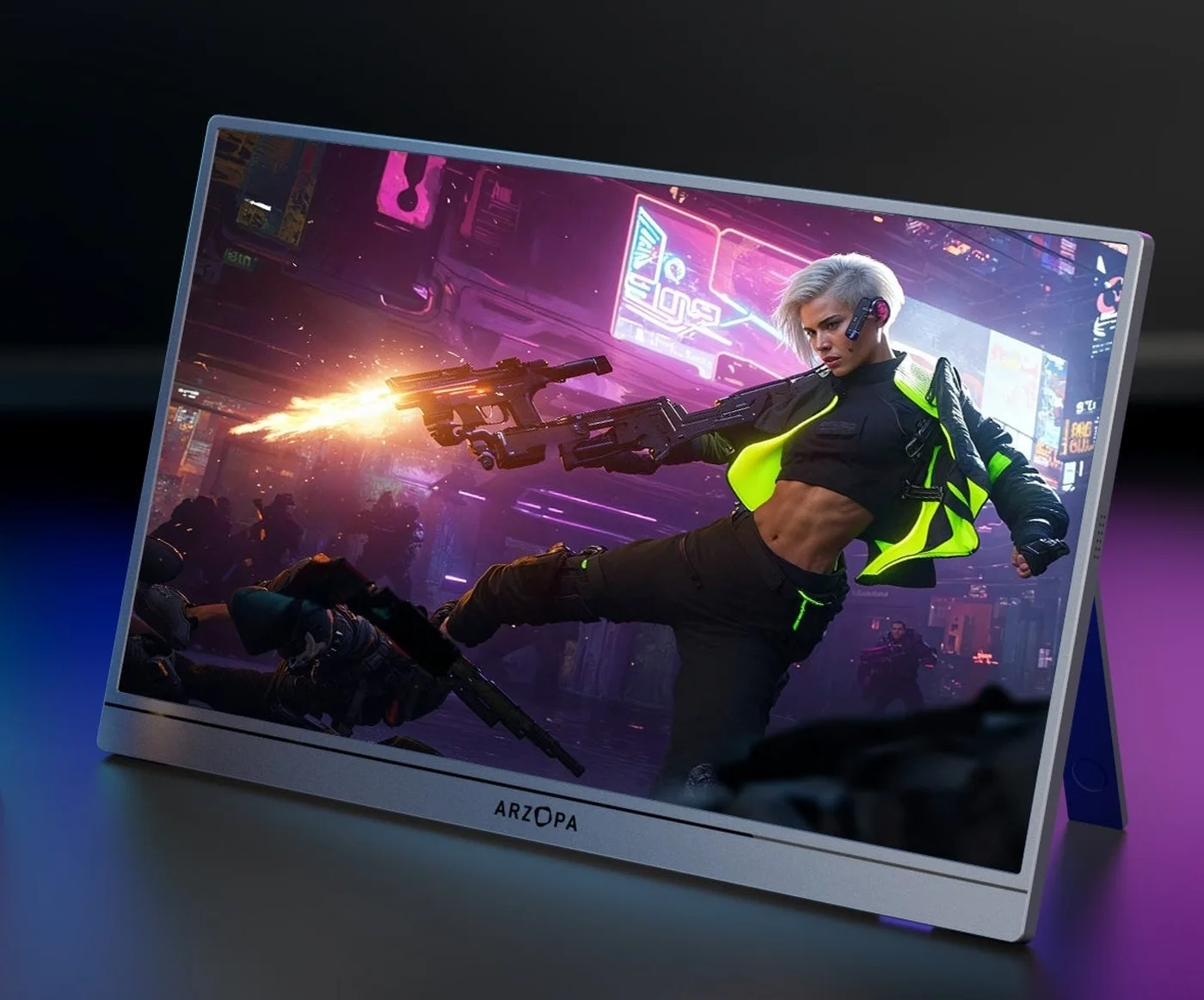 Photo: manufacturer Photo: manufacturerArzopa Z3FC Arzopa · Portable monitor | 16.1 in 2,560 × 1,440 · 16:9 182.4 PPI (calculated) 180Hz | 2 × USB-C 3.1 with DP / PD · 1 × mini HDMI 2.0 | Unknown | USB-C host power | 1.72 lb | Built-in stand | Mac: Model-dependent iPad: Documented route; verify model |
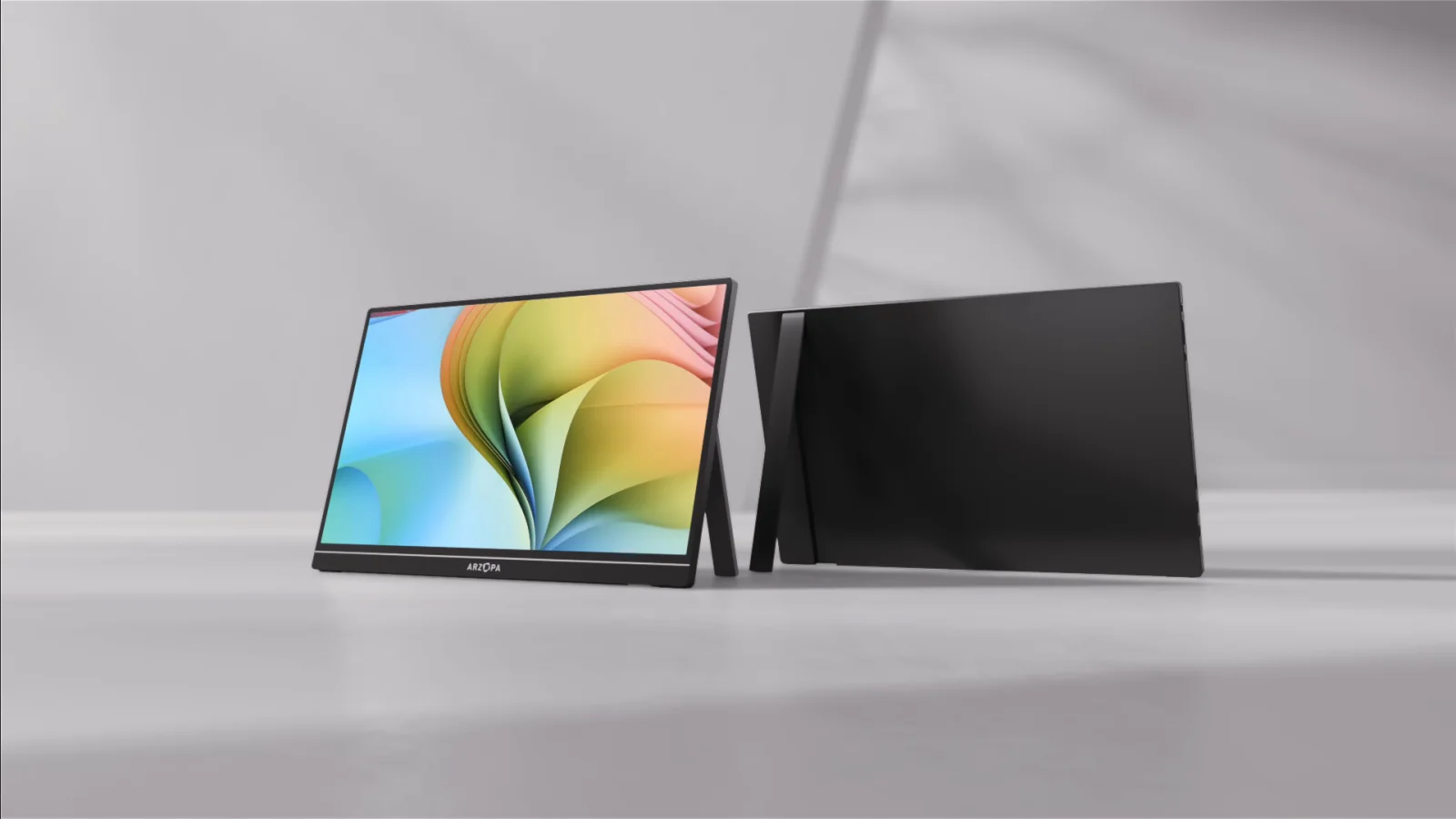 Photo: manufacturer Photo: manufacturerArzopa Z1RC Arzopa · Portable monitor | 16 in 2,560 × 1,600 · 16:10 188.7 PPI (calculated) 60Hz | 2 × full-function USB-C · 1 × mini HDMI 2.0 | Unknown | USB-C host power | 1.79 lb | Built-in stand | Mac: Model-dependent iPad: Documented route; verify model |
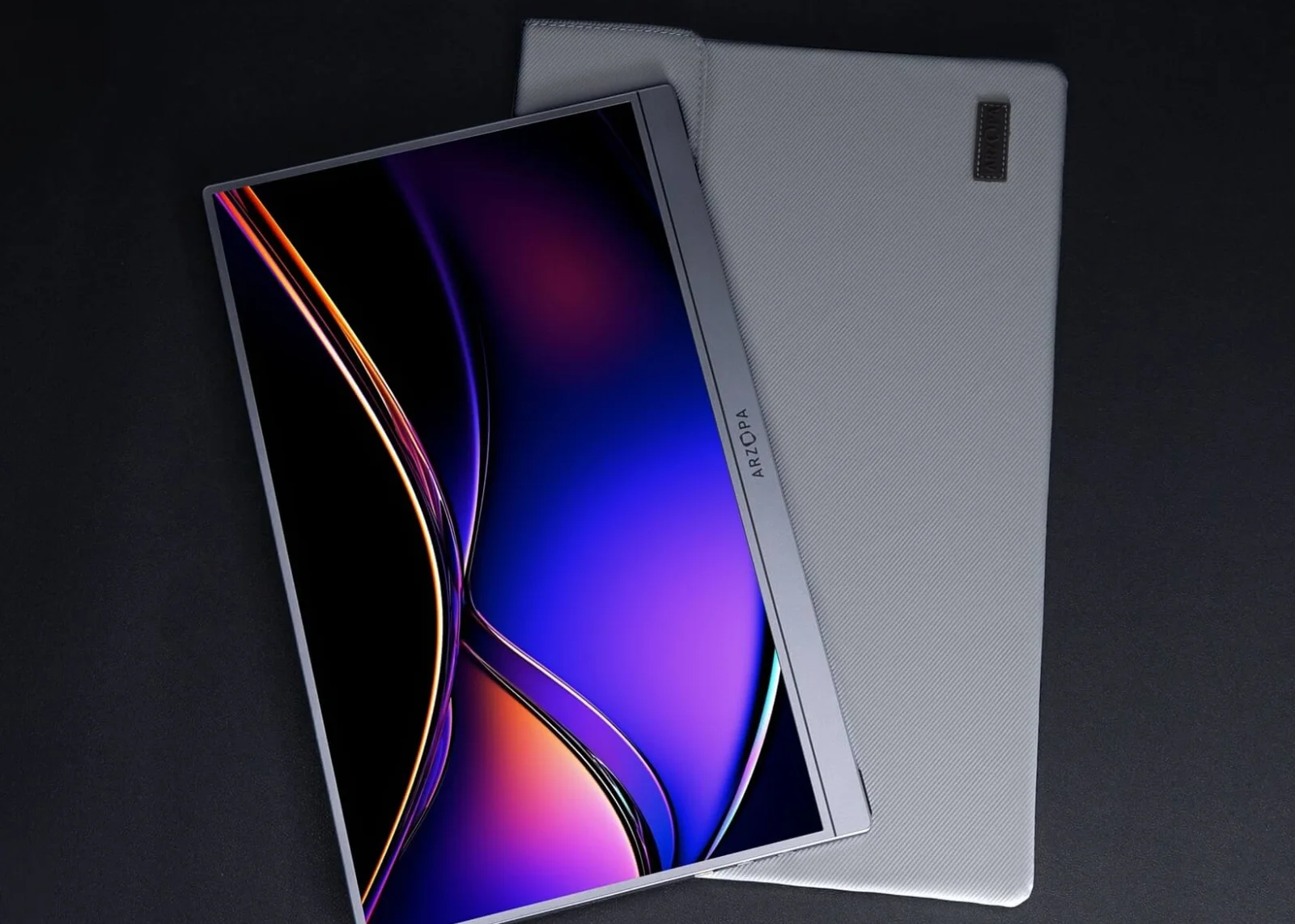 Photo: manufacturer Photo: manufacturerArzopa Z1FC Arzopa · Portable monitor | 16.1 in 1,920 × 1,080 · 16:9 136.8 PPI (calculated) 144Hz | 2 × full-function USB-C · 1 × mini HDMI 2.0 | Unknown | USB-C host power | 1.72 lb | Built-in stand | Mac: Model-dependent iPad: Documented route; verify model |
 Photo: manufacturer Photo: manufacturerArzopa Z1C Arzopa · Portable monitor | 16.1 in 1,920 × 1,080 · 16:9 136.8 PPI (calculated) 60Hz | 2 × full-function USB-C · 1 × mini HDMI 2.0 | Unknown | USB-C host power | 1.72 lb | Built-in stand | Mac: Model-dependent iPad: Documented route; verify model |
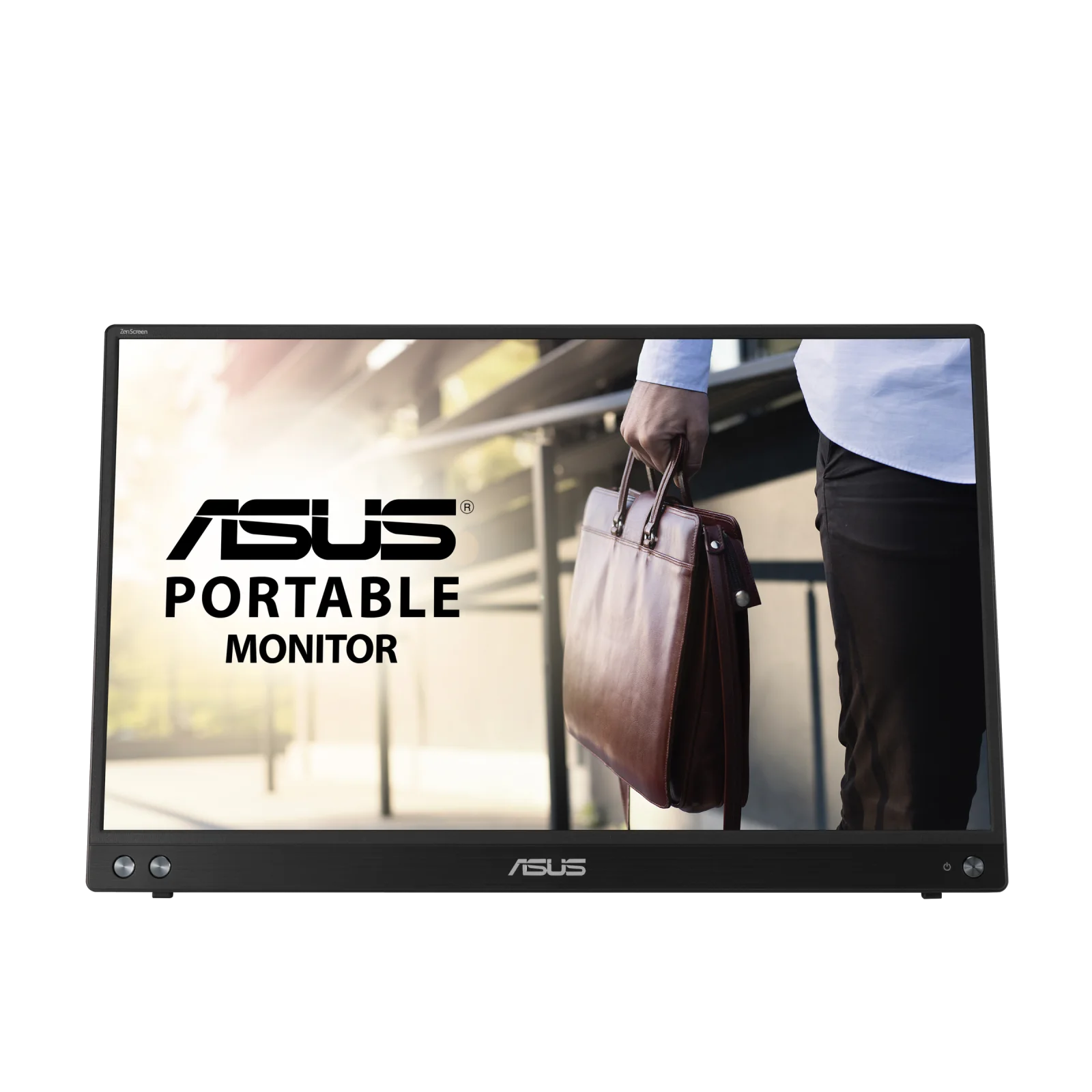 Photo: manufacturer Photo: manufacturerASUS ZenScreen MB16ACV ASUS · Portable monitor | 15.6 in 1,920 × 1,080 · 16:9 141.2 PPI (calculated) 60Hz | USB-C with DisplayPort Alt Mode · USB-A hybrid path | Unknown | USB-C host power | 1.98 lb | Kickstand / foot | Mac: Driver or software path iPad: Documented route; verify model |
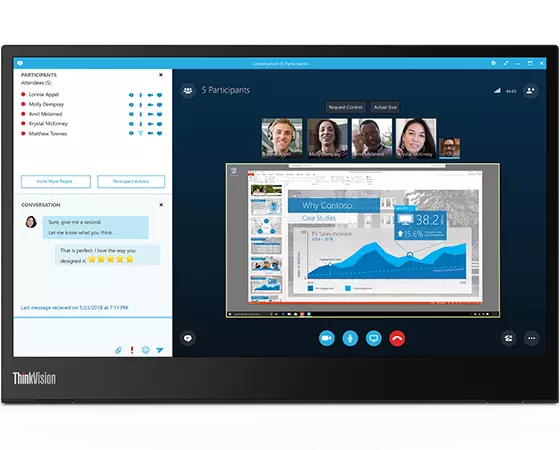 Photo: manufacturer Photo: manufacturerLenovo ThinkVision M14 Lenovo · Portable monitor | 14 in 1,920 × 1,080 · 16:9 157.4 PPI (calculated) 60Hz | 2 × USB-C with DP 1.2 Alt Mode | Unknown | USB-C host power | 1.31 lb | Kickstand / foot | Mac: Native if port supports video iPad: Model-dependent |
 Photo: manufacturer Photo: manufacturerMobile Pixels Duex Max DS Mobile Pixels · Attachable screen extender | 14.1 in 1,920 × 1,080 · 16:9 156.2 PPI (calculated) 60Hz | USB-C · Mini HDMI · USB-A adapter path shown | Unknown | USB-C host power | 1.8 lb | Attachable / kickstand modes | Mac: Model-dependent iPad: Unknown |
 Photo: manufacturer Photo: manufacturerSideTrak Swivel 15.6 by Luxor SideTrak / Luxor · Attachable screen extender | 15.6 in 1,920 × 1,080 · 16:9 141.2 PPI (calculated) 60Hz | 2 × USB-C | Unknown | USB-C host power | 1.88 lb | Attachable / kickstand modes | Mac: Native if port supports video iPad: Unknown |
 Photo: manufacturer Photo: manufacturerViewSonic TD1655 ViewSonic · Portable monitor | 15.6 in 1,920 × 1,080 · 16:9 141.2 PPI (calculated) 60Hz | 2 × USB-C with DP 1.2 Alt Mode · Mini HDMI | Yes | USB-C host power | 2 lb | Kickstand / foot | Mac: Driver or software path iPad: Unknown |
Photo: manufacturerModel 01
Arzopa Z3FC
Arzopa · Portable monitor
- Display
- 16.1 in · 2,560 × 1,440 · 180Hz
- Inputs
- 2 × USB-C 3.1 with DP / PD · 1 × mini HDMI 2.0
- Calculated pixel density
- 182.4 PPI
- Touch
- Unknown · Touch is not listed in the cited Z3FC product documents.
- Power path
- USB-C host power · A compatible USB-C host may carry video and power; HDMI needs separate USB-C power and the display has no listed battery.
- Weight
- 1.72 lb · 1.72 lb / 780 g listed by Arzopa.
- Stand / mount
- Built-in stand · Built-in stand with landscape and portrait positioning listed; stability was not independently tested.
Mac note · Model-dependent
Arzopa lists up to 180Hz over the DP / USB-C path, but the exact Mac, cable, resolution, and selected mode determine the available refresh rate.
iPad note · Documented route; verify model
A compatible USB-C iPad can provide a native video path; plan separate monitor power and do not assume iPadOS will expose 180Hz.
Region note: Prices, bundles, warranty terms, and stock differ between Arzopa regional storefronts.
Photo: manufacturerModel 02
Arzopa Z1RC
Arzopa · Portable monitor
- Display
- 16 in · 2,560 × 1,600 · 60Hz
- Inputs
- 2 × full-function USB-C · 1 × mini HDMI 2.0
- Calculated pixel density
- 188.7 PPI
- Touch
- Unknown · Touch is not specified in the cited Z1RC product documents.
- Power path
- USB-C host power · A compatible USB-C host can carry video and power; HDMI requires separate USB-C power.
- Weight
- 1.79 lb · 810g / 1.79 lb on Arzopa Global; Amazon US ASIN B0CH9XR3G4 lists 1.46 lb in its description (checked October 15, 2026). The difference is unresolved; verify the exact unit if carry weight decides your purchase. The weight filter retains the manufacturer figure.
- Stand / mount
- Built-in stand · Built-in stand with landscape and portrait positioning listed; stability was not independently tested.
Mac note · Model-dependent
Use USB-C only when the exact Mac port and cable support DisplayPort video. The Mac model still sets display limits.
iPad note · Documented route; verify model
The cited iPad guide uses a full-featured USB-C route; add monitor power if the iPad cannot sustain the load.
Photo: manufacturerModel 03
Arzopa Z1FC
Arzopa · Portable monitor
- Display
- 16.1 in · 1,920 × 1,080 · 144Hz
- Inputs
- 2 × full-function USB-C · 1 × mini HDMI 2.0
- Calculated pixel density
- 136.8 PPI
- Touch
- Unknown · Touch is not specified in the cited Z1FC product documents.
- Power path
- USB-C host power · A compatible USB-C host may carry video and power; HDMI requires separate USB-C power.
- Weight
- 1.72 lb · 1.72 lb listed by Arzopa.
- Stand / mount
- Built-in stand · Built-in stand with landscape and portrait positioning listed; stability was not independently tested.
Mac note · Model-dependent
The 144Hz ceiling is a monitor specification, not a guarantee that a particular MacBook can output 144Hz.
iPad note · Documented route; verify model
A full-featured USB-C video route is the starting point for a compatible USB-C iPad; verify power and display behavior for the exact iPad.
Photo: manufacturerModel 04
Arzopa Z1C
Arzopa · Portable monitor
- Display
- 16.1 in · 1,920 × 1,080 · 60Hz
- Inputs
- 2 × full-function USB-C · 1 × mini HDMI 2.0
- Calculated pixel density
- 136.8 PPI
- Touch
- Unknown · Touch is not specified in the cited Z1C product documents.
- Power path
- USB-C host power · Use separate power when the iPad or laptop cannot sustain the monitor load. Confirm the power rating in the Z1C manual; the current product-page specification block mixes model names.
- Weight
- 1.72 lb · 1.72 lb listed in the current comparison source.
- Stand / mount
- Built-in stand · Built-in stand with landscape and portrait positioning listed; stability was not independently tested.
Mac note · Model-dependent
Use the USB-C path only after confirming DisplayPort video output on the exact computer port and cable.
iPad note · Documented route; verify model
The cited iPad guide uses USB-C video first and calls out separate power when the iPad cannot sustain the monitor.
Photo: manufacturerModel 05
ASUS ZenScreen MB16ACV
ASUS · Portable monitor
- Display
- 15.6 in · 1,920 × 1,080 · 60Hz
- Inputs
- USB-C with DisplayPort Alt Mode · USB-A hybrid path
- Calculated pixel density
- 141.2 PPI
- Touch
- Unknown · Touch is not listed in the cited MB16ACV specification.
- Power path
- USB-C host power · USB-C can carry video and power on a compatible DP Alt Mode host; the USB-A hybrid path uses a driver and a model-specific power plan.
- Weight
- 1.98 lb · 0.9 kg / 1.98 lb net weight listed by ASUS.
- Stand / mount
- Kickstand / foot · Fold-out kickstand with 15°–35° tilt and a 1/4-inch tripod socket listed.
Mac note · Driver or software path
USB-C DP Alt Mode is the no-graphics-driver route; the USB-A hybrid connection requires the ASUS/DisplayLink software path.
iPad note · Documented route; verify model
The cited iPad guide uses the native USB-C DP Alt Mode route; ASUS does not make a universal one-cable guarantee for every iPad Pro generation.
Photo: manufacturerModel 06
Lenovo ThinkVision M14
Lenovo · Portable monitor
- Display
- 14 in · 1,920 × 1,080 · 60Hz
- Inputs
- 2 × USB-C with DP 1.2 Alt Mode
- Calculated pixel density
- 157.4 PPI
- Touch
- Unknown · Touch is not listed in the cited Lenovo M14 PSREF.
- Power path
- USB-C host power · 6W typical / 7.5W maximum without USB-C output is listed; Lenovo documents USB-C power delivery and power pass-through behavior.
- Weight
- 1.31 lb · 0.598 kg / 1.31 lb listed in Lenovo PSREF.
- Stand / mount
- Kickstand / foot · Height-adjustable foot with -5° to 90° tilt listed; the delivered setup was not independently stability-tested.
Mac note · Native if port supports video
Native USB-C display path requires the Mac port to provide DP Alt Mode and power delivery; it does not bypass Apple display limits.
iPad note · Model-dependent
The cited Lenovo documents do not establish universal iPad support. Verify the exact iPad USB-C display and power behavior.
Photo: manufacturerModel 07
Mobile Pixels Duex Max DS
Mobile Pixels · Attachable screen extender
- Display
- 14.1 in · 1,920 × 1,080 · 60Hz
- Inputs
- USB-C · Mini HDMI · USB-A adapter path shown
- Calculated pixel density
- 156.2 PPI
- Touch
- Unknown · Touch is not specified in the cited Duex DS product documents.
- Power path
- USB-C host power · 4.5W listed; the manufacturer says power comes from the laptop and no battery is listed.
- Weight
- 1.8 lb · 1.8 lb listed for the Duex Max DS.
- Stand / mount
- Attachable / kickstand modes · Magnetic laptop attachment plus landscape, portrait, presentation, and kickstand modes listed.
Mac note · Model-dependent
USB-C is plug and play when the host supports DP Alt Mode; HDMI is a fallback, and the physical attachment does not bypass Apple display limits.
iPad note · Unknown
No iPad compatibility claim is established in the cited product and setup documents; verify before buying for iPad use.
Photo: manufacturerModel 08
SideTrak Swivel 15.6 by Luxor
SideTrak / Luxor · Attachable screen extender
- Display
- 15.6 in · 1,920 × 1,080 · 60Hz
- Inputs
- 2 × USB-C
- Calculated pixel density
- 141.2 PPI
- Touch
- Unknown · Touch is not listed in the cited Luxor LTTL151 specification.
- Power path
- USB-C host power · 4.5W listed with up to 60W DC passthrough and about 15W reserved; the exact host and cable still control the setup.
- Weight
- 1.88 lb · 1.88 lb including cord listed by Luxor.
- Stand / mount
- Attachable / kickstand modes · Magnetic attachment plate, 360° swivel, 270° rotation, and a mount that doubles as a freestanding kickstand.
Mac note · Native if port supports video
Luxor describes a driver-free USB-C path for a Mac port that carries video; the exact Mac and cable still need confirmation.
iPad note · Unknown
No iPad compatibility claim is established in the cited Luxor product and manual documents.
Photo: manufacturerModel 09
ViewSonic TD1655
ViewSonic · Portable monitor
- Display
- 15.6 in · 1,920 × 1,080 · 60Hz
- Inputs
- 2 × USB-C with DP 1.2 Alt Mode · Mini HDMI
- Calculated pixel density
- 141.2 PPI
- Touch
- Yes · 10-point touch hardware is listed; Mac touch uses ViewSonic vTouch software.
- Power path
- USB-C host power · The product page advertises 60W two-way USB-C power; mini HDMI carries video only and needs a separate USB power/data arrangement.
- Weight
- 2 lb · About 2 lb listed in the cited product comparison.
- Stand / mount
- Kickstand / foot · Built-in stand is listed; use the manual for the exact positioning and cable arrangement.
Mac note · Driver or software path
The display path can use USB-C DP Alt Mode, while Mac touch is driver-assisted through ViewSonic vTouch.
iPad note · Unknown
The cited ViewSonic sources establish Mac/Windows touch behavior, not a universal iPad touch or display guarantee.
Display first
Refresh rate is not output proof.
A monitor may list 144Hz, while the laptop, iPad, cable, operating system, or adapter only delivers a lower mode. Treat the row as the monitor ceiling, then verify the host.
Host second
Mac and iPad limits still win.
The monitor cannot expand Apple’s supported display count. Match the exact chip and port to Apple’s Mac display guide or Apple’s iPad display guide.
Evidence boundary
A source is not a test.
Manufacturer brightness, power, weight, stand, and compatibility statements are labeled as published claims. WorkChoose did not independently test panels, hinges, cables, touch, or sleep-wake behavior.
Official source trail
Every row links to the manufacturer evidence used for the comparison.
Product cards link to current manufacturer listings and manuals. The downloadable CSV preserves the same field names so you can sort or inspect the rows outside the page. Prices, inventory, and retailer terms are intentionally omitted.
Port capability
Connector shape alone is not enough. See USB-IF’s Type-C specification reference and then the exact laptop and monitor manuals.
Dataset size
9 exact rows are included in this release. A missing field is intentionally preserved as Unknown rather than inferred from a similar model.
Keep the decision moving
Use the chart to choose your next evidence page.
Best portable monitors for laptops
Read the laptop-specific shortlist for USB-C DP Alt Mode, HDMI power, USB-A drivers, sleep-wake behavior, and current manufacturer sources.
Open nextBest portable monitors for iPad Pro
Follow the iPad-specific path for USB-C power, external-display behavior, Stage Manager, and the exact Apple model boundary.
Open nextPortable monitor vs screen extender
Compare native USB-C panels with attachable extenders, DisplayLink requirements, weight, power, privacy, and return caveats.
Open nextPortable-monitor connection checker
Enter your computer output, monitor input, and power availability to map a likely native, adapter, software, or unknown path.
Open nextPortable monitors for PS5
Match HDMI, separate monitor power, resolution, 120Hz, VRR, HDR, and audio against the PS5 output signal.
Open nextPortable monitors for Xbox Series X|S
Compare Series X and S output targets with each screen’s HDMI, power, 120Hz, VRR, HDR, and audio evidence.
Open nextPortable monitors for Steam Deck
Choose between a direct USB-C route and a docked HDMI path while planning power delivery and refresh limits.
Open nextPortable monitors for Nintendo Switch 2
Plan the official dock, dedicated power, HDMI signal, 120fps modes, HDR, and external-display limits.
Open nextBest portable gaming monitors
Turn the chart into a shortlist by comparing input-specific refresh, resolution, HDMI, USB-C, battery, VRR, HDR, and audio fit.
Open nextArzopa Z3FC review
Inspect the QHD 180Hz gaming-led model, including its input-specific refresh limits, power path, price, and regional policy boundary.
Open nextArzopa Z3FC vs Z1RC
Compare the 16:9 QHD high-refresh gaming route with the 16:10 2.5K/60Hz productivity route by signal path, power, and workspace fit.
Open nextBest Arzopa portable monitor
Choose among Z3FC for QHD gaming headroom, Z1RC for 2.5K 16:10 work space, Z1FC for FHD 144Hz portability, Z1C for a straightforward FHD setup, and A1M for a larger 17.3-inch canvas.
Open nextArzopa Z1RC review
Inspect the 2.5K 16:10 productivity model, including its 60Hz limit, connection path, current price, and return conditions.
Open nextArzopa Z1FC review
Inspect one 144Hz FHD model in detail, including its FreeSync evidence conflict, power plan, return costs, and warranty boundary.
Open nextFAQ
Portable monitor chart questions
Can I bookmark or share a filtered portable monitor comparison?
Yes. Choose your constraints and use Copy filtered link. The URL stores the selected filters, so opening it restores the comparison without an account. It uses the current dataset, not a frozen price or availability snapshot. Anyone with the link can see the filter terms, so use model names and buying constraints rather than personal information. Reset clears the filters from the address.
What does this portable monitor comparison chart measure?
It compares published model specifications and support notes: display size, resolution, refresh rate, inputs, touch status, power path, listed weight, stand or mounting type, and Mac/iPad connection notes. It does not rank price, picture quality, durability, or comfort because those claims require current listings or independent testing.
Does a USB-C input guarantee that a portable monitor works with my MacBook?
No. USB-C is a connector shape. The exact Mac port must support DisplayPort Alt Mode, Thunderbolt, or another documented display path, and the cable and monitor input must support it too. Apple’s display limit still applies even when the monitor connection is valid.
Can I use one of these portable monitors with an iPad?
Some models have a documented USB-C route, but the exact iPad model, iPadOS behavior, cable, monitor input, and power budget decide the result. Rows marked Unknown do not establish an iPad path in the cited sources; verify the Apple model specification and the monitor manual before buying.
Why does the chart show Unknown instead of No?
Unknown means the cited manufacturer page or manual did not establish that field clearly enough. WorkChoose keeps an unverified touch feature, stand type, weight, or platform path as Unknown rather than turning missing evidence into a negative claim.
Does a built-in stand mean the monitor is stable?
No. A built-in stand, kickstand, or attachment mode is a product feature, not an independent stability test. Check the model’s manual, desk surface, viewing angle, cable tension, and the weight that your laptop lid or mount can safely carry.
Are prices and affiliate rankings included?
No. This chart does not rank models by price or commission. Some purchase links may earn a commission, and Amazon US buttons are labeled when they lead to Amazon. Original specification and support evidence links still open the official source directly. Filters and ordering use published fit fields, not commission status.