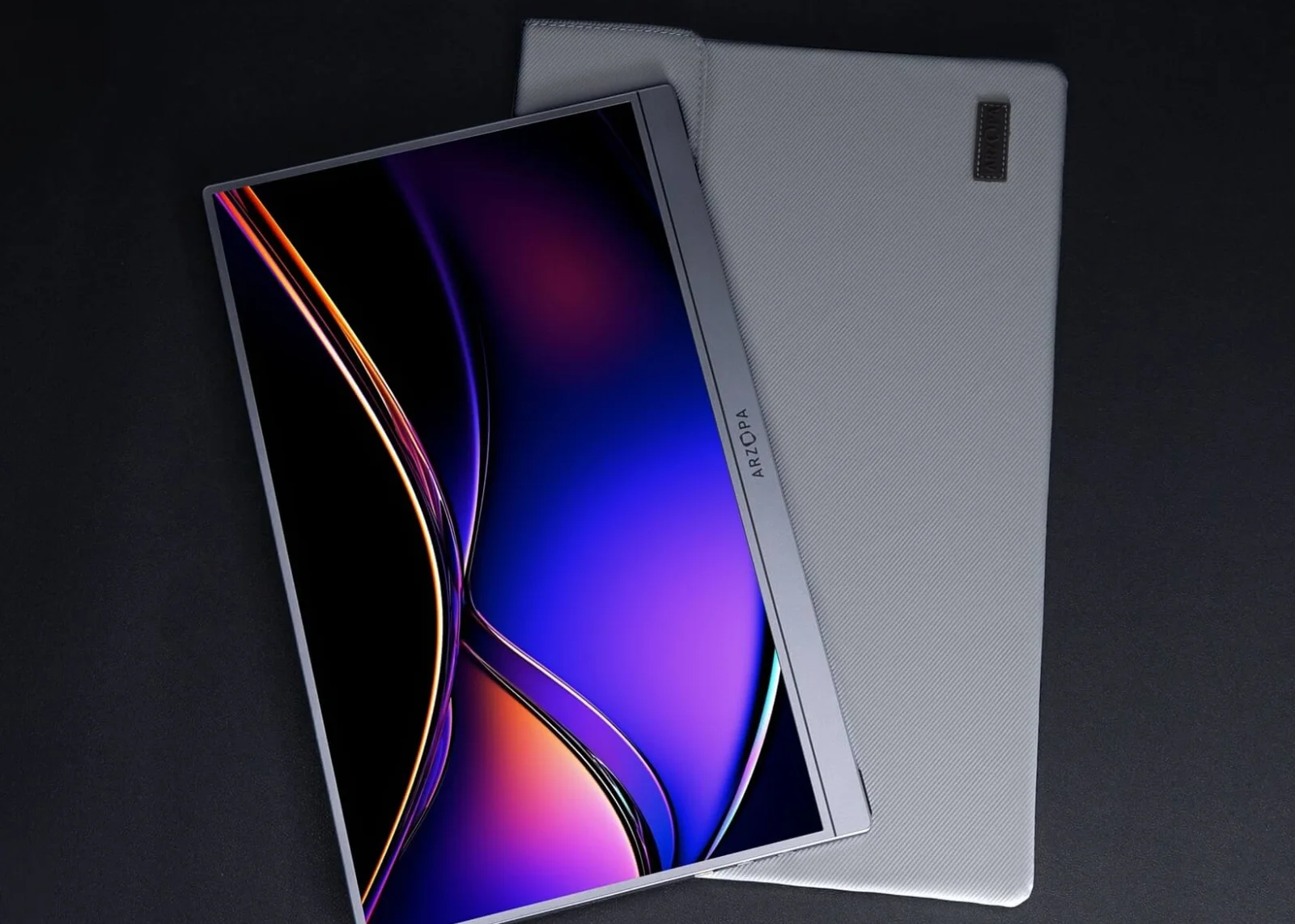
Screens & connections
Best portable monitor for iPad Pro: a bigger work canvas
An iPad Pro makes a second screen tempting on travel days, but the USB-C path still decides whether the setup feels light or fussy. Favor the monitor that matches your iPad, cable, power needs, and the amount of text you want beside it.
Prioritize USB-C video and power compatibility, then choose the size and resolution you will carry.
iPad Pro owners who want a portable companion display for writing, reference, or creative work.
The iPad model, cable, hub, and app behavior can change the practical result.
Our take is based on published specifications and linked sources. We have not hands-on tested these products. Some links may earn a commission.
Buying links, offers & research notes Expand
A closer look
Start with canvas, signal, and power
These are three different fits—not a universal first, second, and third place. The exact iPad and connection plan determine which one belongs on your desk.
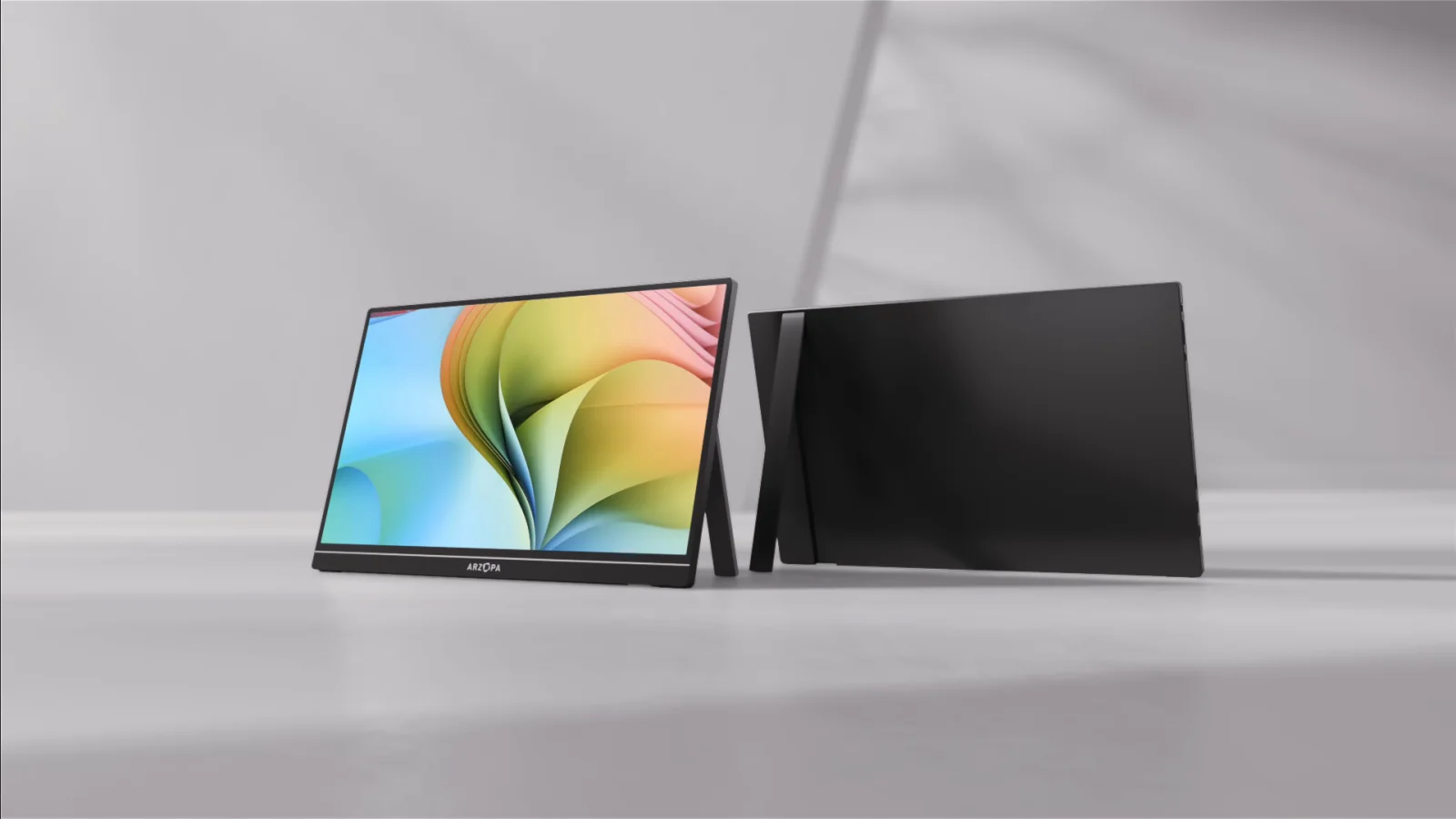 Photo: manufacturer
Arzopa Z1RC
Arzopa
Work canvas
16:10 · 2.5K · 12W listed
Official specs checked September 8, 2026
See Amazon US listing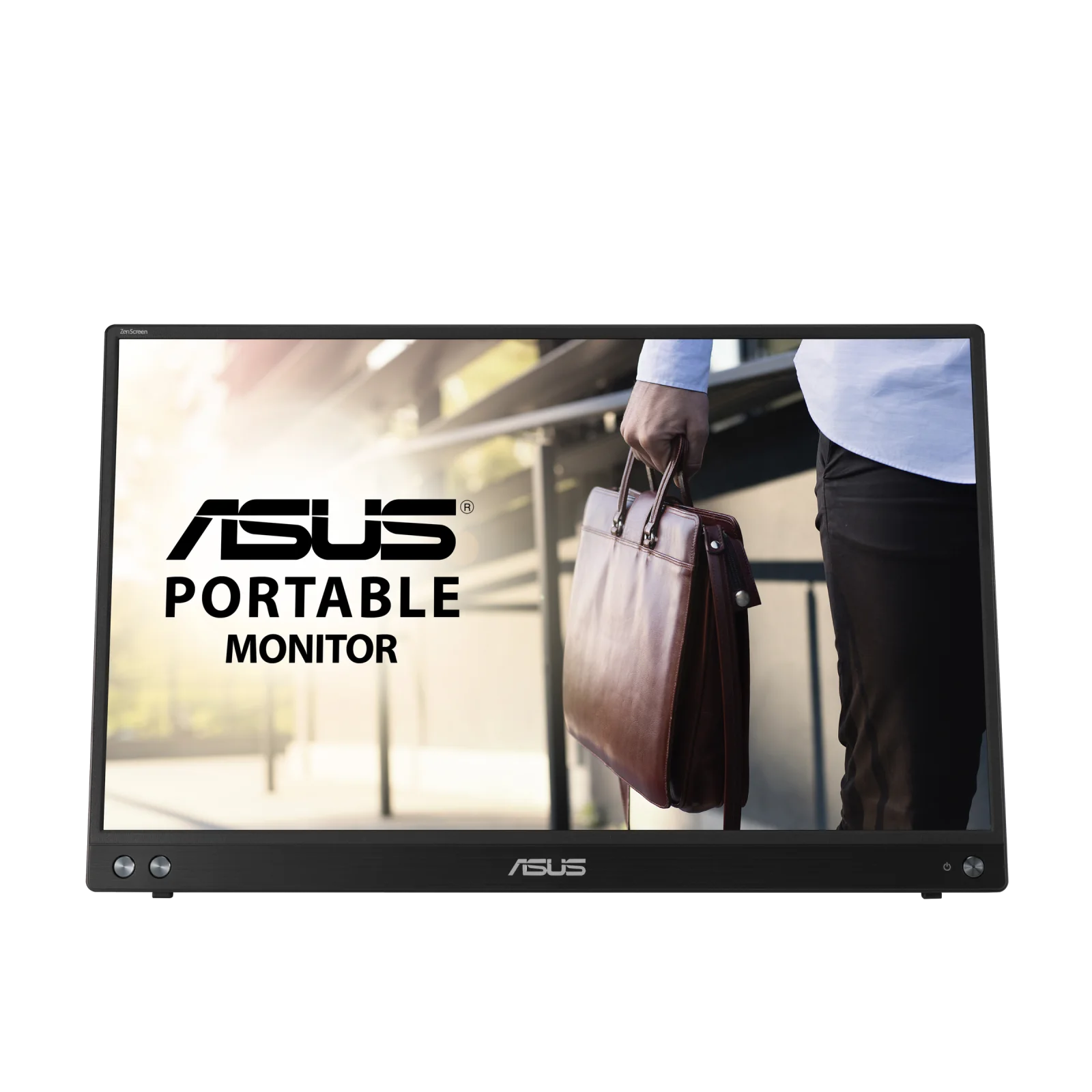 Photo: manufacturer
ASUS ZenScreen MB16ACV
ASUS
USB-C path
DP Alt Mode · 6.64W listed
Official specs checked September 8, 2026
See ASUS US listing Photo: manufacturer
Arzopa Z1C
Arzopa
Simple fit
16.1 in · FHD · verify manual power
Official specs checked September 8, 2026
See Amazon US listingCheck the connection before choosing
Check your signal and power path before choosing a portable monitor.
Three gates before checkout
Pass all three or the monitor is the wrong purchase.
The iPad can output video
Identify the exact generation and connector. USB-C and Thunderbolt iPad Pro models are the clean target; Lightning models need a Digital AV adapter.
The cable carries display signal
A USB-C charging cable is not automatically a display cable. Use a full-featured cable or the monitor's documented video cable.
The monitor has stable power
One cable can be convenient, but a second power cable or powered hub is the correct fix when the iPad cannot sustain the monitor load.
iPad model boundary
USB-C is the connector. The exact iPad decides the workspace.
Apple documents wired display connections across USB-C iPad models and a full external workspace on compatible models. Those are not the same promise. Match the exact generation before buying for Stage Manager or a two-screen workflow.
| iPad Pro family | Apple-documented path | Buying implication |
|---|---|---|
| iPad Pro M4 or M5 | Thunderbolt / USB 4 with native DisplayPort output | Best starting point for direct USB-C video. Apple lists one external display; use a powered path when the monitor load is unreliable or battery drain matters. |
| iPad Pro 11-inch (3rd or 4th generation) | Thunderbolt / USB 4 | Direct USB-C video is supported. Full external-workspace behavior still depends on the iPad model, iPadOS, app, and current Apple compatibility notes. |
| iPad Pro 12.9-inch (5th or 6th generation) | Thunderbolt / USB 4 | Treat the monitor as one external display. A second USB-C socket on a monitor is not a second independent iPad display output. |
| iPad Pro 11-inch (1st or 2nd) / 12.9-inch (3rd or 4th) | USB-C display connection | Apple documents USB-C display use, but these are not the same Thunderbolt/USB 4 models. Verify the exact technical specification and expect power to be the practical constraint. |
| Lightning-era iPad Pro | Lightning Digital AV Adapter or VGA adapter | Not a one-cable USB-C setup. Plan an adapter, HDMI or VGA signal, and monitor power; mirroring is a safer expectation than a desktop-style extended workspace. |
Three fit-led picks
Pick the screen that solves your constraint.
Photo: manufacturerBest fit for documents and a taller work canvas
Arzopa Z1RC
Display
16.0-inch IPS · 2,560 × 1,600 · 16:10 · 60Hz
Brightness
350 nits (manufacturer specification)
Power
12W rated; Arzopa recommends 5V/3A-or-higher external power
Ports
2 × full-function USB-C · 1 × mini HDMI 2.0
Travel weight
1.79 lb
Stand
Built-in stand with landscape and portrait positioning listed
iPad connection plan
Start with a full-featured USB-C-to-USB-C cable from a USB-C iPad Pro. If the display flickers, dims, restarts, or drains the iPad faster than expected, add separate monitor power instead of changing display settings at random.
Choose it
Choose it when spreadsheets, documents, code, or a vertical reference window make 16:10 and 2.5K more useful than high refresh rate.
Skip it
Skip it when the lowest listed power draw or a smaller travel footprint matters more. Do not buy it because of the color-gamut label alone; WorkChoose did not measure the panel.
Evidence: Arzopa lists a 16-inch 2,560 × 1,600 IPS panel, 16:10 ratio, 60Hz, 350 nits, 12W rated power, 1.79 lb weight, built-in stand, dual full-function USB-C, mini HDMI, and included USB-C and HDMI cables.
Photo: manufacturerBest documented low-power USB-C candidate
ASUS ZenScreen MB16ACV
Display
15.6-inch IPS · 1,920 × 1,080 · 16:9 · 60Hz
Brightness
250 cd/m² typical (manufacturer specification)
Power
6.64W listed consumption; DC 5V/3A listed
Ports
1 × USB-C with DisplayPort Alt Mode and USB 3.2
Travel weight
1.98 lb / 0.9 kg
Stand
Fold-out kickstand with a listed 15°–35° tilt range
iPad connection plan
Use the native USB-C DisplayPort Alt Mode route. ASUS also documents a USB-A hybrid-driver path for computers, but that is not the reason to choose it for an iPad Pro and should not be confused with native iPad video output.
Choose it
Choose it when a model-specific manual, an explicitly documented USB-C DP Alt Mode input, and lower listed power consumption matter more than 2.5K resolution.
Skip it
Skip it when you need a 16:10 canvas, two USB-C input positions, or built-in speakers. ASUS does not publish a universal one-cable guarantee for every iPad Pro generation.
Evidence: ASUS lists a 15.6-inch 1,920 × 1,080 IPS panel, 60Hz, 250 cd/m² typical brightness, USB-C DisplayPort Alt Mode, 6.64W power consumption, 5V/3A input, 0.9 kg weight, kickstand, and supplied USB-C cable.
Photo: manufacturerBest simple FHD work-and-travel fit
Arzopa Z1C
Display
16.1-inch IPS · 1,920 × 1,080 · 16:9 · 60Hz
Brightness
300 nits (manufacturer specification)
Power
Confirm the exact Z1C manual power requirement; use separate USB-C power when the iPad cannot sustain it
Ports
2 × full-function USB-C · 1 × mini HDMI 2.0
Travel weight
1.72 lb
Stand
Built-in stand with landscape and portrait positioning listed
iPad connection plan
Try the full-featured USB-C video path first. For an HDMI adapter route, send video through HDMI-to-mini-HDMI and power the monitor through USB-C; HDMI is not the monitor power cable.
Choose it
Choose it when a straightforward 16.1-inch FHD second screen is enough and you prefer a lower listed power figure than Z1RC.
Skip it
Skip it when text density or vertical workspace is the main reason for buying. The FHD 16:9 panel is not a resolution upgrade over the iPad Pro screen.
Evidence: Arzopa lists a 16.1-inch 1,920 × 1,080 IPS panel, 16:9 ratio, 60Hz, 300 nits, 1.72 lb weight, built-in stand, dual USB-C, mini HDMI, and included connection cables; confirm the exact Z1C manual power requirement before relying on iPad power.
Connection planner
Choose the whole cable path before choosing the panel.
| Connection path | Cable chain | When to use it |
|---|---|---|
| Direct USB-C | iPad Pro USB-C → full-featured USB-C cable → monitor USB-C video input | Cleanest route. It can carry video and monitor power, but the iPad battery supplies the load unless the display or hub returns power. |
| USB-C video + separate monitor power | iPad Pro → monitor video USB-C; charger → the monitor's other USB-C power input | Best fallback for flicker, restarts, low brightness, or heavy battery drain. Verify which monitor port accepts video and which accepts power. |
| Powered hub or dock | iPad Pro → powered USB-C hub/dock → display; charger → hub power delivery input | Useful when you also need charging, keyboard, storage, or Ethernet. The dock must explicitly support video output and enough power delivery. |
| HDMI adapter | iPad Pro → USB-C Digital AV adapter → HDMI-to-mini-HDMI → monitor; separate USB-C monitor power | A practical compatibility fallback. HDMI carries the picture, not the portable monitor's power. |
Avoid the expensive mistakes
Four claims that should not decide the purchase alone.
“USB-C compatible”
The connector can carry charging, data, or video in different combinations. Confirm DisplayPort video on the iPad, cable, and monitor input.
“One-cable setup”
It may work while draining the iPad quickly or become unstable at higher brightness. Keep a separate-power plan.
“Works with iPad”
That does not tell you whether the exact model mirrors, extends, supports Stage Manager, or provides enough monitor power.
“Touchscreen”
A display signal does not establish USB touch-data support in iPadOS. Require explicit model-specific evidence before paying for touch.
How this page chooses
Compatibility evidence outranks commission and marketing.
Products are sorted by a distinct fit: work canvas, documented USB-C path, and simple FHD travel use. WorkChoose used Apple display guidance and exact manufacturer specifications. It did not measure brightness, color, stand wobble, battery drain, touch input, or wake reliability, so those remain verification gaps.
Continue the decision
Related portable-work guides.
Portable monitors for MacBook
Use the same signal-and-power method with exact Mac display limits.
Read nextPortable monitor vs screen extender
Compare a separate panel with an attached multi-screen format and driver path.
Read nextPortable monitor comparison chart
Filter exact panels by size, resolution, refresh, inputs, power, weight, stand, and Mac/iPad notes.
Read nextArzopa Z1RC vs Z1FC
Compare the sharper 16:10 Z1RC with the FHD 144Hz Z1FC.
Read nextComplete work setup
Fit the display into the desk, cable, monitor-height, and walking-pad workflow.
Read nextPortable-monitor touch paths
Understand why video, touch data, power, and operating-system support are separate.
Read nextHow WorkChoose chooses
See the evidence and ranking rules behind every buying guide.
Read nextFrequently asked questions
Can an iPad Pro use a portable monitor?
Yes, when the exact iPad Pro supports the chosen display path and the cable, monitor input, and power plan match. Current USB-C and Thunderbolt iPad Pro models support wired displays. Lightning-era models require an adapter and are a different workflow.
Can one USB-C cable power a portable monitor from iPad Pro?
Sometimes, but it should not be treated as guaranteed. The monitor draws from the iPad unless the connection returns power. If the image flickers, the monitor restarts, brightness is limited, or battery drain is unacceptable, add separate monitor power or use a powered hub.
Will the portable monitor extend the iPad desktop or only mirror it?
Apple documents moving apps and windows between the iPad and an external display on compatible models. Other iPad models or app states may mirror instead. Check the exact model and current iPadOS compatibility before buying specifically for a two-workspace Stage Manager setup.
How many portable monitors can an iPad Pro use?
Current iPad Pro technical specifications describe one external display. Two USB-C ports on a monitor or a multi-output dock do not create two independent iPad video streams.
Does an iPad charging cable carry video?
Do not assume it does. USB-C describes the connector, not every cable's capabilities. Use a full-featured cable that supports display video and the required power; if the manufacturer supplies a video-capable USB-C cable, start with that cable.
Should I buy a touchscreen portable monitor for iPad Pro?
Buy it first as a display, not on the assumption that its touch layer will control iPadOS. Video, USB touch data, power, and operating-system support are separate paths. Require explicit current iPadOS touch documentation for the exact monitor before paying extra for touch.
Is 2.5K better than FHD for iPad Pro work?
It can provide sharper text and more workspace, but resolution alone does not settle the choice. Scaling, app layout, panel brightness, aspect ratio, stand angle, cable path, and power reliability all affect the real setup. WorkChoose did not independently measure these panels.
Are the links on this page affiliate links?
The current Z1RC and Z1C purchase routes use approved Amazon US affiliate links, so WorkChoose may earn a commission at no added cost. ASUS opens ASUS US directly, while Arzopa Global links remain used for product evidence and the separate Global offer. The order follows fit and evidence.