
Your whole workspace
Under-desk work setup: make walking and typing coexist
A walking pad changes more than your step count: desk height, monitor position, chair storage, cable slack, and noise all enter the routine. Set up those pieces in order so a short daily walk does not make the desk awkward.
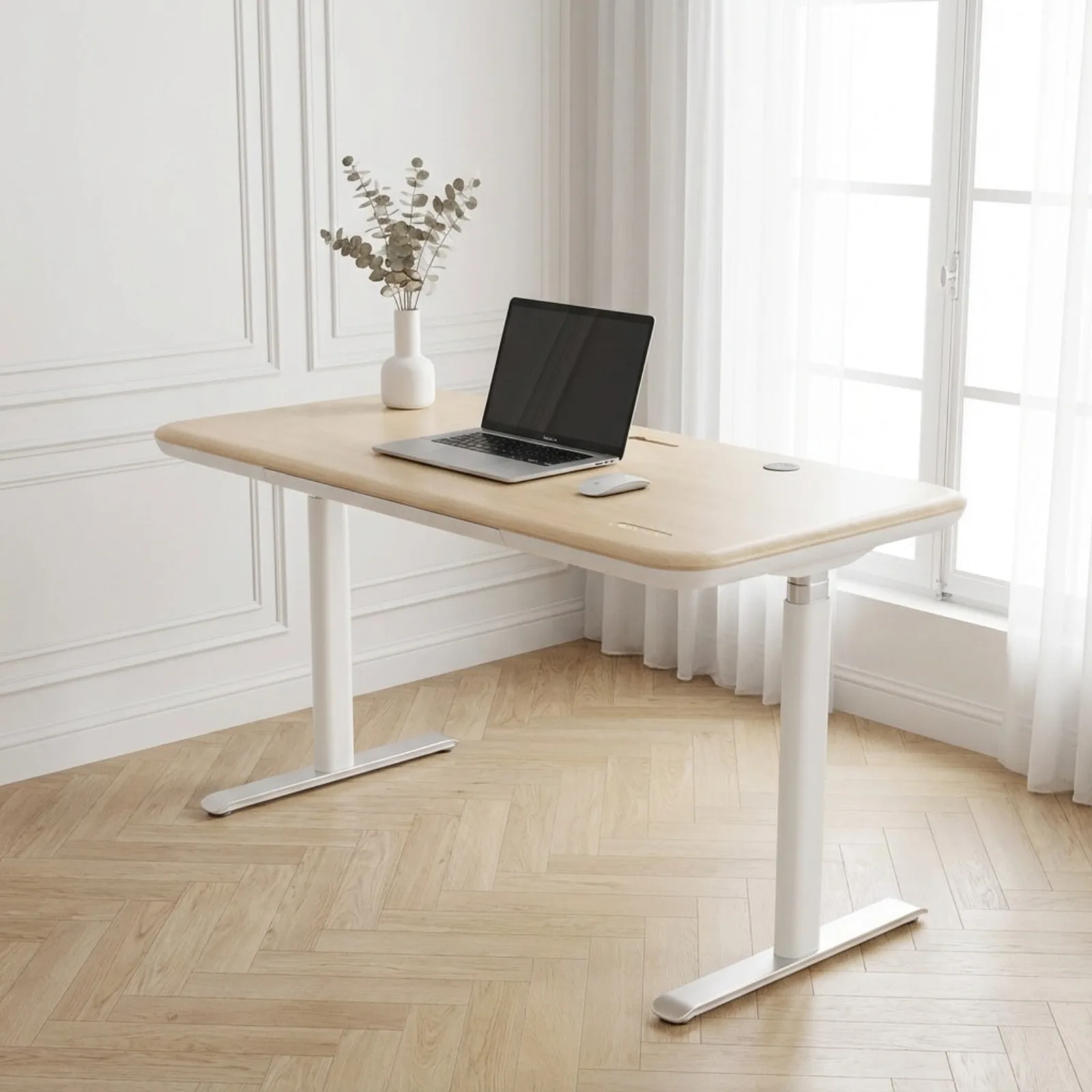
Plan the pad, finished desk height, screen position, and step-off space as one workstation.
Home workers trying to add light walking without abandoning comfortable desk work.
Vibration, clearance, control access, and the right pace still need personal judgment.
Our take is based on published specifications and linked sources. We have not hands-on tested these products. Some links may earn a commission.
Height
Can the keyboard reach you after the deck raises your feet?
Stride
Is the belt long and wide enough for your natural walking pace?
Sound
What will the motor, footfall, floor, and microphone each transmit?
Work
Which tasks stay comfortable and which need you to step off?
The first equation
Standing elbow height + walking deck height = starting desktop target
Then leave adjustment room for shoes, keyboard thickness, posture, and personal comfort. The result is a starting point—not a medical or ergonomic guarantee.
Calculate yoursFollow the decision
Six steps, in order
Choose the walking pad
LiveCompare deck height, walking area, total width, minimum speed, controls, weight, and storage.
Check desk height
LiveAdd the walking deck to your natural elbow height and test the finished desk range.
Choose the standing desk
LiveCompare maximum height, usable surface, assembly, load, and the reason each desk may not fit.
Assess apartment noise constraints
LiveSeparate motor hum, footfall, and structure-borne vibration before treating a “quiet” claim as a fit answer.
Set up and test the workstation
LiveMeasure the finished fit, place the pad, tune ergonomics, route cables, and run a first short test walk.
Choose for video calls
LiveCompare starting speed, controls, walking area, deck height, and sound evidence before you put a pad under a live microphone.
Fit tools & constraints
Check body fit, room fit, controls, and safe use before comparing more product features.
Adjacent screen choices
Choose a portable MacBook display by signal path and exact display limit—not a generic compatibility badge.
Before you buy anything
Keep exploring
A few more things to consider.
Setups / The guide
Best small-space home-office setup: make every inch useful
Measure the room and movement paths first; buy the desk, chair, and display support as one system.
Read the guide
Setups / The guide
Best wireless bridge for a detached garage or office: choose the route first
Choose CPE688 when the far-end network may need more than 100Mbps; choose CPE450 when that wired ceiling is enough.
Read the guideSetups / The guide
Best sofa bed for a home-office guest room: keep both jobs usable
Measure the open bed, chair route, and desk together before choosing a sofa bed.
Read the guide