
Your whole workspace
Best small-space home-office setup: make every inch useful
A small room rewards a coordinated setup more than a single “best” product. Desk width, chair movement, monitor-arm clearance, and storage need to share the same footprint so the workstation leaves the room livable after work.
Measure the room and movement paths first; buy the desk, chair, and display support as one system.
Apartment workers fitting a useful desk into a bedroom, corner, or shared room.
A compact footprint can make chair pull-out, cable access, and monitor movement surprisingly tight.
Our take is based on published specifications and linked sources. We have not hands-on tested these products. Some links may earn a commission.
Four measurable configurations
Choose the constraint you actually have.
Least closed-room depth
Fold-away wall-desk setup
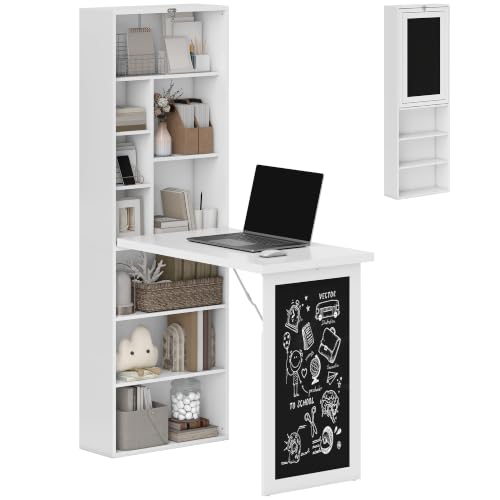 Photo: manufacturer
The matching HOMCOM 836-296WT page publishes a 7.7-inch closed depth; the exact Amazon listing is white ASIN B08PDSH538.
Choose this when reclaiming floor area after work matters more than sit-stand adjustment or a large permanent desktop.
Small-room pick
Compact dual-screen setup
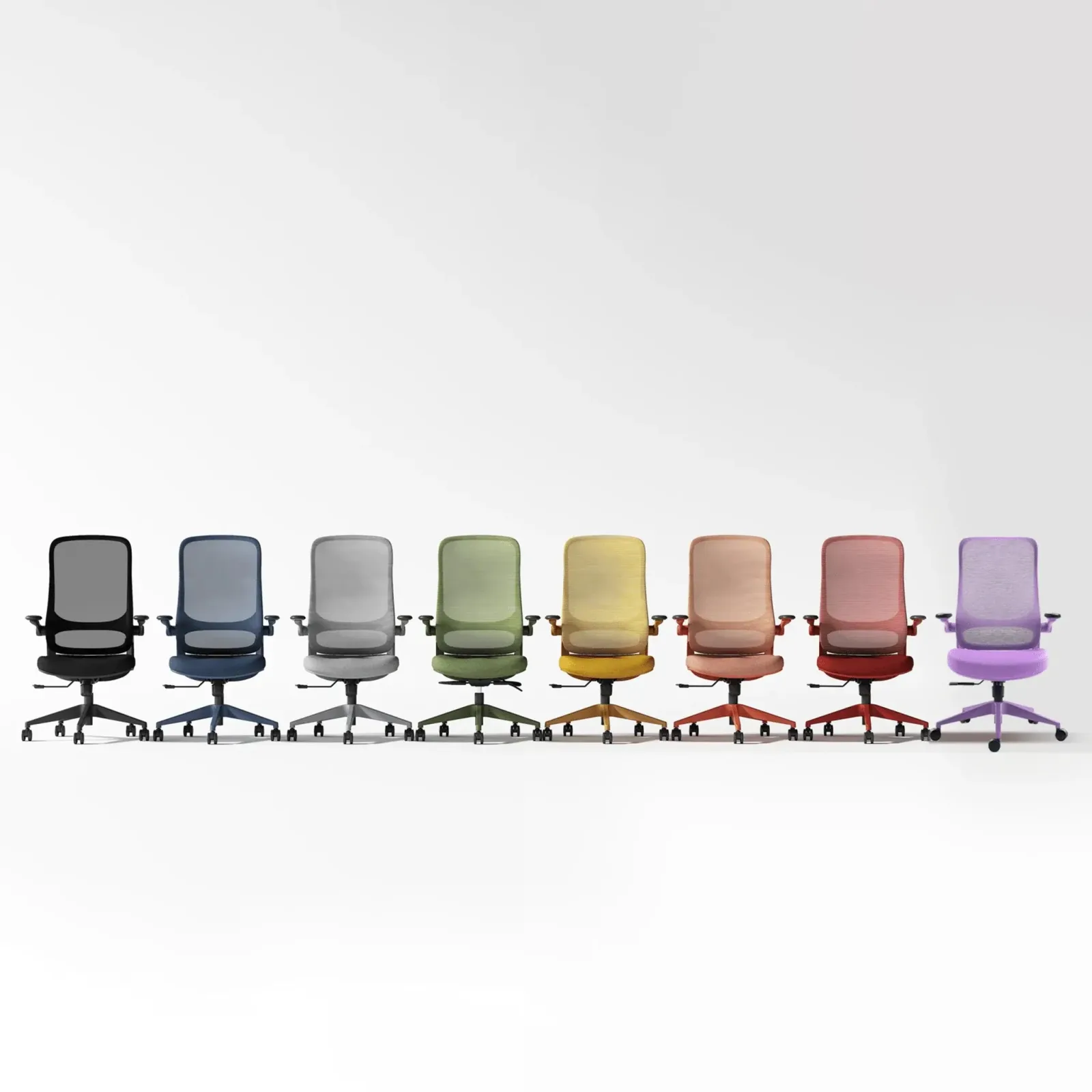 Photo: manufacturer
Start with a 25 × 27 in published chair body plus desk depth and chair pull-out room.
Choose this when two displays matter and flip-up chair arms help the seat tuck under the desk.
Simplest footprint
Single-screen or laptop setup
Photo: manufacturerOne arm removes the second display span, but the chair and pull-out route still set room depth.
Choose this when one external display is enough and you want fewer rear-clearance and cable variables.
Height-adjustable pick
Compact sit-stand setup
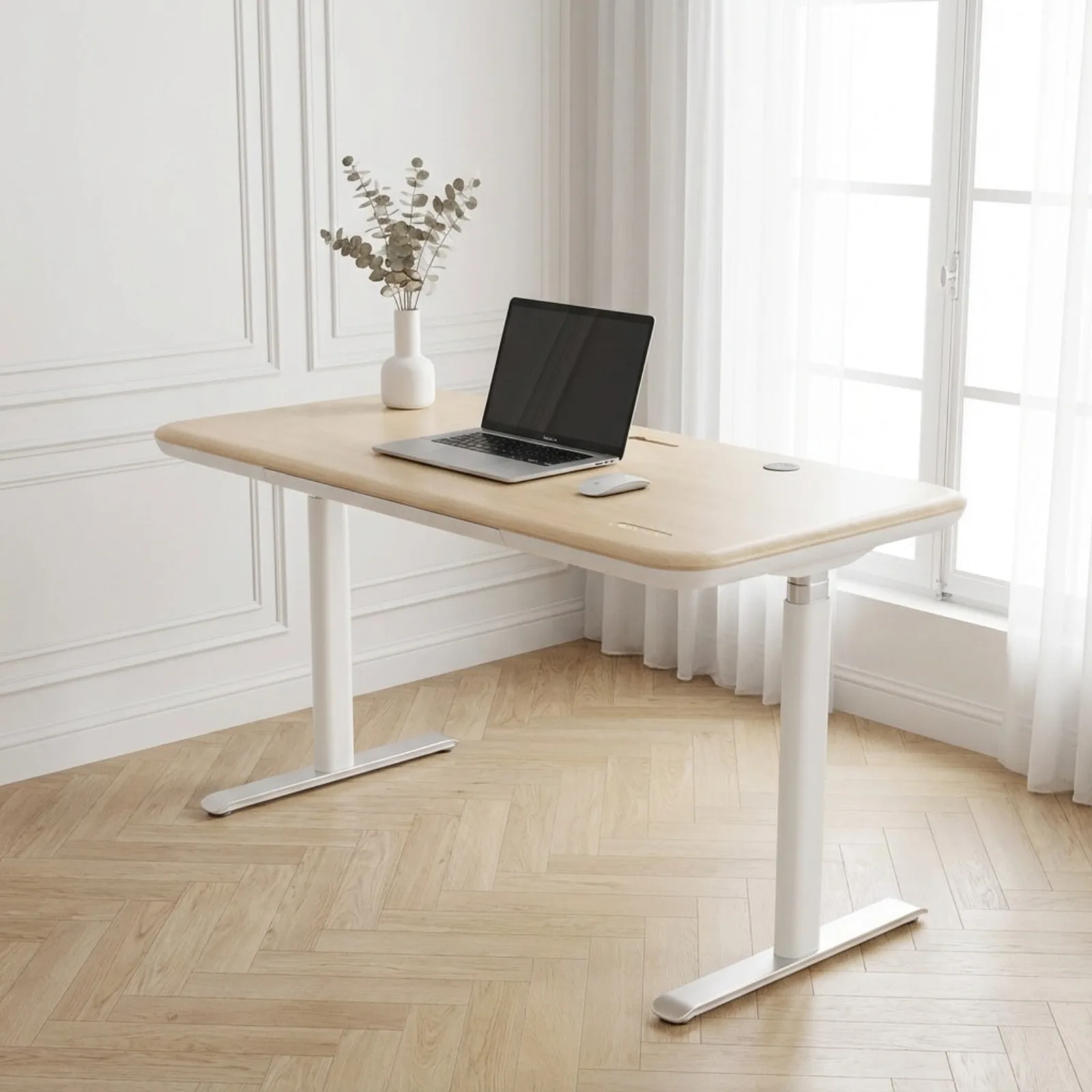 Photo: manufacturer
The smallest Lunar option is listed as 48 × 30 in; add the chair zone and full monitor-arm sweep.
Choose this when a 48-inch sit-stand surface fits the room and dual-screen height travel is worth the larger footprint.
The published fit is not fully consistent.
CTS300 screen-size conflict
The standalone CTS300 listing says up to 34 inches; the Compact Sanctuary page says 17–32 inches. Above 32 inches, ask Sunaofe to confirm the exact arm and also verify panel weight, VESA pattern, depth, and curve.
Policy and stock are checkout variables
Prices, variants, shipment timing, returns, packaging requirements, and warranty coverage can differ by item and order date. Check the selected cart, not a bundle headline, before paying.
Measure, then choose the exact product.
Frequently asked questions
What is the best home office setup for a small space?
The best setup is the one that fits both the static furniture and the operating zone. Start with clear room width and depth, then subtract desk depth, chair pull-out distance, walking route, physical monitor span, and arm sweep. The three bundles here solve different constraints rather than claiming one universal winner.
How much room should I leave behind an office chair?
Use your own measured pull-out and access route rather than a universal allowance. The chair body can fit while the room still fails because you cannot sit down, roll back, open a door, or pass behind it.
Does the CTS300 support 34-inch monitors?
Sunaofe’s standalone CTS300 page says up to 34 inches, while its Compact Sanctuary page says 17–32 inches. Treat 32–34-inch use as unverified until Sunaofe confirms the exact variant; screen weight, VESA pattern, depth, and curvature still matter.
Did WorkChoose test these setups?
No. This is a specification-backed planning guide using current manufacturer pages. WorkChoose did not assemble or stability-test the products. Run the layout calculator and verify every selected variant before ordering.
