
The finishing touches
Best dual monitor arms for standing desks: stability matters
A monitor arm that feels fine seated can wobble when the desk rises. Match the dual arm to the desktop, frame, monitor load, height range, and cable slack before moving two screens through the standing position.
Match the arm to the desk’s top, frame, monitor weight, and the height range you use.
Standing-desk owners moving two screens between seated and standing work.
Desk flex, clamp clearance, arm reach, and screen weight can matter more than the arm’s feature list.
Our take is based on published specifications and linked sources. We have not hands-on tested these products. Some links may earn a commission.
Buying links, offers & research notes Expand
Eligible CTS200 and CTS300 buttons use approved affiliate tracking only when active; otherwise they open manufacturer pages directly. UPLIFT is a direct comparison. WorkChoose did not hands-on test any arm or standing desk.
A closer look
Choose the height and mount evidence your desk is missing.
Start with a published fit signal, then verify the exact desktop, monitor, wall, cable, and desk-frame measurements below. An arm’s load or lift label does not certify the stability of the standing desk carrying it.
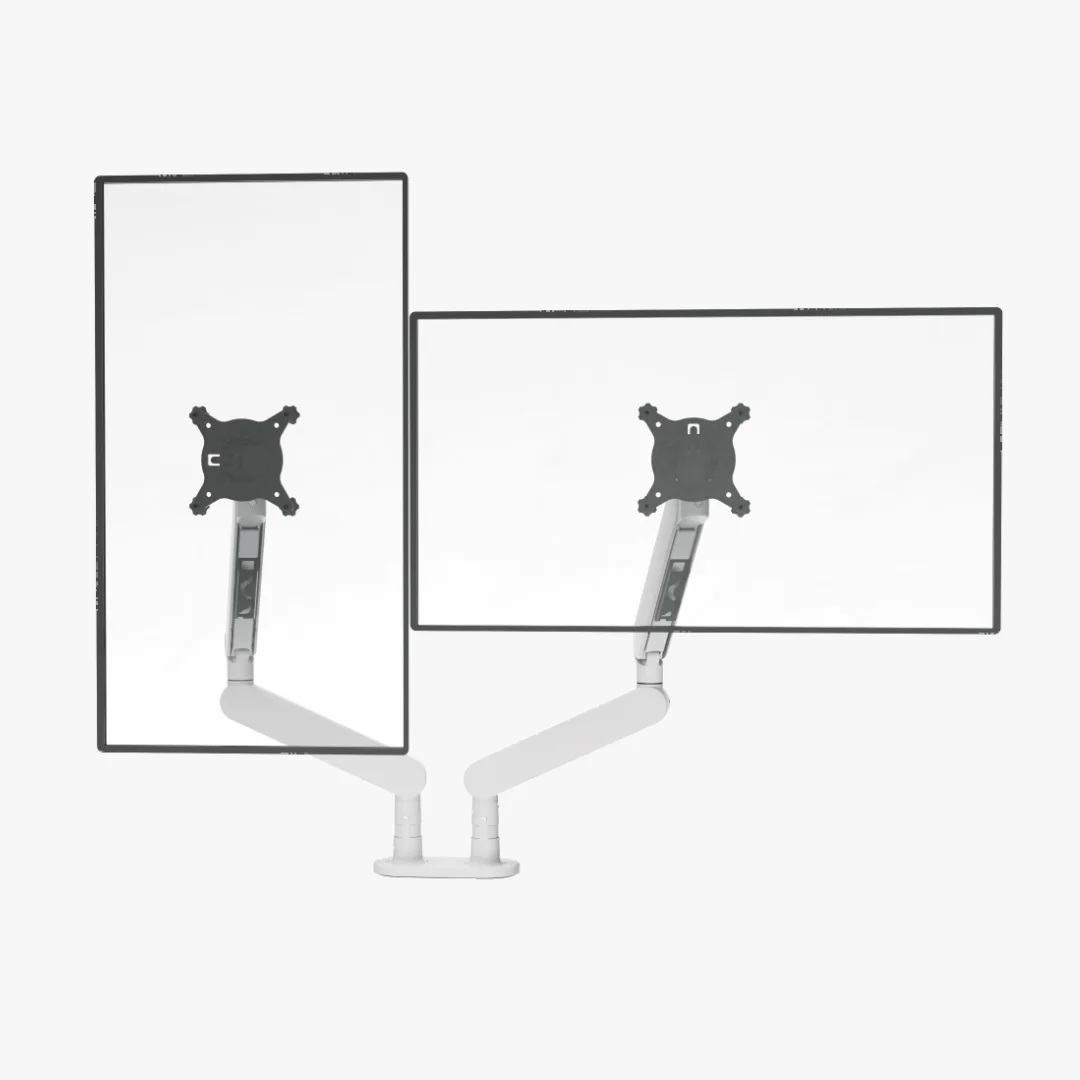 Photo: manufacturer
Sunaofe CTS300
Sunaofe
Standing-desk fit signal
2–9 kg per arm; 15–50 mm clamp range
Official specs checked September 4, 2026
See current price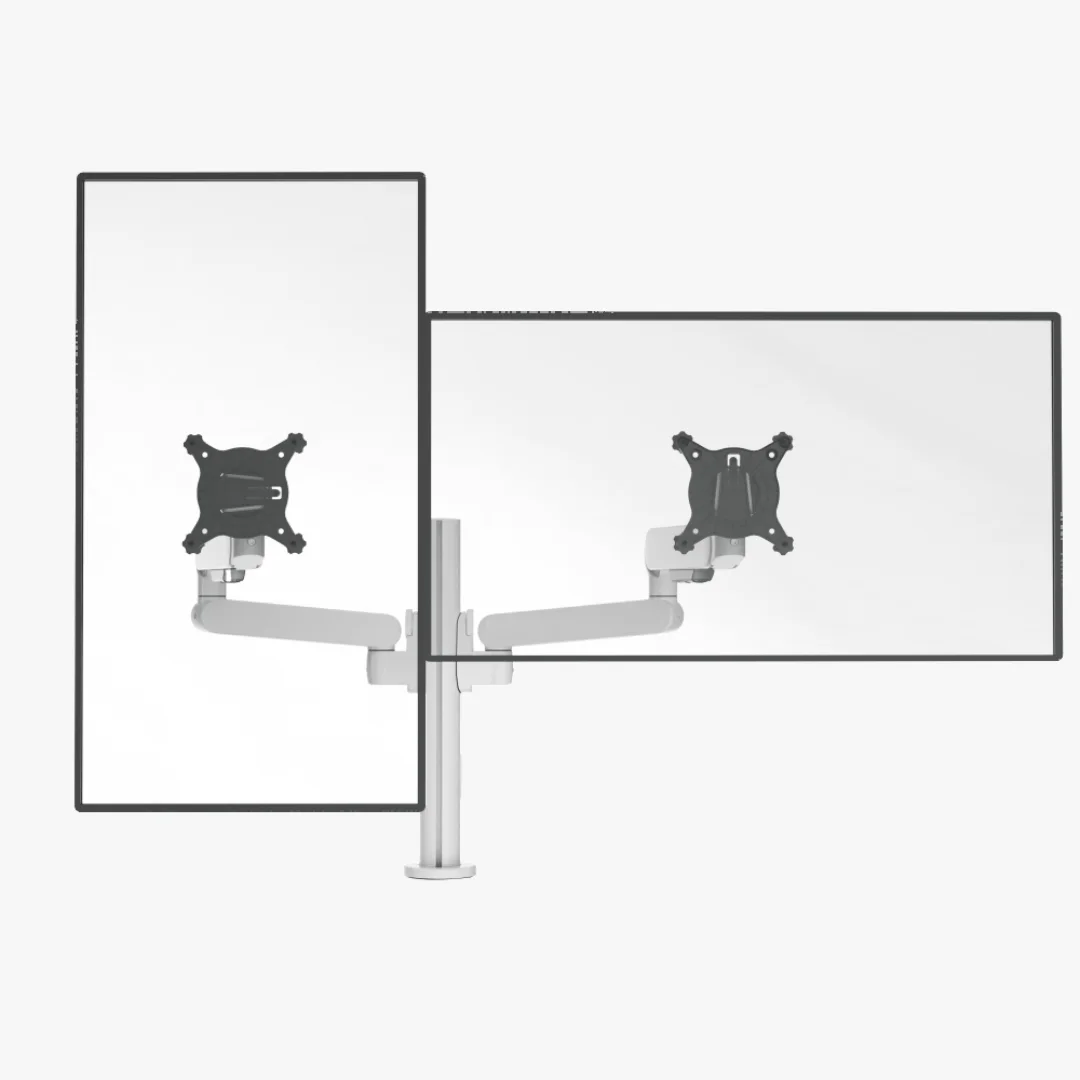 Photo: manufacturer
Sunaofe CTS200
Sunaofe
Package fit signal
Dual arm with stand; 250 mm lift published
Official specs checked September 4, 2026
See current price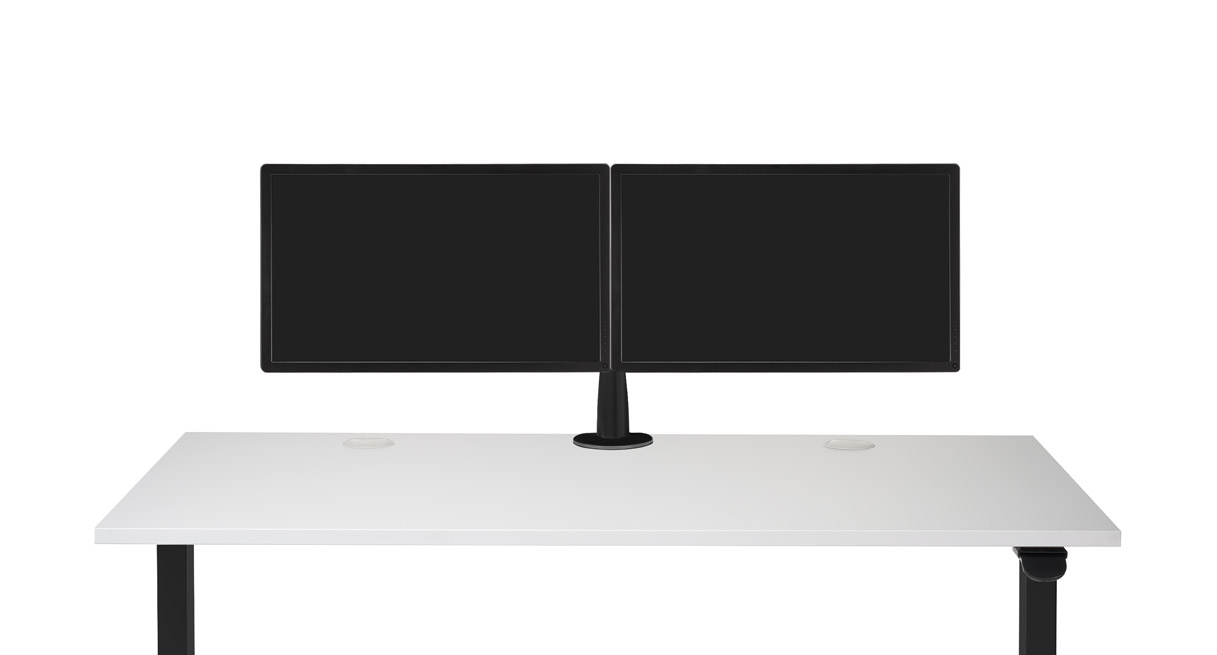 Photo: manufacturer
UPLIFT Range-X Dual
UPLIFT Desk
Height/mount signal
10.8–23.4 in VESA center; clamp or bolt-through
Official specs checked September 4, 2026
See current priceQuick answer
The monitor must move with the desk—not fight it.
Find the required monitor-center movement first. Then match each display's bare weight and VESA geometry, measure the solid clamp location, draw the two-screen span and rear sweep, and leave cable slack at both desk heights. A monitor arm rating is not a standing-desk stability rating.
| If your priority is... | Start with... | Why |
|---|---|---|
| Arm-only Sunaofe listing | CTS300 | The current title is Dual Modular Monitor Arm; confirm variant and the 32/34-inch source conflict. |
| With-stand package | CTS200 | Its product title includes “with Stand”; confirm the exact package and its path around the desk hardware. |
| Published height and mount dimensions | UPLIFT MON062 | The official sheet gives VESA-center height, clamp, bolt-through, reach, and back-of-desk width figures. |
Field-by-field comparison
The numbers that decide whether two screens survive desk travel.
This table uses official pages checked September 4, 2026. “Not published” is a finding, not an invitation to infer a number from a product photo. Arm limits are manufacturer claims; they do not establish the stability of your desk frame or desktop.
| Model | Monitor load / VESA | Height coverage | Clamp / rear fit | Two-screen width / depth | Cable / exit |
|---|---|---|---|---|---|
| Sunaofe CTS300Best starting point when you want the arm-only listing | 2–9 kg (4.4–19.8 lb) per arm, manufacturer-published 75 × 75 or 100 × 100 mm, manufacturer-published Standalone listing says up to 34 in; Compact Sanctuary page says 17–32 in | 250 mm lift published; VESA-center minimum/maximum relative to the desk is not published | 15–50 mm (0.59–1.97 in) on the standalone page; top-tightening clamp shown Installed rear depth, clamp underside path, and wall sweep are not published | No installed two-screen span published; use both panels’ outside widths and center gap | Cable-channel capacity and full seated-to-standing loop are not published; leave a relaxed loop $139.99 sale price shown for the monitor-arm variant Sunaofe lists a 60-day return window for eligible orders; packaging and possible repacking/damage fees apply |
| Sunaofe CTS200Best when the with-stand package is intentional | 2–9 kg (4.4–19.8 lb) per arm, manufacturer-published 75 × 75 or 100 × 100 mm per display, manufacturer-published Standalone listing says up to 34 in per arm; verify both panels independently | 250 mm lift published; the installed VESA-center range through a desk’s full travel is not published | 15–50 mm (0.59–1.97 in) on the standalone page; confirm the exact included package and underside path No installed rear depth published; the stand or rear hardware can change the usable clamp path | No installed two-screen span published; measure panel widths, center gap, desk depth, and arm sweep | The page does not publish cable capacity; route both display cables with slack at seated and standing heights $139.99 sale price shown for the monitor-arm variant Sunaofe lists a 60-day return window for eligible orders; original packaging and condition requirements apply |
| UPLIFT Range-X DualBest comparison when height and mounting numbers matter | 3.75–17.6 lb per arm, manufacturer-published 75 or 100 mm quick-release; 200 × 100 mm adapter offered separately Use the load, reach, and VESA specifications; diagonal size alone is not a fit test | 10.8–23.4 in VESA-center height; 12.6 in vertical articulation, per MON062 sheet | Clamp 0.75–3.75 in; bolt-through 0.6–2.1 in, manufacturer-published 4.5 in minimum stowed depth and up to 26.3 in forward reach; rear wall/rail can still block the path | 51.6 in maximum back-of-desk width in the official sheet; measure your actual panels and bezel gap | Integrated cable channels are described; measure a relaxed loop across every desk height $219 shown on the current UPLIFT US listing UPLIFT advertises a 30-day risk-free trial with free returns and free return shipping; recheck exclusions |
Prices, stock, variants, dispatch, and policy terms can change. WorkChoose did not independently verify the manufacturers' figures or test these products.
Fit-led picks
Pick the standing-desk constraint you need to remove.
Photo: manufacturer$139.99 sale price shown for the monitor-arm variant. Checked September 4, 2026; verify the exact finish, package, and availability on the linked listing.
Best starting point when you want the arm-only listing
Sunaofe CTS300 Dual Modular Monitor Arm
Best fit use: Choose it when both displays fit the 2–9 kg per-arm range, the 15–50 mm solid desktop edge is clear, and you can confirm the exact CTS300 variant for your standing-desk height path.
Screen-size claim
Standalone listing says up to 34 in; Compact Sanctuary page says 17–32 in
Bare-monitor load
2–9 kg (4.4–19.8 lb) per arm, manufacturer-published
VESA
75 × 75 or 100 × 100 mm, manufacturer-published
Height coverage
250 mm lift published; VESA-center minimum/maximum relative to the desk is not published
Clamp / desk fit
15–50 mm (0.59–1.97 in) on the standalone page; top-tightening clamp shown
Rear / wall fit
Installed rear depth, clamp underside path, and wall sweep are not published
Two-screen span
No installed two-screen span published; use both panels’ outside widths and center gap
Cable travel
Cable-channel capacity and full seated-to-standing loop are not published; leave a relaxed loop
Choose it
Choose it when both displays fit the 2–9 kg per-arm range, the 15–50 mm solid desktop edge is clear, and you can confirm the exact CTS300 variant for your standing-desk height path.
Skip or verify
Skip or ask Sunaofe first when you need a documented VESA-center height range, a grommet dimension, a known rear envelope, or a display above 32 inches without written variant confirmation.
Returns: Sunaofe lists a 60-day return window for eligible orders; packaging and possible repacking/damage fees apply
Warranty: Sunaofe’s current warranty page lists five years for monitor-arm hardware and mechanisms against qualifying defects
Photo: manufacturer$139.99 sale price shown for the monitor-arm variant. Checked September 4, 2026; verify the exact finish, package, and availability on the linked listing.
Best when the with-stand package is intentional
Sunaofe CTS200 Dual Modular Monitor Arm with Stand
Best fit use: Choose it when the exact “with stand” package is what your setup needs and both monitors pass their own weight, VESA, shell-clearance, desk-edge, and height checks.
Screen-size claim
Standalone listing says up to 34 in per arm; verify both panels independently
Bare-monitor load
2–9 kg (4.4–19.8 lb) per arm, manufacturer-published
VESA
75 × 75 or 100 × 100 mm per display, manufacturer-published
Height coverage
250 mm lift published; the installed VESA-center range through a desk’s full travel is not published
Clamp / desk fit
15–50 mm (0.59–1.97 in) on the standalone page; confirm the exact included package and underside path
Rear / wall fit
No installed rear depth published; the stand or rear hardware can change the usable clamp path
Two-screen span
No installed two-screen span published; measure panel widths, center gap, desk depth, and arm sweep
Cable travel
The page does not publish cable capacity; route both display cables with slack at seated and standing heights
Choose it
Choose it when the exact “with stand” package is what your setup needs and both monitors pass their own weight, VESA, shell-clearance, desk-edge, and height checks.
Skip or verify
Skip or verify first when you want a clearly arm-only package, the selected finish has a long transit notice, or you cannot confirm which stand/tray parts are included before checkout.
Returns: Sunaofe lists a 60-day return window for eligible orders; original packaging and condition requirements apply
Warranty: Sunaofe’s current warranty page lists five years for monitor-arm hardware and mechanisms against qualifying defects
Photo: manufacturer$219 shown on the current UPLIFT US listing. Checked September 4, 2026; verify the exact finish, package, and availability on the linked listing.
Best comparison when height and mounting numbers matter
UPLIFT Range-X Dual Monitor Arm
Best fit use: Choose it when you need a published VESA-center height range, bolt-through option, wider clamp range, or documented rear/reach dimensions to plan a sit-stand setup.
Screen-size claim
Use the load, reach, and VESA specifications; diagonal size alone is not a fit test
Bare-monitor load
3.75–17.6 lb per arm, manufacturer-published
VESA
75 or 100 mm quick-release; 200 × 100 mm adapter offered separately
Height coverage
10.8–23.4 in VESA-center height; 12.6 in vertical articulation, per MON062 sheet
Clamp / desk fit
Clamp 0.75–3.75 in; bolt-through 0.6–2.1 in, manufacturer-published
Rear / wall fit
4.5 in minimum stowed depth and up to 26.3 in forward reach; rear wall/rail can still block the path
Two-screen span
51.6 in maximum back-of-desk width in the official sheet; measure your actual panels and bezel gap
Cable travel
Integrated cable channels are described; measure a relaxed loop across every desk height
Choose it
Choose it when you need a published VESA-center height range, bolt-through option, wider clamp range, or documented rear/reach dimensions to plan a sit-stand setup.
Skip or verify
Skip or verify first when either monitor is below the 3.75-lb minimum, your desk cannot accept the exact mount, or the long reach would put too much leverage on a light or flexible desktop.
Returns: UPLIFT advertises a 30-day risk-free trial with free returns and free return shipping; recheck exclusions
Warranty: The MON062 specification sheet lists a 15-year UPLIFT Desk product warranty; verify current accessory terms
Standing-desk fit worksheet
Measure the full sit-to-stand path before checkout.
Fill this beside the exact product page. The worksheet keeps the decision grounded in geometry rather than arm marketing. A PASS means the published limits appear to fit; it is not a safety, comfort, or whole-desk stability certification.
| Measure | Write it down | Why it matters |
|---|---|---|
| Desk height at both ends | Lowest desktop: ______ in | highest desktop: ______ in | Measure the real desktop surface, including any mat or riser. The arm must place the monitor correctly at both seated and standing heights. |
| Desired monitor-center travel | Seated center: ______ in | standing center: ______ in | travel needed: ______ in | Add the monitor’s VESA-to-panel-center offset. An arm’s advertised lift is not automatically its VESA-center range relative to your desktop. |
| Bare monitor weight | Monitor 1: ______ lb | monitor 2: ______ lb | arm accessories: ______ lb | Remove both factory stands. Compare each display and anything carried by that arm with the per-arm range; do not compare only the combined weight. |
| VESA and rear shell | Pattern: ______ × ______ mm | screw depth: ______ | recess: ______ | 75 or 100 mm identifies the hole pattern only. Check screw depth, spacers, rear-shell clearance, and cable-port access on each monitor. |
| Desk clamp and rear obstruction | Solid thickness: ______ | clamp/hole: ______ | rail, drawer, or tray: ______ | Measure at the exact mount location. A matching thickness can still fail when a standing-desk crossbar, drawer, cable tray, wall, or hollow top blocks the hardware. |
| Two-screen width and depth | Outside width 1: ______ + gap: ______ + outside width 2: ______ | Use the physical panel widths, then draw arm joints, keyboard depth, laptop position, chair space, and the wall. Diagonal screen inches are not desktop width. |
| Cable slack through full travel | Seated loop: ______ | standing loop: ______ | pinch points: ______ | Leave a relaxed loop at the lowest and highest desk positions. A taut cable can pull on a display, snag a moving column, or become a trip and pinch hazard. |
| Desk stability boundary | Highest-position load info: ______ | frame/top notes: ______ | The arm’s load label does not certify the standing desk. Check the desk maker’s own load and stability information and treat extended screens as added leverage. |
PASS
Both monitors are inside the per-arm load and VESA limits; the clamp path, two-screen drawing, required center travel, cable loop, and desk-maker limits all leave usable margin.
TIGHT
Published limits fit, but the highest desk position, rear wall, arm reach, screen gap, clamp hardware, cable loop, or whole-desk leverage leaves little margin. Ask the manufacturer before ordering.
OUT
A monitor exceeds a published load or geometry limit, the mount cannot attach to the desk, the required monitor-center travel is unavailable, or the screen sweep/cable path hits an obstruction.
Source conflict to resolve
CTS300: 34 inches on one page, 32 on another.
The standalone CTS300 listing says up to 34 inches, while Sunaofe's Compact Sanctuary System page gives CTS300 a 17–32-inch range. These are both official Sunaofe sources. If either display is above 32 inches, ask Sunaofe to confirm the exact variant in writing, then check bare weight, VESA recess, panel width, reach, and the standing desk's rear clearance.
Standing-desk boundary
An arm rating does not rate the desk.
Two extended monitors add leverage above a moving frame. An arm specification cannot correct a flexible desktop, a light or tall base, uneven flooring, loose hardware, a monitor cable pulling against the column, or a desk that is already unstable at maximum height. Check the desk maker's own load and stability information and keep the screens close to the columns when possible.
Compare standing desks for two monitorsWhat this page does not prove
Published arm limits narrow the search; they do not replace a standing-desk fit check.
No hands-on test
WorkChoose did not install, load, measure, or vibration-test these arms. Manufacturer images are visual identification aids, not WorkChoose photographs.
No whole-desk stability claim
Load, reach, clamp pressure, desktop construction, frame height, floor contact, and cable tension interact. A larger arm load label does not guarantee a motion-free screen.
No medical promise
This guide does not claim that a monitor arm or standing desk treats, prevents, or relieves pain, injury, or any medical condition.
Continue the decision
Check the desk, arm package, and room geometry next.
Best dual monitor arms
Compare dual-arm load, VESA, desk thickness, rear clearance, width, reach, and return friction beyond the standing-desk lens.
Read nextSunaofe CTS200 vs CTS300
Resolve the package, variant, 32/34-inch, clamp, price, warranty, and return-policy questions between the two products.
Read nextBest standing desks for dual monitors
Match desktop width, depth, maximum height, rear clamp space, load, stability evidence, and cable slack to the arms above.
Read nextDual-monitor desk-size calculator
Work out the desktop width and depth your two panels, arms, keyboard, laptop, and chair route need.
Read nextMonitor arms for 34-inch ultrawides
Use bare monitor weight, VESA recess, curved-shell clearance, reach, clamp, and wall sweep for one large display.
Read nextHome office layout calculator
Check the room footprint, desk, chair route, monitor span, and optional walking-pad footprint together.
Read nextFrequently asked questions
What is the best dual monitor arm for a standing desk?
There is no universal winner because a standing-desk arm has to fit both the displays and the desk’s full height path. Start with Sunaofe CTS300 when its arm-only package, 2–9 kg per-arm range, 15–50 mm clamp range, and exact variant fit your desk. Choose CTS200 when the with-stand package is intentional. Use UPLIFT Range-X as the comparison point when you need published VESA-center height, bolt-through mounting, rear depth, and two-screen width figures. None of these arm specifications proves whole-desk stability.
How do I know whether a monitor arm works through sit-to-stand height?
Record the desk-top height at the lowest seated position and the highest standing position. Then calculate the desired monitor-center height at each position, including the monitor’s VESA-to-panel-center offset. Compare that required center movement with the arm’s published VESA-center travel. Sunaofe publishes a 250 mm lift but not a complete VESA-center range relative to the desk; UPLIFT publishes a 10.8–23.4-inch VESA-center height and 12.6-inch vertical articulation. Verify the exact installed geometry rather than equating desk travel with arm lift.
How much monitor weight can CTS200 and CTS300 hold?
Sunaofe lists 2–9 kg, or about 4.4–19.8 lb, per arm for the standalone CTS200 and CTS300 pages. Weigh each monitor without its factory stand and include any camera, light, laptop tray, or other accessory carried by that arm. A maximum load label is not a guarantee of smooth movement, long-term durability, or a stable standing desk at the highest position.
Can CTS300 hold a 34-inch monitor on a standing desk?
The standalone CTS300 listing says up to 34 inches, while Sunaofe’s Compact Sanctuary System page gives CTS300 a narrower 17–32-inch range. Those official pages conflict. If either display is above 32 inches, ask Sunaofe to confirm the exact variant in writing, then check bare weight, VESA recess, panel width, arm reach, desk depth, and wall clearance. Screen diagonal alone is not enough.
What desk thickness and rear clearance do I need?
Measure the solid desktop at the exact clamp location, not just the front edge. The standalone Sunaofe pages list 15–50 mm, while UPLIFT MON062 lists a 0.75–3.75-inch clamp range and a 0.6–2.1-inch bolt-through range. Also draw the underside path: a rear rail, drawer, cable tray, leg, wall, or hollow section can block a clamp even when thickness matches. A standing desk needs this check at its real rear edge and cable route.
How wide should my standing desk be for two monitors on an arm?
Add the actual outside width of monitor one, the center gap, and monitor two; then reserve room for arm joints, a keyboard, a laptop, and side clearance. Do not use diagonal inches as the desktop width. UPLIFT publishes a 51.6-inch maximum back-of-desk width for MON062, but that is not a universal recommended desk width and does not account for your bezels, reach, wall, or chair position. Use the dual-monitor desk-size calculator for the desktop geometry.
Will a monitor arm make my standing desk wobble?
It can change the leverage on the desk, especially when the monitors are extended or the desk is at maximum height, but the arm’s load rating cannot certify the desk frame, top, feet, floor, or whole setup. Keep the screens close to the column when possible, check the desk manufacturer’s load and stability information, leave cable slack, and treat a tall or flexible desk as a separate stability question.
Did WorkChoose test these arms on a standing desk?
No. WorkChoose did not receive, assemble, load, measure, or vibration-test these products. This is a source-backed fit guide. Manufacturer images and specifications help identify the candidate and its published limits; they do not replace measuring your desk, monitor, cable path, or whole-desk stability.
