
1. Weigh it without the stand
Use the exact monitor model’s net weight without its factory stand. Do not use shipping weight. Include any camera, light, or other accessory that will ride on the arm.
The finishing touches
An ultrawide puts more leverage on the arm and more demands on the desk clamp. Check screen weight, VESA support, reach, and rear clearance against your actual desktop before giving up the factory stand before buying the arm.
Confirm the ultrawide’s weight and VESA pattern, then inspect the desk edge and arm reach.
Ultrawide owners replacing a stand or freeing desk space for a cleaner setup.
A long panel can sag, wobble, or hit a wall even when the listed weight looks acceptable.
Our take is based on published specifications and linked sources. We have not hands-on tested these products. Some links may earn a commission.
Eligible Sunaofe buttons use approved affiliate tracking only when active; otherwise they open manufacturer pages directly. Product order follows fit evidence, not commercial status. Specs checked September 4, 2026. We did not hands-on test these arms.
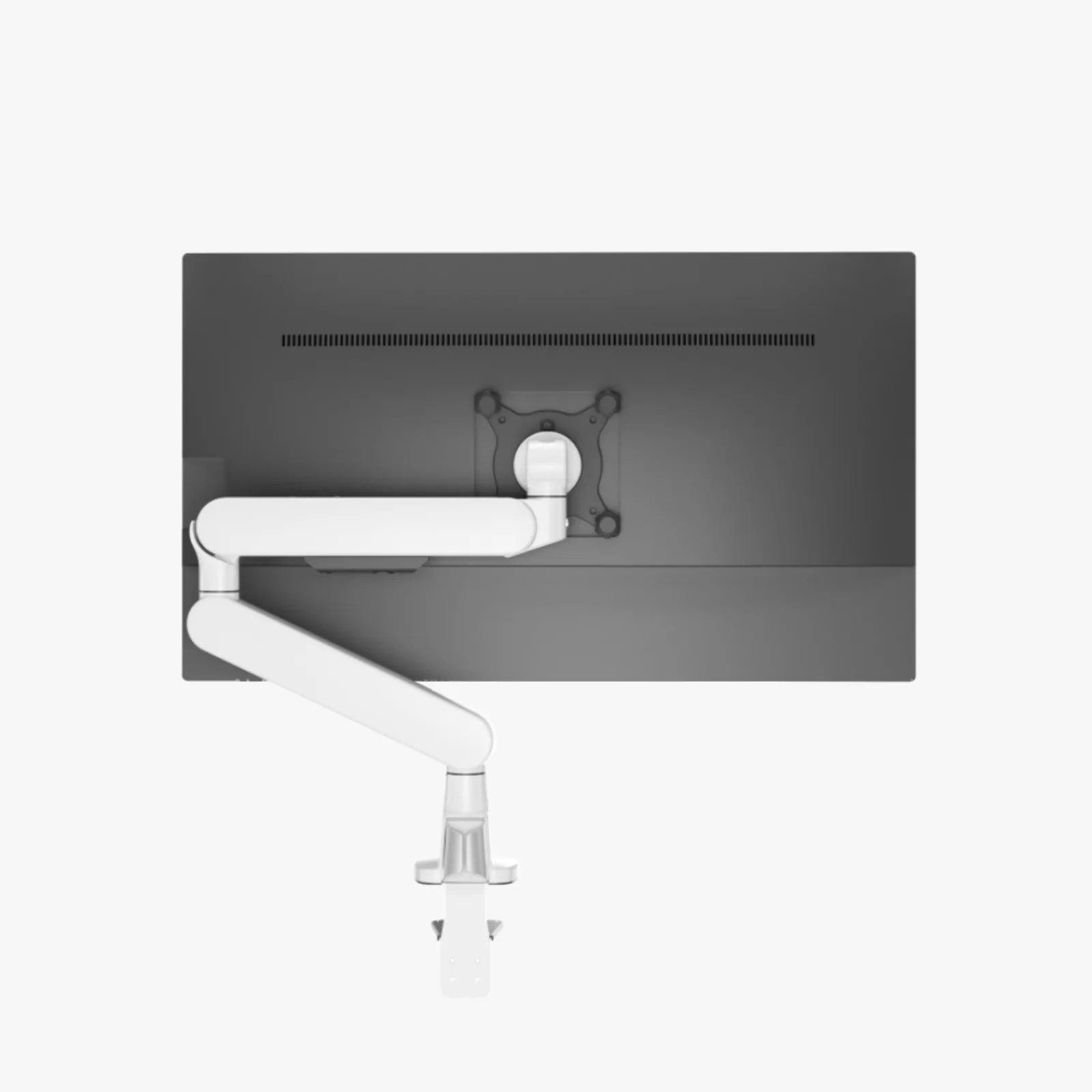 Photo: manufacturer
Bare weight
4.4–19.8 lb
VESA
75 / 100 mm
Desk range
0.59–1.97 in
Forward reach
Not published
Do not buy from the 34-inch label alone.
A 34-inch curved monitor can match VESA 100 × 100 and still fail because it is too heavy without the stand, the holes sit in a deep recess, the VESA plate hits the shell, or the arm cannot reach the desired screen position without hitting the wall. CTS300 also has conflicting official 32-inch and 34-inch limits.
Quick decision
CTS100 is the cleanest single-screen Sunaofe option. LX Pro is the better-documented non-commission comparison. CTS200 and CTS300 belong only in a planned two-display setup.
| Arm | Use case | Bare weight | VESA | Reach | Desk attachment | 34-inch caveat |
|---|---|---|---|---|---|---|
Sunaofe CTS100 Best Sunaofe starting point for one ultrawide | One 34-inch ultrawide within the published load and VESA limits | 4.4–19.8 lb (2–9 kg), manufacturer-published | 75 × 75 or 100 × 100 mm | 9.8 in (250 mm) height adjustment; no clear installed forward-reach dimension published | 15–50 mm (0.59–1.97 in) desktop/clamp range; clamp and through-desk routes appear in the manual | Up to 34 in, manufacturer-published |
Ergotron LX Pro Best-documented reach and mounting comparison | One ultrawide when published reach and clamp/grommet dimensions matter | 4–22 lb (1.8–10 kg), manufacturer-published | 75 × 75 or 100 × 100 mm (MIS-D) | Up to 25 in (64 cm) extension; 12.6 in (32 cm) lift | Standard clamp: 0.4–2.4 in; factory grommet version supports desks up to 2.4 in with a 0.39–2 in hole | Fit should be decided by load and VESA, not diagonal alone |
Sunaofe CTS200 Best only when a second display and stand are intentional | A two-screen layout whose exact CTS200 package fits the desk | 4.4–19.8 lb (2–9 kg) per arm, manufacturer-published | 75 × 75 or 100 × 100 mm per display | 9.8 in (250 mm) height adjustment; installed two-screen span and forward reach are not published | 15–50 mm (0.59–1.97 in) published clamp range; exact included stand and underside path need confirmation | Up to 34 in per published arm; verify both panels independently |
Sunaofe CTS300 Alternative dual-arm layout, with a 32/34-inch caveat | Two monitors after exact-variant confirmation from Sunaofe | 4.4–19.8 lb (2–9 kg) per arm, manufacturer-published | 75 × 75 or 100 × 100 mm per display | 9.8 in (250 mm) height adjustment; installed two-screen span and forward reach are not published | Standalone page says 15–50 mm; Sunaofe’s Compact Sanctuary page publishes a different range for CTS300 | Standalone listing says up to 34 in; Compact Sanctuary page says 17–32 in |
Use the exact monitor model’s net weight without its factory stand. Do not use shipping weight. Include any camera, light, or other accessory that will ride on the arm.
Record VESA spacing, hole depth, screw size, recess dimensions, curved-shell interference, and whether the ports remain reachable after the plate is installed.
Mark the desired VESA center, then measure required forward reach, lift, side sweep, clamp underside space, desk thickness, and wall clearance.
Detailed picks
Photo: manufacturerBest Sunaofe starting point for one ultrawide
Choose when
Choose it when you have one ultrawide, its bare weight is 4.4–19.8 lb, its VESA plate is exposed, and the 15–50 mm desk location is unobstructed.
Pause when
Skip or ask first if the monitor exceeds 19.8 lb, its VESA mount sits inside a deep recess, or you need a published reach or minimum wall-distance number.
Best-documented reach and mounting comparison
Choose when
Choose it when your bare monitor is 4–22 lb and you need a documented 25-in reach or a clearly specified clamp/grommet route.
Pause when
Skip or verify first if the display is over 22 lb, under the 4-lb minimum, needs a larger VESA pattern, or the desk cannot accept the exact attachment SKU.
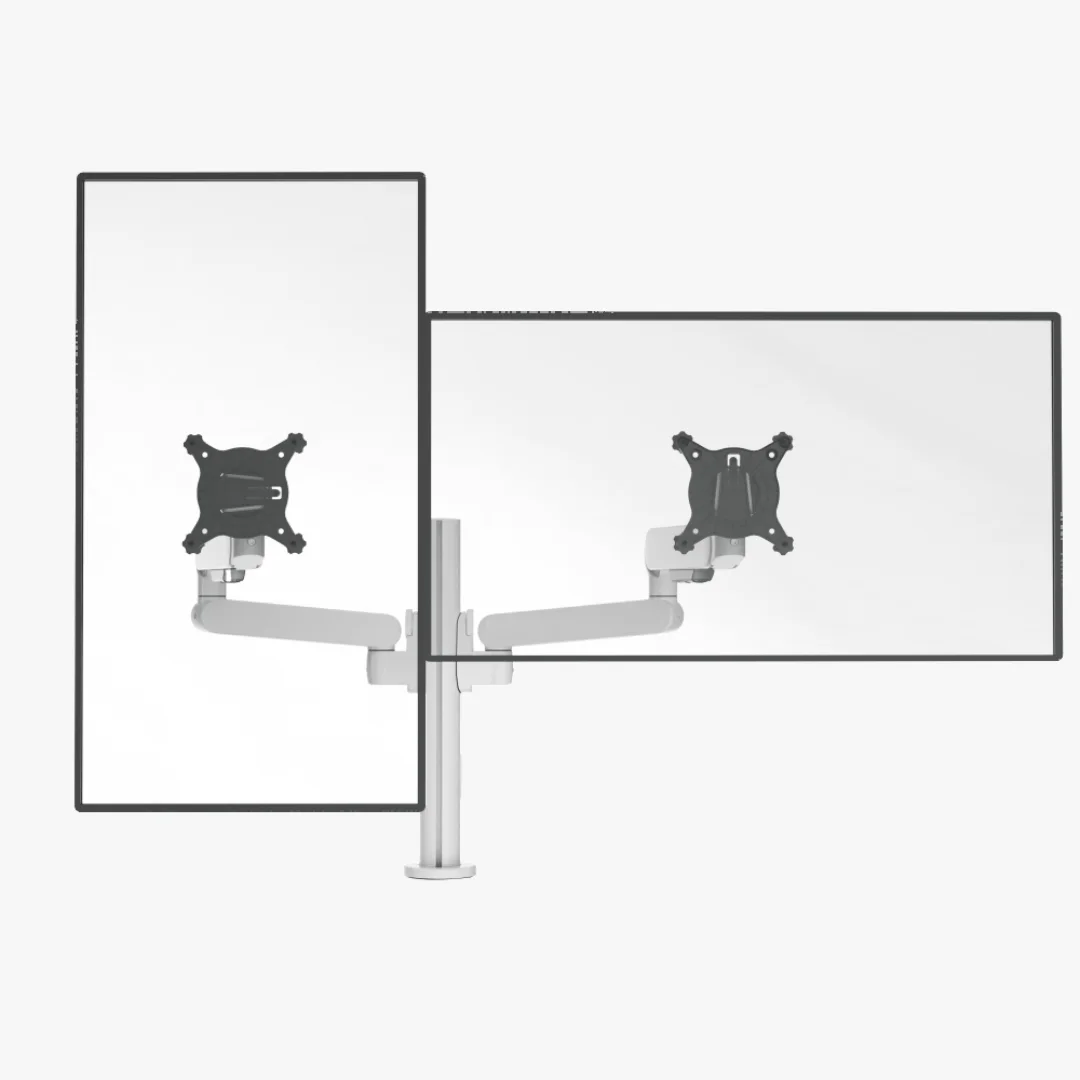 Photo: manufacturer
Best only when a second display and stand are intentional
Choose when
Choose it only if you want two displays, the “with stand” package is confirmed, and both monitors independently pass weight, VESA, shell, and reach checks.
Pause when
Skip it for a simple one-ultrawide setup. A dual package adds hardware and fit questions without improving the published per-arm load range.
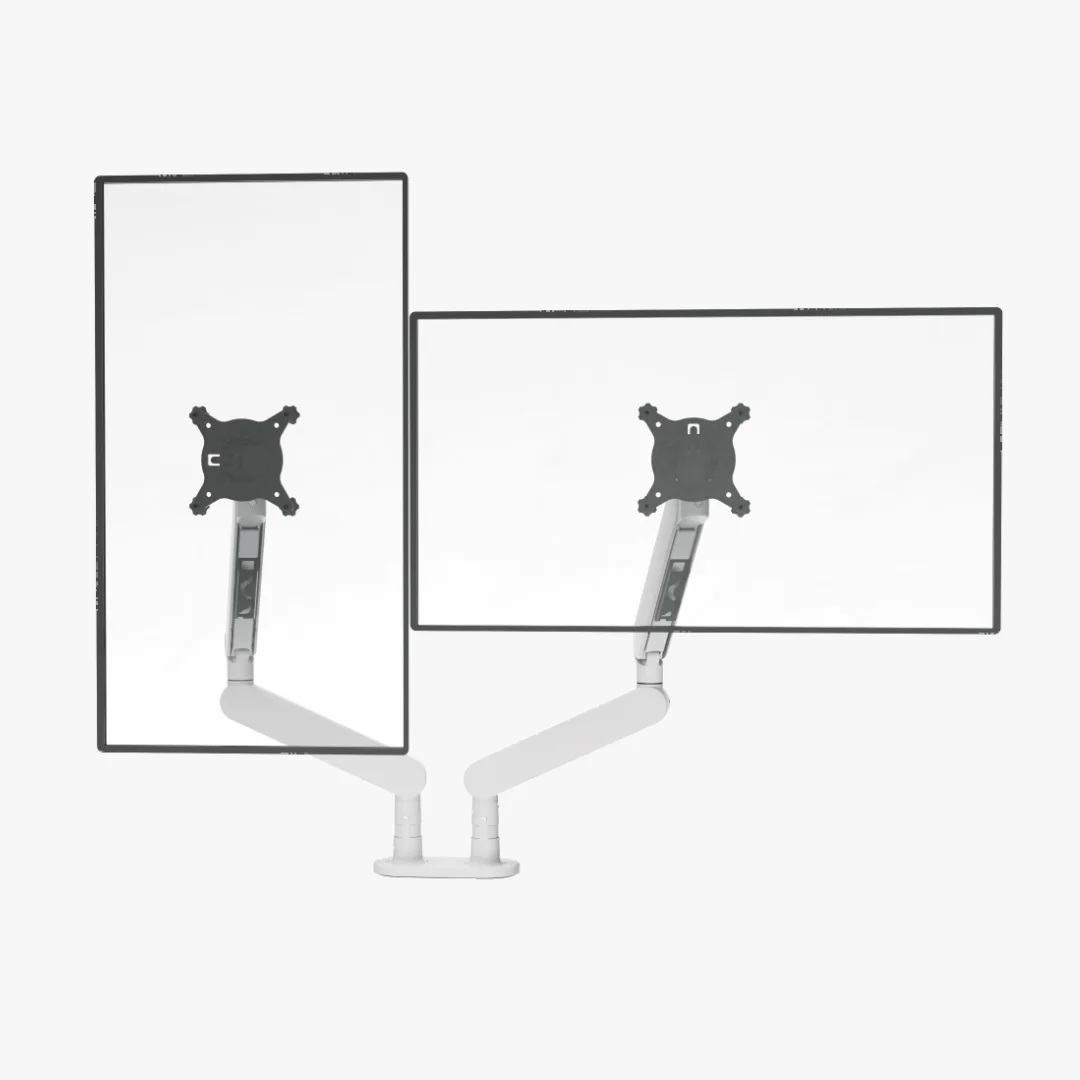 Photo: manufacturer
Alternative dual-arm layout, with a 32/34-inch caveat
Choose when
Choose it only after Sunaofe confirms the exact CTS300 variant for your 34-inch model and both monitors pass all physical checks.
Pause when
Skip or pause when the 32/34-inch source conflict matters, when you need a single arm, or when rear reach cannot be measured before purchase.
Write these down for the exact monitor and the exact clamp point. If one is unknown, the fit is not yet proven.
Monitor net weight without the factory stand—and any arm-mounted accessories.
VESA pattern, recess width/depth, screw size, spacer need, and cable-port clearance.
Solid desk thickness plus the unobstructed underside depth required by the clamp plate.
Desired VESA-center height and distance from the mounting point, not just screen height.
Rear sweep to the wall and relaxed cable length through every intended arm position.
This is a spec-backed comparison, not a hands-on test. WorkChoose did not mount a 34-inch ultrawide to these arms, measure sag, evaluate long-term joint tension, or test vibration. Manufacturer load and size claims are not stability guarantees.
Main official sources: CTS100, CTS200, CTS300, Sunaofe installation guide, Compact Sanctuary specification, and Ergotron LX Pro sheet.
Start with the monitor’s weight without its factory stand, VESA pattern, rear-shell shape, and desired reach. Sunaofe CTS100 is the simplest single-arm candidate here when the display is 4.4–19.8 lb and VESA 75 or 100. Ergotron LX Pro publishes a wider 4–22-lb range and 25-inch extension. Neither is a fit merely because a listing mentions 34 inches.
Sunaofe lists CTS100 for screens up to 34 inches and 2–9 kg. That claim does not identify your exact monitor, prove that a recessed or curved rear shell clears the plate, or guarantee stability at full reach. Match the monitor’s bare weight and VESA geometry before ordering.
No. VESA identifies the mounting-hole pattern. You must also check bare monitor weight, screw size and depth, whether the holes sit in a recess, whether the plate hits the curved shell, cable-port access, and the arm’s reach at your desk.
Use a single arm for one ultrawide unless you have a defined second-screen plan. CTS200 and CTS300 are dual-monitor products; their presence here is for shoppers adding a second display, not because two arms make one ultrawide easier to mount.
There is no universal number. The arm elbow, VESA head, curved panel corners, and cables trace different arcs as the display moves. Ergotron publishes up to 25 inches of extension, but that is not a minimum wall gap. Mock the desired VESA-center position and measure the full rear sweep.
No. WorkChoose did not receive, assemble, load, or measure these arms. This is a manufacturer-spec-backed fit comparison. Published limits are separated from unverified installed dimensions so you can identify what still needs measuring.
Keep exploring
Monitor arms / The guide
Check VESA, total load, clamp opening, and reach before choosing a mechanism or finish.
Read the guide
Monitor arms / The guide
Pick by Mac model, monitor count, host power, and comfort with the DisplayLink app.
Read the guideMonitor arms / The guide
Match each 32-inch panel weight and VESA to the arm, then confirm clamp, depth, reach, and cable slack.
Read the guide