The finishing touches
Sunaofe CTS100 review: a single monitor arm fit check
The CTS100 only earns its space if the monitor, desk edge, and viewing height line up. Check the clamp, VESA pattern, reach, and cable route against the screen and desktop before installing a single arm.
A single-arm option for a known monitor and desk fit, after checking clamp and VESA details.
Desk owners freeing useful space around one monitor.
Arm reach and stability depend on the screen weight, desktop thickness, and rear clearance.
Our take is based on published specifications and linked sources. We have not hands-on tested these products. Some links may earn a commission.
Buying links, offers & research notes Expand
Price checked September 3, 2026: $99.99 shown for the monitor-arm variant on Sunaofe’s product page. The tray-only option and other variants show different prices; stock, shipping, and terms can change.
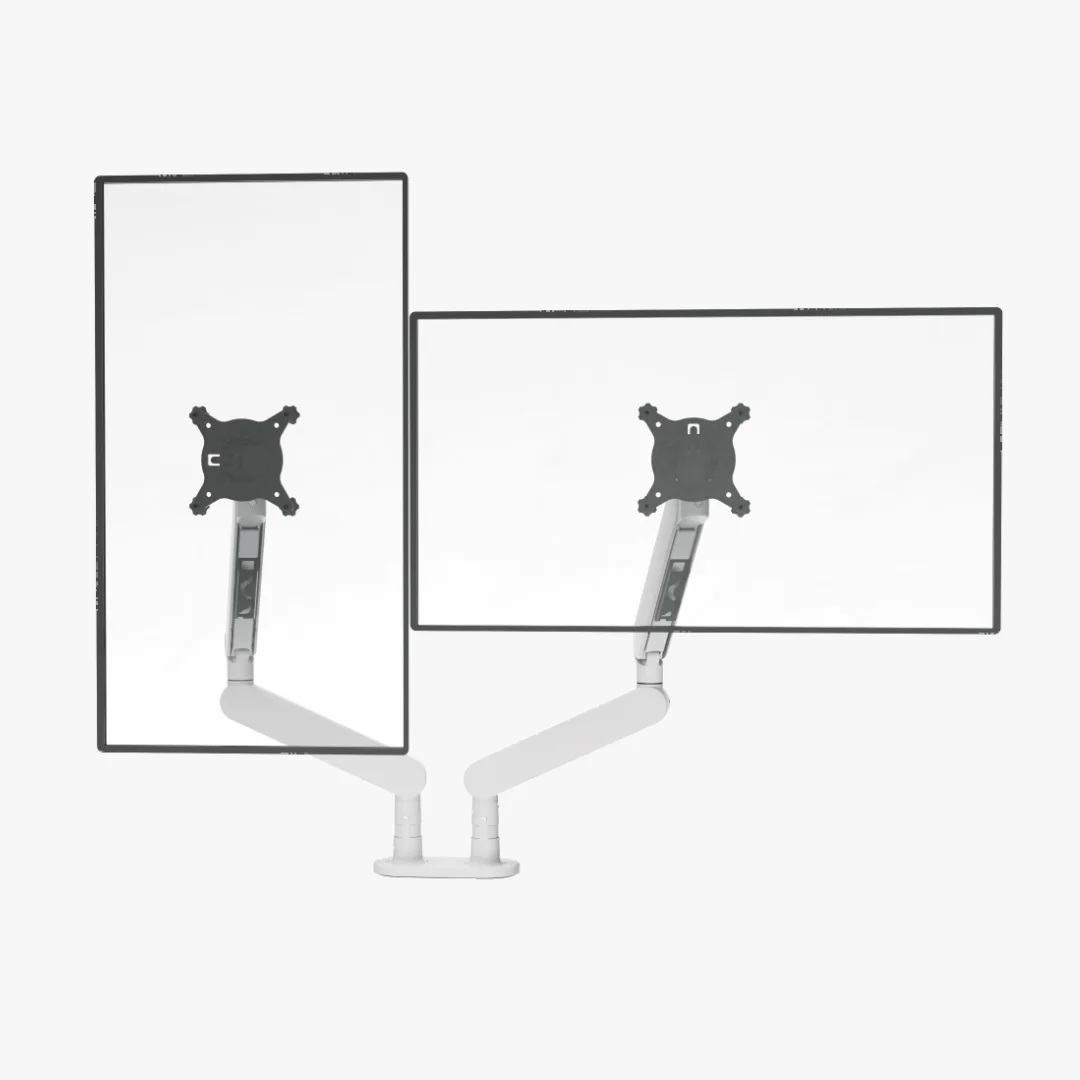
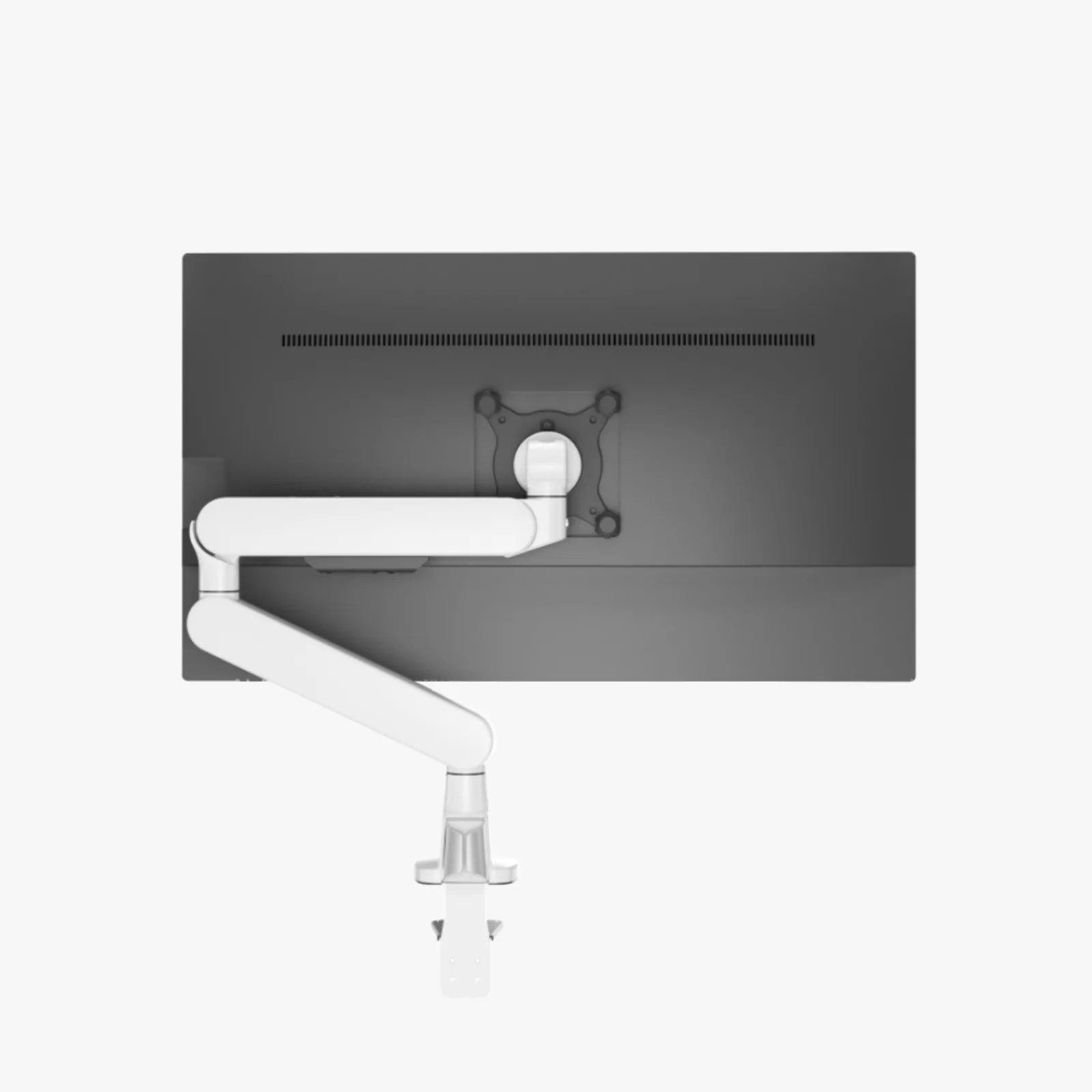 Photo: manufacturerPhoto: manufacturerPhoto: manufacturer
Official Sunaofe Shopify CDN images; not WorkChoose photography.
Arm price checked
$99.99
Screen limit
≤34 in
Listed capacity
2–9 kg
Desk / clamp
15–50 mm
The short answer
A plausible single-monitor upgrade—if the desk edge and monitor geometry check out.
Why it is interesting
The current listing combines a 250 mm height adjustment, a published 2–9 kg arm range, VESA 75/100 support, tension adjustment, and a top-mount installation claim. That is a useful starting package for one display on a home-office or sit-stand desk.
The fit decision
Measure the monitor without its factory stand, the solid desk thickness at the clamp, and the clearance behind the desktop. A VESA match and a screen-size limit do not prove that the arm can travel without touching a wall or a cable tray.
The honest caveat
The sources do not give a complete installed reach drawing, monitor-depth envelope, rear-obstruction diagram, or a standing-desk stability result. The swivel wording also needs an exact-joint interpretation before it becomes a room plan.
Manufacturer-listed specifications
What the current CTS100 sources say—and what they leave open.
The primary source is Sunaofe’s current CTS100 product page; the MA005-CTS100 manual supplies installation and dimension details. These are published claims, not WorkChoose measurements.
| Check | Published value | How to use it |
|---|---|---|
| Model / use | MA005-CTS100 · single monitor arm | Confirm the selected product option is the arm, not the separate laptop-tray-only variant. |
| Screen size | Up to 34 in | A diagonal limit is not a reach or depth drawing. Measure the monitor body and the desired screen position. |
| Weight capacity | 2–9 kg | Weigh the display without its factory stand. This is a manufacturer limit, not an independent load or vibration test. |
| VESA | 75 × 75 mm or 100 × 100 mm | Check the hole pattern, screw depth, rear recess, and whether the supplied plate sits flat. |
| Movement | 250 mm lift · -10° to +90° tilt · ±90° pivot · 180°/360° swivel wording | The sources do not give one plain-language installed reach figure. Verify the wall, desk edge, and cable loop at the actual arm position. |
| Desk / clamp | 15–50 mm desktop thickness and 15–50 mm clamp range | Measure the solid desktop at the exact location. Check rear lips, legs, drawers, trays, and grommet access. |
| Installation paths | Base, desk clamp, and through-desk paths shown in the manual; top-mount claim on product page | Use the supplied parts and the manual sequence. Tighten until there is no gap between clamp and desk. |
| Packing size | Inner 490 × 245 × 105 mm; outer 505 × 260 × 330 mm in the manual | Useful for storage and returns, not an installed footprint or arm-reach measurement. |
| Still unknown | Installed reach, monitor-depth envelope, exact clamp opening geometry, rear obstruction clearance, and walking stability | Do not infer these values from the screen-size, swivel, or packing labels. Measure or ask Sunaofe before checkout. |
Fit before checkout
A single-arm fit check is four measurements, not one diagonal.
Use the published limits as a screen, then draw the actual monitor-and-desk geometry. The arm can meet the VESA pattern and weight range while still failing because the clamp lands over a leg, the screen hits the wall, or the cable loop is too short.
1. Monitor body
Measure width, depth, weight without the factory stand, center of mass, and the outer VESA hole pattern.
2. Desktop edge
Measure solid thickness at the clamp or through-desk point. Record the rear lip, underside clearance, drawers, legs, and cable tray.
3. Wall and arm path
Mark the wall distance and the screen positions you use seated and standing. The published angles do not replace an installed reach check.
4. Cable slack
Route the longest display and power cables with a relaxed loop for height changes. Keep the loop clear of a walking-pad path.
Stop and verify
Do not order the arm on a limit alone.
- The display exceeds 19.8 lb / 9 kg without its factory stand or does not use a listed VESA pattern.
- The desk is thinner than 15 mm, thicker than 50 mm, hollow at the clamp point, or blocked by a lip, leg, drawer, tray, or wall.
- The monitor body, rear arm path, or the seated-to-standing cable loop has not been drawn to scale.
- You are pairing the arm with a walking-pad desk and have not checked frame movement, floor contact, arm leverage, and cable tension as one system.
Installation and movement
The manual answers the sequence; your desk answers the fit.
Sunaofe’s manual shows base, desk-clamp, and through-desk paths and warns against overload, gaps at the clamp, trapped cables, and adjusting the arm before the monitor is secured. Read the current assembly guide before selecting the mounting path.
1. Choose the mount
Confirm whether the exact desk supports the clamp or through-desk path; do not assume the base parts fit every surface.
2. Close the gap
Tighten the clamp and check that no gap remains between the clamp and the desktop. The solid section must stay within 15–50 mm.
3. Add the monitor
Assemble the arm first, attach the VESA plate to the display, and only then mount the monitor and confirm the plate is secure.
4. Leave cable slack
Use the cable manager without pinching the leads. Leave enough relaxed cable for height, tilt, pivot, and swivel movement.
Returns and warranty
The box and the policy are part of the fit decision.
60-day eligible return
For eligible orders placed on or after March 25, 2026, Sunaofe’s current policy says the return window is 60 days from delivery with a prepaid label for eligible return shipping. The arm must be like-new, fully disassembled, complete with all parts and accessories, and packed in the original packaging. The policy says a return without adequate packaging may be declined or incur a 20–30% repacking or damage-liability fee; an issued label should be used within 10 business days.
Five-year arm hardware coverage
Sunaofe’s warranty page lists five years for monitor-arm hardware and mechanisms against defects in materials and workmanship under normal intended use. Misuse, improper assembly, unauthorized modifications, normal wear, and other listed exclusions remain outside the promise. For years two through five, Sunaofe says the customer pays standard shipping for replacement parts.
Keep the original box, internal protection, order number, and installation photos until the fit is proven. Sunaofe controls return approval, shipping interpretation, and warranty resolution; confirm the exact variant and current terms before ordering.
Put the arm into the workstation
The next question depends on how many screens and how much motion you need.
Best dual monitor arms
See when a two-screen arm is the better fit and compare the mounting constraints side by side.
Read nextBest monitor arms with laptop trays
See how CTS100's tray-only selector compares with complete one-monitor and two-monitor laptop bundles.
Read nextSunaofe CTS200 vs CTS300
Compare the dual-arm packages, source conflicts, desk fit, and variant caveats before stepping up from one screen.
Read nextDual-monitor desk-size calculator
Turn actual monitor width, support position, keyboard depth, and walking route into a desktop worksheet.
Read nextWalking-pad monitor-arm stability
Separate floor contact, desk-frame movement, arm leverage, and cable tension before pairing a monitor arm with a pad.
Read nextVerdict without a score
Worth a measured look for one monitor—not a blind install.
The Sunaofe CTS100 has a coherent on-paper offer: a single monitor arm, published support up to 34 inches and 2–9 kg, VESA 75/100 compatibility, 250 mm lift, several movement adjustments, and a 15–50 mm desk or clamp range. The 60-day eligible return policy and five-year hardware warranty reduce some purchase risk, but the original-box requirement adds return friction. Because installed reach, rear obstructions, monitor depth, and standing or walking stability are unresolved, the right next step is to measure your desk and confirm the exact variant—not to treat the marketing limits as a guarantee.
Affiliate status: eligible CTS100 buttons use approved tracking only when active; otherwise they open the manufacturer page directly. This conclusion is based on fit and evidence boundaries.
Questions before ordering
Sunaofe CTS100 monitor-arm FAQ
What is the Sunaofe CTS100?+
The CTS100 is Sunaofe’s single modular full-motion monitor arm. The assembly guide identifies the model as MA005-CTS100. The product page also exposes color and laptop-tray options, so select the single-monitor arm variant rather than treating the lower tray-only price as the arm price.
What monitor size and weight does the CTS100 support?+
Sunaofe lists a screen size of up to 34 inches and a 2–9 kg capacity for the arm. Those are manufacturer-published limits, not an independent WorkChoose load test. Weigh the monitor without its factory stand and leave room for the VESA plate, cable path, and the arm’s adjustment behavior.
What VESA pattern and desk thickness fit the CTS100?+
The current product page and manual list VESA 75 × 75 mm and 100 × 100 mm. They list 15–50 mm for the desktop thickness and clamp range. Measure the solid desktop at the exact clamp or through-desk location; a nominal thickness match does not prove that a rear lip, leg, drawer, cable tray, or wall leaves enough room.
How far can the Sunaofe CTS100 move?+
Sunaofe lists 250 mm of height adjustment, -10° to +90° tilt, and ±90° pivot. Its page uses 180°/360° swivel wording, while the manual extraction and diagram show several rotation limits without a plain-language installed reach. Treat the published angles as component claims and verify the real screen position against your desk, wall, and cable loop.
How is the CTS100 installed?+
The manual shows base, desk-clamp, and through-desk installation paths. For the clamp path, it says the desk thickness is 15–50 mm and the clamp should be tightened with no gap against the desk. Assemble the arm before mounting the monitor, install the VESA plate, route cables with enough slack for movement, and adjust tension for the monitor weight. Follow the supplied manual for the exact parts and sequence.
What is Sunaofe’s current CTS100 return policy?+
For orders placed on or after March 25, 2026, Sunaofe’s current policy says a return can be requested within 60 days of delivery with a prepaid label for eligible return shipping. The arm must be like-new, fully disassembled, complete with parts and accessories, and packed in the original Sunaofe packaging. The policy says inadequate packaging can lead to a declined return or a 20–30% repacking or damage-liability fee, and the issued label should be used within 10 business days.
What does the Sunaofe CTS100 warranty cover?+
Sunaofe’s current warranty page lists five years for monitor-arm hardware and mechanisms against defects in materials and workmanship under normal intended use. It excludes normal wear, misuse, improper assembly, unauthorized modification, and other listed conditions. For years two through five, Sunaofe says the customer is responsible for standard shipping on replacement parts. Confirm the current policy and keep your order details and installation photos.
Is the CTS100 suitable for a standing-desk or walking-pad setup?+
It may be a candidate for a single-monitor setup, but the published 2–9 kg limit is not a vibration or stability promise. A standing or walking-pad desk adds separate variables: frame movement, floor contact, arm leverage, clamp position, and cable tension. Check the desk and monitor-arm system together, and use the stability guide before assuming the arm will stay steady while walking.
Did WorkChoose test or install the Sunaofe CTS100?+
No. WorkChoose did not receive, assemble, load, measure, or vibration-test the CTS100. This page separates current Sunaofe product-page and manual claims from the physical measurements that still need to be checked at your desk.
Source note: Sunaofe’s CTS100 product page, MA005-CTS100 assembly guide, installation guide, returns policy, and warranty policy were checked September 3, 2026. Sunaofe controls price, stock, shipping, warranty interpretation, and return approval. Confirm the live product page, exact variant, and cart terms before ordering.