Desks & space
Best standing desk for dual monitors: plan the whole span
Two monitors turn a desk choice into a width, depth, and stability decision. Measure screen span, arm clamps, walking space, and the height range you will actually use before choosing the desktop with room to move.

Choose the desktop and frame together; dual screens need room, depth, and stable support.
Dual-monitor workers choosing a desk for seated and standing days.
Monitor arms, rear clearance, cable slack, and desktop depth can shrink the usable workspace.
Our take is based on published specifications and linked sources. We have not hands-on tested these products. Some links may earn a commission.
Buying links, offers & research notes Expand
Amazon US listing · link checked October 15, 2026
This link opens the FEZIBO 71 × 37-inch black desktop listing (ASIN B0GD75Y6SC). Confirm that exact size and color before ordering. WorkChoose may earn a commission on an eligible purchase.
Verify the exact ASIN, size, color, stock, seller, shipping, finished height, load label, warranty, and final total.
Check FEZIBO 71 × 37 current priceA closer look
Pick a surface profile, then verify the frame
These three entries are the quickest starting points: Lunar for a documented tall range, FEZIBO for a live 71 × 37-inch affiliate option, and UPLIFT for a more documented frame path. Open a merchant page only after recording your own clamp, height, and load measurements.
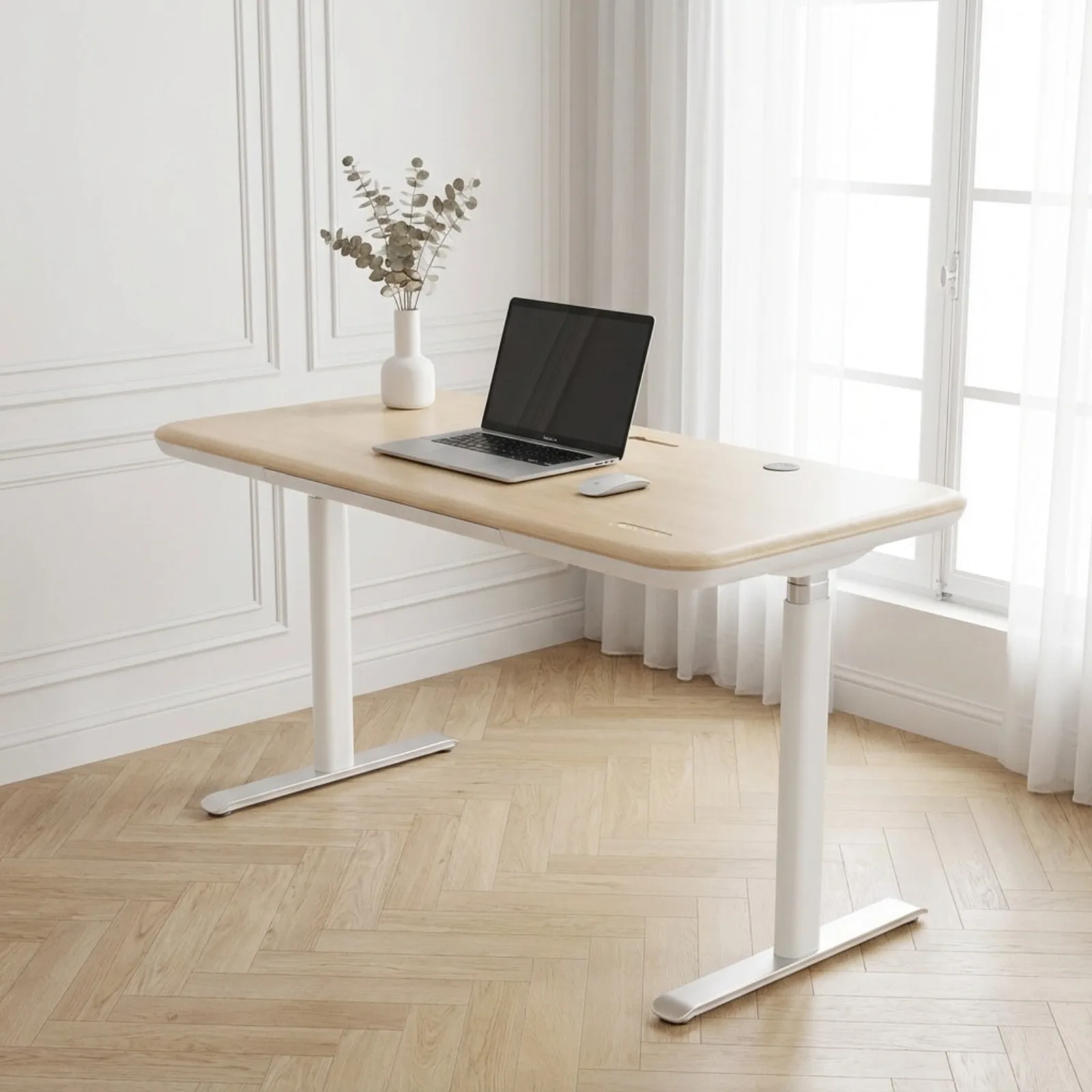 Photo: manufacturer
Sunaofe Lunar + 72 × 30 in desktop
Sunaofe
Largest published top
72 in wide · 30 in deep
Official specs checked September 8, 2026
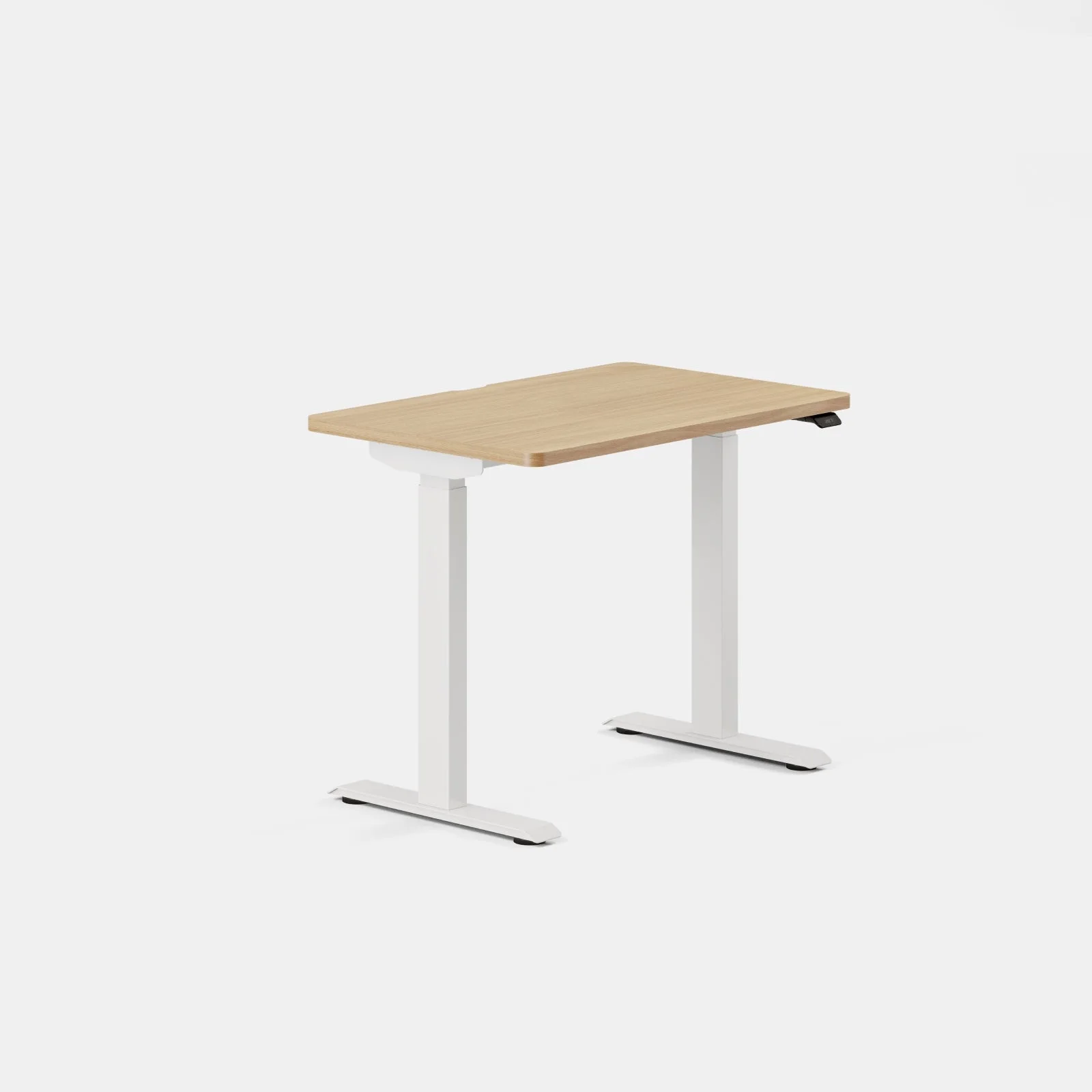
See current priceFEZIBO 71 × 37 in large electric standing desk
FEZIBO
PartnerBoost catalog · deepest exact top
71 in wide · 37 in deep
Official specs checked September 8, 2026
See current price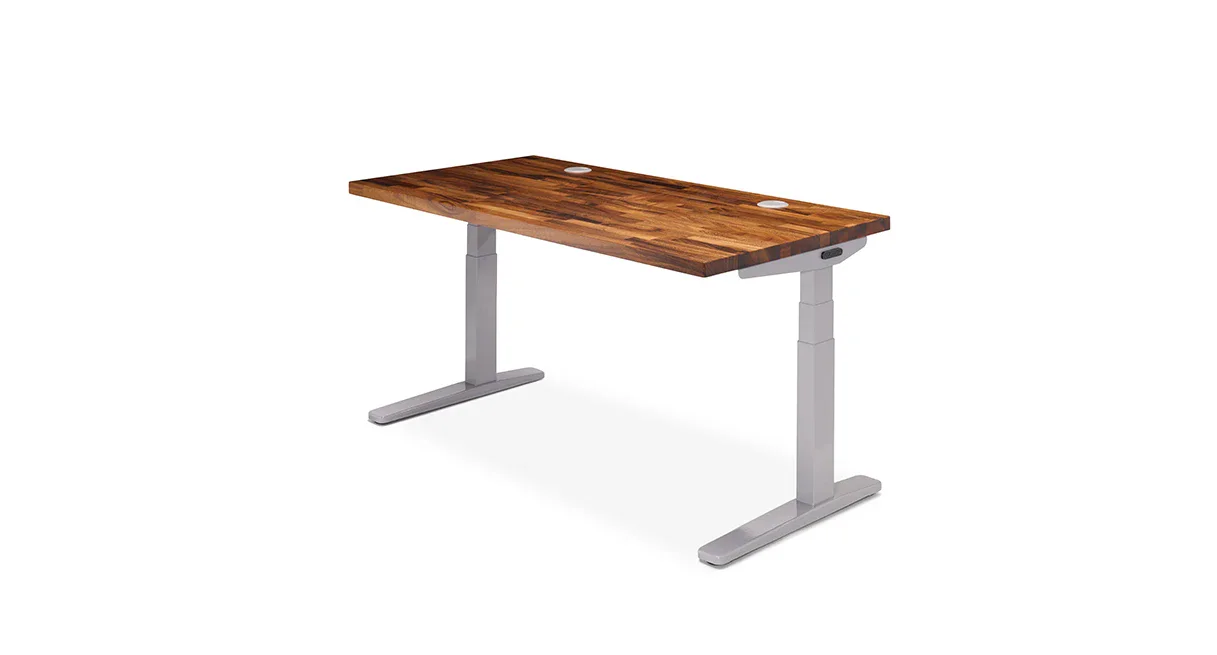 Photo: manufacturer
UPLIFT V2 + 72 × 30 in desktop
UPLIFT Desk
Most documented frame choice
72 in wide · 30 in deep
Official specs checked September 8, 2026
See current priceThe five checks
A dual-monitor desk is only as good as its rear edge.
Width and depth first
Measure the top, not just the frame. Include both arm bases, monitor widths, keyboard reach, and the bend radius of cables behind the screens.
Load labels stay literal
Add your exact monitors, arms, shelf, and accessories. Lifting capacity, lift capacity, and maximum static load are manufacturer labels—not a combined configuration rating.
Stability is still an open test
A high maximum or a large load number does not prove wobble performance at your highest working position. This guide does not invent a stability ranking.
Configuration comparison
Seven profiles, ranked by what you can actually measure.
The order is a planning aid, not a claim that one frame is more stable. Sunaofe Lunar, UPLIFT V2, Branch Tria, and Branch Duo publish exact top options used below. FlexiSpot E7 and E7 Pro publish applicable width ranges while selected depths vary, so those rows remain width profiles until you choose a US top.
| Configuration / order | Desktop width / depth | Rear clearance for dual-arm clamps | Monitor + arm + desktop load | Highest position / stability evidence | Cable slack / organization |
|---|---|---|---|---|---|
| 01 · 72 in wide · 30 in deepSunaofe Lunar + 72 × 30 in desktopCheck current configuration | 72 × 30 in is the largest listed top; 48, 55, and 60 × 30 in options are also published | The product page does not publish the clear clamp opening behind the frame, integrated drawer, or cable hardware. Measure the assembled rear edge before choosing monitor arms. | Sunaofe publishes a 350 lb weight-capacity claim. That is not a dual-monitor stability result; include the 120 lb listed desk weight and calculate equipment load separately. | 28–51.2 in published desk-height range. WorkChoose has not independently measured wobble at the highest position with two monitor arms. | Built-in cable management, storage, wireless charging, and modular accessories are listed, but no numeric cable-slack allowance is published. |
| 02 · 71 in wide · 37 in deepFEZIBO 71 × 37 in large electric standing deskCheck current configuration | 71 × 37 in and 1-in-thick desktop are named in the selected US listing; a white 71 × 37 variant is also shown in the same variation group | Not published in the current PartnerBoost catalog listing. Measure the rear edge, frame, controller, and the exact monitor-arm clamp before ordering. | The Amazon US listing checked October 15, 2026 states 220 lb capacity without separating static and lifting limits. That is not an independent loaded-stability test; confirm the applicable equipment limit. | The selected Amazon US listing gives a 28.3–46.5 in desk adjustment range. A 47-in or higher working surface requirement rules it out. WorkChoose has not verified its highest-position stability. | Cable management is advertised, but no numeric slack allowance is established. Check the dual-crossbeam frame and controller route, then plan the full-height cable loop. |
| 03 · 72 in wide · 30 in deepUPLIFT V2 + 72 × 30 in desktopCheck current configuration | 72 × 30 in selected desktop; the cited V2 path lists 42–80 in width and 24 or 30 in depth options | Not published in the cited V2 product page, F500 C-frame sheet, or manual. Measure from the rear edge to the nearest leg, crossbar, control box, and clamp obstruction. | No combined monitor + arms + desktop figure is published. UPLIFT labels 355 lb as lifting capacity; weigh the exact equipment and top separately. | 24.3–49.9 in frame-only in the F500 C-frame V2 sheet. Finished desktop height depends on the selected top thickness. No independent highest-position stability test. | No numeric slack or complete cable path is published. Measure the longest monitor and power cable at maximum height and leave a relaxed loop. |
| 04 · 72 in wide · depth to verifyFlexiSpot E7 Pro + 72-in wide planning profileCheck current configuration | 72-in wide planning profile within the published 47.2–80 in applicable width; selected depth varies on the US line page | Not published in the cited current US listing, line page, or E7 Pro manual. Verify the assembled rear opening before selecting clamp arms. | No combined monitor + arms + desktop figure is published. The current label says 440 lb maximum static load; the V2 manual separately lists 396 lb load capacity. | 25.0–50.6 in without the top in the cited US listing/manual. Top thickness is configuration-specific. No independent highest-position stability test. | No numeric slack or complete cable path is published. Measure the selected top, frame route, and longest cable at full extension. |
| 05 · 71 in wide · 30 in deepBranch Tria + 71 × 30 in desktopCheck current configuration | 71 × 30 in listed desktop option | Not published on the cited Tria product page or Branch resources. Measure the rear edge to each leg, frame member, and clamp footprint; do not infer clear width from top width. | No combined monitor + arms + desktop figure is published. Branch lists 275 lb published lift capacity; it is not an independent dual-monitor stability test. | 25.5–48.9 in published desk range. The product page does not establish wobble performance with two arms at the highest position. | The cited page lists an integrated cable port and included felt organizer; cable tray and in-desk power remain optional. No cable-slack number is published. |
| 06 · 58 in wide · 27 in deepBranch Duo + 58 × 27 in desktopCheck current configuration | 58 × 27 in listed desktop option | Not published on the cited Duo product page or Branch resources. Measure the actual rear clamp footprint and the clear opening around the frameless frame. | No combined monitor + arms + desktop figure is published. Branch lists 275 lb published lift capacity; do not turn it into a moving-load or stability guarantee. | 28–47.3 in published desk range. No independent dual-monitor stability test is available for the exact assembled height. | The cited page lists a cable notch; cable organizer, power, and felt-lined drawer are optional. No numeric cable slack is published. |
| 07 · 48 in wide · 24 in deepBranch Duo + 48 × 24 in desktopCheck current configuration | 48 × 24 in listed desktop option | Not published on the cited Duo product page or Branch resources. A dual-arm clamp may use a meaningful part of this smaller rear edge; measure before ordering. | No combined monitor + arms + desktop figure is published. Branch lists 275 lb published lift capacity; weigh the exact monitors and arms instead of guessing. | 28–47.3 in published desk range. No independent dual-monitor stability test is available for this exact top size. | The cited page lists a cable notch; optional organizers and power do not create a published slack allowance. Plan the full-height loop yourself. |
| 08 · 48 in wide · depth to verifyFlexiSpot E7 + 48-in wide planning profileCheck current configuration | 48-in wide planning profile within the published 47.2–80 in applicable width; selected depth varies on the US page | Not published in the cited current US listing or comparison block. Measure the assembled clear opening and the exact dual-arm clamp position. | No combined monitor + arms + desktop figure is published. FlexiSpot labels the E7 at 355 lb maximum static load; that is not a stability test. | 22.8–48.4 in without the top in the cited US page/comparison block. Add only the exact selected top thickness; no independent stability test. | No numeric slack or complete cable path is published. Verify the selected top and frame route, then leave a relaxed loop at the standing setting. |
“Surface order” is based on published or selected planning dimensions. It is not a composite score. For every row, obtain the exact top, assembled frame opening, arm clamp dimensions, equipment weights, and return terms before checkout.
Dual monitors and cable management
Plan for two kinds of cable movement.
A tidy tray does not prove that the cables can move. Check the route from each screen through its arm, then the route from the moving desktop to anything fixed at the wall or floor.
1 · Screen to desktop
Allow arm movement
Check both screens separately through the arm positions you use. Cable channels must not make a connector carry the pull when an arm extends, swivels or rises.
2 · Across the desktop
Check the tray location
Plan space for the actual plugs and adapters, plus access to the arm clamp. A tray or grommet beside the clamp can reduce the clearance you measured before adding accessories.
3 · Desktop to wall or floor
Allow desk travel
Power, network and display cables crossing to a fixed outlet or floor computer must accommodate desk travel. Moving a dock onto the desk does not remove the check for cables that still leave it.
Measure the route, not just the rise
For example, a desktop moving from 28 to 47 inches rises 19 inches. That is travel, not a complete cable-length prescription: the outlet location, route, bends and arm motion also matter. Follow the desk and arm manuals, check the permitted travel before securing cables, and stop if a cable becomes taut or catches. At the low position, check that spare loops do not enter moving parts or the chair path.
Record the smallest remaining slack across the cables and positions you check. There is no universal extra-inch allowance established by this guide. A published cable tray is an organization feature, not a tested guarantee for your two-monitor installation.
Source examples checked October 15, 2026: UPLIFT Range-X dual-arm instructions require cable allowance for arm movement; UPLIFT Parsons desk instructions require cords to reach its maximum height. These are examples of the two checks, not interchangeable instructions or a recommendation to use these products with every desk.
Printable worksheet
Measure the setup you will actually use.
Fill this out for the exact desk, two monitors, arms, and cable route you are considering. Blank fields are intentional: the manufacturer pages do not publish a universal rear clamp opening or a combined system-load figure.
Monitor position reference
OSHA’s monitor guidance says the top of the screen should be at or slightly below eye level and the screen should be at a comfortable viewing distance. Use that as a positioning check, then use your own seated and standing measurements for the desk height.
Choose / skip
Let a failed check disqualify a configuration.
These are conditional recommendations. Every “choose” assumes that the worksheet passes; every “skip” is a reason not to let a headline spec pull you past an unresolved fit problem.
Sunaofe Lunar + 72 × 30 in desktop
The largest Lunar top matches the biggest exact surface here and has the highest published maximum desk height in this shortlist. Rear clamp clearance and loaded stability remain unverified.
Choose if
Choose when the 72 × 30 top, 51.2-in published maximum, integrated storage, and current US fulfillment terms match your setup after measuring the clamp path.
Skip if
Skip when you need independently tested highest-position stability, a published rear clamp opening, or immediate dispatch without confirming the selected top/color stock notice.
FEZIBO 71 × 37 in large electric standing desk
The exact 71 × 37-inch surface is the deepest named option in this shortlist and gives two monitors substantial paper space. Its listed 46.5-in height ceiling and 220 lb capacity are useful limits, while rear clamp clearance and loaded stability still need confirmation.
Choose if
Choose only when the exact ASIN and delivery region match, 71 × 37 inches fits the room, and the current finished height, rear clamp route, load label, warranty, and return path all pass your checks.
Skip if
Skip when your working surface must exceed 46.5 inches, when 37 inches is too deep for the room, when your setup exceeds the applicable 220 lb limit, or when the monitor-arm clamp route cannot be confirmed.
UPLIFT V2 + 72 × 30 in desktop
The largest fully specified top in this shortlist gives two monitors and their arms the most conventional work-surface depth on paper. That does not prove clear rear clamp space or stability.
Choose if
Choose when a 72 × 30 in top fits the room and you can confirm that the current selector actually offers the V2 frame, the selected top thickness, and the required rear clamp opening.
Skip if
Skip when the exact V2 option cannot be confirmed, when the unknown leg/crossbar opening is a deal-breaker, or when the 355-lb lifting-capacity label is being used as a substitute for a stability test.
FlexiSpot E7 Pro + 72-in wide planning profile
The published frame maximum and static-load label are useful checks, but the exact desktop depth and rear clamp path remain configuration questions. Treat this as a large-width profile, not a guaranteed 72 × 30 package.
Choose if
Choose when the selected US top has the needed depth, the exact rear opening is confirmed, and your equipment stays below the manufacturer’s applicable load label with margin.
Skip if
Skip when you need a known out-of-the-box 30-in depth, when an unverified rear opening is unacceptable, or when FlexiSpot publisher-affiliate availability matters: its official affiliate page currently shows “System Updating,” so no program availability is assumed here.
Branch Tria + 71 × 30 in desktop
The exact 71 × 30 option offers a large known surface and included basic organization. The rear clamp opening, loaded arm behavior, and finished monitor height still need a physical check.
Choose if
Choose when the 71 × 30 top is available and you value a known deep desktop plus the included cable port and felt organizer, after measuring the rear clamp route.
Skip if
Skip when you need a published clear opening, when 48.9 in is not enough for your standing monitor height, or when the photographed optional tray/power accessories are assumed to be included.
Branch Duo + 58 × 27 in desktop
This is the mid-size exact configuration when 58 × 27 is enough for two displays and the arm bases. Its maximum height and rear clamp space deserve more scrutiny than its top dimensions alone.
Choose if
Choose when the 58 × 27 surface fits your room and monitor layout, and the lower accessory bundle is acceptable after you measure the arm and cable path.
Skip if
Skip when your arms need a deeper rear landing, when you need a 30-in top, or when a 47.3-in maximum leaves too little finished height for your monitor setup.
Branch Duo + 48 × 24 in desktop
This is the compact profile for a dual-monitor setup, but 24-in depth leaves less room behind the monitors for clamp hardware, cable bends, and a comfortable viewing distance.
Choose if
Choose only when both displays, arms, keyboard, and cable bends fit the 48 × 24 surface on your worksheet and you do not need a taller finished desk.
Skip if
Skip when either monitor arm needs more rear depth, when the 47.3-in maximum is too low, or when you want generous space for a laptop, speakers, and accessories beside two screens.
FlexiSpot E7 + 48-in wide planning profile
The lower published frame minimum can help a low seated setup, while the 48-in width is a compact dual-monitor planning profile. Depth, rear opening, and the exact top remain unresolved until selected.
Choose if
Choose when the selected 48-in top has enough depth for both arms, the lower frame range fits your seated target, and the equipment load has been calculated with margin.
Skip if
Skip when you require a known 30-in depth, a published rear clamp opening, or the E7 Pro’s higher frame maximum. FlexiSpot affiliate status is not assumed on this page.
Method and limits
What this page does—and does not—rank.
- It uses current US manufacturer dimensions and labels for UPLIFT V2, Branch Tria/Duo, and FlexiSpot E7/E7 Pro.
- It preserves the difference between frame height and finished desktop height, between a top size and a clear opening, and between load labels.
- It does not invent prices, combined load, rear clearance, cable slack, search volume, or hands-on stability results.
- It is not a walking-pad desk guide. A dual-monitor desk can pass this page and still fail the height, body clearance, vibration, or noise checks for a walking pad.
Official sources
Open the source before you open the cart.
UPLIFT V2
Current 2-leg US page · V2 reference page · F500 V2 spec sheet · V2 manual · Comparison charts
Branch Tria / Duo
FlexiSpot E7 / E7 Pro
E7 US page · E7 Pro US page · E7 comparison · E7 Pro line · E7 Pro manual · Affiliate status
Ergonomic reference
Keep the boundary clear
Dual-monitor fit is a different decision from walking-pad fit.
This page assumes the desk sits on a normal floor. If the desk will sit over a walking pad, you need a separate calculation for deck height, pad-body clearance, walking vibration, noise, and the keyboard position after your shoes and walking surface raise you. Start with the WorkChoose setup hub, then use the dedicated walking-pad guide and calculator.
Under-desk work setup hub
Start with the full desk, monitor, walking-pad, and fit-check map.
Read nextStanding desk for a walking pad
A separate guide for deck height, body clearance, and walking workflow.
Read nextWalking-pad desk-height calculator
Calculate finished keyboard height above the walking surface.
Read nextWalking-pad monitor-arm stability
Keep moving-surface vibration and monitor-arm questions in their own lane.
Read nextBest dual monitor arms
Match the desk to two-screen arm load, VESA, clamp thickness, wall clearance, and cable travel.
Read nextSunaofe CTS200 vs CTS300
Compare two current dual-monitor arms by stand package, per-arm limits, clamp fit, and rear clearance.
Read nextBranch Tria vs Duo
Read the model-level Branch height, size, controls, and organization comparison.
Read nextUPLIFT V2 vs FlexiSpot E7 Pro
Check frame-only height, top thickness, width spans, and load-label boundaries.
Read nextStanding-desk comparison chart
Compare current desk presets by published height, size, frame layout, and load labels.
Read nextBest pneumatic standing desks
Compare power-free desks by counterbalance range, desktop size, adjustment workflow, and monitor fit.
Read nextFAQ
Questions worth answering before checkout.
What is the best standing-desk size for two monitors?
There is no universal minimum. Start with the monitor widths, arm footprints, keyboard, and the rear cable bends, then add side-to-side margin. This guide includes exact 71 × 37, 71 × 30, and 72 × 30 desktop profiles plus smaller 58 × 27 and 48 × 24 Branch options. FEZIBO has the deepest selected surface, a listed 46.5-in height ceiling and 220 lb capacity; its clamp opening and loaded stability remain unverified.
How much rear clearance does a dual-monitor clamp need?
The exact requirement depends on the arm clamp and desk edge. Measure from the rear desktop edge to every leg, crossbar, control box, and wall obstruction, and compare that path with the arm maker’s clamp dimensions. The cited desk sources do not publish one universal clear rear opening for these configurations, so this page leaves the value unresolved instead of guessing.
Can I add the two monitor weights to the desk capacity?
Add the exact monitor, arm, shelf, and other equipment weights, then compare that total with the manufacturer’s applicable label while leaving margin. This page does not calculate a combined configuration load because the desktop weight and arm/monitor weights vary. UPLIFT publishes lifting capacity, Branch publishes lift capacity, and FlexiSpot publishes maximum static load; those labels are not interchangeable stability tests.
Which desk is most stable at its highest position?
This page does not name a tested stability winner. The cited official sources publish height ranges, desktop sizes, frame descriptions, and load labels, but WorkChoose did not assemble or independently measure these exact dual-monitor configurations at their highest settings. Treat highest-position stability as an open check and use the return policy as part of your decision.
How do I plan cable slack for a standing desk?
Check every cable through the desk travel and each monitor arm’s movement, following the exact manuals. A cable to a wall outlet or floor computer needs desk-travel allowance; a screen cable also needs room for arm movement. Record the smallest remaining slack, not the longest spare cable. Tria lists an integrated cable port and felt organizer; Duo lists a cable notch. Neither product page publishes a numeric cable-slack allowance.
Is this guide for a desk over a walking pad?
No. This guide ranks dual-monitor desktop fit on a normal floor. It does not establish walking-pad body clearance, vibration, noise, or the extra height needed above a walking surface. Use the WorkChoose walking-pad desk guide and height-clearance calculator for that separate decision.
Are the FlexiSpot buttons affiliate links?
No. The buttons currently go directly to FlexiSpot US pages. FlexiSpot’s official affiliate page currently displays “System Updating,” so this page does not assume an active publisher program or add affiliate tracking.
Did WorkChoose test these desks with two monitors?
No. This is a source-led configuration guide based on the cited US manufacturer pages, specification sheets, manuals, and OSHA monitor guidance checked September 7, 2026. WorkChoose did not assemble, load, measure wobble, or test cable slack on these desks.