
Desks & space
Standing desk comparison chart: fit the frame to your room
A standing-desk chart is useful when it leaves the decision visible. Compare height range, desktop fit, frame shape, and walking-pad clearance here, then open the model page for current return and configuration details before buying.

Shortlist by finished height, top span, and desk features; Tria and E7 Pro suit larger setups, while Duo and E7 suit smaller ones.
Walk-and-work setups need finished height first; dual monitors also need width and clamp clearance.
Frame rows omit your top thickness, floor, cable slack, and walking-pad stability.
Our take is based on published specifications and linked sources. We have not hands-on tested these products. Some links may earn a commission.
Example results — edit the limits above
10 source-backed configurations
A “pass” means only that the published fields clear your entered screens. It does not establish wobble, safety, or a personal ergonomic fit.
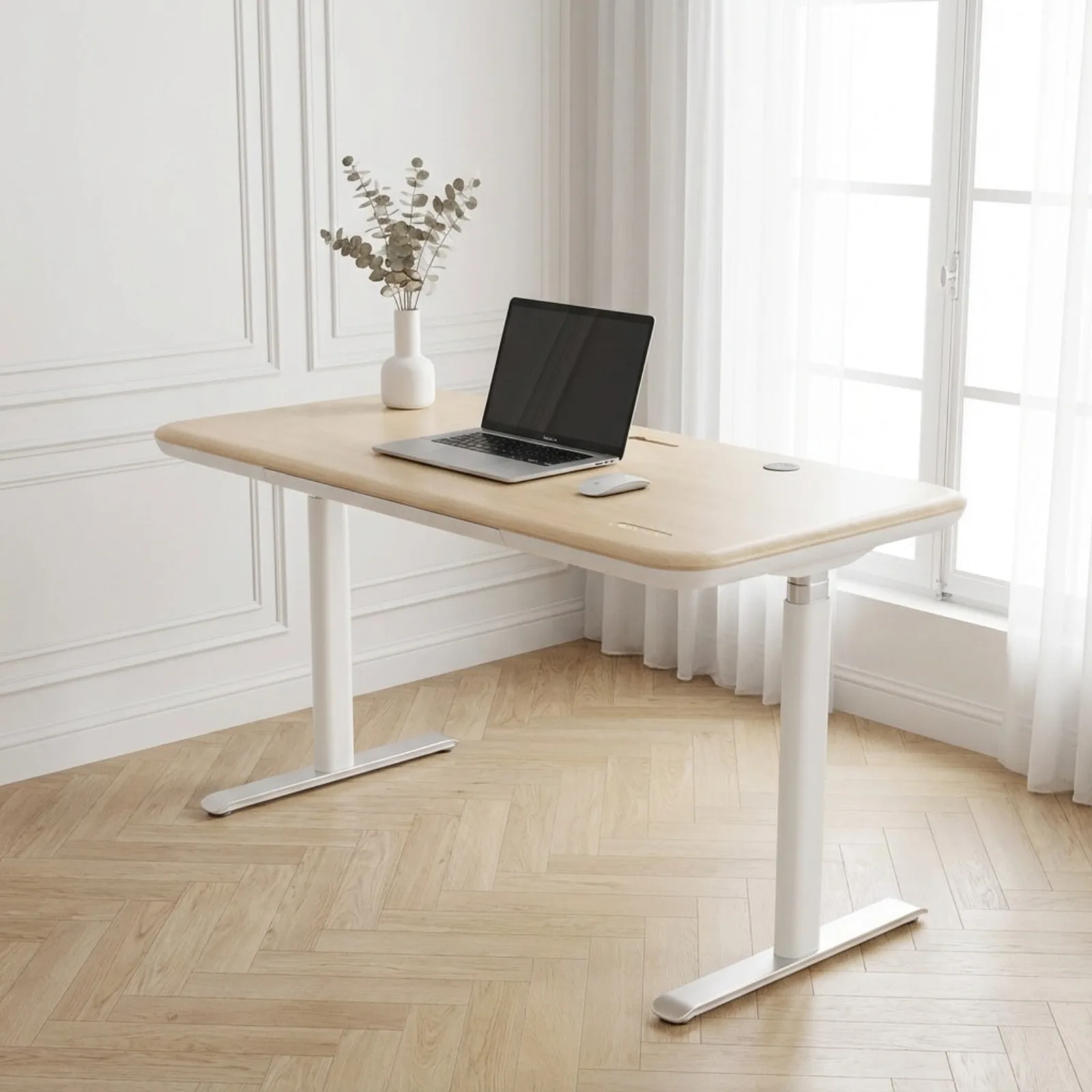 Photo: manufacturer
Sunaofe
Sunaofe Lunar — 72 × 30 in
72 × 30 in listed desktop option
- Finished min
- 28 in
- Finished max
- 51.2 in
- Desktop
- 72 × 30 in selected desktop; 48, 55, and 60 × 30 in are also listed
- Inner clear
- unknown
- Published load
- 350 lb manufacturer-listed capacity; not a dual-monitor stability test
- Frame / motors
- Two-column, three-stage, dual-motor frame
- Frame width
- unknown
The 72 × 30 top and 51.2-in published maximum are useful dual-monitor signals. Rear clamp clearance and highest-position stability remain unverified.
Official source trail
FEZIBO
FEZIBO — 71 × 37 in black
71 × 37 in black; ASIN B0GD75Y6SC; listing checked October 15, 2026
- Finished min
- 28.3 in
- Finished max
- 46.5 in
- Desktop
- 71 × 37 in; three-piece, 1-in-thick desktop
- Inner clear
- unknown
- Published load
- 220 lb listed capacity; static versus lifting basis unspecified
- Frame / motors
- Electric frame with dual crossbeams; motor count unconfirmed
- Frame width
- unknown
The 37-in depth needs more room than a 30-in top. The listed 46.5-in maximum rules it out when you need a higher working surface. Clamp opening and loaded stability are unverified; confirm the exact size, seller and delivery region.
Official source trail
 Photo: manufacturer
Branch
Branch Tria — 71 × 30 in
71 × 30 in listed desktop option
- Finished min
- 25.5 in
- Finished max
- 48.9 in
- Desktop
- 71 × 30 in listed desktop; Tria also lists 48 × 27 and 58 × 27 in
- Inner clear
- unknown
- Published load
- 275 lb published lift capacity; not a dual-monitor stability test
- Frame / motors
- Three-stage lifting columns; tapered adjustable feet
- Frame width
- unknown
The deep, wide top is the useful dual-monitor signal. Rear clamp opening, exact leg spacing, and high-position behavior remain configuration checks.
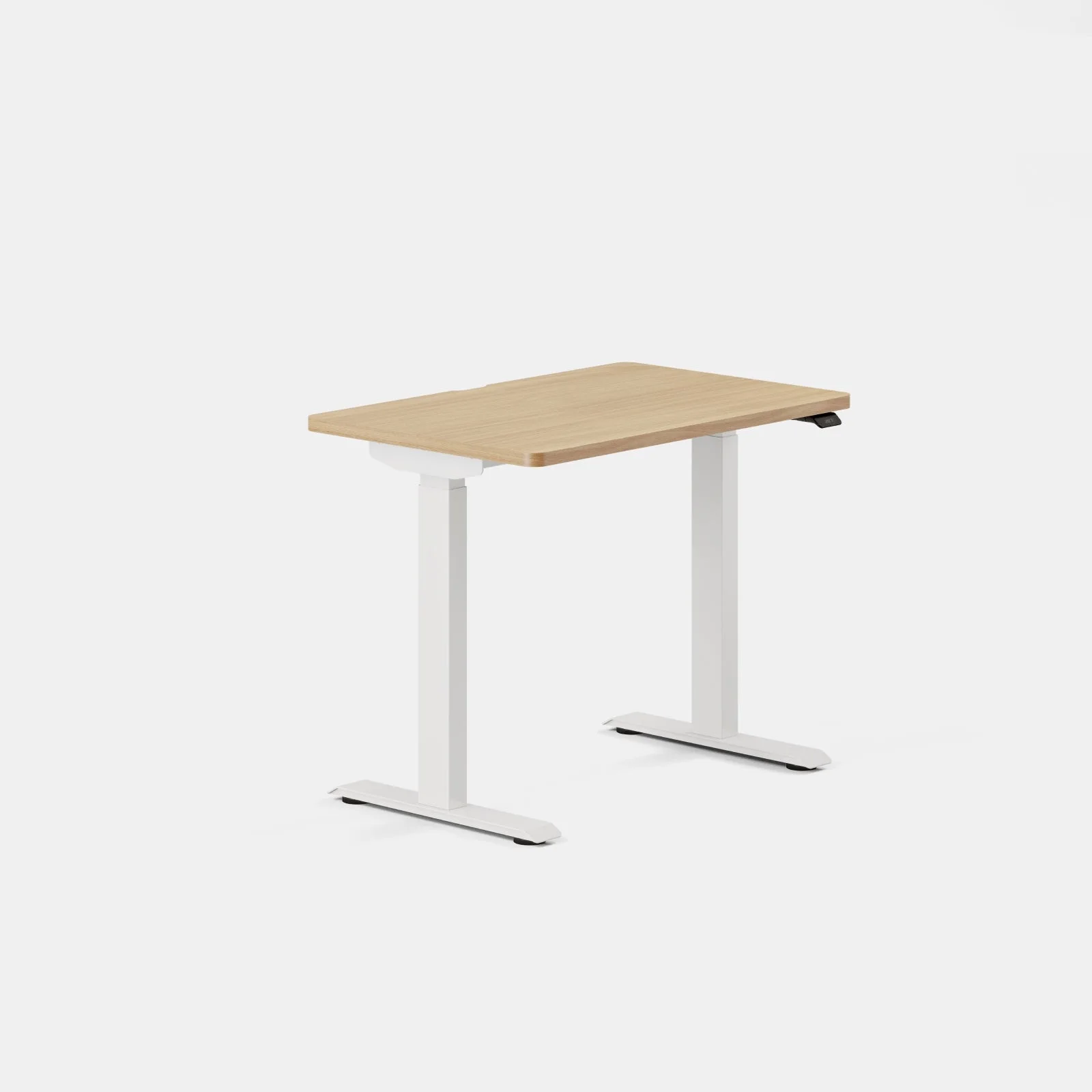 Photo: manufacturer
Branch
Branch Duo — 36 × 24 in
36 × 24 in listed desktop option
- Finished min
- 28 in
- Finished max
- 47.3 in
- Desktop
- 36 × 24 in listed desktop; smallest Duo option
- Inner clear
- unknown
- Published load
- 275 lb published weight limit; not a walking-pad clearance or stability test
- Frame / motors
- Frameless dual-motor design
- Frame width
- unknown
The smallest listed top can help in a constrained room, but 24-in depth leaves little room for rear arm hardware, cable bends, and a comfortable monitor layout.
Official source trail
 Photo: manufacturer
UPLIFT Desk
UPLIFT V3 2-Leg — 42 × 24 in
42 × 24 in top selected separately; 1-in top height assumption
- Finished min
- 22.6 in
- Finished max
- 48.7 in
- Desktop
- 42 × 24 in top selected separately; other widths are listed
- Inner clear
- unknown
- Published load
- 355 lb lifting capacity, inclusive of desktop weight
- Frame / motors
- Two-leg C-Frame or T-Frame; FlexMount Cable Manager
- Frame width
- 41.3–72.2 in
The 24-in top and known frame span are useful planning inputs. The pad body must still clear the assembled feet, legs, cable loops, and room route.
Official source trail
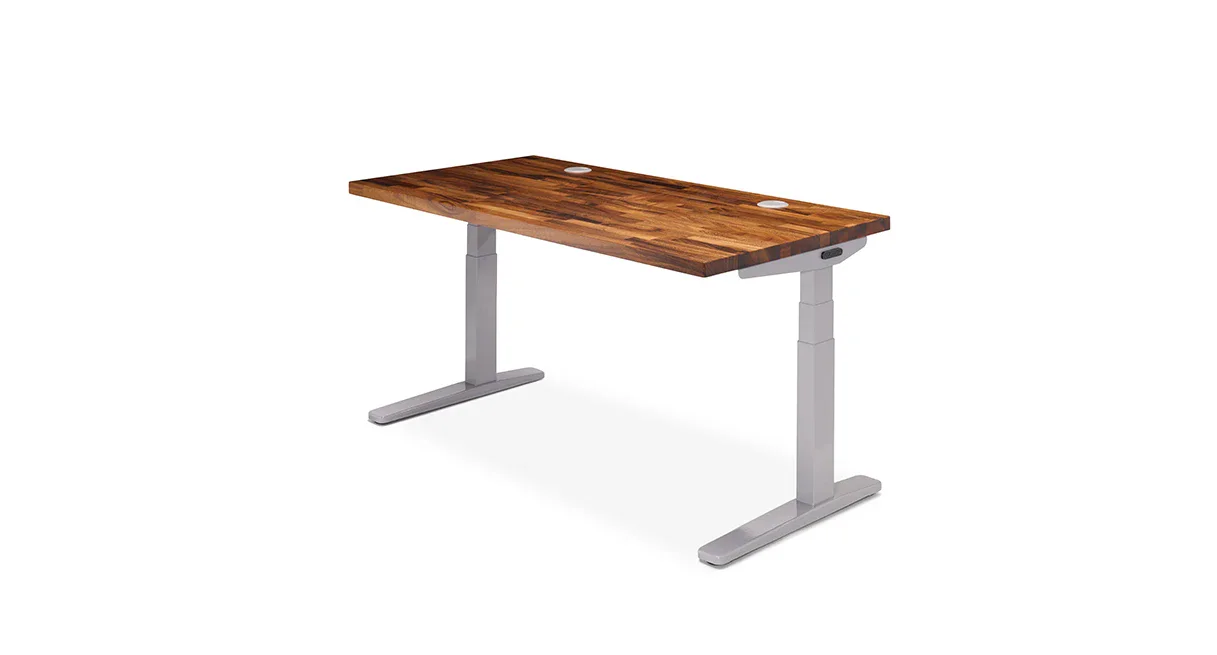 Photo: manufacturer
UPLIFT Desk
UPLIFT V2 — 72 × 30 in
72 × 30 in desktop profile; V2 frame revision must be confirmed
- Finished min
- unknown
- Finished max
- unknown
- Desktop
- 72 × 30 in selected desktop; cited V2 path lists 42–80 in widths and 24/30 in depths
- Inner clear
- unknown
- Published load
- 355 lb lifting capacity; not a combined monitor-arm stability rating
- Frame / motors
- Two-leg C-Frame or T-Frame; exact revision must be checked
- Frame width
- 41.3–72.2 in
The exact 72 × 30 surface gives generous dual-monitor planning room, but V2 availability, top thickness, rear clamp opening, and finished height must be confirmed before purchase.
Official source trail
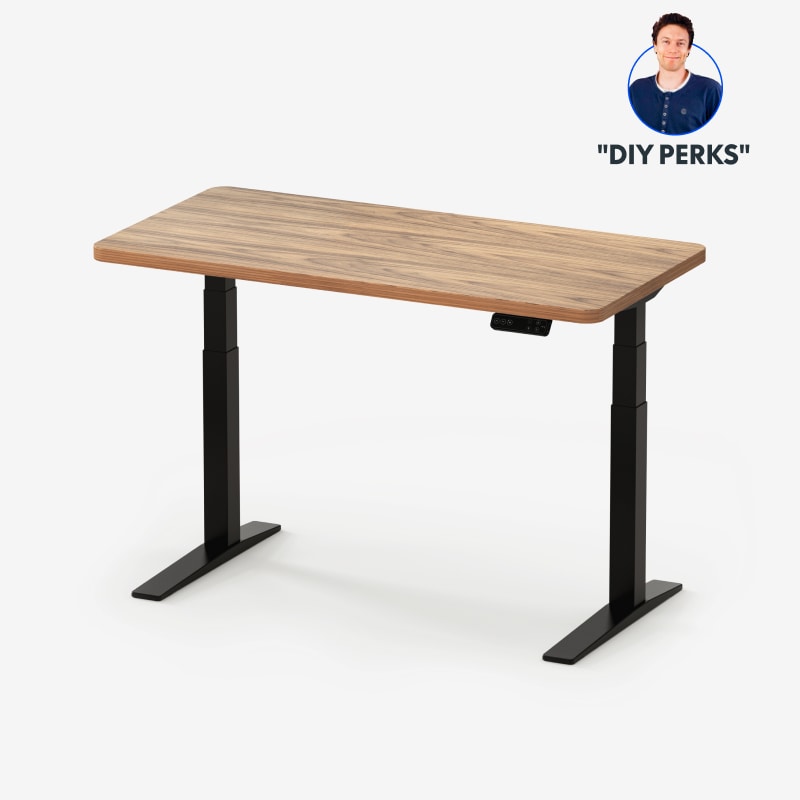 Photo: manufacturer
FlexiSpot
FlexiSpot E7 Pro — 55 × 28 in
E7 Pro frame with the 55 × 28 in desktop option
- Finished min
- unknown
- Finished max
- unknown
- Desktop
- 55 × 28 in selected desktop; frame accepts 47.2–80 in widths
- Inner clear
- unknown
- Published load
- 440 lb maximum static load; E7 Pro V2 manual separately lists 396 lb load capacity
- Frame / motors
- Two-column semi-C frame
- Frame width
- 43.3–74.8 in
The 55 × 28 configuration balances a usable top with a high published frame maximum. Treat height as unresolved until the selected top and finished measurement are confirmed.
Official source trail
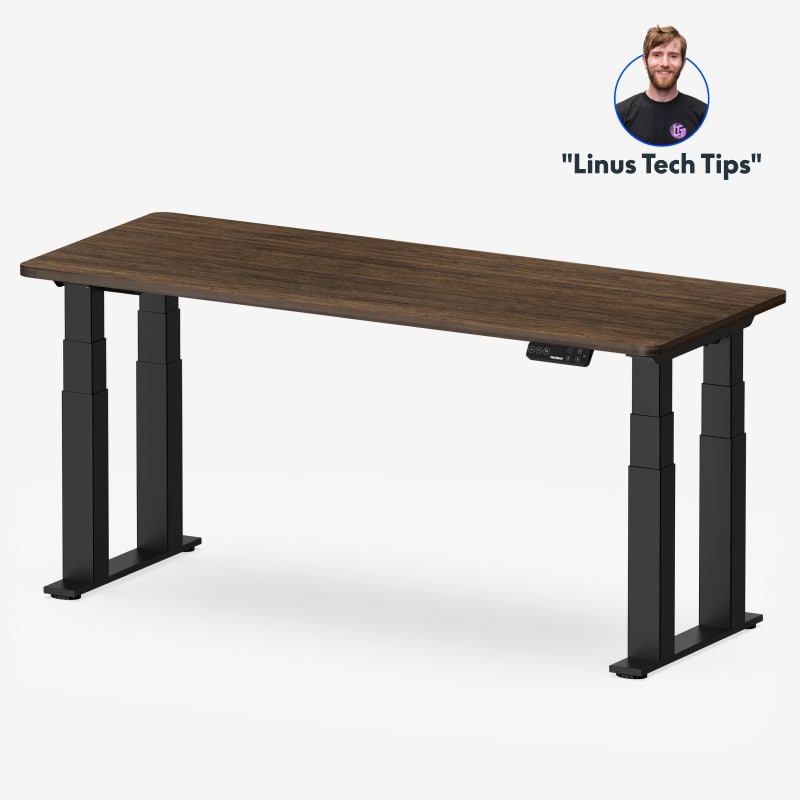 Photo: manufacturer
FlexiSpot
FlexiSpot E7 Plus
Four-column frame; exact desktop selection varies
- Finished min
- unknown
- Finished max
- unknown
- Desktop
- 47.2–78.7 in long × 27.6–35.4 in deep; top over 0.7 in thick
- Inner clear
- unknown
- Published load
- 540 lb static load · 440 lb lifting load
- Frame / motors
- Four-column frame; dual motor and transmission hardware
- Frame width
- 38.9–62.6 in
The four-column layout and explicit lifting label matter only when the extra frame footprint and exact desktop fit are acceptable. Four columns do not prove wobble performance.
Official source trail
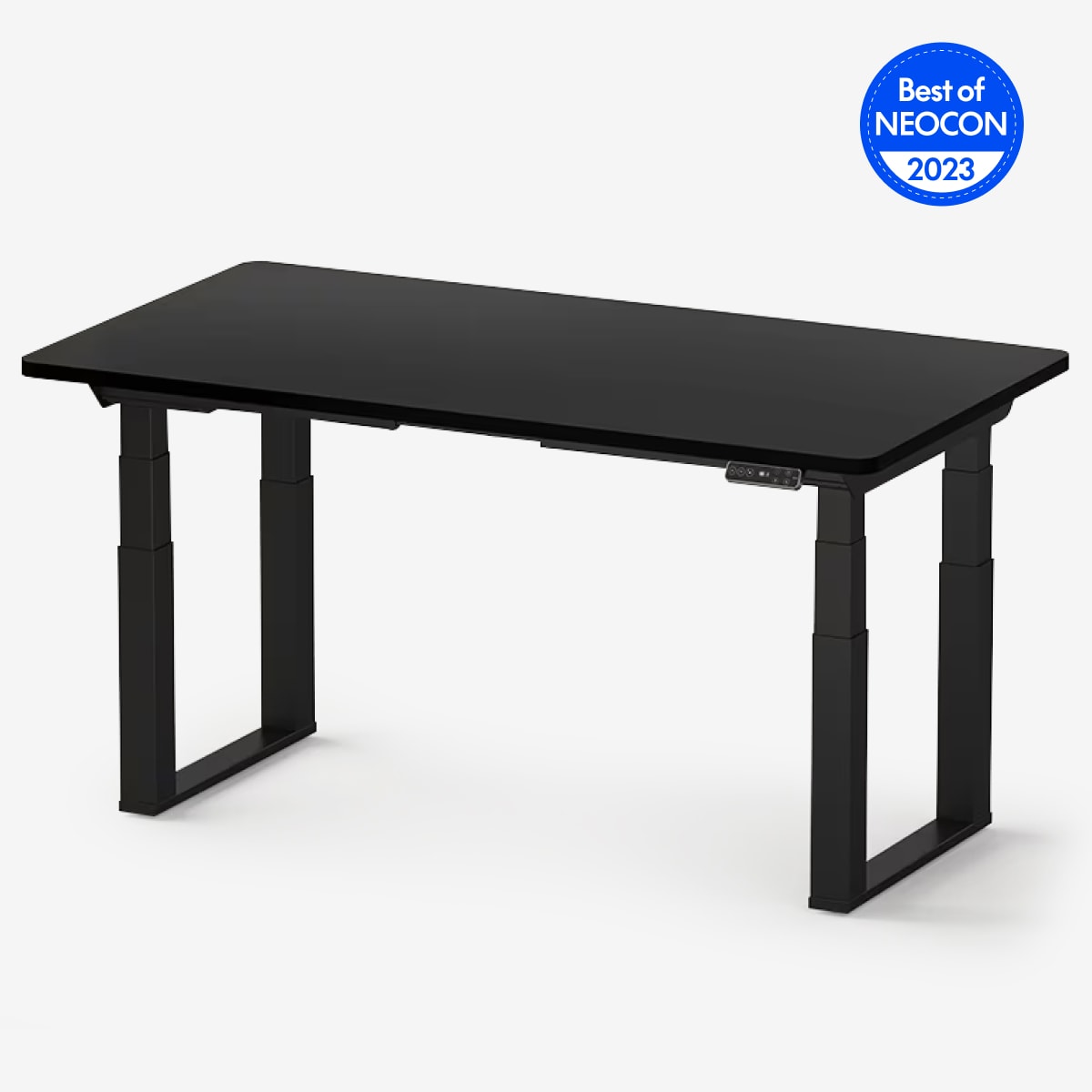 Photo: manufacturer
FlexiSpot
FlexiSpot E7Q Odin
Four-column/four-motor frame; exact top length unknown
- Finished min
- unknown
- Finished max
- unknown
- Desktop
- 30–35.4 in desktop depth listed; exact current top-length envelope unknown
- Inner clear
- unknown
- Published load
- 660 lb maximum static load; current moving/lifting label not found in the cited source
- Frame / motors
- Four-column frame; four motors
- Frame width
- 43.3–74.8 in
The four-motor hardware and deep-top range are the published differentiators. Exact top length, finished height, inner opening, and moving-load evidence remain unresolved.
Official source trail
 Photo: manufacturer
Vari
Vari ComfortEdge — 48 × 30 in
48 × 30 in assembled desk with 1¼-in desktop
- Finished min
- 25 in
- Finished max
- 50.5 in
- Desktop
- 48 × 30 in; 40 × 26 and 54 × 26 variants also listed
- Inner clear
- unknown
- Published load
- 220 lb weight capacity; not a walking-pad stability result
- Frame / motors
- One-piece pre-installed frame; three-tier legs not separately dimensioned
- Frame width
- unknown
The assembled 48 × 30 option has unusually clear finished-height and top-depth labels. It also uses more floor depth, so compare the entire pad route and frame footprint.
Official source trail
Downloadable data
Use the same fields in your own worksheet.
| Configuration | Finished max | Desktop | Inner clear | Frame / motors | Published load | Evidence focus |
|---|---|---|---|---|---|---|
| Sunaofe Lunar — 72 × 30 inSunaofe | 51.2 in28–51.2 in listed assembled desk range | 72 × 30 in selected desktop; 48, 55, and 60 × 30 in are also listed | unknown | Two-column, three-stage, dual-motor frame | 350 lb manufacturer-listed capacity; not a dual-monitor stability test | dual monitor |
| FEZIBO — 71 × 37 in blackFEZIBO | 46.5 in28.3–46.5 in listed desk adjustment range | 71 × 37 in; three-piece, 1-in-thick desktop | unknown | Electric frame with dual crossbeams; motor count unconfirmed | 220 lb listed capacity; static versus lifting basis unspecified | dual monitor |
| Branch Tria — 71 × 30 inBranch | 48.9 in25.5–48.9 in listed assembled desk range | 71 × 30 in listed desktop; Tria also lists 48 × 27 and 58 × 27 in | unknown | Three-stage lifting columns; tapered adjustable feet | 275 lb published lift capacity; not a dual-monitor stability test | dual monitor |
| Branch Duo — 36 × 24 inBranch | 47.3 in28–47.3 in listed assembled desk range | 36 × 24 in listed desktop; smallest Duo option | unknown | Frameless dual-motor design | 275 lb published weight limit; not a walking-pad clearance or stability test | walking pad |
| UPLIFT V3 2-Leg — 42 × 24 inUPLIFT Desk | 48.7 in22.6–48.7 in with a 1-in desktop | 42 × 24 in top selected separately; other widths are listed | unknown | Two-leg C-Frame or T-Frame; FlexMount Cable Manager | 355 lb lifting capacity, inclusive of desktop weight | walking pad |
| UPLIFT V2 — 72 × 30 inUPLIFT Desk | unknown24.3–49.9 in frame-only; finished maximum unknown | 72 × 30 in selected desktop; cited V2 path lists 42–80 in widths and 24/30 in depths | unknown | Two-leg C-Frame or T-Frame; exact revision must be checked | 355 lb lifting capacity; not a combined monitor-arm stability rating | dual monitor |
| FlexiSpot E7 Pro — 55 × 28 inFlexiSpot | unknown25.0–50.6 in published range; finished-top inclusion unknown | 55 × 28 in selected desktop; frame accepts 47.2–80 in widths | unknown | Two-column semi-C frame | 440 lb maximum static load; E7 Pro V2 manual separately lists 396 lb load capacity | walking pad |
| FlexiSpot E7 PlusFlexiSpot | unknown26.0–51.6 in published adjustable range; finished-top inclusion unknown | 47.2–78.7 in long × 27.6–35.4 in deep; top over 0.7 in thick | unknown | Four-column frame; dual motor and transmission hardware | 540 lb static load · 440 lb lifting load | both |
| FlexiSpot E7Q OdinFlexiSpot | unknown25.8–51.6 in published adjustable range; finished-top inclusion unknown | 30–35.4 in desktop depth listed; exact current top-length envelope unknown | unknown | Four-column frame; four motors | 660 lb maximum static load; current moving/lifting label not found in the cited source | both |
| Vari ComfortEdge — 48 × 30 inVari | 50.5 in25–50.5 in listed desk range with a 1¼-in desktop | 48 × 30 in; 40 × 26 and 54 × 26 variants also listed | unknown | One-piece pre-installed frame; three-tier legs not separately dimensioned | 220 lb weight capacity; not a walking-pad stability result | walking pad |
How to read the chart
Fit is a chain of constraints, not one headline number.
Finished height first
Subtract the actual walking surface and your shoes from a measured finished desktop height. A frame-only maximum cannot answer that question.
Opening beats top size
A wide desktop can still have an obstructed leg path. Measure pad body, feet, crossbars, control boxes, clamps, and cable loops against the assembled frame.
Labels stay separate
Static load, lifting capacity, and weight capacity describe different manufacturer conditions. They do not become a matched wobble or walking-pad test.
The chart is a screening tool. A pass means the entered published fields clear your screens. Use the exact manufacturer source, current cart variant, desk manual, and your own measurements before ordering.
Continue to the decision page for your setup.
Walking-pad desk shortlist
Compare desk height, depth, stability evidence, assembly, and room clearance.
Open guideDual-monitor desk guide
Work through desktop width, arm setback, load labels, and cable slack.
Open guidePneumatic desk shortlist
Compare no-power lift systems by counterbalance range, surface size, height, and equipment fit.
Open guideStanding desks with drawers
Compare built-in, add-on, and modular storage by knee-room loss, mounting geometry, and configuration risk.
Open guideSunaofe Lunar standing desk review
Read the Lunar review before using the chart to verify its exact configuration.
Open guideSmall-space walking-pad guide
Start with the room footprint, storage path, and 24-inch top options.
Open guideTall-user height guide
Separate finished maximum height from frame-only numbers before buying.
Open guideQuestions the comparison can answer—and the ones it cannot.
What is the best standing-desk size for two monitors?
Start with the monitor widths, arm footprints, keyboard, and rear cable path. A 58-inch or wider top gives more planning room, but desktop width does not prove a clear rear clamp opening or stable high-position behavior. Use the dual-monitor guide after screening the chart.
Does a standing-desk maximum height include the desktop?
Only when the cited manufacturer source clearly describes an assembled or finished desk range. This chart leaves UPLIFT V2 and the FlexiSpot entries as unknown when the source reports a frame range or does not establish top inclusion. Do not add a guessed desktop thickness twice.
Is adjustable frame width the same as inner-leg clearance?
No. Frame span describes an adjustment range; inner clearance is the open path between legs, feet, crossbars, control boxes, and cables. The cited sources do not publish one universal clear opening for these configurations, so the chart shows unknown and asks you to measure the assembled frame.
Which published load number should I use?
Keep static, lifting, and capacity labels separate. The chart's optional load screen uses the most conservative numeric label available for a configuration, while each card keeps the original wording visible. None of these labels is an independent stability or walking-pad test.
Can I put a walking pad under any desk in this chart?
No. A chart match only clears the fields you entered. Confirm the pad body against the assembled desk's clear opening, measure finished desk height above the walking surface, leave cable and step-off room, and follow the pad and desk manuals before ordering.
Did WorkChoose hands-on test these desks?
No. This is a manufacturer-specification comparison checked September 3, 2026. WorkChoose did not assemble, load, wobble-test, noise-test, or verify the delivered configurations. Unknown fields are intentionally not presented as recommendations.
Official sources behind the data
Open the source trail for the exact configuration before relying on a number. Manufacturer pages and policies can change; this chart records the checked evidence and leaves unresolved fields visible.
