Walking while working
WalkingPad C2 replacement remote: pair the right one
The C2 remote problem is usually a model and pairing problem, not a universal accessory purchase. Confirm the remote, battery, pairing sequence, and power state before contacting support with the machine nearby and unplugged on the floor.
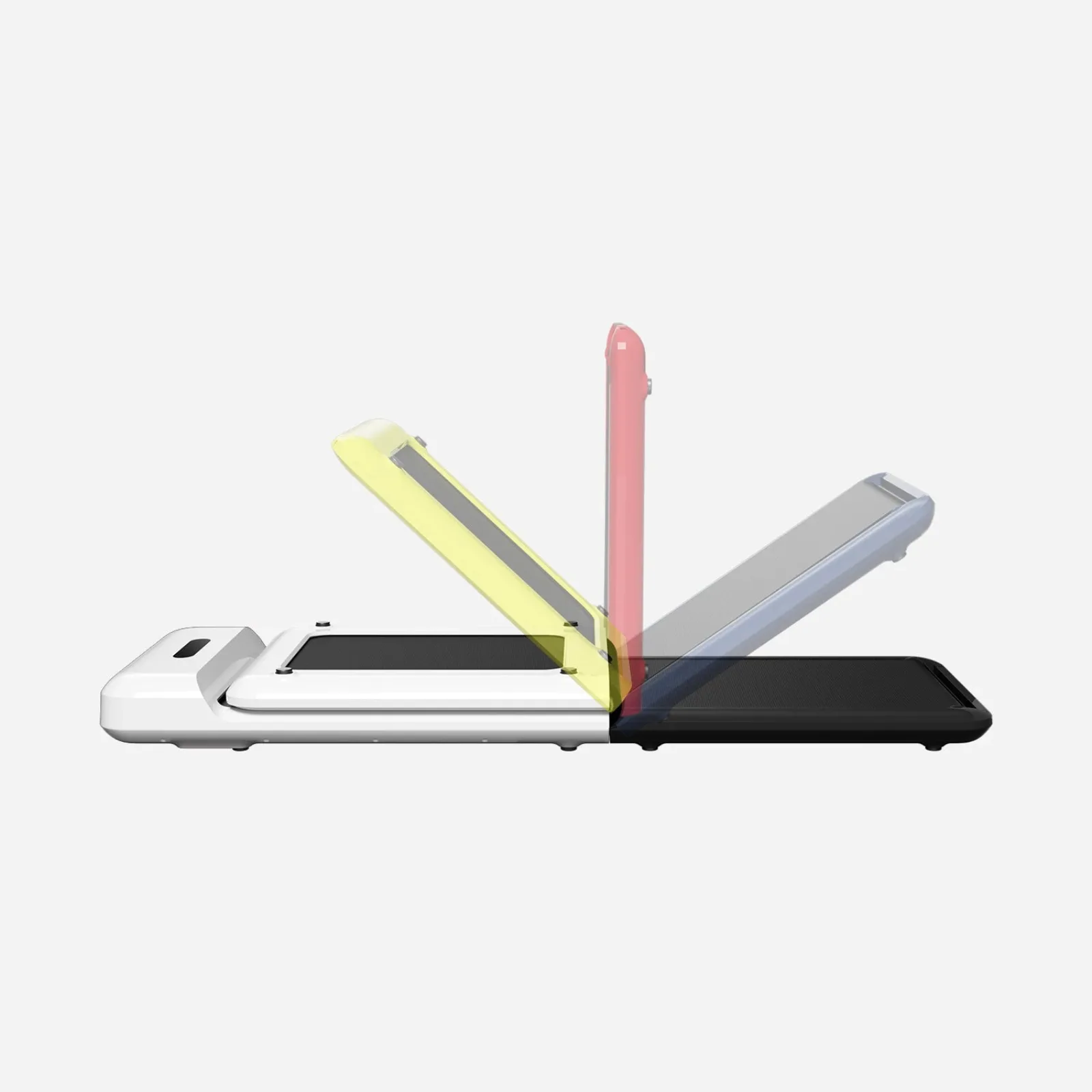
Confirm the C2 version and remote match, then pair it with the machine powered and ready.
C2 owners replacing a lost or unresponsive remote.
Regional parts, battery condition, and an underlying machine fault can look like a pairing issue.
Our take is based on published specifications and linked sources. We have not hands-on tested these products. Some links may earn a commission.
Region matters
The US C2 page lists 110V; other regional C2 pages can publish different voltage and terms.
Selector beats shape
Use the option that names C2. Similar casing or a “universal” label is not model proof.
Unknown is a signal
If the exact version is not clear, pause the order and ask WalkingPad for written confirmation.
Battery answer
C2 evidence points to one CR2032 coin cell.
WalkingPad's current remote listing and FAQ use CR2032 for the C2 grouping. Battery inclusion may vary by logistics or region. Check the marking and polarity information on your exact remote or manual before purchasing a cell.
Order check
Do these three labels agree?
- 01WalkingPad C2 on the machine or order.
- 02A remote selector option that explicitly includes C2.
- 03Your regional storefront and exact manual.
Compatibility evidence
The selector and the copy are not the same evidence.
Here is the current source trail. “Confirmed” means the linked official page publishes the wording. It does not mean that a remote will pair with every C2 label, region, or revision.
| Question | Published answer | How to use it | Source |
|---|---|---|---|
| C2 product identity | WalkingPad C2 Foldable Walking Treadmill | The current US product page uses this product name. Match the label and original order to your own unit; “WalkingPad” alone is not enough. | C2 product page |
| Remote product selector | For C2/A1 Pro/R1 Pro | This is the C2-containing variant wording visible on the current official remote listing. Select the exact option rather than choosing by shell shape. | Remote listing |
| Compatibility copy | C2 / A1 Pro / R3 / R2 / Z1 / Z3 | The same listing uses broader compatibility copy below the selector. Treat this as a prompt to confirm the model and version, not as proof that one selector fits every listed model. | Remote listing |
| Battery evidence | 1 × CR2032 for C2 | The official remote listing and WalkingPad FAQ identify a CR2032 coin cell for the C2 family grouping. Confirm the marking and instructions on your remote before buying a battery. | WalkingPad FAQ |
| C2 control listing | App · FootSense™ · Remote Controller | The C2 product page lists these as speed-adjustment paths. It does not establish that the App or FootSense is a one-for-one replacement for every remote action. | C2 product page |
Do not merge R3 and R1 Pro. The current selector wording groups C2, A1 Pro, and R1 Pro, while the listing's broader copy separately names R3. That is a source inconsistency to resolve with WalkingPad, not a reason to select a nearby model or assume one remote works across all versions.
Pairing path
Use the official sequence, then stop guessing.
WalkingPad's FAQ describes the sequence below. It is useful evidence, but it is not a substitute for the manual shipped with your exact C2 regional version.
Read the official FAQ- 01
Power on the walking pad
Use the normal power-on sequence for your C2 and keep the replacement remote close to the display area.
- 02
Wait for the white progress bar
The official WalkingPad FAQ describes pairing when the white progress bar appears on startup.
- 03
Press the remote conversion button 5–8 times
The FAQ says the remote should switch modes automatically once pairing succeeds. Use the button name and timing in the exact manual for your revision if they differ.
- 04
If it still does not pair, contact WalkingPad
First confirm the battery is inserted in the correct direction. If the remote still does not pair, send WalkingPad your order number, exact model, and a short description instead of guessing across versions.
App: a listed control path, not a guaranteed substitute
The C2 page lists KS Fit/App, FootSense, and the remote for speed adjustment. The cited official sources do not prove that KS Fit duplicates the replacement remote's pairing, mode, or every Start/Stop action on every C2 revision.
FootSense: automatic speed control
WalkingPad describes FootSense as optional automatic speed control on selected models. That function is different from a physical replacement remote and does not establish a complete fallback for a lost remote.
Version and region: the quiet risk
The US C2 page lists 110V, while the regional product pages publish different electrical and commercial details. Use the page for your purchase region and the manual for your unit; do not convert a regional listing into a universal promise.
Current checkout note
Small accessories can have a large delivered-cost surprise.
At the September 3, 2026 check, the official remote page displayed a $20 item price and a notice stating that an order under $100 may incur $30 shipping on the US mainland. Prices, shipping, regional eligibility, and checkout terms can change; verify the live cart before ordering.
Before you contact support
Give WalkingPad the facts that separate one C2 from another.
Support is the right next step when the official selector, label, and manual do not agree. Keep the message short and model-specific.
Open WalkingPad's FAQ/support path- What is the full model name and model/version printed on the unit or order?
- Which country or regional storefront supplied the walking pad?
- Does the remote listing offer a variant that explicitly includes C2?
- What battery marking is printed on the original remote?
- What happens at startup when the white progress bar appears?
- Does the exact manual give a different pairing sequence?
Do not improvise: if the correct model, battery, or pairing path remains unclear, wait for manufacturer confirmation rather than buying a generic remote or treating the App as an equivalent stop control.
FAQ
C2 replacement questions, answered with source boundaries
Which replacement remote variant should a WalkingPad C2 owner choose?
On the current official remote listing checked September 3, 2026, the C2-containing selector wording is “For C2/A1 Pro/R1 Pro.” The same listing also uses broader compatibility copy that names R3, R2, Z1, and Z3. Select the variant that explicitly includes C2, then confirm your exact model, region, and version with WalkingPad if the selector or your original remote differs.
Does the WalkingPad C2 use a CR2032 battery?
The current official remote listing and WalkingPad FAQ identify one CR2032 coin cell for the C2 grouping. Battery inclusion can vary by logistics or region, so confirm the marking and polarity instructions on the remote or exact manual before buying or installing a battery.
How do I pair a replacement remote with a WalkingPad C2?
WalkingPad’s official FAQ describes this general path: power on the machine, wait for the white progress bar, and press the remote’s conversion button 5–8 times. It says the mode changes automatically after successful pairing. Because the FAQ is not a revision-specific C2 manual, defer to the exact manual or WalkingPad support if your unit behaves differently.
Can the KS Fit App replace a lost C2 remote?
Do not assume it can replace every remote action. The C2 product page lists KS Fit/App, FootSense™, and the remote as speed-adjustment paths, but the cited official material does not establish identical Start, Stop, mode, or pairing behavior for the App in every C2 version. Treat the App as a possible control path only after the exact instructions and connection behavior for your unit are confirmed.
Can FootSense replace the C2 remote?
No one-to-one replacement is established by the cited sources. WalkingPad describes FootSense as an optional automatic speed-control feature on selected models, while the C2 product page lists it among speed-adjustment options. That does not prove that FootSense performs the remote’s pairing, mode, or every Start/Stop action.
Why might a generic walking-pad remote be the wrong purchase?
The official listing has both a model selector and broader compatibility language, and WalkingPad says available models and specifications can vary by region. A similar-looking remote or a listing that only says “universal” does not prove it matches the C2 electronics, mode controls, or version. Use the exact C2-containing option and ask support when the evidence does not line up.
When should I contact WalkingPad support?
Contact support before ordering when you cannot identify the full C2 model/version or the listing does not expose a C2 option. Contact support after ordering if the correct battery and the official pairing path do not work, if your remote label differs from the listing, or if your regional page/manual conflicts with the current US wording. Include your order number, model, region, and a short description.
Are the links on this page affiliate links?
No. The links go directly to WalkingPad’s manufacturer pages, and no affiliate tracking is active on this page at the time of review. Price, shipping, availability, selector labels, and product terms can change on the linked site.
Continue the fit check
The remote is one part of the work setup.
Remote control comparison
Compare remote, App, pairing, and automatic-mode evidence across other models.
Read nextWalkingPad Z1 vs C2
See the C2 against Z1 on current official size, weight, controls, and storage facts.
Read nextWalkingPad C2 vs A1 Pro
Compare the C2 with the roomier A1 Pro by belt, fold, selected capacity, and control path.
Read nextC2 lubrication guide
Use the model-specific manual for silicone oil, amount, distribution speed, and schedule.
Read nextC2 belt adjustment
Use the exact C2 direction map for belt drift or slipping and keep every hands-on change powered off.
Read nextSafety & maintenance
Use the model-aware preflight for controls, surfaces, cables, cleaning, and maintenance.
Read nextDesk setup guide
Measure the desk, route cables, position controls, and run the setup checklist.
Read nextOfficial source trail
Recheck the live model and region before ordering.
Source boundary: official product pages, FAQ text, and accessory listing checked September 3, 2026. The visible price and shipping note are a dated snapshot, not a current-price promise. This page does not promise a delivery date, pairing success, repair outcome, or compatibility beyond the wording shown by those sources. Product terms and regional availability can change.