Screens & connections
Arzopa Z1C vs Z1FC: everyday work or smoother motion?
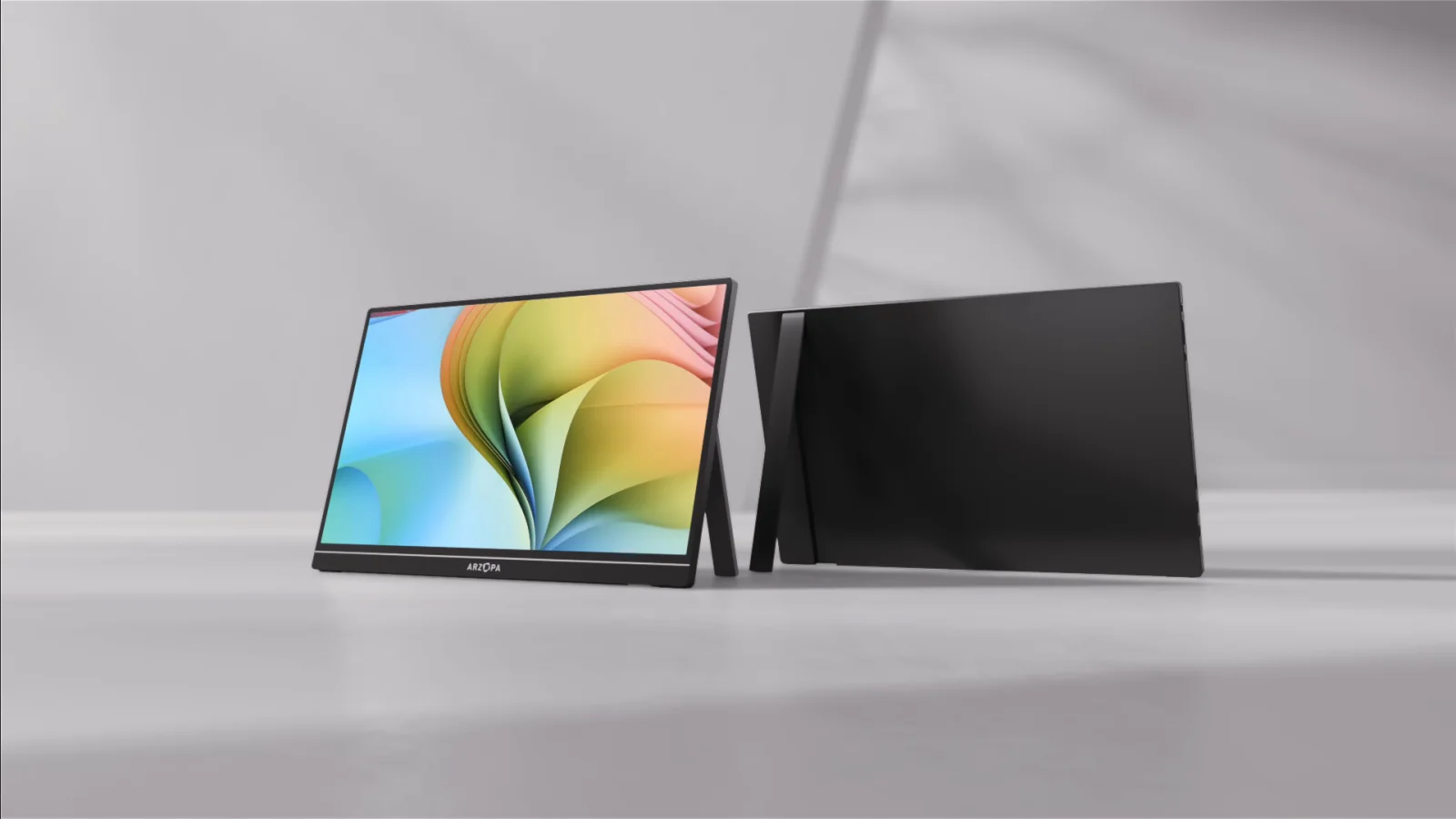
The Z1C is the calm everyday work choice; the Z1FC is the one to consider when smoother motion matters. Check what your laptop, console, or handheld can actually send before paying for refresh you cannot use.

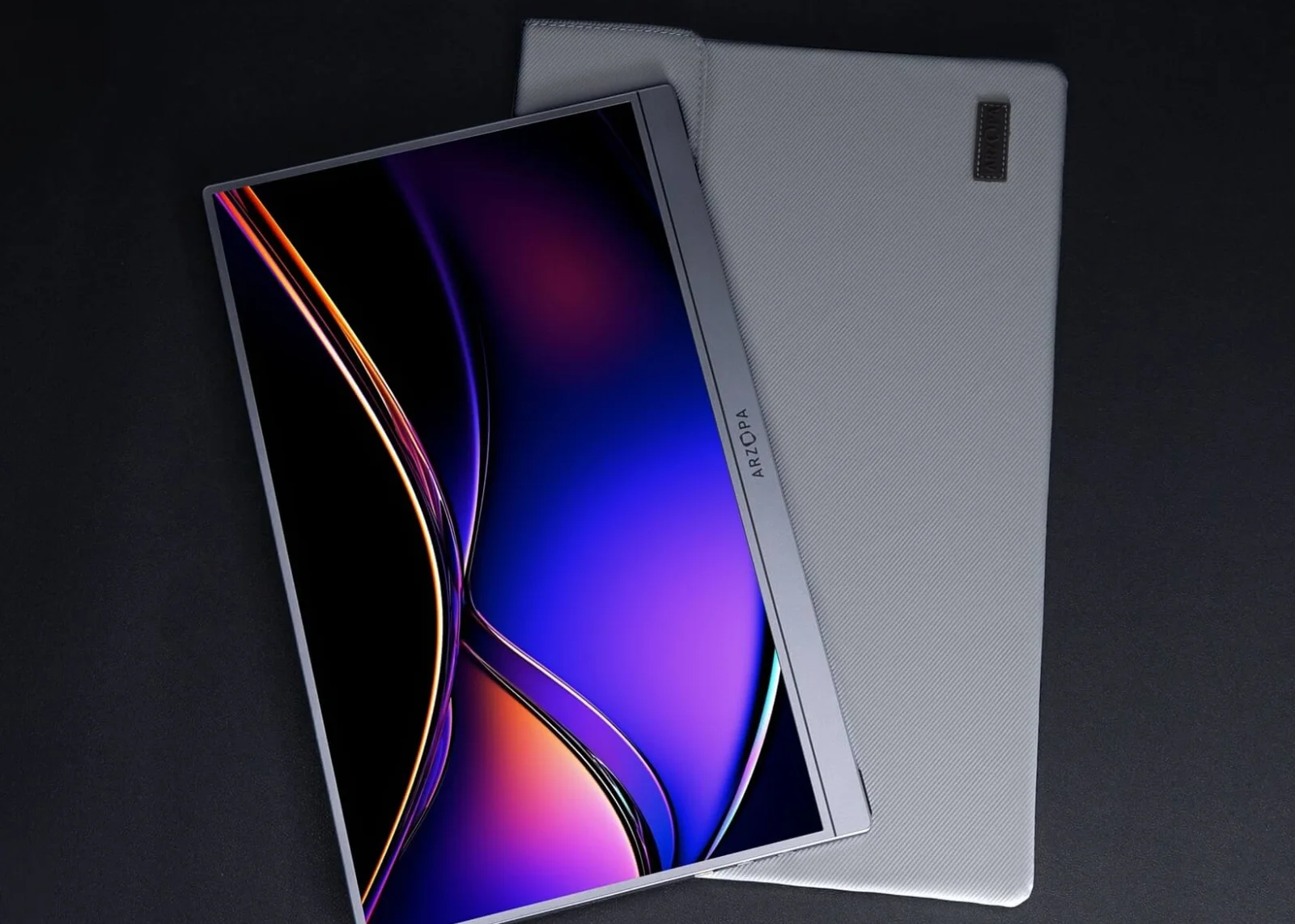
Choose Z1C for 60Hz office work; choose Z1FC for 144Hz gaming when your source supports it.
Office travelers fit Z1C; handheld and console players gain the point of Z1FC faster motion.
Both are FHD and 1.72 lb; the upgrade is refresh, not added resolution or workspace.
Our take is based on published specifications and linked sources. We have not hands-on tested these products. Some links may earn a commission.
Quick answer
Same canvas. Different motion target.
Start with Z1C if you need an ordinary 16.1-inch FHD second screen for work, study, travel, or browsing. Start with Z1FC if 144Hz is the actual requirement and your host can expose it. Do not pay for a refresh target your connection cannot verify.
| If your priority is… | Start with… | Because… |
|---|---|---|
| Simple everyday second screen | Z1C | It is the 60Hz FHD baseline for the same published 16.1-inch canvas. |
| Higher refresh specification | Z1FC | Arzopa lists Z1FC at 144Hz and Z1C at 60Hz. |
| Lowest connection uncertainty | Verify first | Host video output, cable capability, monitor input, refresh mode, and power all matter. |
These are fit-based recommendations from manufacturer-published figures, not independent measurements of sharpness, color, response, brightness, or stand stability.
What actually differs
Refresh is the headline fork; everything else needs context.
The two current US pages list the same 16.1-inch FHD 16:9 canvas, 300-nit brightness, dimensions, weight, built-in stand, and connection families. Z1FC changes the published refresh target and rated power; the color labels are also different manufacturer claims, not independent lab results.
Same canvas
Both are listed at 16.1 inches, 1,920 × 1,080, IPS, and 16:9. Z1FC is not a resolution upgrade over Z1C.
Refresh target
Z1C is listed at 60Hz; Z1FC at 144Hz. The higher number still depends on the source, cable, adapter, selected mode, and software.
Published labels
Both are listed at 300 nits and 1.72 lb. Arzopa lists 100% sRGB for Z1C and 106% sRGB for Z1FC; neither is an independent color test.
Power figure
Confirm the Z1C manual power requirement; Z1FC is listed at 10W. A one-cable USB-C path depends on host power; HDMI normally adds a separate USB-C power path.
Signal and power
A matching connector does not guarantee a matching setup.
USB-C video
The source USB-C port must support DisplayPort video output and the cable must carry video. A charging-only port or cable can leave the monitor powered but blank.
One-cable power
Arzopa describes one-cable USB-C use when the host supports video and provides enough power. Confirm the Z1C manual power requirement and note the Z1FC 10W listing; if the host cannot sustain the monitor, add separate USB-C power.
144Hz path
For Z1FC, check the host output, cable, adapter or dock, monitor input, resolution, and operating-system mode. The product label does not establish 144Hz on every path.
HDMI path
Use the appropriate HDMI adapter or dock, mini-HDMI cable, and separate USB-C monitor power. HDMI video and USB-C monitor power are separate parts of the setup.
Host compatibility boundary
“MacBook compatible” still means check the MacBook.
Arzopa lists MacBooks among compatible computers for both models. Apple's guidance says the exact Mac model, video ports, supported display count, cable, and adapter determine the connection. Neither monitor changes a Mac's native external-display limit.
USB-C MacBook path
Use a full-featured USB-C cable and a Mac port that carries DisplayPort video. Check the exact Mac model before expecting one cable to carry both signal and power.
HDMI MacBook path
A USB-C-to-HDMI adapter or dock can feed mini HDMI, but the monitor still needs USB-C power. Adapter, cable, macOS mode, and panel input all matter.
Two-monitor path
Two panels require two independent host display signals or a separately verified DisplayLink path. Two USB-C sockets on one monitor are not two Mac video outputs.
Exact model table
Z1C and Z1FC, field by field.
The figures below come from the current exact US product pages and Arzopa support guidance checked September 4, 2026. They describe published specifications; they do not promise a host mode, measured performance, or connection result.
| Model | Resolution / ratio | Refresh / brightness | Weight / size | Stand / panel | Ports / signal | Power / fit |
|---|---|---|---|---|---|---|
| Arzopa Z1CThe everyday 60Hz baseline | 1,920 × 1,080 (FHD) 16:9 | 60Hz 300 nits 100% sRGB | 1.72 lb 366 × 228 × 9.3 mm | Built-in stand; portrait and landscape modes are described 16.1-inch IPS · 1,920 × 1,080 · 16:9 · 60Hz | 2 × USB-C 3.1 shown; 1 × mini HDMI 2.0 Arzopa lists USB-C video/power and mini HDMI. A full-featured USB-C host port and video-capable cable are required for a native USB-C connection. | Confirm the exact Z1C manual power requirement. A one-cable USB-C setup depends on the host supplying video and enough power; if it cannot sustain the monitor, add separate USB-C power. HDMI normally needs separate USB-C monitor power. Arzopa lists laptops, MacBooks, PCs, compatible USB-C devices, PS5, Xbox, and Nintendo Switch. The source still needs the correct video signal and power path. |
| Arzopa Z1FCThe 144Hz motion option | 1,920 × 1,080 (FHD) 16:9 | 144Hz 300 nits 106% sRGB | 1.72 lb 366 × 228 × 9.3 mm | Built-in stand; landscape and portrait viewing are described 16.1-inch IPS · 1,920 × 1,080 · 16:9 · 144Hz | 2 × USB-C 3.1 shown; 1 × mini HDMI 2.0 Arzopa lists USB-C video/power and mini HDMI for compatible sources. A full-featured USB-C cable and a host port with video output are required for the native USB-C path. | 10W rated power in the current product specification. HDMI devices, consoles, and some low-power USB-C hosts usually need separate USB-C monitor power. Arzopa lists laptops, MacBooks, desktops, compatible USB-C phones and tablets, PS5, Xbox, Nintendo Switch, Steam Deck, and ROG Ally through the appropriate signal and power path. |
Arzopa also lists aluminum construction, dual speakers, HDR10, and non-touch operation for this family. Those fields do not decide this pair, so the table centers refresh, signal, power, canvas, and portability.
Arzopa Z1C
The everyday 60Hz baseline
- Resolution / ratio
- 1,920 × 1,080 (FHD) · 16:9
- Refresh / brightness
- 60Hz · 300 nits
- Weight / dimensions
- 1.72 lb · 366 × 228 × 9.3 mm
- Color label
- 100% sRGB
- Stand
- Built-in stand; portrait and landscape modes are described
- Ports
- 2 × USB-C 3.1 shown; 1 × mini HDMI 2.0
- Rated power
- Confirm the exact Z1C manual power requirement. A one-cable USB-C setup depends on the host supplying video and enough power; if it cannot sustain the monitor, add separate USB-C power. HDMI normally needs separate USB-C monitor power.
- Included cables
- USB-C-to-USB-C cable, mini-HDMI-to-HDMI cable, USB-A-to-USB-C power cable, and quick-start guide are listed on the exact page.
- Compatibility
- Arzopa lists laptops, MacBooks, PCs, compatible USB-C devices, PS5, Xbox, and Nintendo Switch. The source still needs the correct video signal and power path.
Why choose it
Choose it when a straightforward 16.1-inch FHD second screen for work, study, browsing, travel, and ordinary video use is the constraint. Its 60Hz specification is the simpler baseline.
Why skip it
Skip it when the 144Hz specification is the reason you are shopping or when a higher-refresh mode matters for a compatible console, laptop, or handheld. The Z1C page does not establish high-refresh operation.
Signal read
Arzopa lists USB-C video/power and mini HDMI. A full-featured USB-C host port and video-capable cable are required for a native USB-C connection.
Power and cable note
Confirm the exact Z1C manual power requirement. A one-cable USB-C setup depends on the host supplying video and enough power; if it cannot sustain the monitor, add separate USB-C power. HDMI normally needs separate USB-C monitor power. USB-C-to-USB-C cable, mini-HDMI-to-HDMI cable, USB-A-to-USB-C power cable, and quick-start guide are listed on the exact page.
Arzopa Z1FC
The 144Hz motion option
- Resolution / ratio
- 1,920 × 1,080 (FHD) · 16:9
- Refresh / brightness
- 144Hz · 300 nits
- Weight / dimensions
- 1.72 lb · 366 × 228 × 9.3 mm
- Color label
- 106% sRGB
- Stand
- Built-in stand; landscape and portrait viewing are described
- Ports
- 2 × USB-C 3.1 shown; 1 × mini HDMI 2.0
- Rated power
- 10W rated power in the current product specification. HDMI devices, consoles, and some low-power USB-C hosts usually need separate USB-C monitor power.
- Included cables
- Full-featured USB-C-to-USB-C cable, mini-HDMI-to-HDMI cable, USB-A-to-USB-C power cable, and quick-start guide are listed on the exact page.
- Compatibility
- Arzopa lists laptops, MacBooks, desktops, compatible USB-C phones and tablets, PS5, Xbox, Nintendo Switch, Steam Deck, and ROG Ally through the appropriate signal and power path.
Why choose it
Choose it when the 144Hz manufacturer specification is the deciding feature and your host can expose that mode. It has the same published size and weight as Z1C while targeting smoother motion.
Why skip it
Skip it when you only need an ordinary 60Hz work screen, or when your host, adapter, cable, or power source cannot provide the required path. 144Hz does not make this a sharper monitor: both are FHD 16:9.
Signal read
Arzopa lists USB-C video/power and mini HDMI for compatible sources. A full-featured USB-C cable and a host port with video output are required for the native USB-C path.
Power and cable note
10W rated power in the current product specification. HDMI devices, consoles, and some low-power USB-C hosts usually need separate USB-C monitor power. Full-featured USB-C-to-USB-C cable, mini-HDMI-to-HDMI cable, USB-A-to-USB-C power cable, and quick-start guide are listed on the exact page.
Before checkout
Verify the whole setup, not only the refresh number.
1. Identify the host output
Confirm that the laptop, MacBook, phone, tablet, or console exposes USB-C DisplayPort video or HDMI. A USB-C charging port is not enough.
2. Match the cable and input
Use a video-capable USB-C cable for a native USB-C path, or the correct HDMI adapter/dock plus mini-HDMI cable. Check the monitor input and source mode.
3. Plan monitor power
A one-cable setup may work when the host supplies enough power. Otherwise use separate USB-C power; HDMI setups normally need it from the start.
4. Verify the refresh target
For Z1FC, check that the exact host, adapter, cable, input, resolution, and operating system expose the desired mode. Z1C is listed at 60Hz.
5. Check macOS display support
If using a MacBook, verify the exact chip’s native display count and supported modes with Apple. The monitor listing cannot override the host limit.
6. Use the return window for unknowns
Verify brightness, portrait positioning, sleep/wake, refresh mode, hinge feel, and the apps or console you use. These are not established by this page.
Match the compromise
Choose the trade-off you can actually explain.
Why choose Z1C
The ordinary work baseline.
- You need a 16.1-inch FHD second screen for documents, browsing, study, meetings, travel, or everyday laptop expansion.
- The listed 60Hz mode is enough and you do not need to chase a higher refresh path.
- You can meet the Z1C manual power requirement and verify the native USB-C or HDMI connection; add separate USB-C power if the host cannot sustain it.
- You want to avoid treating a 144Hz label as a benefit your current host may not expose.
Why choose Z1FC
The higher-refresh target.
- You have a source and connection path that can actually expose the manufacturer-listed 144Hz mode.
- You want the same published 16.1-inch FHD canvas but are shopping for smoother motion rather than more pixels.
- You can provide the listed 10W monitor power and verify the USB-C or HDMI path for the exact device.
- You accept that 144Hz is a specification to verify, not a measured guarantee of response or game performance.
Why skip both
A different panel may fit better when…
Sources and boundaries
What the sources support—and what they do not.
Arzopa sets the hardware claims
Resolution, refresh rate, brightness, weight, dimensions, ports, stand, included cables, compatibility, and rated power are manufacturer-published figures, not independent measurements.
Refresh is not response
The 144Hz Z1FC label does not establish measured response time, input lag, game performance, or availability on every host. WorkChoose does not add those conclusions.
Apple sets the Mac boundary
When a MacBook is involved, Apple’s exact model specification controls ports, native display count, and supported modes. “Compatible” is not a substitute for that check.
Keep choosing
Related portable-monitor decisions.
Best portable monitor for MacBook
Compare USB-C, HDMI, power, stands, cables, and Mac display limits across portable screens.
Read nextArzopa A1M vs Z1RC
Compare A1M’s larger FHD canvas with Z1RC’s sharper 16:10 2.5K work format.
Read nextArzopa A1M vs Z1FC
Compare the larger A1M canvas with Z1FC’s higher-refresh FHD target.
Read nextArzopa Z1RC vs Z1FC for MacBook
Keep Z1FC and compare its motion focus with Z1RC’s 2.5K productivity canvas.
Read nextArzopa Z3FC vs Z1FC
Keep Z1FC fixed and compare FHD 144Hz with Z3FC’s 2.5K 180Hz published target.
Read nextArzopa Z1C vs Z3FC: FHD 60Hz vs QHD 180Hz
Compare the budget FHD 60Hz Z1C with the QHD 180Hz Z3FC before paying for more resolution or refresh.
Read nextPortable monitor vs screen extender
Separate a standalone portable panel from a laptop-mounted extender before checkout.
Read nextPortable monitor comparison chart
Filter exact panels by size, resolution, refresh, inputs, power, weight, stand, and Mac/iPad notes.
Read nextPortable-monitor connection checker
Check the video signal, cable, power, and adapter path before choosing a portable display.
Read nextWorkChoose guides hub
Return to the wider setup and buying guides when this pair is not the right fit.
Read nextFrequently asked questions
Which is better: Arzopa Z1C or Z1FC?
Z1C is the fit choice when a simple 16.1-inch FHD 60Hz second screen is enough. Z1FC is the fit choice when the listed 144Hz refresh specification matters and the host can deliver it. Both are published as 16.1-inch FHD 16:9 panels, so neither is the sharper-resolution choice.
Do Z1C and Z1FC have the same resolution and size?
Yes. Arzopa lists both at 16.1 inches, 1,920 × 1,080 (FHD), and 16:9. The published fork is refresh rate: 60Hz for Z1C and 144Hz for Z1FC. Both are also listed at 366 × 228 × 9.3 mm and 1.72 lb.
Is the Z1FC 144Hz on every laptop or console?
No. Arzopa lists 144Hz, but the actual mode depends on the source, operating system, adapter or dock, cable, selected resolution, monitor input, and application. Treat 144Hz as the manufacturer-listed target to verify on the exact setup rather than a universal guarantee.
Can one USB-C cable carry video and power to either monitor?
Sometimes. The host USB-C port must support video output, the cable must carry video, and the host must supply enough power. Confirm the exact Z1C manual power requirement; Arzopa lists 10W for Z1FC. If the screen flickers, restarts, or stays blank, add separate USB-C power and recheck the signal path.
Can I use HDMI with the Z1C or Z1FC?
Yes, with the correct HDMI adapter or dock and a mini-HDMI cable. HDMI normally carries the picture rather than monitor power, so plan a separate USB-C power connection. Adapter, cable, monitor input, and source mode all need to match.
Do the two USB-C ports create two displays from one MacBook?
No. The two USB-C ports are monitor inputs for video and power flexibility, not two independent monitor outputs. Two external displays require two independent host video paths or a separately verified DisplayLink path. Apple’s exact Mac model still controls the native display limit.
Does 106% sRGB mean Z1FC has better color than Z1C?
Not by itself. Those are manufacturer-published labels, not independent gamut, calibration, or color-accuracy measurements. WorkChoose does not turn 106% versus 100% into a color ranking without testing the exact units and workflow.
Does Z1FC include FreeSync?
Do not use FreeSync as a confirmed differentiator without checking the exact variant. Arzopa’s current Z1FC FAQ references FreeSync support, while its current specifications table lists FreeSync as “No.” This page relies on the less ambiguous 144Hz specification instead.
Do either monitor include a battery?
No built-in battery is listed for this pair. Arzopa’s support guidance says portable monitors need power from USB-C, a wall adapter, a power bank, or the host device. HDMI setups normally need separate USB-C monitor power.
Does this comparison use affiliate links or hands-on tests?
Yes, for the eligible Z1C and Z1FC purchase routes. Both buttons open Amazon US through approved PartnerBoost affiliate links, so WorkChoose may earn a commission at no added cost. Official product, evidence, support, and Global coupon links remain direct Arzopa Global links. A Global-store offer does not establish an Amazon discount. Rankings and evidence are unchanged. Hands-on testing and measured performance claims were not made. Listings, variants, and policies can change.