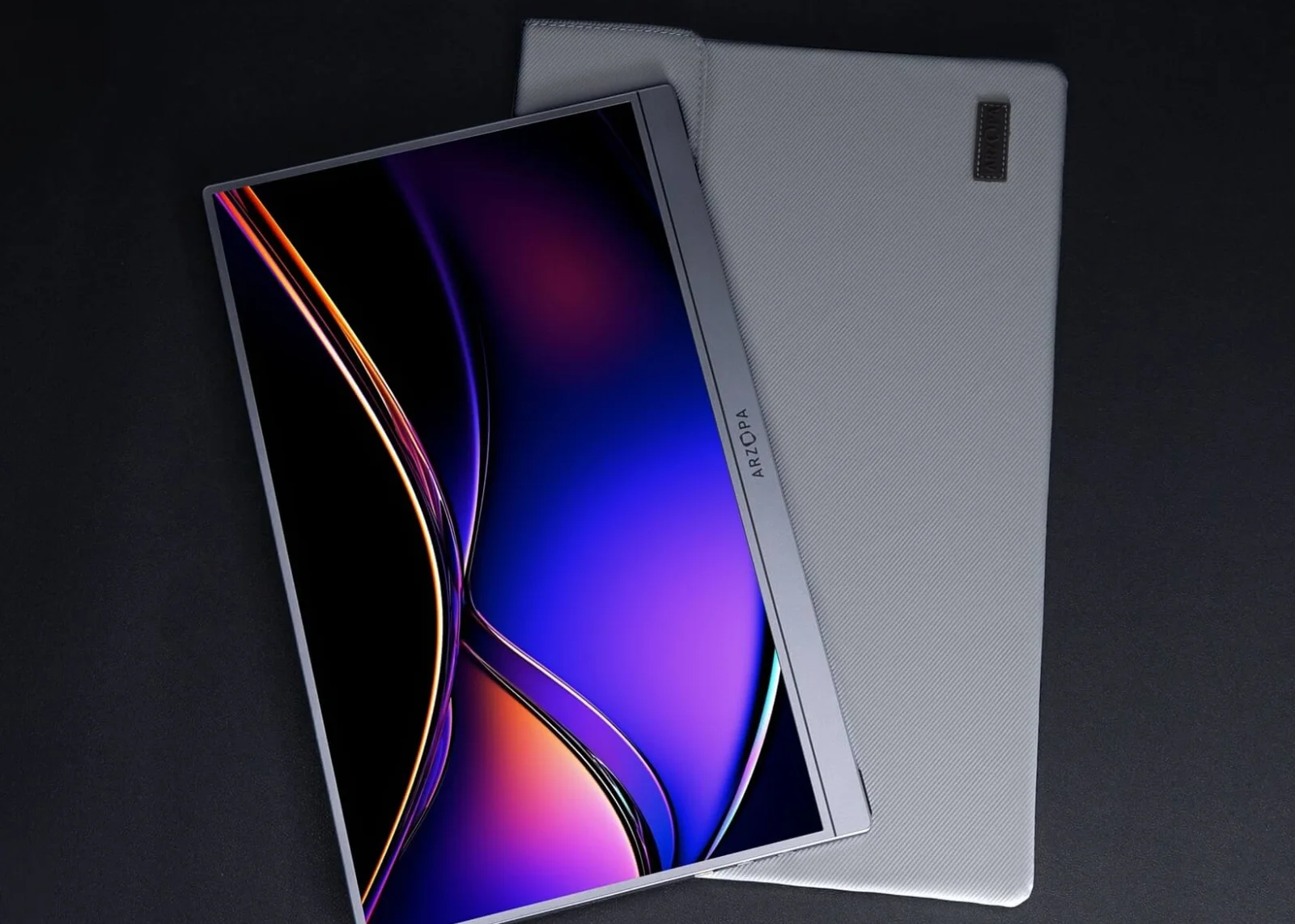
Screens & connections
Arzopa A1M vs Z1RC: bigger screen or sharper text?
The A1M gives you a larger 17.3-inch FHD canvas, while the Z1RC takes less room and puts sharper 2.5K text in a 16-inch 16:10 frame. Pick the screen that matches your desk and bag: broad viewing space or denser work detail.
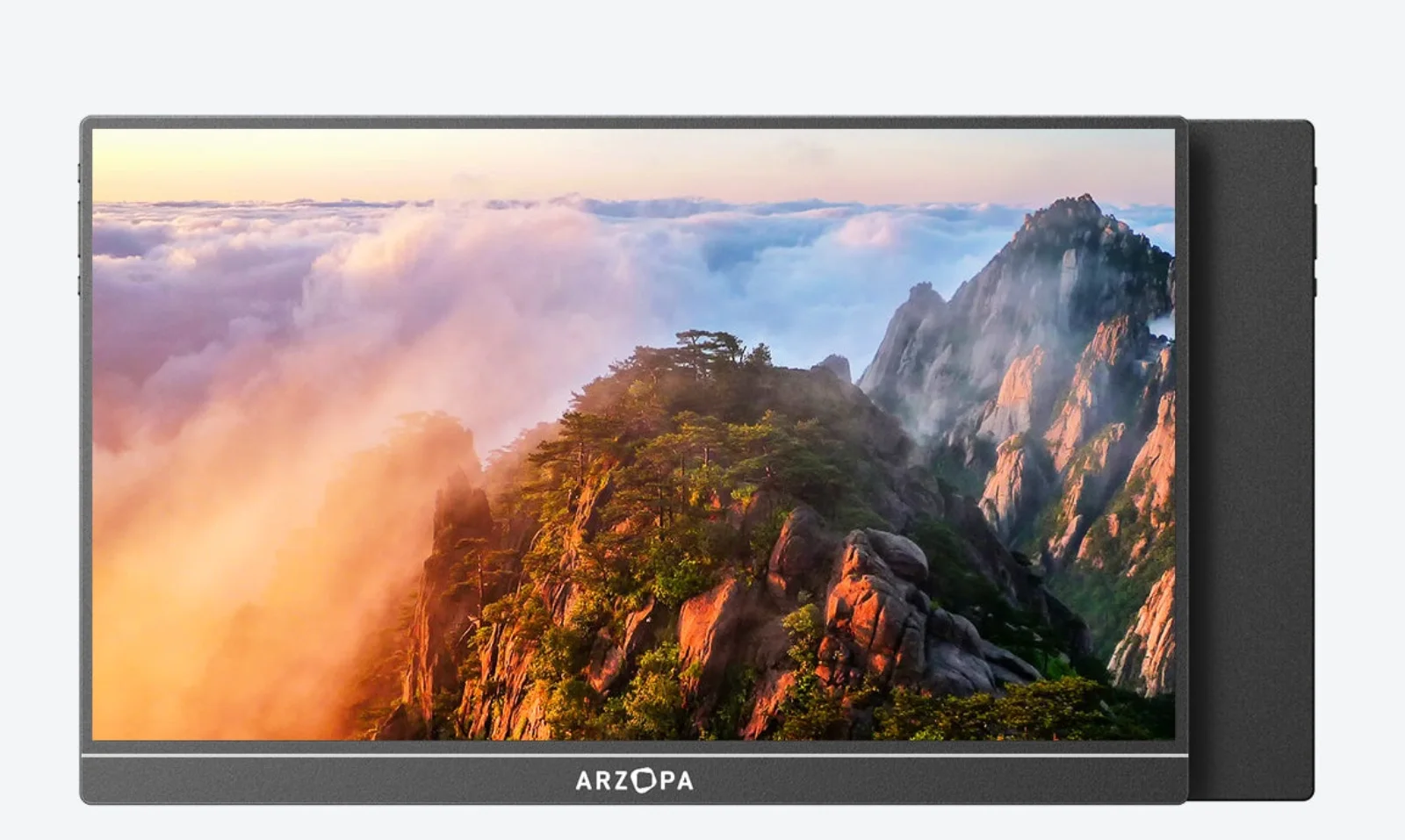
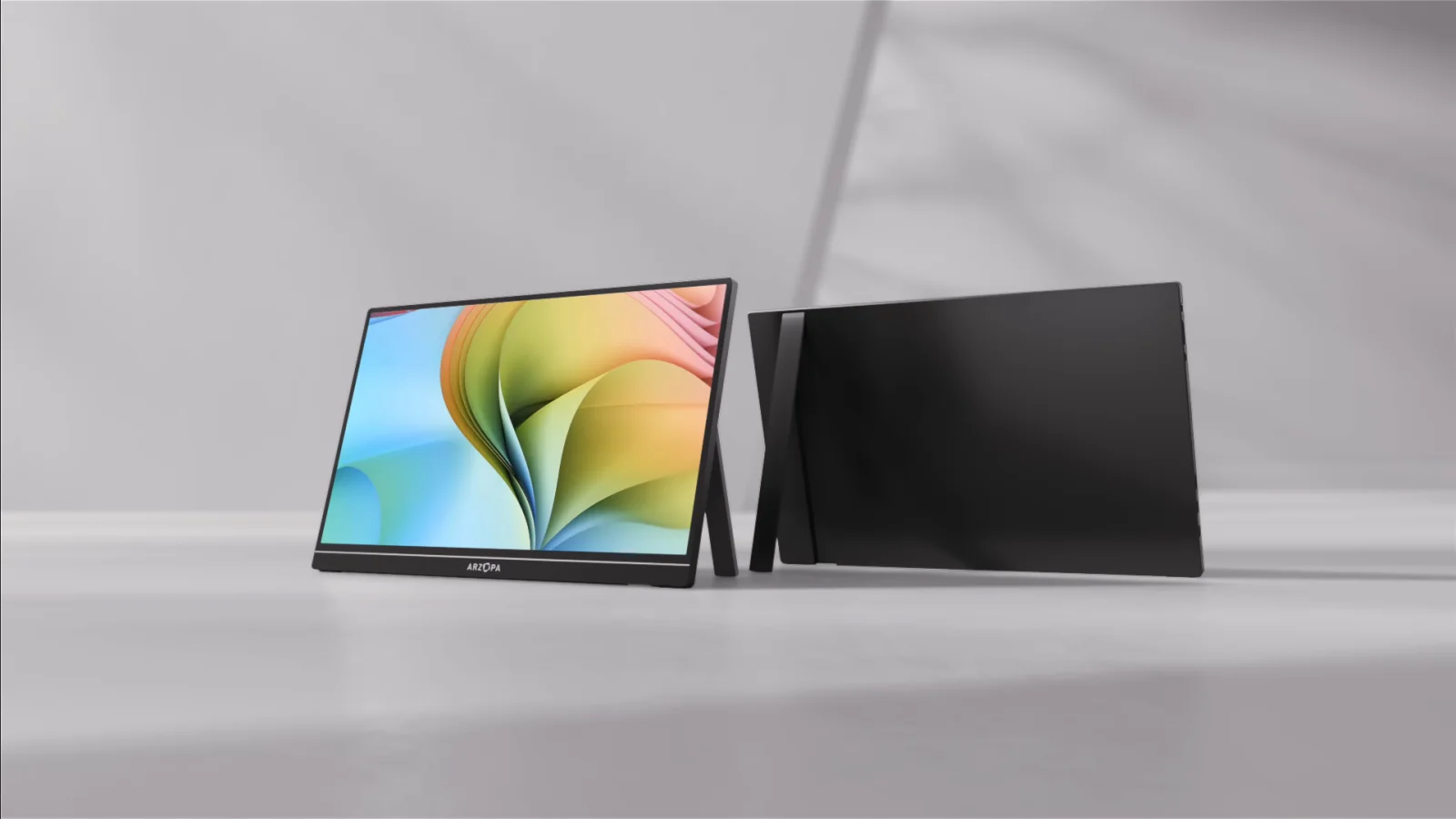
A1M gives 17.3-inch FHD space; Z1RC gives sharper 2.5K 16:10 text in a 1.79-lb body.
A1M for larger viewing area; Z1RC for denser documents and a taller 16:10 canvas.
A1M weighs 2.03 lb; Z1RC is 16 inches, so broad canvas and packing size pull apart.
Our take is based on published specifications and linked sources. We have not hands-on tested these products. Some links may earn a commission.
Quick answer
Pick the canvas that matches the job.
Start with A1M if physical screen size is the constraint. Start with Z1RC if text density, a 16:10 frame, and portrait work space are the constraint. Both are listed at 60Hz, so refresh rate does not separate this pair.
| If your priority is… | Start with… | Because… |
|---|---|---|
| More physical screen | A1M | 17.3 inches at FHD 16:9 is the larger published panel. |
| Code, reading, spreadsheets | Z1RC | 2,560 × 1,600 and 16:10 are the sharper, taller published work format. |
| Lowest connection uncertainty | Verify first | The host port, video-capable USB-C cable, mini HDMI adapter, and separate power source matter more than the model name. |
These are fit-based recommendations from manufacturer-published figures, not independent measurements of sharpness, color, response, brightness, or stand stability.
What actually differs
Size versus density is the real fork.
Both models are current Arzopa portable monitors with built-in stands, USB-C, mini HDMI, and a 60Hz listing. The useful differences are the A1M’s larger 17.3-inch FHD panel versus the Z1RC’s 16-inch 2.5K 16:10 panel, plus their published power and weight figures.
Resolution + ratio
A1M: 1,920 × 1,080 at 16:9. Z1RC: 2,560 × 1,600 at 16:10. The Z1RC has more pixels and a taller work format; A1M gives you the larger diagonal.
Refresh rate
Both current US product pages list 60Hz. Do not borrow Z1FC’s 144Hz headline for either model, and do not infer actual motion quality from a refresh-rate number alone.
Brightness + weight
The pages list 300 nits and 2.03 lb for A1M, versus 350 nits and 1.79 lb for Z1RC. These are published figures, not independent measurements.
Ports + power
Both show mini HDMI and two USB-C connections. Z1RC is listed at 12W; A1M is listed at 8W in the comparison data. HDMI normally needs separate USB-C power.
Signal and power
USB-C is a capability check, not just a connector shape.
USB-C video
The source USB-C port must support DisplayPort video output and the cable must carry video. A charging-only port or cable can leave the monitor powered but blank.
A1M port caveat
The A1M page shows two USB-C ports but its detailed warm tip says the right-side port may be for OTG. Verify the marked video-capable port for the exact unit rather than assuming both inputs behave identically.
Z1RC power plan
Z1RC lists 12W rated power, no internal battery, and a 5V/3A-or-higher recommendation when the host cannot supply enough power. Add USB-C power if the signal path is HDMI.
HDMI path
Use the host’s HDMI adapter or dock, a suitable HDMI-to-mini-HDMI cable, and separate USB-C power at the monitor. The correct video adapter does not remove the monitor’s power requirement.
MacBook compatibility boundary
“Works with MacBook” still needs a model-specific check.
Arzopa lists MacBooks among compatible computers for both models. Apple’s own guidance says the Mac model, video ports, number of supported displays, cable, and adapter determine the connection. Neither monitor changes a Mac’s native external-display limit.
USB-C MacBook path
Use a full-featured USB-C cable and a Mac port that carries DisplayPort video. Check the exact Mac model in Apple’s support documentation before expecting a one-cable setup.
HDMI MacBook path
A USB-C-to-HDMI adapter or dock can feed the monitor’s mini HDMI input, but the monitor still needs USB-C power. Adapter, cable, macOS mode, and panel input all matter.
Two-monitor path
Two panels require two independent host display signals or a separately verified DisplayLink path. Two USB-C sockets on one portable monitor are not two Mac video outputs.
Exact model table
A1M and Z1RC, field by field.
The figures below come from the current exact US product pages and Arzopa support guidance checked September 4, 2026. They describe the panels and their inputs; they do not promise a particular host mode, measured performance, or connection result.
| Model | Resolution / ratio | Refresh / brightness | Weight / size | Stand / panel | Ports / signal | Power / fit |
|---|---|---|---|---|---|---|
| Arzopa A1MThe larger FHD canvas | 1,920 × 1,080 (FHD) 16:9 | 60Hz 300 nits 103% sRGB | 2.03 lb 394 × 243 × 9.3 mm | Built-in stand; Arzopa describes flexible, stable support 17.3-inch IPS · 1,920 × 1,080 · 16:9 · 60Hz | 2 × USB-C 3.1 shown; 1 × mini HDMI 2.0 Arzopa lists USB-C video/power and mini HDMI. Its warm tip says the right-side USB-C may be for OTG, so verify the marked video-capable port for your unit. | 8W rated power in the product comparison. A full-featured USB-C host may carry video and power; HDMI use needs a separate USB-C power connection. Arzopa lists laptops, desktops, MacBooks, selected video-out phones, and major consoles. USB-C requires host video output; iPhones with Lightning need an HDMI adapter. |
| Arzopa Z1RCThe sharper 16:10 work canvas | 2,560 × 1,600 (2.5K) 16:10 | 60Hz 350 nits 123% sRGB | 1.79 lb 356 × 238 × 9.3 mm | Built-in stand; portrait and landscape positioning are listed 16.0-inch IPS · 2,560 × 1,600 · 16:10 · 60Hz | 2 × full-function USB-C; 1 × mini HDMI 2.0 Arzopa lists USB-C for video data and power, with DP output in the current product comparison, plus mini HDMI for compatible HDMI sources. | 12W rated power. Arzopa says the monitor has no battery and recommends a 5V/3A-or-higher source when the host cannot supply enough power. Arzopa lists laptops, MacBooks, desktops, selected video-out phones and tablets, Steam Deck, Switch, PS5, and Xbox. The source device still needs a compatible signal and power path. |
Arzopa also lists HDR10, aluminum construction, dual speakers, and no touch input for these product families. Those fields do not settle the A1M-versus-Z1RC decision, so the table centers signal, power, work canvas, refresh, and portability.
Arzopa A1M
The larger FHD canvas
- Resolution / ratio
- 1,920 × 1,080 (FHD) · 16:9
- Refresh / brightness
- 60Hz · 300 nits
- Weight / dimensions
- 2.03 lb · 394 × 243 × 9.3 mm
- Color label
- 103% sRGB
- Stand
- Built-in stand; Arzopa describes flexible, stable support
- Ports
- 2 × USB-C 3.1 shown; 1 × mini HDMI 2.0
- Rated power
- 8W rated power in the product comparison. A full-featured USB-C host may carry video and power; HDMI use needs a separate USB-C power connection.
- Included cables
- USB-C-to-USB-C cable, mini-HDMI-to-HDMI cable, and USB-C-to-USB-A cable are listed on the exact page; confirm the live bundle before ordering.
- Compatibility
- Arzopa lists laptops, desktops, MacBooks, selected video-out phones, and major consoles. USB-C requires host video output; iPhones with Lightning need an HDMI adapter.
Why choose it
Choose it when 17.3 inches of workspace matters more than pixel density. It is the straightforward fit for a larger FHD second screen, split-window work, presentations, and casual console use.
Why skip it
Skip it when you want a 16:10 document canvas, sharper 2,560 × 1,600 text, or a compact 16-inch panel. The larger size does not establish better color, response, or stand stability in independent testing.
Signal read
Arzopa lists USB-C video/power and mini HDMI. Its warm tip says the right-side USB-C may be for OTG, so verify the marked video-capable port for your unit.
Power and cable note
8W rated power in the product comparison. A full-featured USB-C host may carry video and power; HDMI use needs a separate USB-C power connection. USB-C-to-USB-C cable, mini-HDMI-to-HDMI cable, and USB-C-to-USB-A cable are listed on the exact page; confirm the live bundle before ordering.
Arzopa Z1RC
The sharper 16:10 work canvas
- Resolution / ratio
- 2,560 × 1,600 (2.5K) · 16:10
- Refresh / brightness
- 60Hz · 350 nits
- Weight / dimensions
- 1.79 lb · 356 × 238 × 9.3 mm
- Color label
- 123% sRGB
- Stand
- Built-in stand; portrait and landscape positioning are listed
- Ports
- 2 × full-function USB-C; 1 × mini HDMI 2.0
- Rated power
- 12W rated power. Arzopa says the monitor has no battery and recommends a 5V/3A-or-higher source when the host cannot supply enough power.
- Included cables
- USB-C-to-USB-C cable, mini-HDMI-to-HDMI cable, and USB-A-to-USB-C power cable are listed on the exact page; check the live package list for the selected variant.
- Compatibility
- Arzopa lists laptops, MacBooks, desktops, selected video-out phones and tablets, Steam Deck, Switch, PS5, and Xbox. The source device still needs a compatible signal and power path.
Why choose it
Choose it when code, reading, spreadsheets, or a portrait reference column benefit from the 16:10 2.5K canvas. It is also the lighter published panel and has the higher published brightness figure.
Why skip it
Skip it when 17.3 inches of physical screen is more useful than 2.5K density, or when your host cannot provide the listed USB-C/HDMI signal and 12W power plan.
Signal read
Arzopa lists USB-C for video data and power, with DP output in the current product comparison, plus mini HDMI for compatible HDMI sources.
Power and cable note
12W rated power. Arzopa says the monitor has no battery and recommends a 5V/3A-or-higher source when the host cannot supply enough power. USB-C-to-USB-C cable, mini-HDMI-to-HDMI cable, and USB-A-to-USB-C power cable are listed on the exact page; check the live package list for the selected variant.
Before checkout
Verify the whole setup, not only the headline spec.
1. Identify the host output
Confirm that the laptop, MacBook, phone, tablet, or console actually exposes USB-C DisplayPort video or HDMI. A USB-C charging port is not enough.
2. Match the cable and input
Use a video-capable USB-C cable for a native USB-C path, or the correct HDMI adapter/dock plus mini-HDMI cable. For A1M, check the marked video-capable USB-C port.
3. Give the monitor power
A one-cable setup may work when the host supplies enough power. Otherwise use a separate USB-C power source; HDMI setups normally need this from the start.
4. Check the desired canvas
Choose A1M for a larger 17.3-inch FHD frame, or Z1RC for a 16-inch 2.5K 16:10 frame. Do not use diagonal size alone as a proxy for text density.
5. Check macOS display support
If using a MacBook, verify the exact chip’s native display count and supported modes with Apple. The monitor’s product page cannot override Apple’s host limit.
6. Use the return window for unknowns
Verify brightness, portrait positioning, sleep/wake, cable placement, hinge feel, and the apps or console you actually use. These are not established by this page.
Match the compromise
Choose the trade-off you can actually explain.
Why choose A1M
More diagonal room for windows.
- You want a 17.3-inch panel and accept FHD 16:9 rather than the Z1RC’s 16:10 2.5K format.
- The listed 300-nit, 2.03-lb, built-in-stand design fits your workspace and travel constraints.
- You can verify which A1M USB-C port carries video and can provide the listed 8W power plan.
- You are buying a larger second screen for documents, presentations, entertainment, or casual console use.
Why choose Z1RC
More pixels in a taller work frame.
- You want 2,560 × 1,600 and 16:10 for code, reading, spreadsheets, or a portrait reference column.
- The listed 350-nit, 1.79-lb, built-in-stand design fits your bag and desk constraints.
- You can provide up to the listed 12W monitor power and verify the native USB-C or HDMI path.
- You do not need a high-refresh mode; both A1M and Z1RC are listed at 60Hz.
Why skip both
A different panel may fit better when…
Sources and boundaries
What the sources support—and what they do not.
Arzopa sets the panel claims
Resolution, refresh rate, brightness, weight, dimensions, ports, stand, included cables, compatibility, and rated power are manufacturer-published figures, not independent measurements.
Color claims remain manufacturer claims
Arzopa currently lists A1M at 103% sRGB. WorkChoose did not independently measure gamut, calibration, or panel variation, so no color-accuracy ranking is made.
Apple sets the Mac boundary
When a MacBook is involved, Apple’s exact model specification controls ports, native display count, and supported modes. “Compatible” is not a substitute for that check.
Keep choosing
Related portable-monitor decisions.
Best portable monitor for MacBook
Compare USB-C, HDMI, power, stands, cables, and Mac display limits across portable screens.
Read nextArzopa Z1RC review
Inspect Z1RC alone, including its 2.5K 16:10 work canvas, 60Hz ceiling, current price, connection plan, returns, and warranty terms.
Read nextArzopa Z1RC vs Z1FC for MacBook
Keep Z1RC and compare its sharper work canvas with Z1FC’s higher-refresh motion focus.
Read nextArzopa A1M vs Z1FC
Keep A1M and compare its larger canvas with Z1FC’s lighter 144Hz format.
Read nextMacBook Air M4 portable monitors
Check the newer Air’s external-display ceiling before you choose a two-screen setup.
Read nextPortable monitor vs screen extender
Separate a standalone portable panel from a laptop-mounted extender before checkout.
Read nextPortable monitor comparison chart
Filter exact panels by size, resolution, refresh, inputs, power, weight, stand, and Mac/iPad notes.
Read nextPortable-monitor connection checker
Check the video signal, cable, power, and adapter path before choosing a portable display.
Read nextTouchscreen portable monitors for MacBook
Read the separate touch-data, driver, USB-C, HDMI, and power caveats.
Read nextWorkChoose guides hub
Return to the wider setup and buying guides when this pair is not the right fit.
Read nextFrequently asked questions
Which is better: Arzopa A1M or Z1RC?
The A1M is the larger 17.3-inch FHD 16:9 option. The Z1RC is the smaller 16-inch 2.5K 16:10 option with the sharper published resolution and a portrait-oriented work canvas. That is a fit decision from Arzopa specifications, not a universal “best” or a hands-on test.
Do A1M and Z1RC have the same resolution and refresh rate?
No. Arzopa lists A1M at 1,920 × 1,080 and 60Hz, and Z1RC at 2,560 × 1,600 and 60Hz. The main display fork is resolution and aspect ratio, not refresh rate.
What ports do the Arzopa A1M and Z1RC use?
Both product pages show mini HDMI and two USB-C connections. Z1RC is described as having dual full-function USB-C ports. The A1M page shows two USB-C ports but its detailed warm tip calls out the right-side port for OTG, so verify the video-capable port and cable for your A1M variant.
Can one USB-C cable carry video and power to either monitor?
Sometimes. The host must support USB-C video output, the cable must carry video, and the host must supply enough power. Arzopa lists 8W for A1M and 12W for Z1RC in its current product comparisons. If the screen flickers, restarts, or does not wake, use a separate USB-C power source and recheck the signal path.
Do either monitor include a battery or work without external power?
No built-in battery is listed for these portable monitors. Arzopa’s support guidance says portable monitors need power from USB-C, a wall adapter, a power bank, or the host device. HDMI carries the picture, so HDMI setups normally need separate USB-C monitor power.
Will the A1M or Z1RC work with a MacBook?
Arzopa lists MacBooks among compatible computers, but a “MacBook compatible” label does not guarantee every model, cable, adapter, resolution, refresh mode, or display count. Apple says to check the exact Mac model’s display support and ports before choosing a connection path.
Does Arzopa’s 103% sRGB claim prove color accuracy?
No. Arzopa currently lists 103% sRGB for A1M, but WorkChoose did not independently measure gamut coverage, calibration, or panel variation. Treat it as a manufacturer-published specification rather than proof of color accuracy.
Does the built-in stand prove that one monitor is more stable?
No. Both pages list a built-in stand and describe positioning or support, but WorkChoose did not independently measure hinge strength, wobble, sliding, or long-term durability. Treat stand stability as an item to verify in the return window, not as a conclusion from static specifications.
Did WorkChoose personally test these displays or compare their prices?
No. WorkChoose did not personally test these displays or compare their prices. Eligible A1M and Z1RC purchase buttons open Amazon US through approved PartnerBoost affiliate links, so WorkChoose may earn a commission at no added cost. Product, evidence, and support links remain direct to Arzopa Global. Rankings and evidence are unchanged. This page makes no price, rating, “best deal,” medical, or hands-on claim.