
Screens & connections
Best Arzopa portable monitor: match the screen to the day
Arzopa’s range splits cleanly by day: Z1RC for a roomier work canvas, Z3FC for QHD gaming, Z1FC for FHD motion, and the simpler models for lighter second-screen jobs. Match the monitor to the host device before chasing the biggest headline.
Start with Z1RC for 2.5K 16:10 work; Z3FC for QHD high-refresh gaming; Z1FC for FHD 144Hz travel.
Writers and spreadsheets fit Z1RC; handheld players fit Z1FC or Z3FC when output supports it.
A1M and Z1C trade simplicity for 60Hz FHD; ports and power still decide the setup.
Our take is based on published specifications and linked sources. We have not hands-on tested these products. Some links may earn a commission.
Buying links, offers & research notes Expand
By WorkChoose Editorial TeamUpdated September 11, 2026Specification-backed
Eligible Z3FC, Z1RC, Z1FC, Z1C, and A1M purchase buttons open Amazon US through approved PartnerBoost affiliate links, so WorkChoose may earn a commission at no added cost. Product sources, manuals, and evidence links remain direct to Arzopa Global. The Global coupon below is separate from the Amazon US purchase links. Rankings and evidence are unchanged. Regional price, stock, shipping, bundle, warranty, and return terms can change.
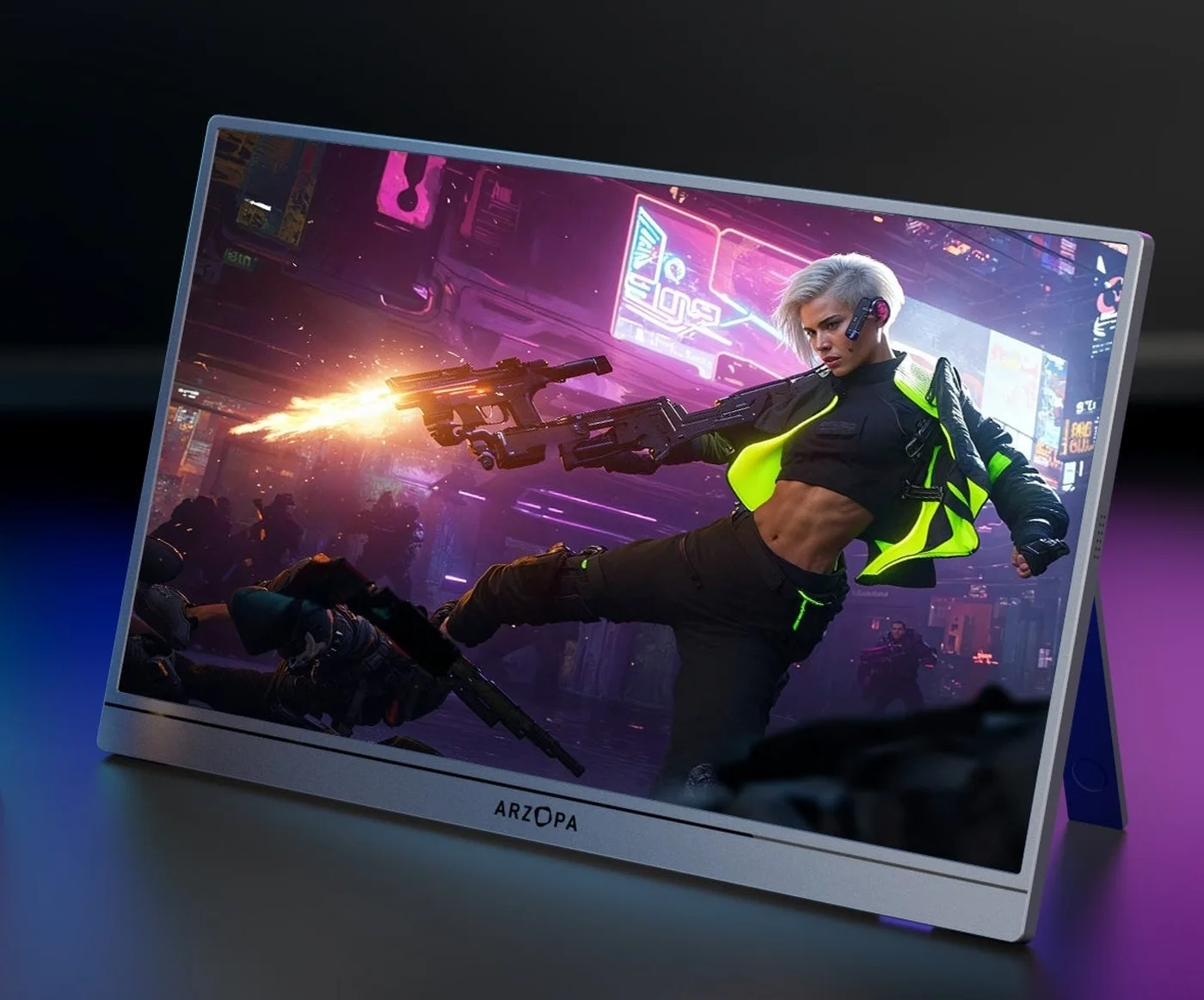 Photo: manufacturer
Manufacturer-hosted image for product identification; not a WorkChoose photograph.
Top pick
Z3FC
Gaming ceiling
180Hz DP / USB-C
Work pick
Z1RC 2.5K 16:10
Large screen
A1M 17.3-inch
The five-way choice
Pick the constraint that matters most, then verify the signal path.
Every row below is a manufacturer-published position checked on September 4, 2026. The table helps with the first shortlist; the card below each row explains who should buy, who should pause, and what to verify at checkout.
| Model | Best for | Published display | Refresh | Ports and power |
|---|---|---|---|---|
| Arzopa Z3FC | Best overall and high-refresh gaming pick | 16.1-inch IPS · 2,560 × 1,440 · 16:9 | Up to 180Hz over DisplayPort / USB-C; up to 144Hz over HDMI | 2 × USB-C 3.1 · mini HDMI 2.0 · FreeSync listed; 12.9W rated; no built-in battery listed; plan external USB-C power |
| Arzopa Z1RC | Best 2.5K 16:10 productivity pick | 16-inch IPS · 2,560 × 1,600 · 16:10 | 60Hz listed | 2 × full-function USB-C · mini HDMI; 12W listed; no internal battery; separate USB-C power may be needed |
| Arzopa Z1FC | Best FHD value gaming pick | 16.1-inch IPS · 1,920 × 1,080 · 16:9 | 144Hz listed | 2 × USB-C 3.1 · mini HDMI 2.0 · FreeSync listing conflict; 10W listed; no built-in battery listed; HDMI needs separate power |
| Arzopa Z1C | Best basic FHD travel pick | 16.1-inch IPS · 1,920 × 1,080 · 16:9 | 60Hz listed | 2 × USB-C with DP/PD language · mini HDMI 2.0; No reliable current rated-power figure; no built-in battery is listed, and HDMI usually needs separate USB-C power |
| Arzopa A1M | Best large-screen FHD pick | 17.3-inch IPS · 1,920 × 1,080 · 16:9 | 60Hz listed | 2 × USB-C 3.1 shown · mini HDMI 2.0; 8W listed; no built-in battery listed; HDMI needs separate USB-C power |
Buy by fit
The best model is the one whose limitation you can accept.
Photo: manufacturerOverall pick
Arzopa Z3FC
Best overall and high-refresh gaming pick
16.1-inch IPS · 2,560 × 1,440 · 16:9. 400 nits · 107% sRGB · HDR10 listed. 780g listed.
Choose it
Choose it when QHD detail, 16:9 gaming, and a high-refresh ceiling matter for a laptop, PC, handheld, or console setup.
Pause when
Pause if you need a built-in battery, measured HDR or color results, or 180Hz through HDMI. The official global page lists HDMI up to 144Hz.
Signal and power
Use a full-featured USB-C / DisplayPort path only when the host supports video and enough power. HDMI carries video, so console and dock setups need separate USB-C monitor power.
Terms check: price, currency, tax, shipping, stock, bundle contents, warranty duration, and return shipping depend on the regional listing and seller. Check the exact live purchase terms at checkout before ordering.
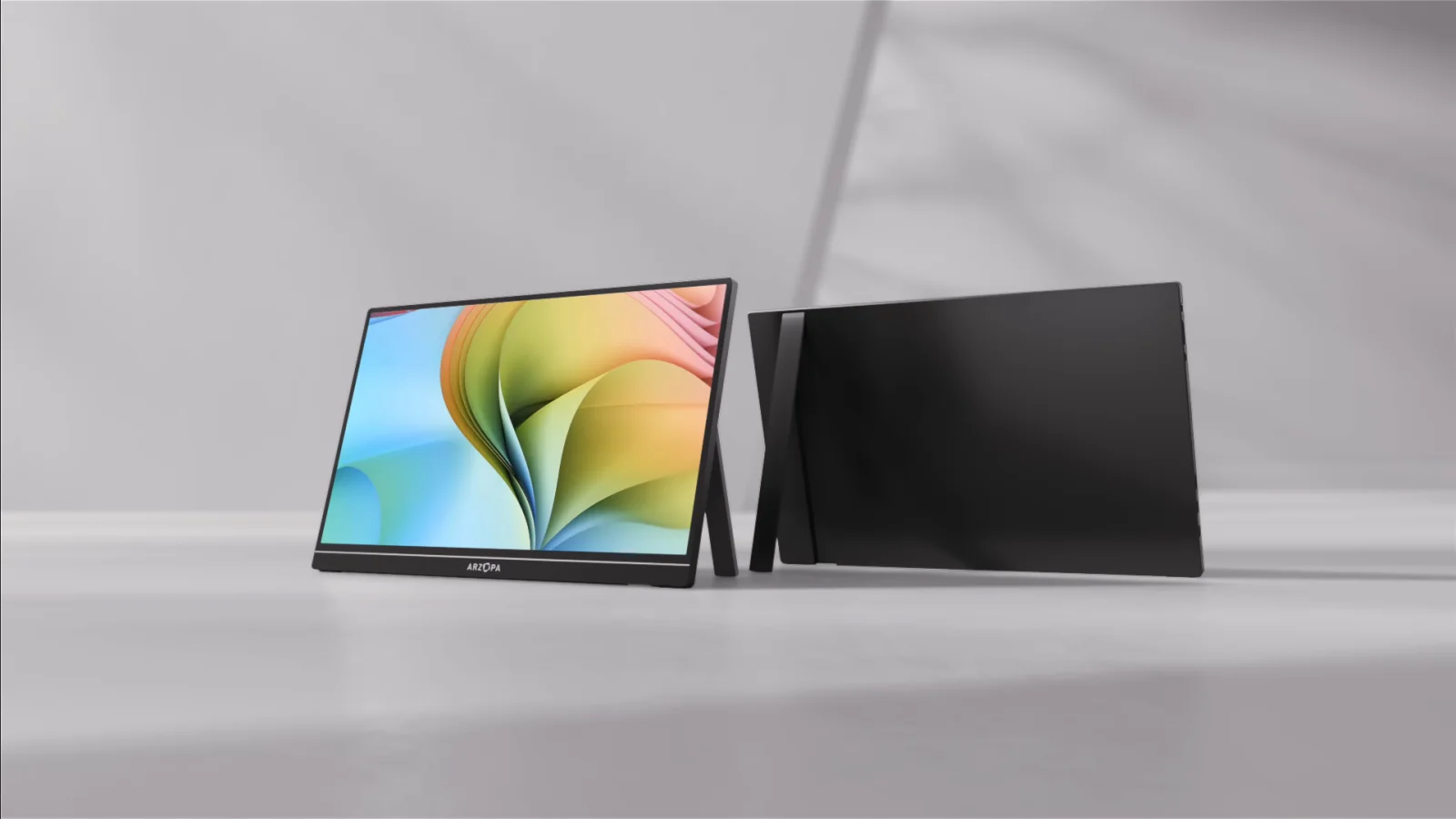 Photo: manufacturer
Pick 2
Arzopa Z1RC
Best 2.5K 16:10 productivity pick
16-inch IPS · 2,560 × 1,600 · 16:10. 350 nits · 123% sRGB listed. 1.79 lb listed.
Choose it
Choose it when documents, coding, browsing, and portrait or 16:10 workspace matter more than high-refresh gaming.
Pause when
Pause if 120Hz/144Hz gaming, a native 16:9 console canvas, or a battery-powered travel setup is the main requirement.
Signal and power
A full-featured USB-C cable can carry video when the host supports DisplayPort output. HDMI carries video only, so power the monitor separately and expect 16:9 sources to meet a 16:10 canvas.
Terms check: price, currency, tax, shipping, stock, bundle contents, warranty duration, and return shipping depend on the regional listing and seller. Check the exact live purchase terms at checkout before ordering.
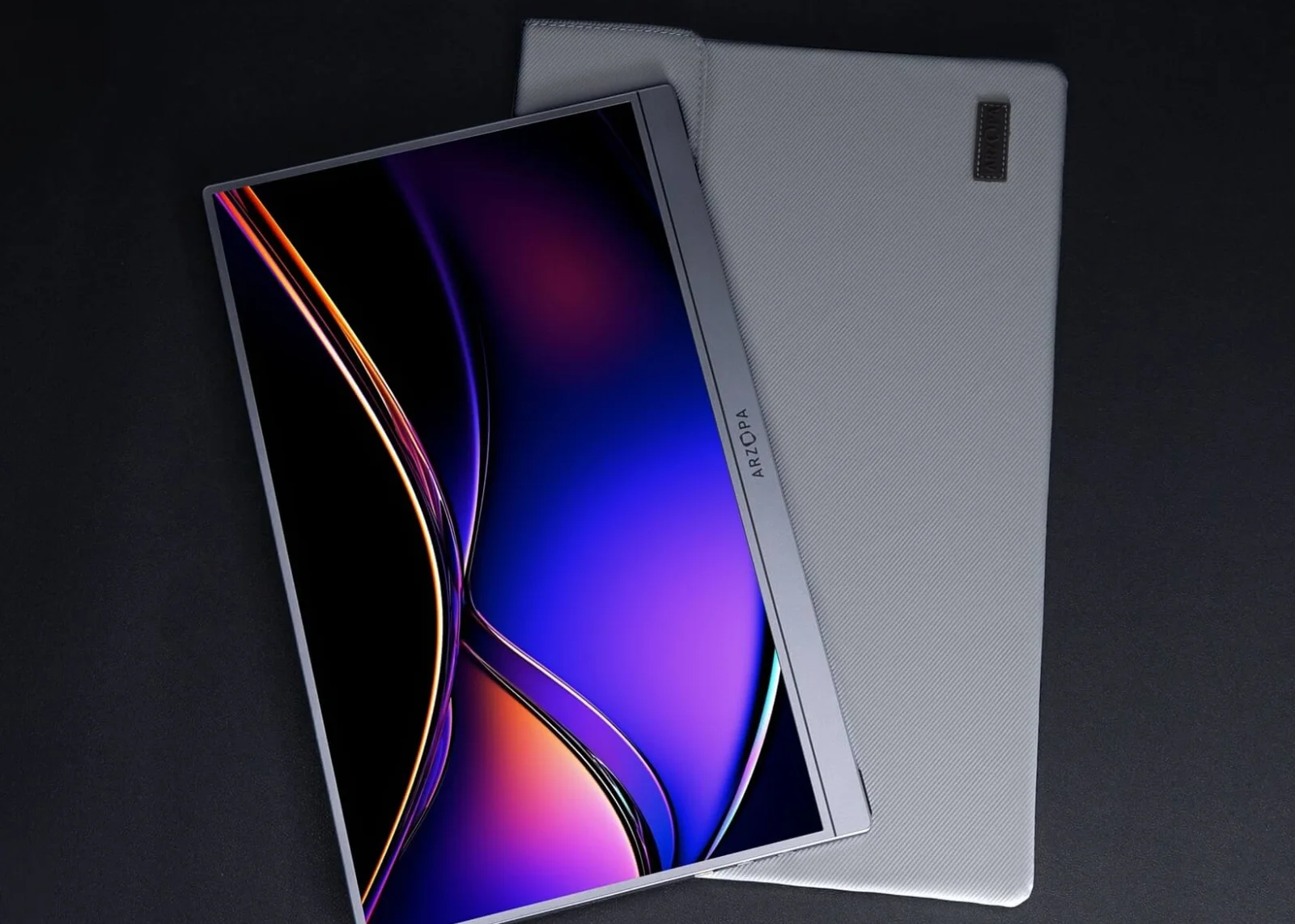 Photo: manufacturer
Pick 3
Arzopa Z1FC
Best FHD value gaming pick
16.1-inch IPS · 1,920 × 1,080 · 16:9. 300 nits · 106% sRGB listed. 1.72 lb listed.
Choose it
Choose it when FHD is enough and the smaller 16.1-inch footprint plus a listed 144Hz ceiling gives the right gaming value.
Pause when
Pause if QHD text space, a built-in battery, measured HDR, or guaranteed FreeSync is essential. The current official page has conflicting FreeSync language.
Signal and power
A full-featured USB-C video path depends on the host port and cable. For HDMI sources, use the correct mini-HDMI cable or adapter and a separate USB-C power source.
Terms check: price, currency, tax, shipping, stock, bundle contents, warranty duration, and return shipping depend on the regional listing and seller. Check the exact live purchase terms at checkout before ordering.
 Photo: manufacturer
Pick 4
Arzopa Z1C
Best basic FHD travel pick
16.1-inch IPS · 1,920 × 1,080 · 16:9. 300 nits · 100% sRGB listed. 1.72 lb listed.
Choose it
Choose it when a straightforward 16.1-inch FHD second screen, built-in stand, and ordinary travel use are enough.
Pause when
Pause if 144Hz motion, QHD detail, measured brightness, HDR, or a built-in battery is the reason you are shopping.
Signal and power
Use a video-capable USB-C port and full-featured cable for a direct path. With HDMI, connect the source to mini HDMI and feed the monitor separately over USB-C.
Terms check: price, currency, tax, shipping, stock, bundle contents, warranty duration, and return shipping depend on the regional listing and seller. Check the exact live purchase terms at checkout before ordering.
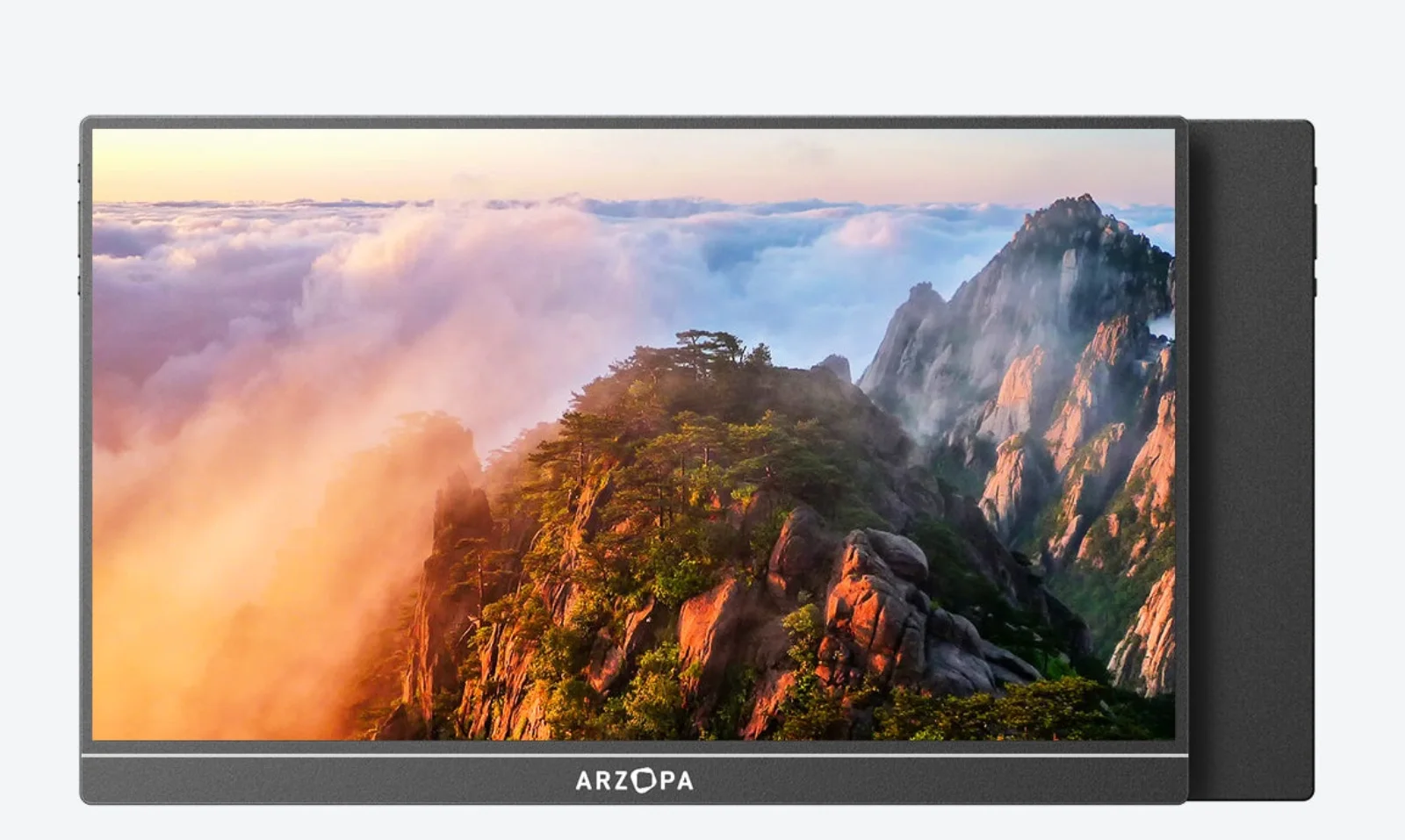 Photo: manufacturer
Pick 5
Arzopa A1M
Best large-screen FHD pick
17.3-inch IPS · 1,920 × 1,080 · 16:9. 300 nits · 103% sRGB listed. 2.03 lb listed.
Choose it
Choose it when a physical 17.3-inch canvas for documents, split windows, presentations, or a desktop-style second screen is the constraint.
Pause when
Pause if a lighter bag, 144Hz or higher refresh, QHD detail, or a battery-powered setup matters more than diagonal size.
Signal and power
A full-featured USB-C host may carry video and power, but verify the marked video-capable port for the exact A1M unit. HDMI setups need a separate USB-C monitor power connection.
Terms check: price, currency, tax, shipping, stock, bundle contents, warranty duration, and return shipping depend on the regional listing and seller. Check the exact live purchase terms at checkout before ordering.
The universal setup check
A portable monitor is only as good as its video and power chain.
For all five Arzopa models, connector shape is not enough. Confirm the host output, cable, adapter or dock, monitor input, selected resolution, refresh mode, and power source together. The current product pages do not list a built-in battery for this group, so external power belongs in the buying plan.
USB-C / DisplayPort path
Use a full-featured cable and a host USB-C port that supports DisplayPort video. Host power may work for a low-power setup, but flicker, dimming, or restarts mean you should add independent USB-C power.
HDMI path
Use the correct full-size HDMI to mini-HDMI cable or adapter. HDMI carries video; connect separate USB-C power to the monitor, especially for consoles and docks.
Refresh path
Z3FC lists up to 180Hz over DP / USB-C and up to 144Hz over HDMI. Z1FC lists 144Hz; Z1RC, Z1C, and A1M list 60Hz. These are ceilings to verify.
A1M port check
A1M’s shown product guidance calls out an OTG role for one USB-C port. Confirm the marked video-capable port on the exact unit before relying on one-cable use.
Source notes
Keep official specifications and independent context separate.
Official product pages establish the published model fields. Independent reviews provide context for a particular review unit and date. The links below are direct sources; they do not change purchase links or alter the model fit assessment.
Tom’s Hardware
Review context for Z3FC brightness, input paths, build, and the measured behavior of its sample.
TechRadar
Hands-on context for daily work and gaming, external power, OSD behavior, and Switch 2 observations.
Amateur Photographer
Portable second-screen context for the Z3FC’s QHD positioning, weight, coverage claim, and included protection.
Continue the decision
Move from the Arzopa shortlist to the host and comparison guide you need.
Arzopa Z3FC review
Read the exact Z3FC decision page for QHD, refresh ceilings, power, evidence, and regional terms.
Read nextArzopa Z1RC review
Inspect the 2.5K 16:10 productivity fit, signal path, external power, and current policy checks.
Read nextArzopa Z1FC review
Review the FHD 144Hz option and its USB-C, HDMI-power, FreeSync, and return caveats.
Read nextArzopa Z3FC vs Z1FC
Compare QHD 180Hz positioning with the FHD 144Hz value alternative.
Read nextArzopa Z3FC vs Z1RC
Choose between the 16:9 high-refresh gaming route and the taller 16:10 productivity canvas.
Read nextArzopa Z1RC vs Z1FC for Mac mini M4
Compare the 2.5K 16:10 work canvas with the FHD 144Hz option for Mac mini M4.
Read nextArzopa coupon codes
Current regional offers; check the region, stacking rules, and final total at checkout.
Read nextArzopa A1M vs Z1FC
Compare the large 17.3-inch FHD canvas with the smaller 144Hz FHD panel.
Read nextArzopa Z1C vs Z1FC
Use the 60Hz basic travel versus 144Hz motion comparison.
Read nextArzopa Z1C vs Z3FC: FHD 60Hz vs QHD 180Hz
Compare the budget FHD 60Hz Z1C with the QHD 180Hz Z3FC when resolution and refresh change the fit.
Read nextBest portable gaming monitor guide
Broaden the shortlist across gaming laptops, consoles, and handhelds.
Read nextPortable monitor for PS5
Check console HDMI, external power, audio, and output constraints.
Read nextPortable monitor for Nintendo Switch 2
Follow the official Dock HDMI route and separate monitor power plan.
Read nextPortable monitor for Steam Deck
Check direct USB-C, dock HDMI, power, and SteamOS mode.
Read nextPortable monitor comparison chart
Filter portable screens by resolution, refresh, inputs, power, and weight.
Read nextPortable monitor connection checker
Walk through the source, cable, adapter, input, refresh, and power chain.
Read nextFAQ
Which Arzopa monitor should I buy?
Which Arzopa portable monitor should I buy?+
Choose Z3FC for the strongest published gaming combination: 2,560×1,440, 16:9, and up to 180Hz over DisplayPort or USB-C. Choose Z1RC for a 2,560×1,600 16:10 productivity canvas, Z1FC for FHD with a 144Hz ceiling, Z1C for basic FHD travel, and A1M for the largest 17.3-inch FHD workspace. These are fit decisions from published specifications, not hands-on rankings.
What is the best Arzopa portable monitor for gaming?+
Z3FC is the high-refresh choice on paper because Arzopa lists up to 180Hz over DisplayPort or USB-C and up to 144Hz over HDMI. Z1FC is the lower-resolution value alternative with a listed 144Hz ceiling. The source, cable, adapter, selected resolution, game, and power path determine what your setup actually exposes.
Is the Arzopa Z3FC better than the Z1RC?+
Z3FC is the better fit for 16:9 gaming and high refresh. Z1RC is the better fit for a 16:10 2,560×1,600 work canvas at a 60Hz listing. Both require a compatible video path and external power planning; neither page establishes a built-in battery or WorkChoose hands-on result.
Do Arzopa portable monitors need external power?+
Yes, plan for it. The current specifications for these five models do not list an internal battery. A full-featured USB-C host may provide video and power, but HDMI carries video rather than monitor power, so consoles and docks generally need a separate USB-C power feed.
Can an Arzopa portable monitor run at its highest refresh rate over HDMI?+
Do not assume that. Z3FC’s official global listing says DisplayPort or USB-C up to 180Hz and HDMI up to 144Hz. Z1FC lists 144Hz, while Z1C and A1M list 60Hz. The exact mode depends on the source, cable, adapter or dock, input, resolution, and software.
Are Arzopa prices and return policies the same in every region?+
No. Price, currency, tax, shipping, stock, bundles, warranty duration, and return shipping can vary by regional store and seller. Check the exact live listing and return policy at checkout, keep the order record and packaging, and do not treat another region’s terms as your own.
Does the A1M need a different buying check from the smaller models?+
The key A1M check is its larger 17.3-inch size and the marked video-capable USB-C port. Arzopa lists two USB-C ports, but the detailed product guidance calls out an OTG role for one port on the shown unit. Verify the exact port, cable, power source, and return terms before ordering.
Does this Arzopa portable monitor comparison use affiliate links or hands-on tests?+
Yes. Eligible Z3FC, Z1RC, Z1FC, Z1C, and A1M purchase buttons open Amazon US through approved PartnerBoost affiliate links, so WorkChoose may earn a commission at no added cost. Product sources, manuals, and evidence links remain direct to Arzopa Global. The Global coupon below applies only to the separate Arzopa Global offer. Rankings and evidence are unchanged, and WorkChoose did not personally test these five monitors.
Final choice
Pick the screen that fits your resolution, refresh, size, and power constraint.
If you want the broadest gaming headroom, start with Z3FC. If you need a 16:10 work canvas, start with Z1RC. If your priority is FHD value, basic travel, or a larger diagonal, the other three have clearer roles. Check the live regional purchase terms before ordering.
Checked September 4, 2026. Manufacturer pages, prices, stock, bundles, warranty terms, return conditions, firmware, and compatibility can change. This page is a source-backed comparison and does not claim hands-on testing.