Screens & connections
Arzopa Z3FC vs Z1RC: gaming speed or work space?
The Z3FC is the lively gaming choice; the Z1RC is the taller 16:10 work canvas. If most of your hours are documents, choose the Z1RC. If games and motion lead, the Z3FC makes the more persuasive case.
Choose Z1RC for 16:10 2.5K text; choose Z3FC for 16:9 QHD and faster gaming modes.
Document-heavy laptop users fit Z1RC; gaming setups with DisplayPort output fit Z3FC.
The screens trade tall work space for speed; your host must support the chosen resolution.
Our take is based on published specifications and linked sources. We have not hands-on tested these products. Some links may earn a commission.
Buying links, offers & research notes Expand
By WorkChoose Editorial TeamUpdated October 15, 2026Specification-backed
First confirm the laptop video path and your shopping region. Some US purchase links may earn a commission. Prices, stock, bundles, shipping, warranty, and returns can change.
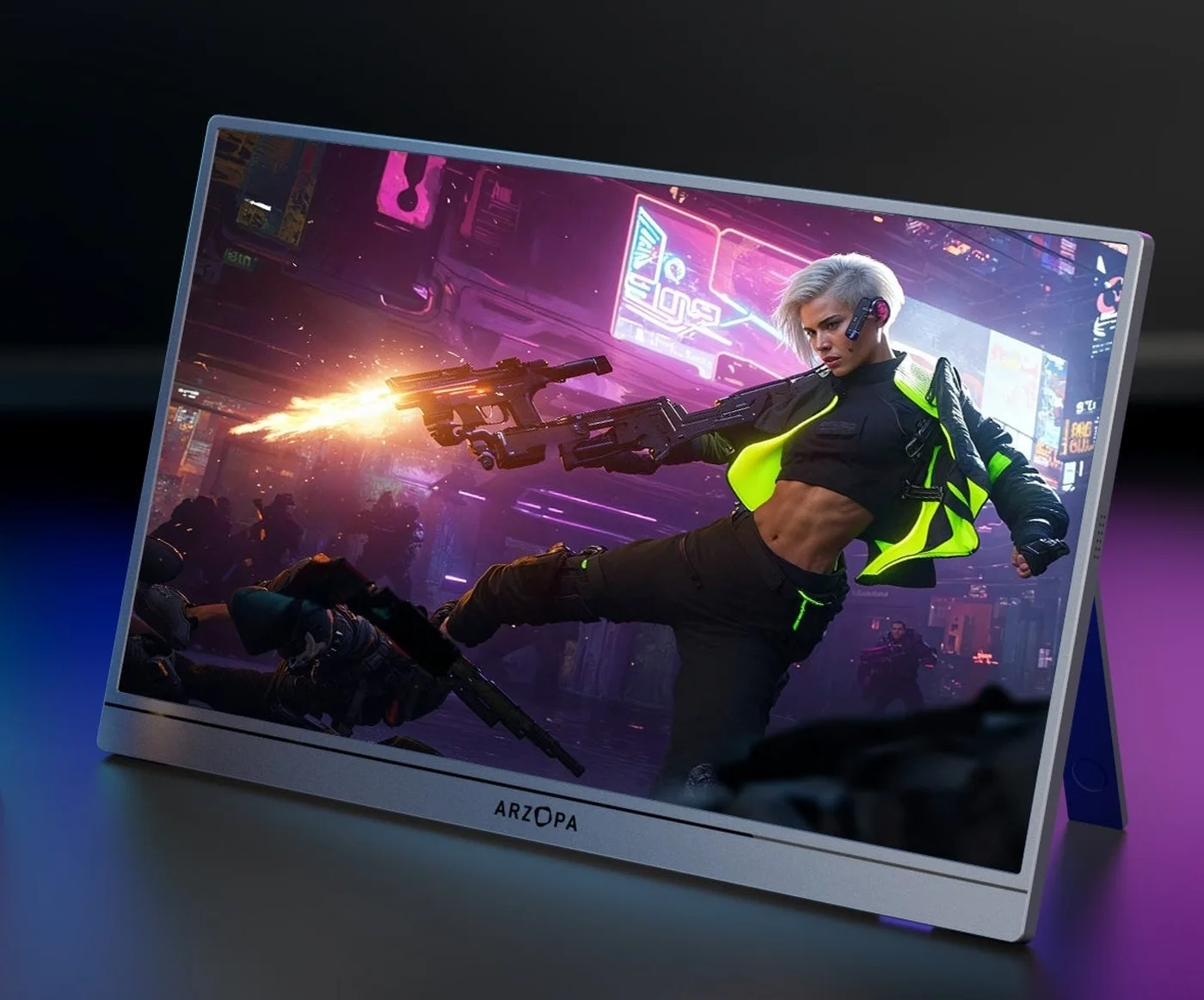 Photo: manufacturer
Gaming and mixed-use pick
Arzopa Z3FC
16.1-inch IPS · 2,560 × 1,440 · 16:9
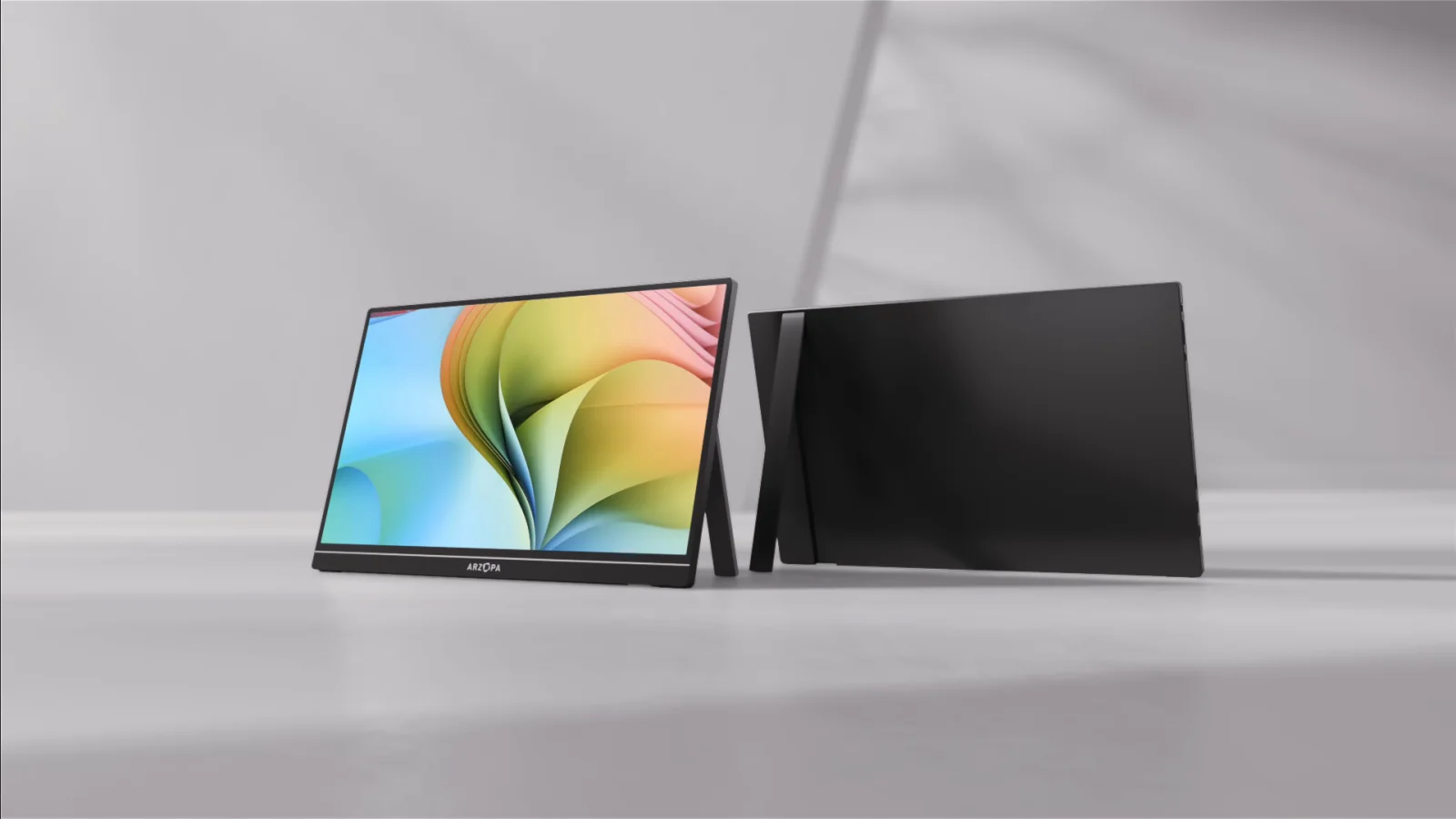 Photo: manufacturer
Coding and productivity pick
Arzopa Z1RC
16-inch IPS · 2,560 × 1,600 · 16:10
Two-minute choice
Which second screen fits your laptop?
Tell us what matters, how the video signal reaches the screen, and where you shop. This uses published model specifications; it is not a hands-on compatibility test.
What the pixels change
How much more work fits on the Z1RC?
Both panels are 2,560 pixels wide. The Z1RC adds 160 rows below the Z3FC’s 1,440: 11.1% more vertical pixels at the same scaling. It does not add horizontal room for another window, and it does not promise 11.1% more productivity.
| Scale | Z3FC | Z1RC | Extra height |
|---|---|---|---|
| 100% | 2,560 × 1,440 | 2,560 × 1,600 | ≈160 units |
| 125% | 2,048 × 1,152 | 2,048 × 1,280 | ≈128 units |
| 150% | 1,707 × 960 | 1,707 × 1,067 | ≈107 units |
| 200% | 1,280 × 720 | 1,280 × 800 | ≈80 units |
Calculation: native pixels ÷ scale factor, rounded to the nearest logical unit. These are arithmetic examples, not a list of supported macOS or Windows modes. OS scaling, app zoom, toolbars and font size determine usable space; macOS “looks like” modes may differ. Neither screen was measured by WorkChoose.
For documents and code
At equal 150% scaling, the difference is about 107 logical units of height. Choose this extra space only if text remains comfortable at your preferred size; a smaller font is not automatically a better workspace.
For games and 16:9 video
Z3FC matches the 16:9 shape directly. A 16:9 image fitted without stretching to Z1RC’s full width leaves 160 pixel rows unused in total. Actual letterboxing or stretching depends on the source and monitor controls; this is geometry, not a verified aspect-ratio setting.
Resolution sources, checked October 15, 2026: Arzopa Z1RC specifications and Arzopa Z3FC specifications. The workspace calculations are our derivation from those resolutions.
Direct answer
Choose Z3FC for motion. Choose Z1RC for vertical work space.
Gaming and mixed-use pick
Arzopa Z3FC
- Panel
- 16.1-inch IPS · 2,560 × 1,440 · 16:9
- Refresh
- Up to 180Hz over DisplayPort / USB-C; up to 144Hz over HDMI
- Brightness
- 400 nits listed
- Color claim
- 107% sRGB manufacturer claim; not an accuracy measurement
- Inputs
- 2 × USB-C 3.1 with DP / PD · mini HDMI 2.0
- Power
- 12.9W rated · no built-in battery listed
- Weight
- 780g / 1.72 lb listed
Choose Z3FC when a native 16:9 QHD canvas, high-refresh headroom, gaming laptops, handhelds, or console use are the deciding constraints.
Skip it when a taller work canvas, a built-in battery, or independently measured HDR and color accuracy matter more than refresh rate.
Coding and productivity pick
Arzopa Z1RC
- Panel
- 16-inch IPS · 2,560 × 1,600 · 16:10
- Refresh
- 60Hz listed
- Brightness
- 350 nits listed
- Color claim
- 123% sRGB manufacturer claim; not an accuracy measurement
- Inputs
- 2 × full-function USB-C · mini HDMI
- Power
- 12W rated · no built-in battery
- Weight
- 810g / 1.79 lb on Arzopa Global; Amazon US ASIN B0CH9XR3G4 lists 1.46 lb in its description (checked October 15, 2026). The difference is unresolved; verify the exact unit if carry weight decides your purchase.
Choose Z1RC when code, spreadsheets, documents, portrait use, and the extra 160 vertical pixels of its 16:10 canvas matter more than high refresh.
Skip it when 120Hz or faster motion, a native 16:9 console canvas, or a battery-powered setup is the main reason for the purchase.
Connection before checkout
The cable label does not finish the compatibility check.
USB-C path
The host port and cable must support DisplayPort video. One cable can work only when the host also supplies enough monitor power.
HDMI path
HDMI carries video to mini HDMI. Add USB-C monitor power before diagnosing a blank, dim, flickering, or restarting screen.
Mode and return path
Confirm the actual resolution and refresh mode, then check the exact regional seller, return shipping, packaging, and warranty terms.
MacBook and laptop
Both models can use a compatible USB-C video path. Z3FC’s 180Hz label does not guarantee that every Mac or adapter exposes that mode. Z1RC’s 16:10 canvas is easier to justify for work, while the exact Mac model still controls external-display support.
Apple external-display supportConsole and handheld
Z3FC’s 16:9 QHD shape and higher refresh make it the cleaner starting point. A 180Hz panel does not prove a console’s 120Hz, VRR, or HDR handshake. Z1RC is capped at a listed 60Hz and its 16:10 canvas may scale or letterbox a 16:9 source.
Check the complete connection pathSource boundary
Official specifications set the floor; independent reviews add context.
WorkChoose uses the exact manufacturer pages for ports, panel, refresh, power, and included feature claims. Independent reviews are linked for context, but their samples and measurements do not become WorkChoose tests.
FAQ
Arzopa Z3FC vs Z1RC buying questions
Which is better, Arzopa Z3FC or Z1RC?
Z3FC is the better specification fit for 16:9 gaming and high refresh: Arzopa lists 2,560×1,440 and up to 180Hz over DisplayPort or USB-C. Z1RC is the better specification fit for productivity: it uses a taller 2,560×1,600 16:10 panel at 60Hz. The right choice depends on the host, signal, cable, power, and job rather than one universal winner.
What is the main difference between Z3FC and Z1RC?
The central difference is motion versus vertical workspace. Z3FC uses a 16:9 2,560×1,440 panel with a high-refresh ceiling. Z1RC uses a 16:10 2,560×1,600 panel with 160 more vertical pixels and a 60Hz ceiling.
Is Z3FC better for PS5, Xbox, or handheld gaming?
It is the cleaner starting point because its panel is native 16:9 and Arzopa lists mini HDMI, FreeSync, and higher refresh. That does not prove a particular console resolution, 120Hz, VRR, or HDR handshake. HDMI is listed up to 144Hz, and the exact source, cable, power, game, and selected mode still decide the result.
Is Z1RC better for a MacBook and office work?
It is the stronger workspace fit when 16:10 and 2,560×1,600 help with documents, code, and spreadsheets. USB-C video still requires a compatible Mac port and full-featured cable, and the exact Mac model controls supported external displays. HDMI also needs separate monitor power.
Can one USB-C cable power either monitor and carry video?
Sometimes. The host port must support DisplayPort video, the cable must carry video, and the host must supply enough power. Add separate USB-C monitor power if the screen flickers, restarts, dims, or stays blank. HDMI carries video and normally requires a separate power connection.
Does the higher sRGB number make Z1RC more color accurate?
No independent accuracy conclusion follows from the listing alone. Arzopa publishes 123% sRGB for Z1RC and 107% sRGB for Z3FC, but gamut coverage is not the same as calibrated color accuracy, panel uniformity, or measured delta-E.
Do Z3FC or Z1RC have a built-in battery?
No built-in battery is established for either model in the cited specifications. Plan power from a compatible USB-C host, wall adapter, or power bank, especially when using HDMI with a console or dock.
Are the purchase links affiliate links, and did WorkChoose test these monitors?
Some Amazon US purchase buttons use affiliate links, so WorkChoose may earn a commission at no added cost. Manufacturer evidence links remain direct. WorkChoose did not perform hands-on measurements of either monitor. Check the current merchant and regional terms before buying.
Continue the decision
Check the exact model or the device you will connect.
Arzopa Z3FC review
Inspect Z3FC refresh, HDMI, power, evidence, and regional purchase terms.
Read nextArzopa Z1RC review
Inspect Z1RC workspace, 60Hz, signal, power, and policy tradeoffs.
Read nextBest Arzopa portable monitor
Compare Z3FC, Z1RC, Z1FC, Z1C, and A1M by job.
Read nextArzopa discount codes
Current regional offers; check the region, stacking rules, and final total at checkout.
Read nextPortable monitor for MacBook
Apply Mac model, port, cable, display-limit, and power checks.
Read nextPortable monitor for PS5
Apply HDMI, separate power, resolution, 120Hz, VRR, HDR, and audio checks.
Read nextBest portable gaming monitors
Compare Z3FC with other high-refresh options by input, power, VRR, HDR, and device fit.
Read nextPortable monitor for Steam Deck
Choose direct USB-C or dock HDMI and plan power for both devices.
Read nextPortable monitor comparison chart
Filter exact models by panel, input, power, weight, and host notes.
Read nextArzopa Z3FC vs Z1FC
Compare QHD 180Hz positioning with the FHD 144Hz alternative.
Read nextArzopa Z1RC vs Z1FC for MacBook
Choose 16:10 work space or FHD high refresh for a Mac setup.
Read nextFinal choice
Z3FC for gaming headroom; Z1RC for a taller work canvas.
Check the live seller, shipping, and return terms for your region only after the signal, cable, power, aspect ratio, and refresh path fit your device.