Screens & connections
Arzopa Z1C vs Z3FC: FHD calm or QHD speed?
The Z1C keeps a work setup straightforward. The Z3FC makes sense when QHD detail and faster motion will show up in games or media, and your source can drive them; otherwise the upgrade is mostly a product-page number.
Choose Z1C for FHD 60Hz simplicity; choose Z3FC for QHD detail and up-to-180Hz DisplayPort output.
Z1C fits documents; Z3FC fits gaming or creative work where QHD and motion are visible.
Z3FC needs a source, cable, and power path that can actually deliver its higher modes.
Our take is based on published specifications and linked sources. We have not hands-on tested these products. Some links may earn a commission.
Buying links, offers & research notes Expand
By WorkChoose Editorial TeamUpdated September 11, 2026Specification-backed
The eligible Z1C and Z3FC purchase buttons use approved PartnerBoost affiliate links, so WorkChoose may earn a commission at no added cost. Product-evidence, support, and Global coupon links remain direct Arzopa Global links. The Global-store offer does not establish an Amazon discount. Region, stock, bundles, shipping, warranty, returns, and final terms can change after this check date.
This code is for Arzopa Global's website, not Amazon US. Confirm the region, eligible model, exclusions, and final total in the official store's cart. Other model and regional offers remain on the verified coupon page.
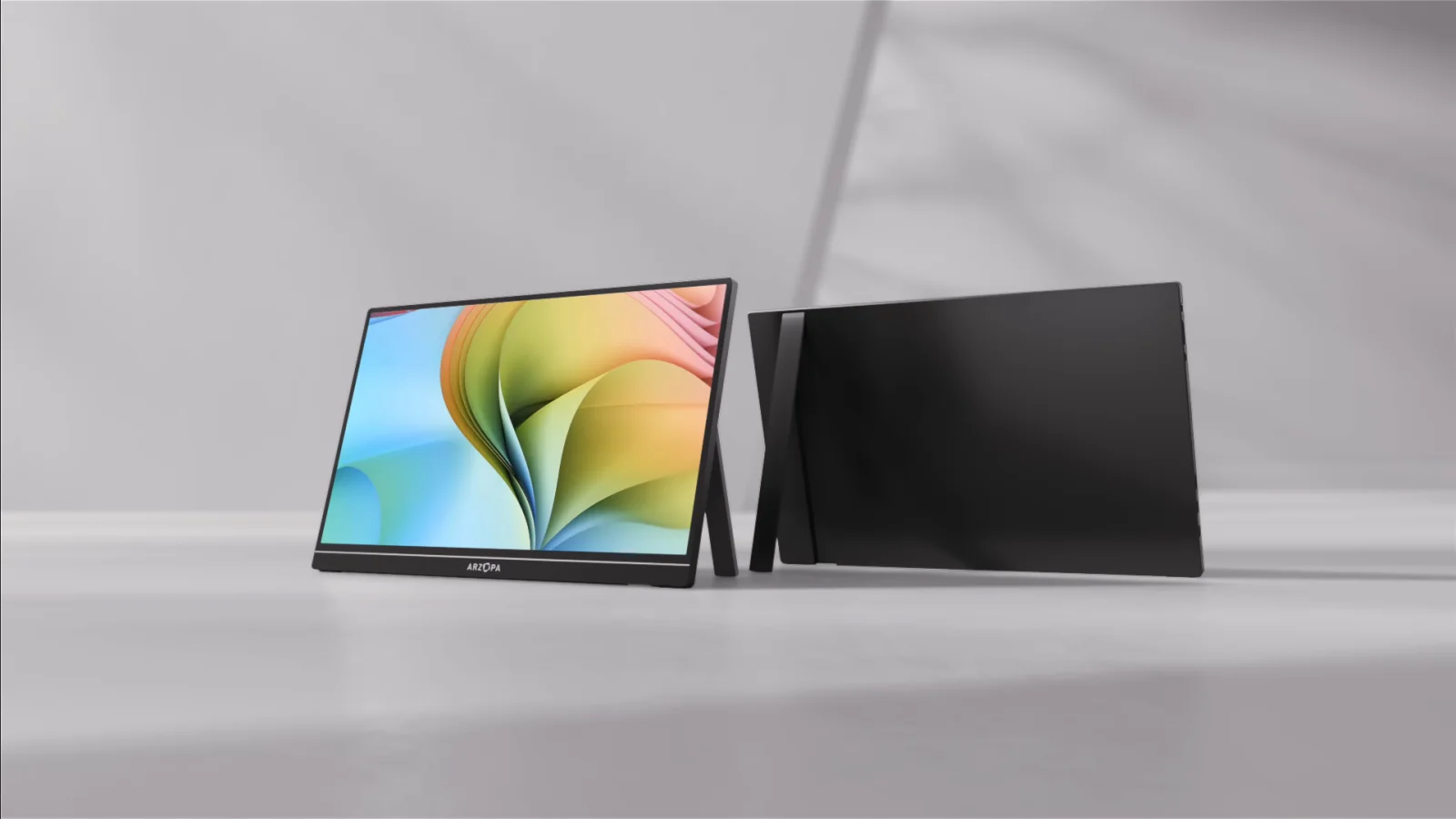
 Photo: manufacturer
Lower-cost FHD everyday choice
Arzopa Z1C
16.1-inch IPS · 1,920 × 1,080 · 16:9
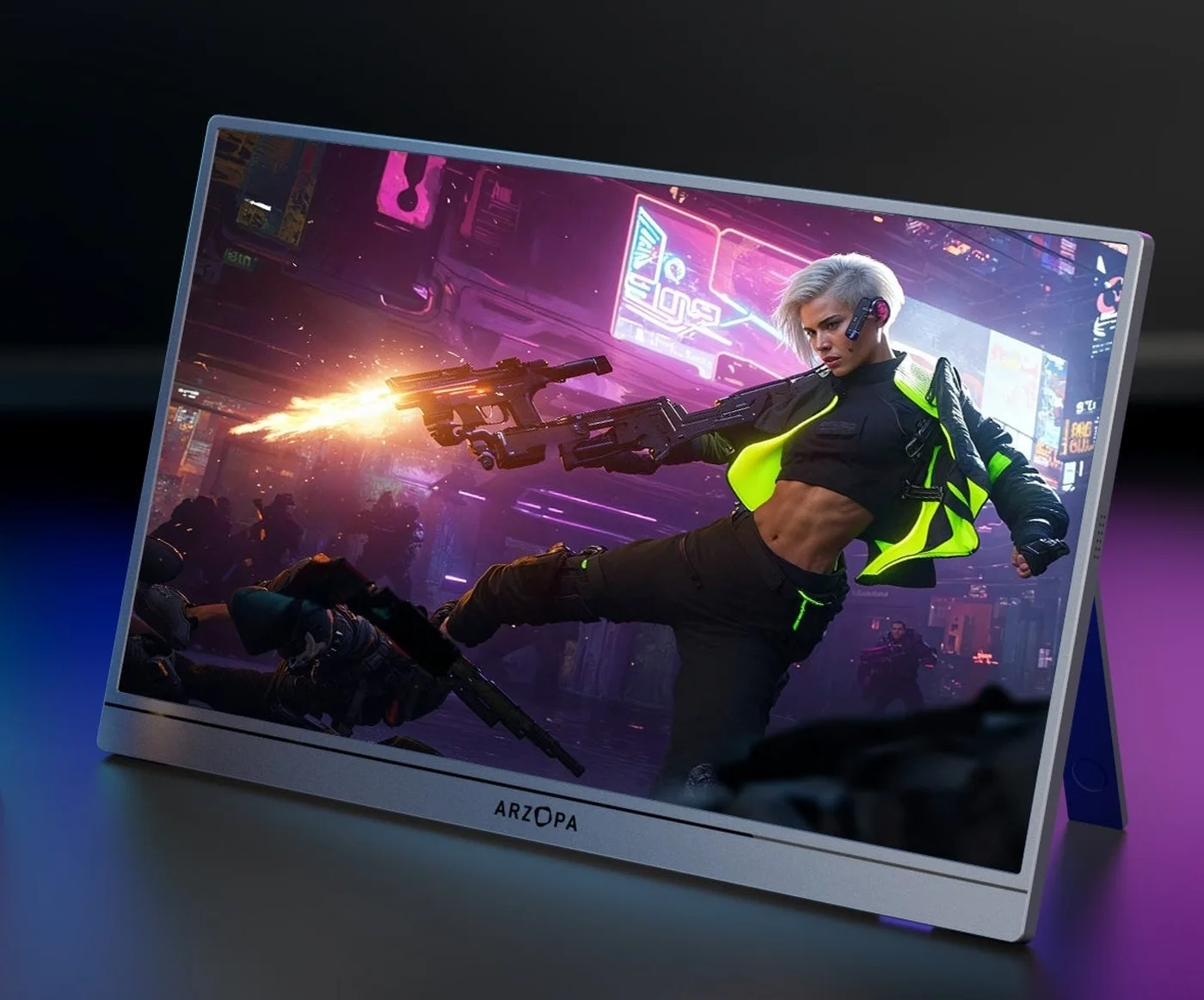 Photo: manufacturer
QHD high-refresh gaming choice
Arzopa Z3FC
16.1-inch IPS · 2,560 × 1,440 · 16:9
Direct answer
FHD 60Hz for the everyday baseline; QHD high refresh for detail and motion.
| If your priority is… | Start with… | Why |
|---|---|---|
| Office, study, and travel at FHD/60Hz | Z1C | Lower-cost tier, 16.1-inch FHD canvas, 60Hz listing; confirm the exact Z1C manual power requirement and add separate USB-C power if the host cannot sustain it. |
| QHD detail for games or high-detail content | Z3FC | 2,560×1,440 listing with up to 180Hz over DisplayPort/USB-C. |
| High refresh through HDMI | Z3FC, verify first | Arzopa lists up to 144Hz over HDMI; the source and adapter still control the result. |
| One-cable USB-C setup | Verify the host | Both require a video-capable USB-C host, video-capable cable, and enough power. |
Lower-cost FHD everyday choice
Arzopa Z1C
- Panel
- 16.1-inch IPS · 1,920 × 1,080 · 16:9
- Refresh
- 60Hz listed
- Brightness
- 300 nits listed
- Color claim
- 100% sRGB manufacturer claim; not a color accuracy measurement
- Inputs
- 2 × USB-C 3.1 shown · mini HDMI 2.0
- Power
- Confirm the exact Z1C manual power requirement; if the host cannot sustain it, add separate USB-C monitor power. No built-in battery is listed.
- Weight
- 1.72 lb listed
Choose Z1C when FHD at 60Hz is enough for office work, study, browsing, ordinary video, and travel. Confirm the exact manual power requirement and plan separate USB-C power if the host cannot sustain it.
Skip it when QHD detail or a high-refresh target is an explicit requirement. The Z1C listing does not establish a higher-refresh mode.
QHD high-refresh gaming choice
Arzopa Z3FC
- Panel
- 16.1-inch IPS · 2,560 × 1,440 · 16:9
- Refresh
- Up to 180Hz over DisplayPort / USB-C · up to 144Hz over HDMI
- Brightness
- 400 nits listed
- Color claim
- 107% sRGB manufacturer claim; not a color accuracy measurement
- Inputs
- 2 × USB-C 3.1 with DP/PD shown · mini HDMI 2.0
- Power
- 12.9W rated · no built-in battery listed
- Weight
- 1.72 lb listed
Choose Z3FC when QHD detail, high-refresh headroom, gaming, or high-detail work is the reason for the purchase. Arzopa lists up to 180Hz over DisplayPort or USB-C and up to 144Hz over HDMI.
Skip it when FHD at 60Hz is enough and you want the lower-cost baseline. The higher specification still depends on the source, cable, adapter, input, and power path.
Need a discount check before opening a merchant page? Review the verified Arzopa offers and confirm the US region, eligible model, stacking rule, and final cart total.
Connection before checkout
Verify the signal and power path before paying for a refresh target.
USB-C video path
The host USB-C port and cable must support DisplayPort video. One cable works only when the host also supplies enough power for the monitor.
HDMI plus power
Feed mini HDMI from the source or adapter, then connect independent USB-C monitor power. HDMI video does not power the panel.
Battery boundary
A built-in battery is not established for either model. Plan a compatible host, charger, or power bank; confirm the Z1C manual power requirement and use separate USB-C power when the host cannot sustain it. Arzopa lists 12.9W for Z3FC.
MacBook and laptop
Both models can fit a compatible USB-C video setup. The exact Mac model, port, cable, adapter or dock, selected mode, and power source determine the result. Z3FC's 180Hz label does not guarantee that every Mac exposes 180Hz; Z1C's 60Hz label does not remove the need to verify a video-capable port.
Apple external-display supportGaming, console, and handheld
Z3FC is the specification fit when QHD detail or high refresh matters, but a 180Hz panel does not prove a console's 120Hz, VRR, or HDR handshake. Z1C is the FHD/60Hz baseline. For either model, HDMI normally means mini HDMI plus independent USB-C monitor power.
Check the complete connection pathSource boundary
The current official listings set the comparison floor.
The panel, refresh, port, and rated-power figures above come from the current Arzopa product listings checked on September 7, 2026. They are manufacturer specifications, not measurements by WorkChoose. No unstable price, stock, rating, or hands-on performance claim is used here.
Continue the decision
Compare the adjacent model or check the host setup.
Arzopa Z1C vs Z1FC
Compare the FHD 60Hz baseline with Arzopa’s FHD 144Hz alternative.
Read nextArzopa Z3FC vs Z1FC
Compare QHD up to 180Hz with FHD up to 144Hz.
Read nextArzopa Z3FC vs Z1RC
Compare high-refresh 16:9 QHD with the taller 16:10 work canvas.
Read nextArzopa Z3FC review
Read the separate Z3FC source-backed review for model and policy context.
Read nextArzopa Z1FC review
Use the closest FHD high-refresh review when checking the adjacent choice.
Read nextBest Arzopa portable monitor
See the Arzopa hub for model-by-job positioning across the range.
Read nextPortable monitor connection checker
Walk through source port, cable, adapter, input, mode, and power.
Read nextArzopa coupon codes
Check the regional offers and confirm eligibility before checkout.
Read nextFAQ
Arzopa Z1C vs Z3FC buying questions
Which is better: Arzopa Z1C or Z3FC?
Choose Z1C when a lower-cost FHD 60Hz second screen is enough for office work, study, browsing, and travel. Choose Z3FC when QHD detail or a high-refresh target is the deciding constraint: Arzopa lists up to 180Hz over DisplayPort or USB-C and up to 144Hz over HDMI. Neither is a universal winner for every host or cable.
What is the main difference between Z1C and Z3FC?
The central difference is the panel and refresh target. Z1C is listed as a 16.1-inch FHD 1,920×1,080 display at 60Hz; confirm its exact manual power requirement and plan separate USB-C power if the host cannot sustain it. Z3FC is listed as a 16.1-inch QHD 2,560×1,440 display with up to 180Hz over DisplayPort or USB-C, up to 144Hz over HDMI, and 12.9W rated power.
Is the Z3FC 180Hz over HDMI?
No. Arzopa lists up to 180Hz over DisplayPort or USB-C and up to 144Hz over HDMI. The actual mode still depends on the source, cable, adapter or dock, resolution, input, operating system, and signal negotiation. Treat the figures as manufacturer-listed ceilings to verify on the exact setup.
Can one USB-C cable carry video and power to either monitor?
Sometimes. The host USB-C port must support DisplayPort video output, the cable must carry video, and the host must supply enough power. Confirm the exact Z1C manual power requirement; Arzopa lists 12.9W for Z3FC. Add independent USB-C monitor power if the image flickers, dims, restarts, or stays blank.
How do I connect either monitor over HDMI?
Use the source HDMI output, the correct HDMI-to-mini-HDMI cable or adapter, and a separate USB-C power connection for the monitor. HDMI carries the video signal; it does not replace the monitor power path. The source, cable, adapter, input, and selected mode determine the available resolution and refresh.
Do the Arzopa Z1C or Z3FC have a built-in battery?
A built-in battery is not established for either model in the cited current specifications. Treat both monitors as externally powered through a compatible USB-C host, wall adapter, or power bank. HDMI, console, and dock setups should plan for independent USB-C monitor power.
Is the Z3FC better for gaming and the Z1C better for office work?
That is the cleanest fit from the published specifications. Z3FC has the QHD panel and higher-refresh target for gaming or high-detail content. Z1C has the FHD 60Hz baseline for everyday office, study, browsing, and travel use. The recommendation is specification-based; WorkChoose did not measure game performance, input lag, color accuracy, HDR, or stand stability.
Will a MacBook expose the Z3FC 180Hz mode?
Not necessarily. The exact Mac model, USB-C port, cable, adapter or dock, selected resolution, macOS settings, and monitor input control the available mode. Apple’s external-display guidance should be checked for the exact Mac. A compatible USB-C path still needs a video-capable port and enough power.
Did WorkChoose test these monitors, and are the purchase links affiliate links?
WorkChoose did not receive, connect, measure, calibrate, load-test, or return either monitor. The Z1C and Z3FC purchase buttons use approved PartnerBoost affiliate links, so WorkChoose may earn a commission at no added cost; official product-evidence, support, and Global coupon links remain direct Arzopa Global links. A Global-store offer does not establish an Amazon discount.
Final choice
Z1C for FHD/60Hz everyday work; Z3FC for QHD detail and high refresh.
Check the exact Amazon US purchase listing after the signal, cable, input, refresh, and power path fit the device you will connect. Use the Arzopa Global source and regional offers page separately for specifications and eligible Global codes.
Research checked September 7, 2026; edited September 11, 2026. Product pages, variants, bundles, policies, firmware, and compatibility can change. This page uses official specifications and does not claim hands-on testing.