
Screens & connections
Portable Monitor Buying Guides & Model Comparisons
Choose a portable monitor for your laptop, MacBook or console. Compare exact models, then check USB-C video, HDMI, power and external-display limits before buying.
Three checks before you buy
- Start with the device you already own: the port must carry video, not just charging.
- Choose text space, gaming refresh rate or portability before comparing model numbers.
- Check the complete cable and power path, then the seller’s region and return terms.
Our guides use published specifications and linked sources, with limitations stated on each page. How we choose.
Compare Arzopa models
Resolve the difference between two screens before opening a store listing.
Screens / Side by side
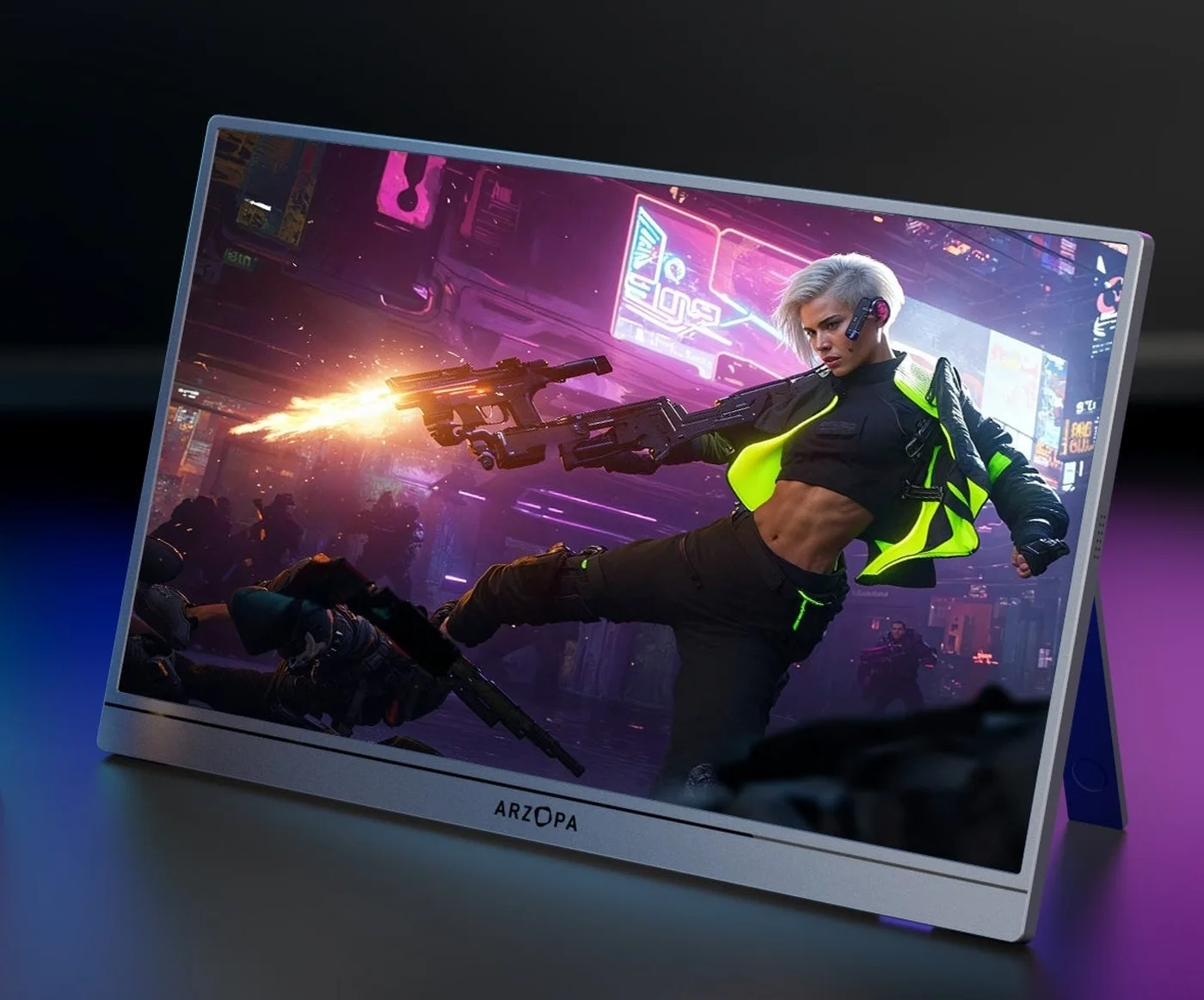
Arzopa Z3FC vs Z1RC: gaming speed or work space?
Choose Z1RC for 16:10 2.5K text; choose Z3FC for 16:9 QHD and faster gaming modes.
Read the guideScreens / Side by side
Arzopa Z3FC vs Z1FC: QHD 180Hz or FHD 144Hz?
Z3FC adds QHD and a manufacturer-listed 180Hz ceiling; Z1FC keeps the simpler FHD 144Hz path.
Read the guide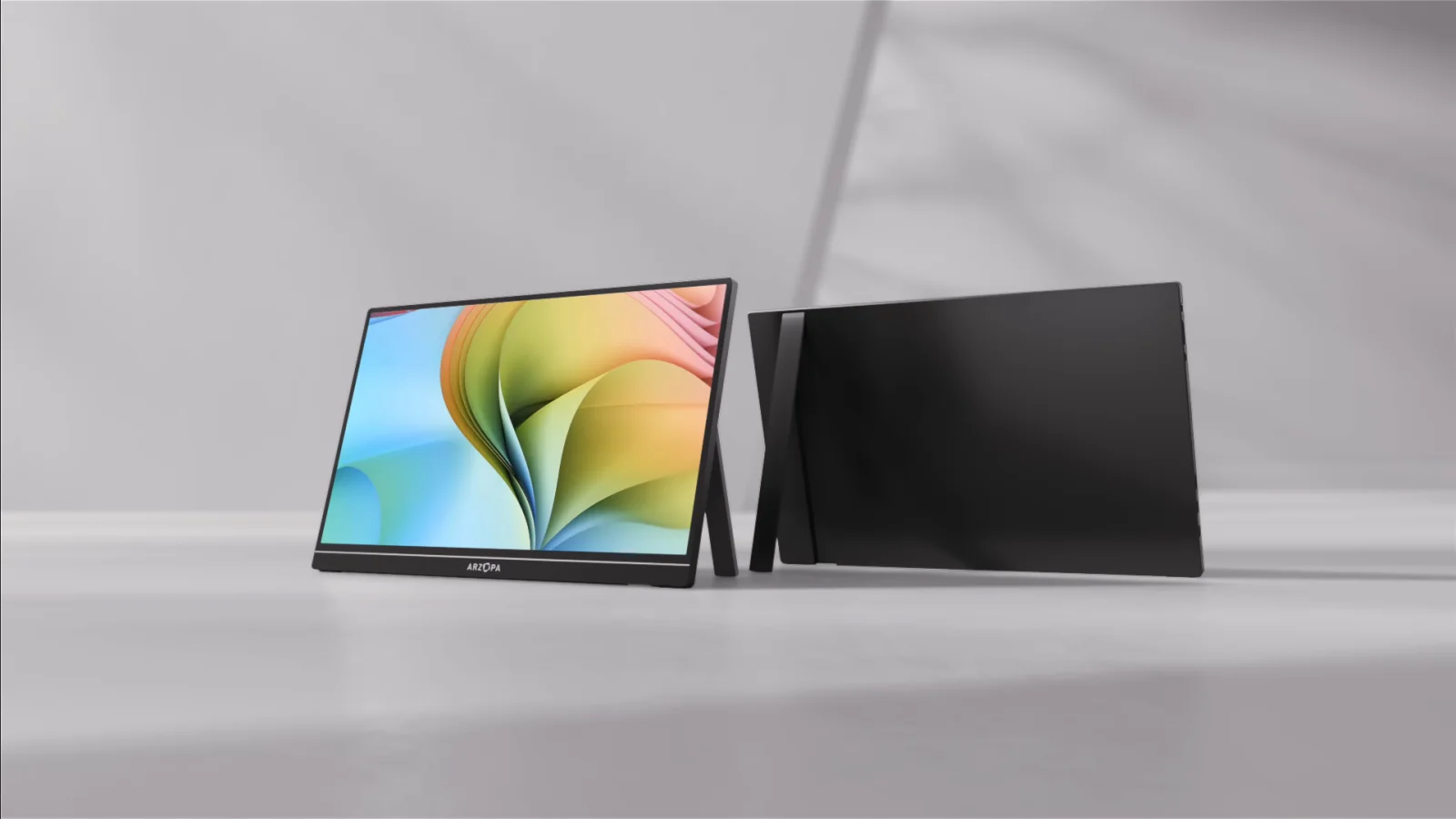
Screens / Side by side
Arzopa Z1RC vs Z1FC for MacBook: 2.5K or 144Hz?
Choose Z1RC for 2560×1600 16:10 work space; choose Z1FC for 144Hz FHD motion.
Read the guideChoose for your device
A useful monitor depends on the source device and the work you want to do.
Screens / The guide
Best portable monitor for MacBook Air M4: fit the extra screen
The Z1RC is the work-first starting point; verify your Air’s ports and power before buying.
Read the guide
Screens / The guide
Best portable monitor for iPad Pro: a bigger work canvas
Prioritize USB-C video and power compatibility, then choose the size and resolution you will carry.
Read the guide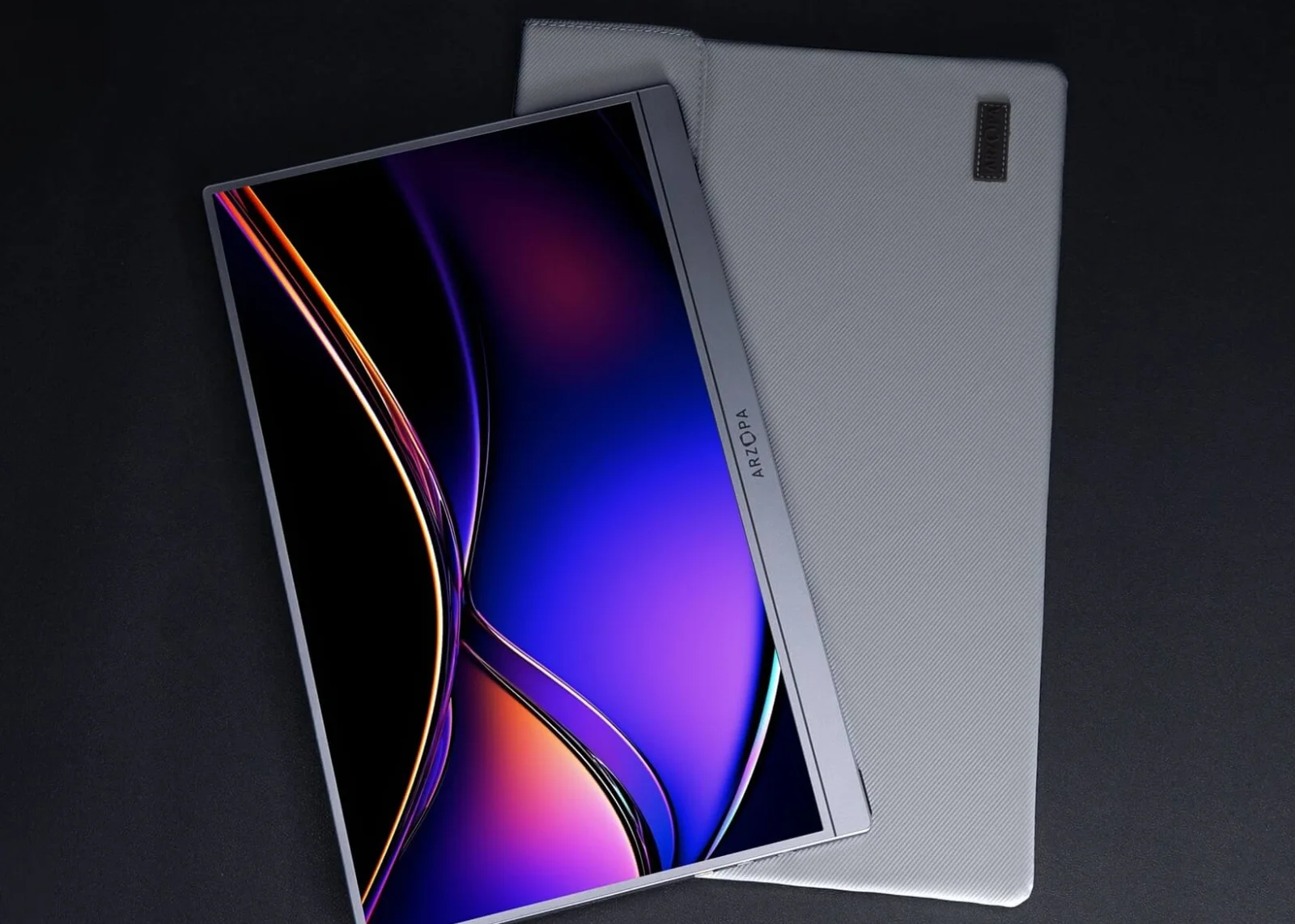
Screens / The guide
Best portable monitor for Steam Deck: work and play in one bag
Z1FC is the easy motion pick; Z1RC gives more room for desktop text; choose around your dock.
Read the guideCheck the models and connection
Use the comparison data and connection planner to narrow your shortlist.
Screens / Side by side
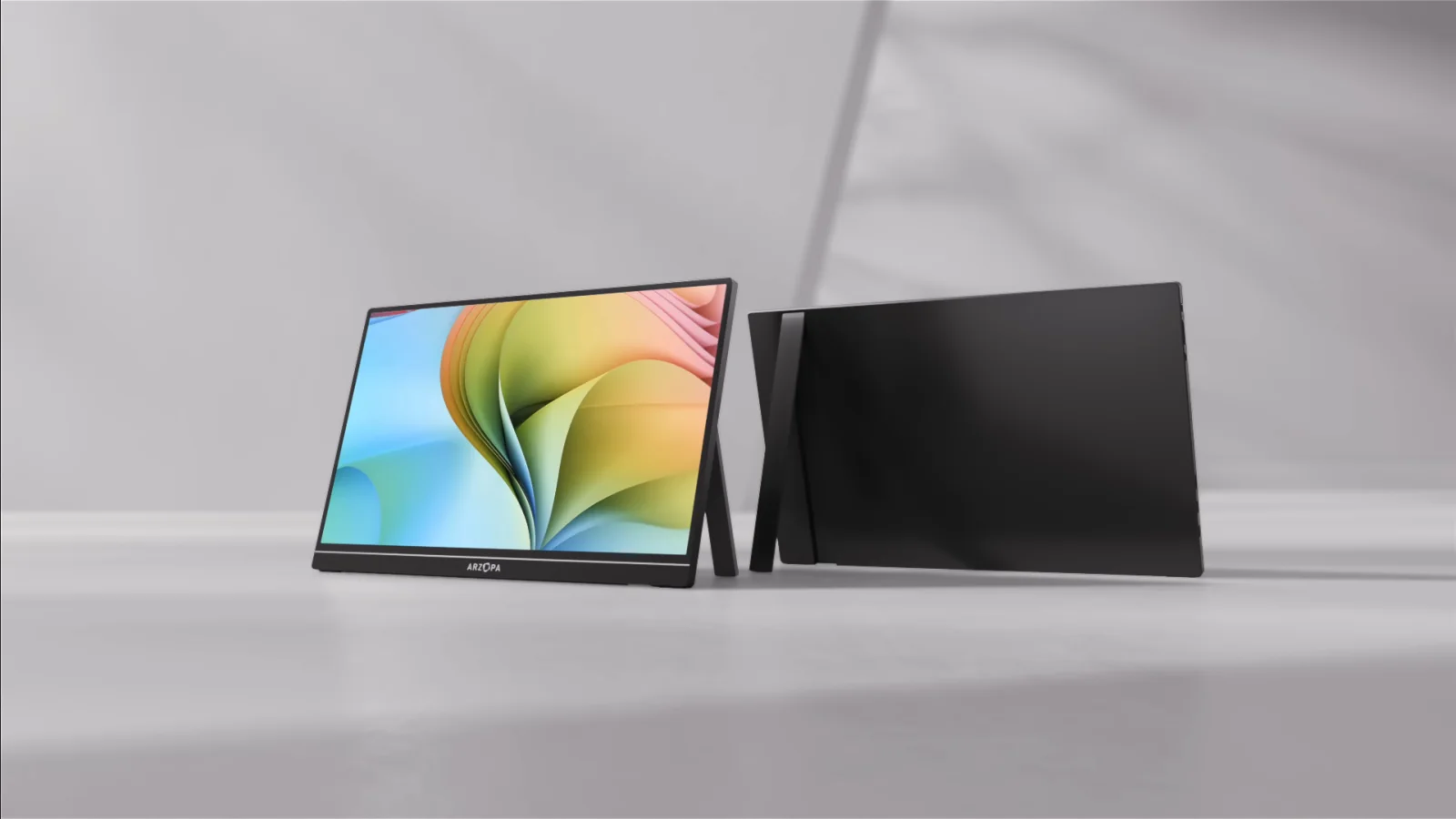
Portable monitor comparison chart: find your useful fit
Use the chart to shortlist by panel and ports, then pick around the host, power, and cable path.
Read the guideScreens / The guide
Steam Deck and MacBook portable monitor connection checker
Start with the models you know. We look up the host video path; you confirm how you will connect, charge, and power the setup.
Read the guideScreens / The guide
Best Arzopa portable monitor: match the screen to the day
Start with Z1RC for 2.5K 16:10 work; Z3FC for QHD high-refresh gaming; Z1FC for FHD 144Hz travel.
Read the guideHave a different model or setup in mind?
Search all screens guides ↗