
The finishing touches
Monitor Arm Buying Guides & Desk Compatibility
Choose a monitor arm for dual screens, ultrawide displays or a standing desk. Check screen weight, VESA mounting, clamp clearance and usable desk depth.
Three checks before you buy
- Check the monitor weight without its stand and its VESA pattern against the exact arm.
- Measure the desktop thickness and underside clearance where the clamp or grommet will sit.
- Allow for arm reach, wall clearance and cable slack throughout the standing desk’s movement.
Our guides use published specifications and linked sources, with limitations stated on each page. How we choose.
Choose for your screens
Match the arm to the screen size, load and position.
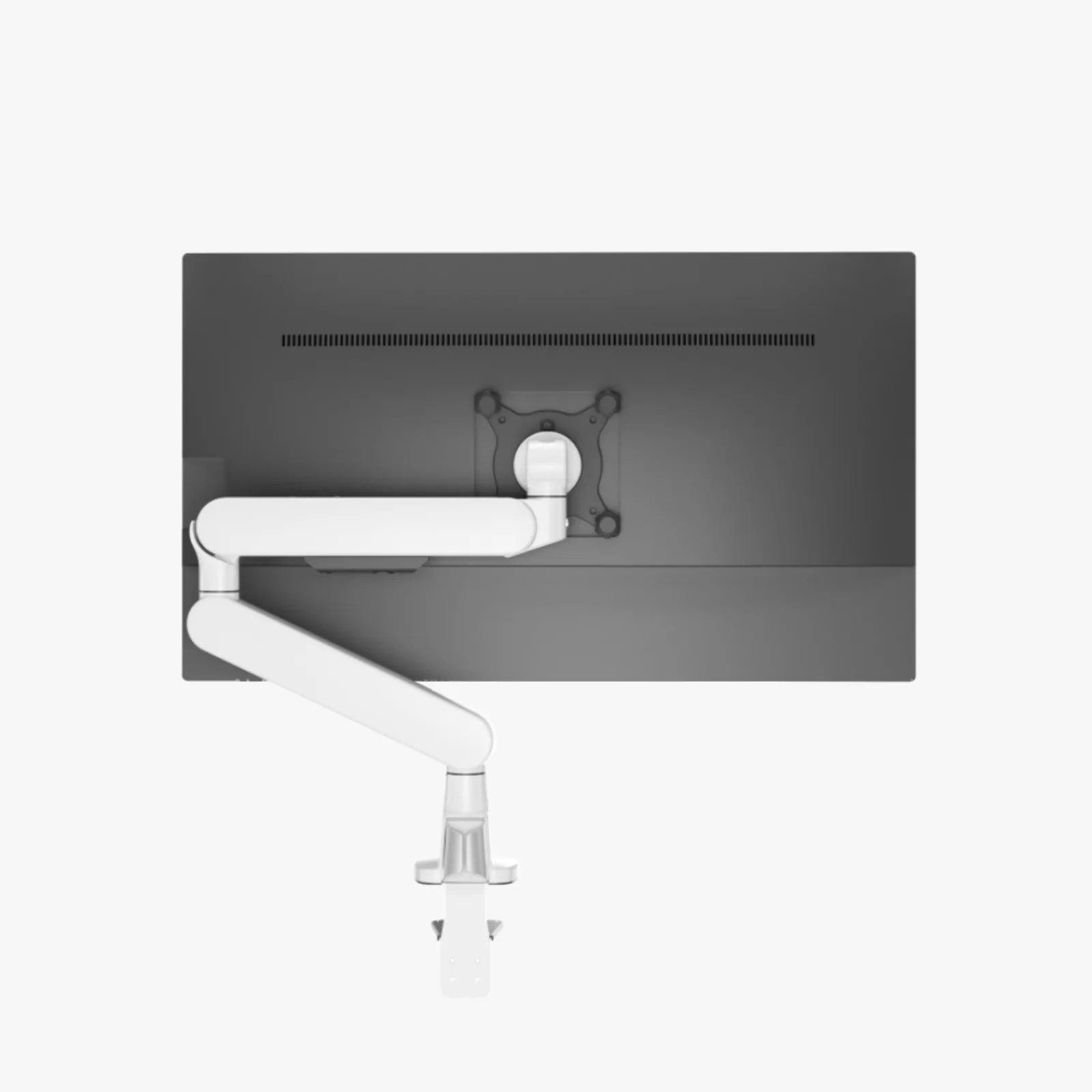
Monitor arms / The guide
Best monitor arms for 34-inch ultrawides: measure twice
Confirm the ultrawide’s weight and VESA pattern, then inspect the desk edge and arm reach.
Read the guide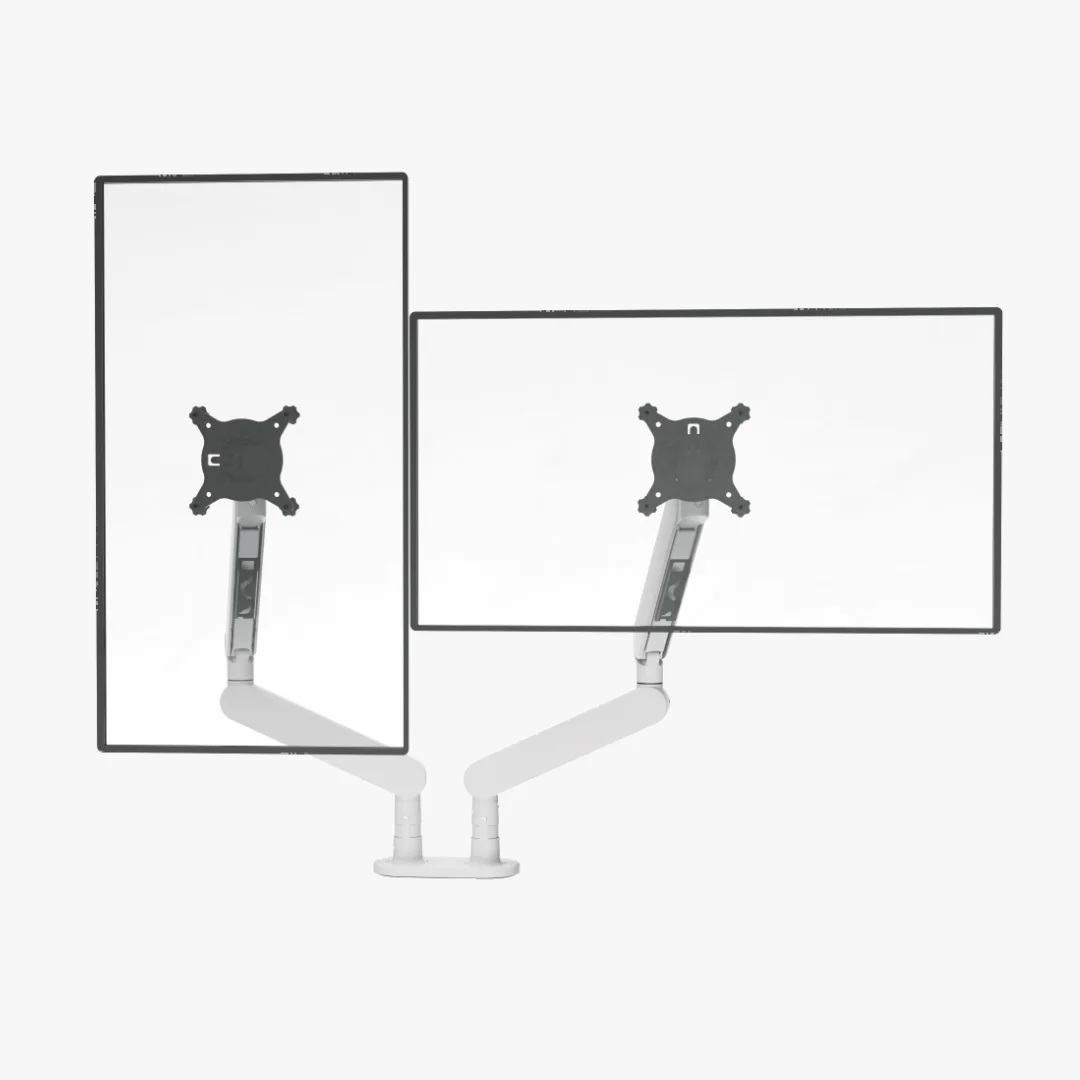
Monitor arms / The guide
Best dual monitor arms for 32-inch screens: check the desk first
Match each 32-inch panel weight and VESA to the arm, then confirm clamp, depth, reach, and cable slack.
Read the guideMonitor arms / The guide
Best dual monitor arms for standing desks: stability matters
Match the arm to the desk’s top, frame, monitor weight, and the height range you use.
Read the guideCompare mounting options
Check the mounting approach before ordering.
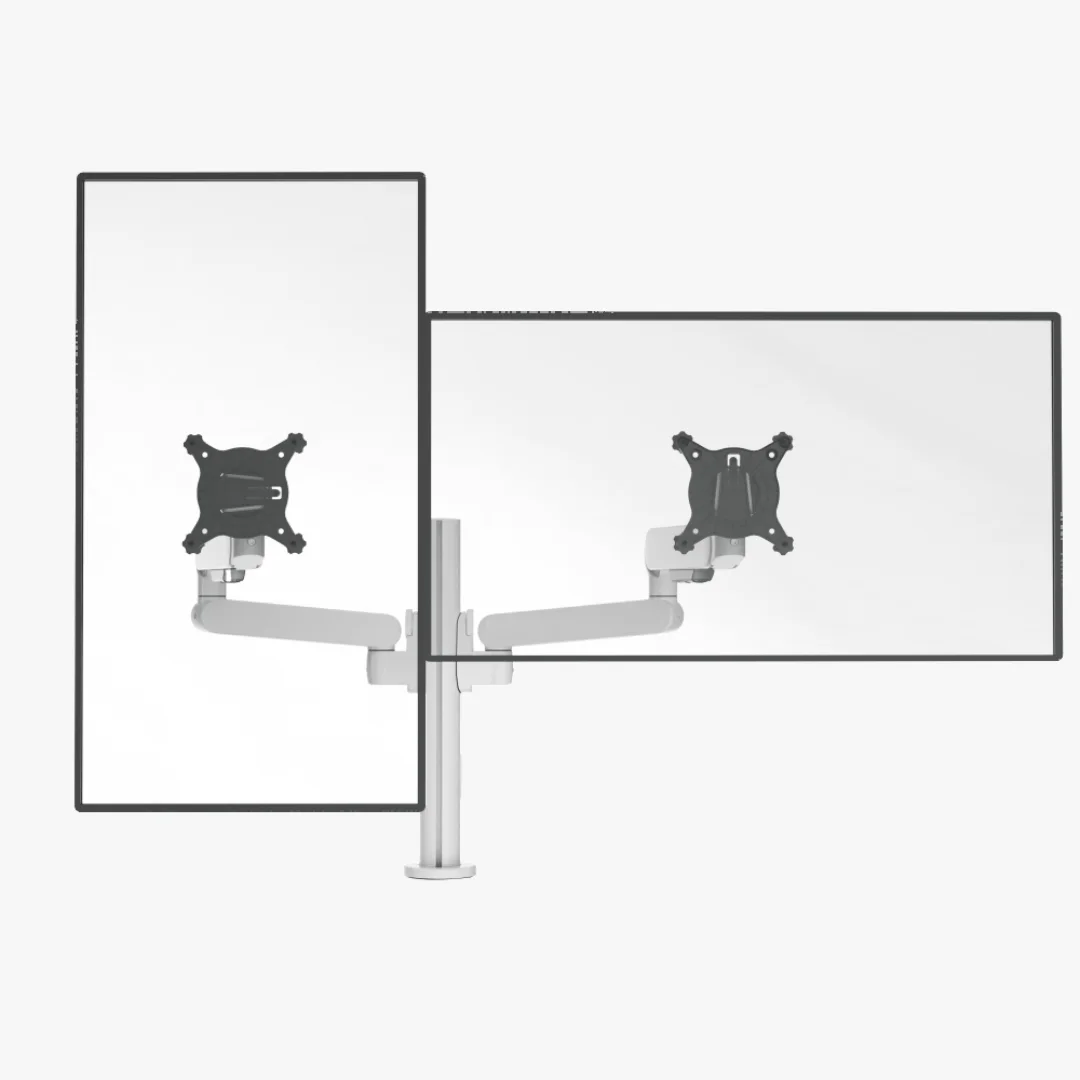
Monitor arms / Side by side
Sunaofe CTS200 vs CTS300: which dual arm fits?
Both support up to 34-inch screens, 2–9 kg per arm, VESA 75/100, and 250mm lift; choose the package that fits your desk.
Read the guideMonitor arms / The guide
Best dual monitor arms with a stand: skip the clamp when needed
Choose a freestanding base when the desktop cannot take a clamp or you need easier repositioning.
Read the guideMonitor arms / The guide
Best monitor arms with laptop trays: one arm, two jobs
Choose a tray arm only after checking laptop weight, tray width, monitor load, and desk depth.
Read the guidePlan the complete desk
Make room for the screens, supports and cables together.
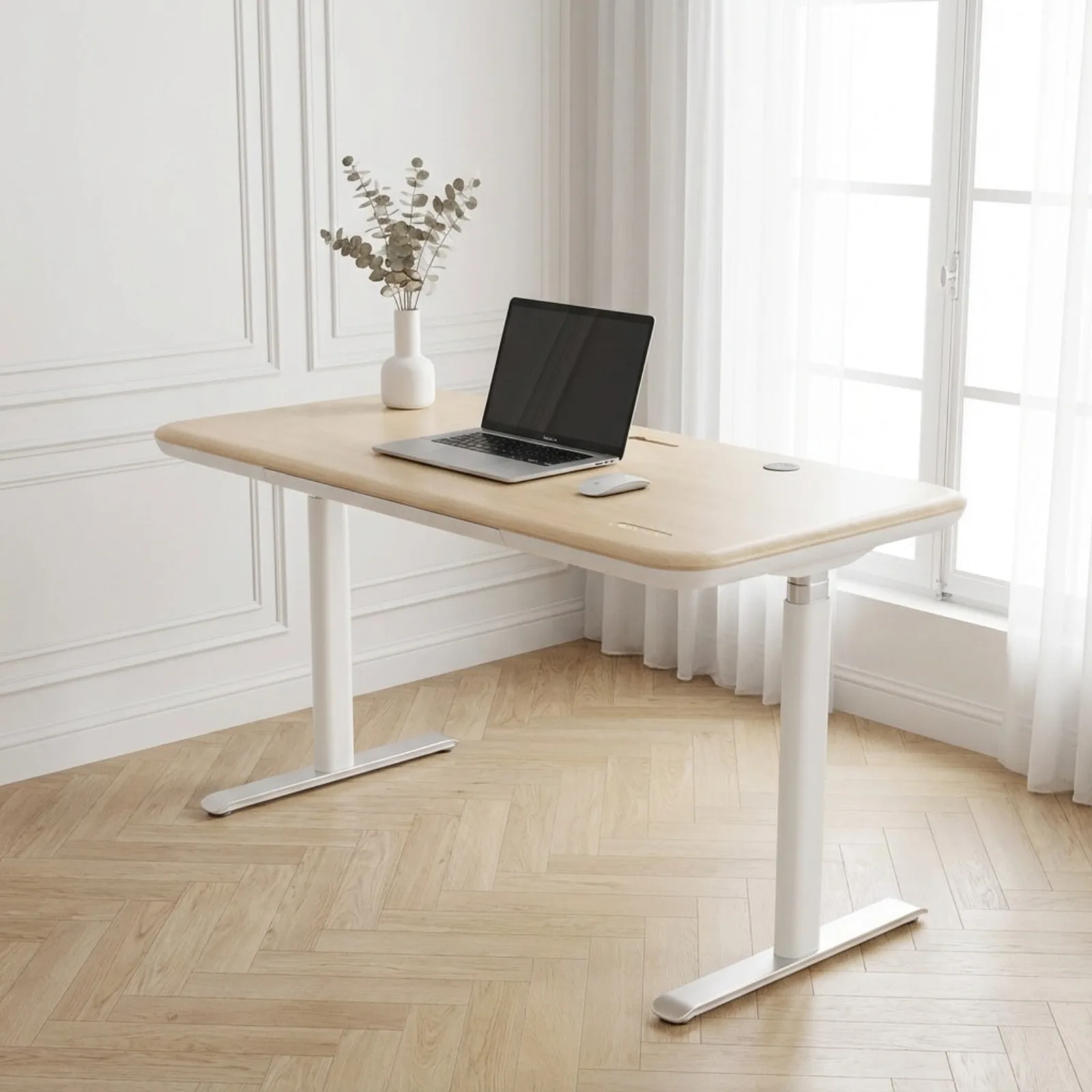
Setups / The guide
Dual-monitor desk size calculator: find the usable width
Enter the outside monitor dimensions and desired gaps, then use the result as a starting measurement.
Read the guide
Desks / The guide
Best standing desk for dual monitors: plan the whole span
Choose the desktop and frame together; dual screens need room, depth, and stable support.
Read the guideMonitor arms / The guide
Monitor arms on walking-pad desks: stability before reach
Match the arm and monitor to a desk that stays stable through the height range and walking movement.
Read the guideHave a different model or setup in mind?
Search all monitor arms guides ↗