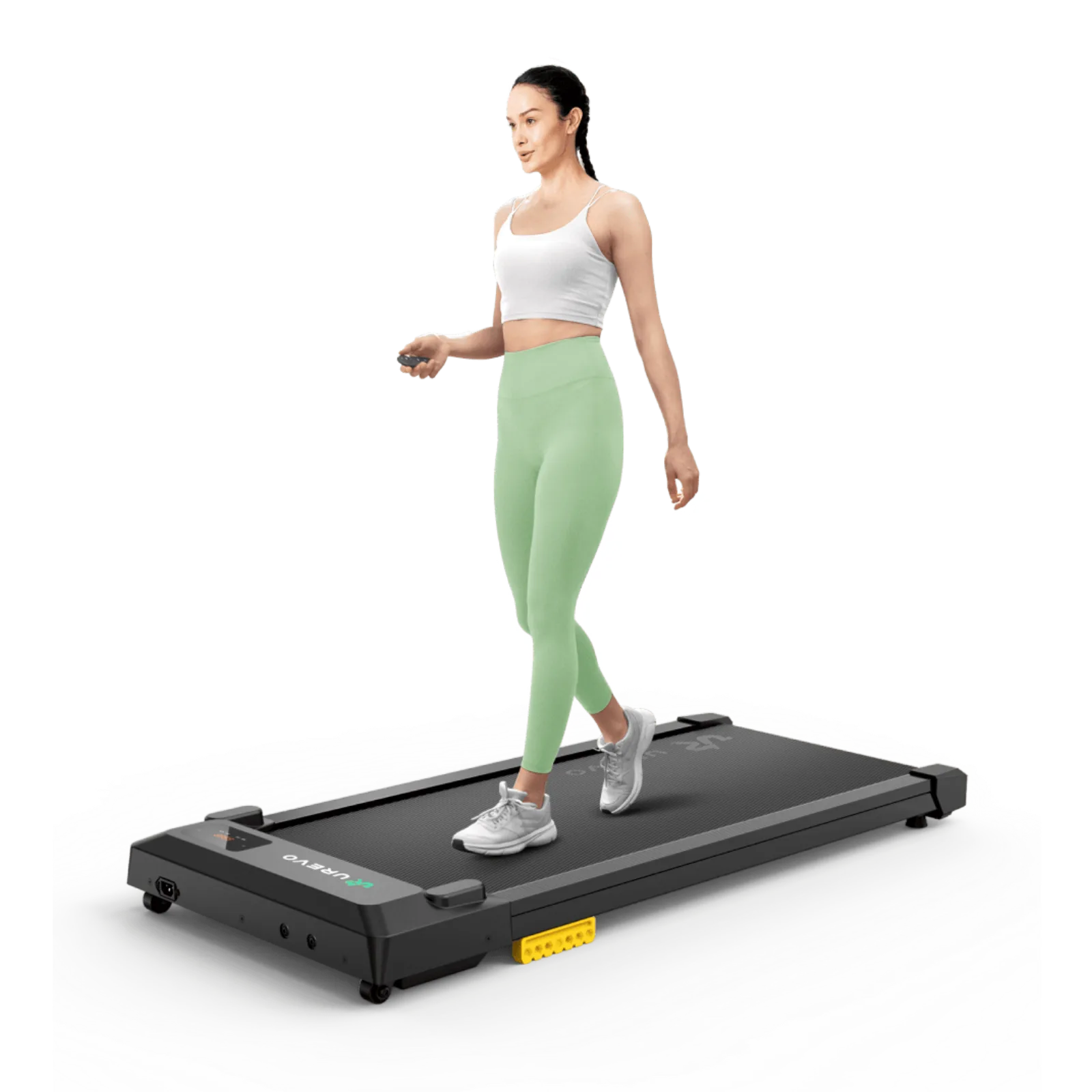
Walking while working
Walking pad with incline under a desk: work or workout?
Incline changes the purpose of a walking pad and the way it meets a desk. Compare clearance, pace, control, and posture before deciding whether incline adds useful exercise or simply complicates work during a normal workday.
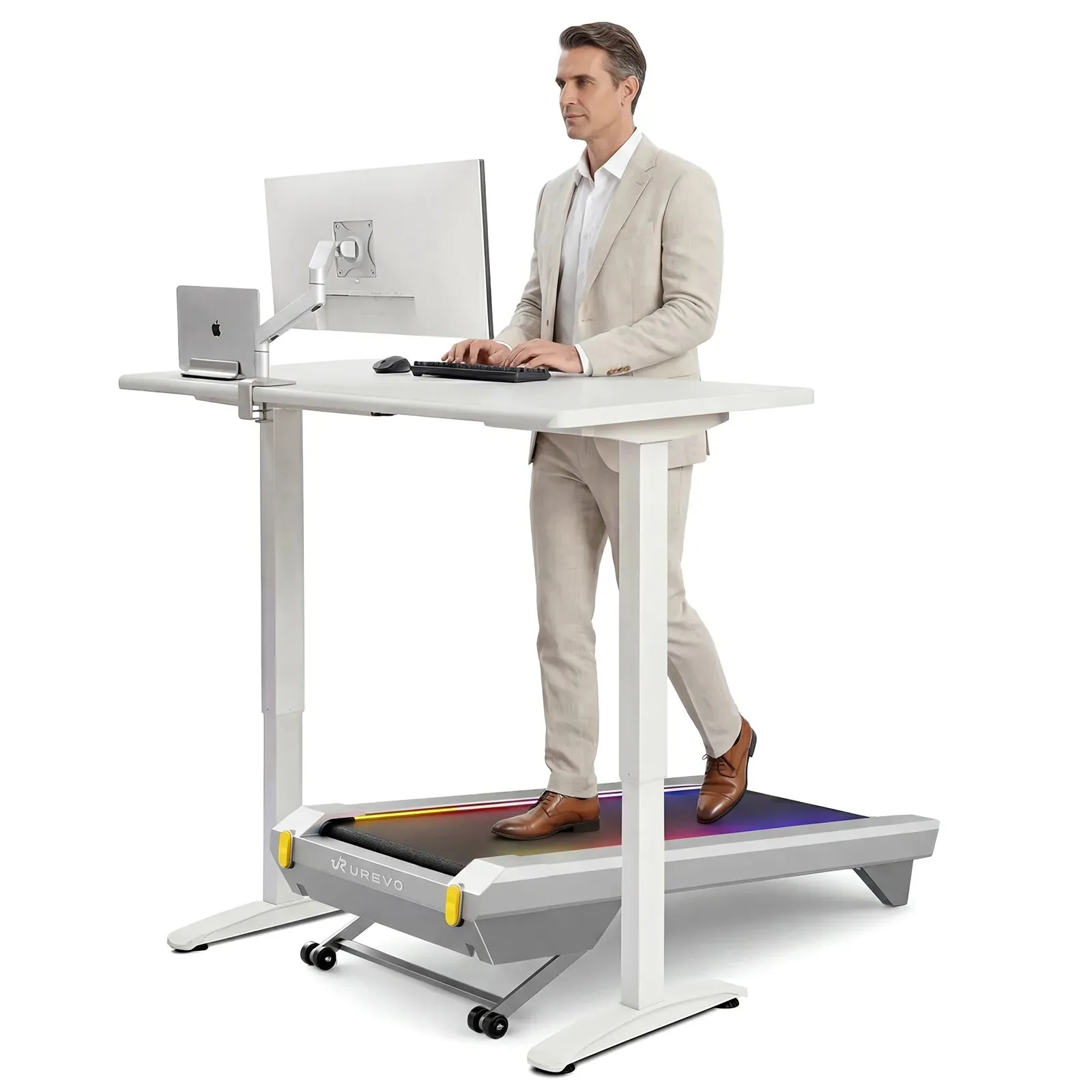
Choose incline for a deliberate workout routine; keep ordinary desk walking flatter and simpler.
Users who want a compact pad that can move between work and exercise.
Incline raises the deck, changes desk height, and can make typing or stepping off less comfortable.
Our take is based on published specifications and linked sources. We have not hands-on tested these products. Some links may earn a commission.
0–14%
Highest published automatic-incline percentage among models that state a percentage
0.5–4 mph
Published speed ranges; a lower minimum gives more pace choice
Unknown
Raised deck height at the intended incline for all three models
Measure the raised position before you trust the fit.
Your desk does not care what the incline percentage is called. It cares about the highest point under the desktop and the keyboard height at your feet.
Shortlist at a glance
Three exact variants with a real incline label
The table reports what the manufacturer publishes. “Incline fit under desk” is intentionally not a yes/no field until the elevated height is known.
| Model / variant | Published incline | Overall profile | Walking area | Speed | Weight / load | Raised height |
|---|---|---|---|---|---|---|
| WalkingPad H1 Plus | 9 levels of automatic incline | 50 × 21 × 6.1 in | 39.4 × 15.4 in | 0.5–4 mph | 51 lb net 243 lb max user weight | Unknown — not published in cited official sources |
| UREVO CyberPad for Office | 0–14% automatic incline; 14-level selection | 42.9 × 22.8 × 6.3 in | 39.4 × 16.5 in | 0.6–4.0 mph | 63.1 lb 400 lb max load | Unknown — not published in cited official sources |
| UREVO SpaceWalk 5L | 0–9% automatic incline; 9-level selection | 48.8 × 20.3 × 6.1 in | 39.4 × 15.8 in | 0.6–4.0 mph | 50.7 lb 400 lb max load | Unknown — not published in cited official sources |
Source boundary: “6.1 in” and “6.3 in” above are overall product dimensions from the technical tables, not guaranteed deck-to-floor measurements. The raised deck can be higher at the incline. Measure the highest point at the setting you plan to use.
Geometry that matters
Incline percentage is not desk clearance.
A grade tells you the relationship between rise and horizontal run. It does not tell you the deck’s absolute height above your floor, the pivot location, or which part of the frame becomes the highest point beneath your desk.
The only safe calculation
If the manufacturer gives you the effective horizontal run and the grade, then rise = horizontal run × grade ÷ 100. For desk fit, measure or obtain the actual highest deck height; do not substitute the overall product length.
What these three pages leave open
- Raised deck-to-floor height at each level: Unknown.
- Effective horizontal run and pivot geometry: Unknown.
- Desk-work stability and keyboard/camera fit at incline: Not tested here.
Model-by-model reads
Why consider it. Why skip it.
Every model below has a published incline function. None gets a blanket “safe to work on while inclined” label because the missing raised-height geometry is the conversion point that decides whether the feature belongs under your desk.
WalkingPad H1 Plus
9 levels of automatic incline
- Incline
- 9 levels of automatic incline
- Overall profile
- 50 × 21 × 6.1 in
- Walking area
- 39.4 × 15.4 in
- Speed range
- 0.5–4 mph
- Weight / load
- 51 lb net / 243 lb max user weight
- Control / App
- Remote controller: Yes; exact incline-control buttons/steps: Unknown
- App / software
- HitGo app; Bluetooth/Kinomap language listed
Why consider it
Consider it when the lowest published starting speed in this comparison and occasional incline sessions matter more than a wide belt or a foldable storage plan. Its 21-inch published body width is narrower than the CyberPad for Office but 0.7 inch wider than the SpaceWalk 5L.
Why skip it
Skip it for an incline-under-desk setup if your desk only passes the flat 6.1-inch product profile, if 39.4 × 15.4 inches is too short or narrow for your stride, or if you need a published raised height before buying. The current page lists “Foldable: N/A.”
Work read: The lowest published starting speed in this comparison gives you more room to find a deliberately slow pace. The current US page positions the unit as under-desk and lists the 6.1-inch overall size, but does not publish the deck height at any raised setting.
Incline read: The official US page confirms nine auto-incline levels and a 0.5–4 mph range. It does not publish the incline percentage, the rise at each level, or a model-specific manual in the cited material. Treat every raised-deck clearance value as Unknown until measured.
Evidence note: Current WalkingPad US product-page evidence: nine levels of auto incline; 0.5–4 mph; 50 × 21 × 6.1-inch size; 39.4 × 15.4-inch walking area; 51-lb net weight; 243-lb maximum user weight; remote controller; US 110V version. Incline percentage and raised height are not published there.
UREVO CyberPad for Office
0–14% automatic incline; 14-level selection
- Incline
- 0–14% automatic incline; 14-level selection
- Overall profile
- 42.9 × 22.8 × 6.3 in
- Walking area
- 39.4 × 16.5 in
- Speed range
- 0.6–4.0 mph
- Weight / load
- 63.1 lb / 400 lb max load
- Control / App
- LED SmartControl included; exact incline-control steps: Unknown
- App / software
- UREVO App / Wellness Hub
Why consider it
Consider it when a broad published belt, an office-oriented product variant, and the highest published incline percentage here are useful—but only after confirming the desk at the intended setting. Its 0.6 mph minimum leaves less low-speed choice than the H1 Plus at 0.5 mph.
Why skip it
Skip it if 22.8 inches of body width or 63.1 pounds is difficult in your room, or if your desk passes only a narrow vertical gap. Do not convert the 14% label into a deck height by multiplying it by the 42.9-inch product length.
Work read: This is the only model here whose current product page is explicitly named for office use. It lists a 0.6 mph minimum and an open 39.4 × 16.5-inch walking area, but a 6.3-inch overall profile still consumes desk-height headroom.
Incline read: The current US page publishes 0–14% auto-incline and says the selection has 14 levels. It does not publish the deck rise, pivot/run geometry, or maximum height at 14%; the manual is a source link, not proof of a measured under-desk clearance.
Evidence note: Current UREVO US product-page and official manual evidence: 0–14% auto-incline; 42.9 × 22.8 × 6.3-inch product dimensions; 39.4 × 16.5-inch walking area; 0.6–4.0 mph; 63.1-lb product weight; 400-lb maximum load; LED SmartControl and user manual in the box. Raised deck height at each level is not published.
UREVO SpaceWalk 5L
0–9% automatic incline; 9-level selection
- Incline
- 0–9% automatic incline; 9-level selection
- Overall profile
- 48.8 × 20.3 × 6.1 in
- Walking area
- 39.4 × 15.8 in
- Speed range
- 0.6–4.0 mph
- Weight / load
- 50.7 lb / 400 lb max load
- Control / App
- LED SmartControl included; App can support automatic speed/incline in supported workouts
- App / software
- UREVO App / Wellness Hub
Why consider it
Consider it when you want a lighter, narrower incline-capable pad with a published 0.6–4.0 mph range and a 39.4 × 15.8-inch belt. UREVO also states that its slim profile can be stored under suitable furniture when the flat height clears the opening.
Why skip it
Skip it for raised desk work if your keyboard position has little vertical margin, if 15.8 inches of belt width is a hard limit, or if you need exact per-level rise data. The manufacturer does not publish the elevated deck height in the cited page or quick-start guide.
Work read: Its 20.3-inch body width and 50.7-pound weight are lower than the CyberPad for Office, but its 48.8-inch body is 5.9 inches longer and its overall footprint is slightly larger. Plan all three dimensions; the current page says the 6.1-inch dimension is the product profile—not the raised deck height.
Incline read: The current US page publishes 0–9% auto-incline and nine levels. It also says App sessions can automatically adjust speed and incline; that changing geometry belongs in a focused, off-desk session unless you have verified the exact desk clearance and controls.
Evidence note: Current UREVO US product-page and official quick-start-guide evidence: 0–9% auto-incline; 48.8 × 20.3 × 6.1-inch product dimensions; 39.4 × 15.8-inch walking area; 0.6–4.0 mph; 50.7-lb product weight; 400-lb maximum load; remote, two AAA batteries, and manual in the box. Raised deck height is not published.
Decision matrix
Choose the setting around the task.
This is a workflow boundary, not a medical or fitness prescription. Flat/low means “start the fit check here”; it does not prove a particular speed or incline works for every person.
| Task | Starting setting to evaluate | What can change with incline | Pass condition |
|---|---|---|---|
| Typing / mouse precision | Flat first; only then check low incline | Keyboard height, elbow position, foot placement, and precise input | Keyboard target and desk clearance pass at the exact setting |
| Email / reading | Flat or low incline | Screen/keyboard relationship and ability to step off cleanly | Screen and controls remain usable; no obstruction at the highest point |
| Video calls | Flat first | Camera framing, voice workflow, remote reach, and desk posture | Call setup and stop path remain clear; no noise or stability claim is assumed |
| Short walking break | Any published level allowed by the manual | The desk may no longer be the right workspace around the raised deck | Move away from the desk or reconfigure after the raised-height check |
| App-led incline session | Off desk | Automatic changes can alter height and task posture without warning | Use a clear setup and the current model instructions |
Desk work
Solve finished keyboard height and highest-point clearance before you care about the top incline number.
Incline walking
Treat the raised setting as a distinct configuration with its own footprint, controls, and step-off path.
Unknown is a decision
If the raised height is not published or measured, ask the manufacturer or keep the incline off the desk.
Print or copy
A raised-deck worksheet for your tape measure.
Use the flat profile only as the first line. The decisive measurements are the highest deck/foot position at your intended incline, the lowest obstruction beneath the desk, and the keyboard height while you stand on the pad.
The calculator handles the flat deck value you enter. For an incline, replace it with your measured highest height and record the assumption.
This sheet intentionally leaves room for an Unknown result. Manufacturer manuals control the exact clearance, electrical, load, storage, and control instructions.
Source trail
Read the current product evidence before you click through.
The manufacturer page is the authority for the current US variant, price, inventory, warranty, and any later specification change. The linked documents are provided for model-specific instructions; they are not counted as commercial clicks.
WalkingPad H1 Plus
Current WalkingPad US product-page evidence: nine levels of auto incline; 0.5–4 mph; 50 × 21 × 6.1-inch size; 39.4 × 15.4-inch walking area; 51-lb net weight; 243-lb maximum user weight; remote controller; US 110V version. Incline percentage and raised height are not published there.
UREVO CyberPad for Office
Current UREVO US product-page and official manual evidence: 0–14% auto-incline; 42.9 × 22.8 × 6.3-inch product dimensions; 39.4 × 16.5-inch walking area; 0.6–4.0 mph; 63.1-lb product weight; 400-lb maximum load; LED SmartControl and user manual in the box. Raised deck height at each level is not published.
UREVO SpaceWalk 5L
Current UREVO US product-page and official quick-start-guide evidence: 0–9% auto-incline; 48.8 × 20.3 × 6.1-inch product dimensions; 39.4 × 15.8-inch walking area; 0.6–4.0 mph; 50.7-lb product weight; 400-lb maximum load; remote, two AAA batteries, and manual in the box. Raised deck height is not published.
Keep checking the system
The next page depends on the constraint you still have.
Frequently asked questions
Can I use a walking pad with incline under my desk?
Sometimes, but an incline changes the geometry and the work posture. Start by checking the flat profile, then measure the highest deck or foot position at the exact incline you intend to use. The three current US product pages compared here publish incline information and overall product dimensions, but not the raised deck height at each level, so an under-desk incline fit is Unknown until you measure it or receive model-specific geometry from the manufacturer.
Does a 14% incline mean the deck rises 14% of the treadmill length?
No. A percentage grade is rise divided by horizontal run, and the relevant run is the incline mechanism’s horizontal geometry—not automatically the product length. These manufacturer pages do not publish the pivot location, effective run, or elevated deck height. Do not multiply 14% by an overall product dimension to estimate desk clearance.
Which incline walking pad is best for desk work?
There is no evidence-backed universal winner from these specifications alone. Among models with a published percentage, the CyberPad for Office has the highest figure and an office-oriented product name; the H1 Plus has the lowest published minimum speed; the SpaceWalk 5L is lighter and narrower but longer than the CyberPad. For actual desk work, the winning model is the one that passes your finished keyboard height, highest-point clearance, belt fit, controls, and task check at the setting you will use.
Should I keep the incline raised while typing or taking calls?
Treat flat or low incline as the starting point for typing, mouse precision, and calls, then evaluate the raised setting separately. A changing or higher deck can alter keyboard height, foot position, stride, camera framing, and access to controls. The UREVO pages specifically describe higher incline and automatic App adjustments as better suited to a break or off-desk workout; the H1 Plus page does not publish enough geometry to make a raised desk-work claim.
What does the published product height tell me?
It gives you an overall product profile from the manufacturer’s technical table. It is not automatically the deck-to-floor height, and it does not tell you the highest point when the incline is raised. Record the actual deck or highest foot height at the intended setting before treating a desk clearance as a pass.
Is the incline percentage the same as the incline angle?
No. A 9% grade corresponds to an angle of arctan(0.09), and a 14% grade corresponds to arctan(0.14), but that angle still does not reveal how high the deck sits under your desk. Use the manufacturer’s stated format, and measure the actual clearance rather than converting a headline percentage into a height.
What should I ask the manufacturer before buying an incline walking pad for a desk?
Ask for the exact US SKU or variant, deck-to-floor height at flat, maximum highest-point height at every intended incline setting, effective horizontal run or pivot geometry, minimum clearance around the moving deck, and whether the remote or App can change incline while the unit is under a desk. Ask for the current manual and warranty restrictions in writing.
Are the incline and desk-clearance numbers on this page hands-on measurements?
No. This page is a manufacturer-source comparison. Published product dimensions, speeds, belt areas, load limits, and incline labels are attributed to the cited official pages or documents. No hands-on incline, noise, stability, or typing test is claimed; any missing raised-height or control detail is labeled Unknown.