
Screens & connections
Best portable monitor for Xbox Series X|S: a travel-ready screen
An Xbox travel screen lives or dies by HDMI, power, and packing space. Start with the Series X|S output you use, then choose between a simpler FHD screen and the faster, sharper options only if the signal path supports them.
Choose around the Xbox output and your travel kit first; the screen’s headline refresh comes second.
Xbox owners setting up a compact second room, office, or travel station.
Check the exact mode, power arrangement, audio path, and cable before ordering.
Our take is based on published specifications and linked sources. We have not hands-on tested these products. Some links may earn a commission.
Buying links, offers & research notes Expand
This code is for Arzopa Global's website, not Amazon US. Confirm the region, eligible model, exclusions, and final total in the official store's cart. Other regional offers remain on the verified coupon page.
A closer look
Choose the Xbox output before choosing the panel
The Z3FC, Z1FC, and Z1RC solve different constraints. Start with the Xbox resolution and refresh mode you can verify, then plan the HDMI and power chain.
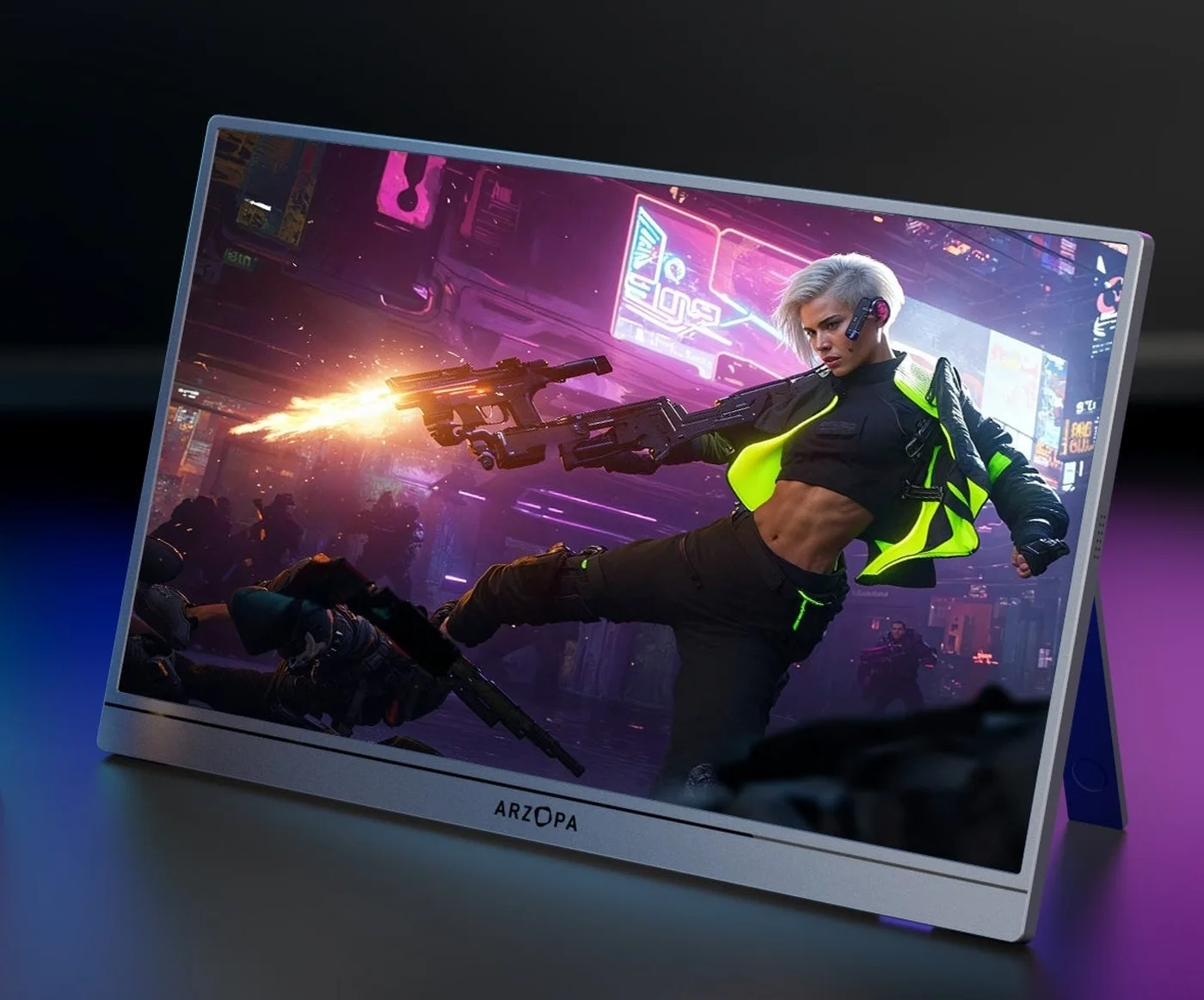 Photo: manufacturer
Arzopa Z3FC
Arzopa
1440p gaming target
16:9 · 2.5K · 180Hz
Official specs checked September 7, 2026
See Amazon US listing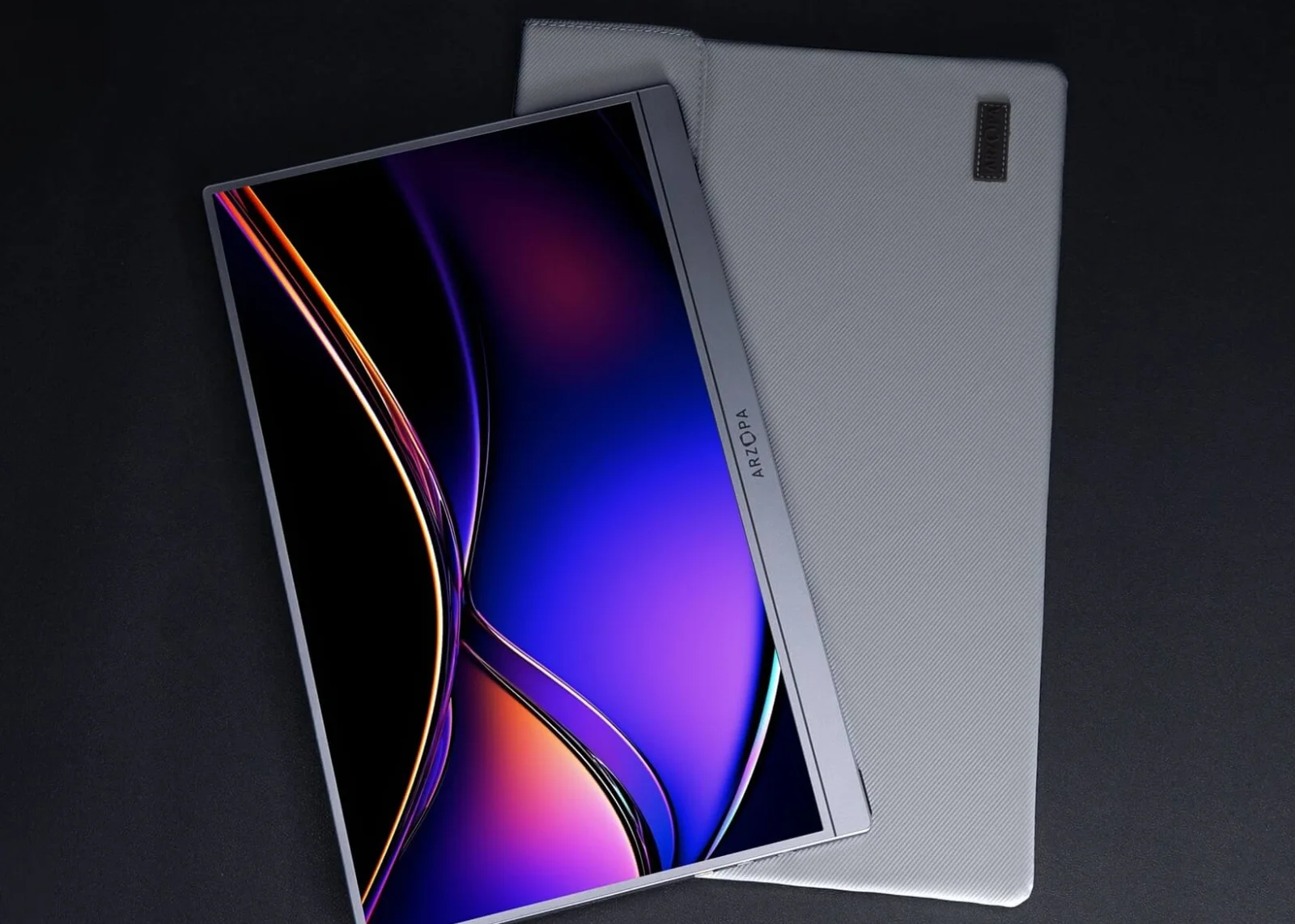 Photo: manufacturer
Arzopa Z1FC
Arzopa
FHD motion target
16:9 · FHD · 144Hz
Official specs checked September 7, 2026
See Amazon US listing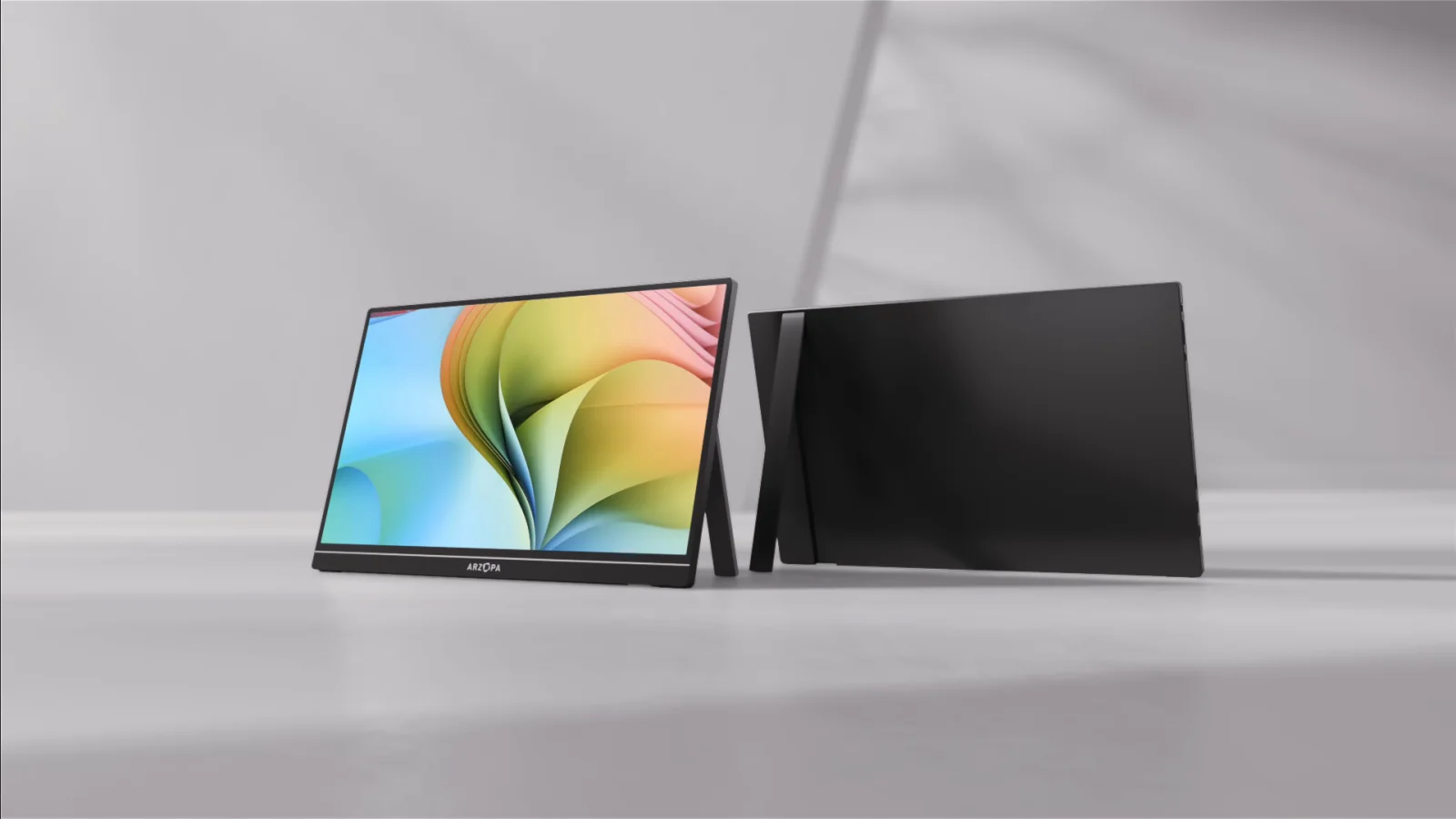 Photo: manufacturer
Arzopa Z1RC
Arzopa
Detail at 60Hz
16:10 · 2.5K · 60Hz
Official specs checked September 7, 2026
See Amazon US listingNeed to check the physical connection?
Use the portable-monitor checker for cable and power basics, then return here for Xbox-specific output settings.
Three gates before checkout
Pass the Xbox test, not just the gaming spec filter.
The screen has a true HDMI input
Xbox video starts at HDMI OUT. Mini-HDMI and micro-HDMI inputs are workable with the correct cable; USB-C alone is not proof of an Xbox video route.
The panel has stable separate power
HDMI carries video and audio, not dependable monitor power. Budget a wall adapter or power bank for Arzopa models; a battery model still needs charging.
Xbox confirms the mode you need
Use TV & display options to check resolution, refresh rate, 4K details, VRR, HDR, and audio. A 180Hz or 240Hz panel label is not a console guarantee.
Xbox Series X|S compatibility matrix
Keep resolution, refresh, sync, HDR, and sound in separate columns.
Xbox Series X officially targets true 4K and up to 120 FPS; Series S targets 1440p and up to 120 FPS. These portable screens add their own port, aspect-ratio, power, and firmware limits. “Not established” means the cited source did not prove the Xbox behavior clearly enough.
| Model | HDMI / input | Power | X / S output fit | Refresh | VRR / HDR | Audio |
|---|---|---|---|---|---|---|
| Arzopa Z3FC | 1 × mini HDMI 2.0; dual USB-C inputs also listed | 12.9W rated; no built-in battery is listed, so HDMI console use needs USB-C power from an adapter or power bank. | Series X: 1440p is a sensible portable target; 4K/120 is not established. Series S: 1440p matches the console target, but the 120Hz timing must be tested. | 180Hz is the panel maximum; verify the exact HDMI mode before calling it Xbox 120Hz. | FreeSync listed; Xbox VRR through mini HDMI is not independently verified. HDR10 listed; verify Xbox HDR10 handshake and usable brightness. | Built-in 2 × 1W speakers listed; verify HDMI audio and volume behavior. |
| Arzopa Z1FC | 1 × mini HDMI 2.0; full-function USB-C inputs listed | 10W rated; no built-in battery is listed, so plan separate USB-C monitor power for Xbox HDMI. | Series X: 1080p is the safe portable baseline; 120Hz requires the Xbox signal test. Series S: 1080p is a lower-resolution choice than its 1440p target, but can simplify 120Hz. | 144Hz panel maximum; the current Arzopa page does not prove Xbox 1080p/120 output. | FreeSync is referenced by current Arzopa gaming materials; Xbox VRR via HDMI remains a check. HDR10 listed; confirm Xbox HDR10 output on the exact variant. | Built-in 2 × 1W speakers listed; test HDMI audio or keep a headset fallback. |
| Arzopa Z1RC | 1 × mini HDMI; full-function USB-C input listed | 12W rated; use separate USB-C power for an HDMI-connected Xbox console. | Series X: 2,560 × 1,600 is not native 16:9 1440p and may scale or letterbox. Series S: 1440p output may be accepted, but the 16:10 panel and 60Hz limit remain. | 60Hz published; no Xbox 120Hz route. | VRR is not established in the cited Arzopa specification. HDR is not established in the cited Arzopa specification. | Dual 1W speakers listed; verify HDMI audio and headphone behavior. |
| ASUS ROG Strix XG17AHPE | 1 × micro HDMI; 2 × USB-C with DisplayPort Alt Mode listed | Built-in 7,800mAh battery; ASUS also lists a power adapter. Battery condition and runtime depend on the exact unit. | Series X: ASUS explicitly lists FHD 120Hz output for Xbox Series X/S. Series S: ASUS explicitly lists FHD 120Hz output for Xbox Series X/S. | 240Hz panel maximum; Xbox output remains capped by supported content and display mode. | Adaptive-Sync listed; Xbox VRR through micro HDMI still needs confirmation. HDR is not established in the cited ASUS specification. | 2 × 1W speakers and earphone jack listed. |
Four fit-led picks
Pick the screen that solves your Xbox constraint.
Photo: manufacturerBest Arzopa starting point for a 1440p Xbox setup
Arzopa Z3FC
Display
16.1-inch IPS · 2,560 × 1,440 · 16:9 · 180Hz maximum
HDMI / video input
1 × mini HDMI 2.0; dual USB-C inputs also listed
Power plan
12.9W rated; no built-in battery is listed, so HDMI console use needs USB-C power from an adapter or power bank.
Series X fit
Series X: 1440p is a sensible portable target; 4K/120 is not established.
Series S fit
Series S: 1440p matches the console target, but the 120Hz timing must be tested.
Refresh check
180Hz is the panel maximum; verify the exact HDMI mode before calling it Xbox 120Hz.
VRR / HDR
FreeSync listed; Xbox VRR through mini HDMI is not independently verified. HDR10 listed; verify Xbox HDR10 handshake and usable brightness.
Audio
Built-in 2 × 1W speakers listed; verify HDMI audio and volume behavior.
Xbox connection plan
Xbox HDMI OUT → supplied HDMI-to-mini-HDMI cable → Z3FC mini HDMI IN. Add USB-C power before testing resolution, HDR, or 120Hz.
Choose it
Choose it when 16:9 1440p detail and the possibility of a high-refresh Xbox mode matter more than a battery. It is the most promising current Arzopa gaming fit.
Skip it
Skip it when you need confirmed 4K/120, a built-in battery, or model-specific Xbox VRR evidence. The 180Hz headline is not proof of the HDMI console mode.
Physical fit: Built-in stand; 1.72 lb listed by Arzopa.
Photo: manufacturerBest FHD motion value to investigate first
Arzopa Z1FC
Display
16.1-inch IPS · 1,920 × 1,080 · 16:9 · 144Hz
HDMI / video input
1 × mini HDMI 2.0; full-function USB-C inputs listed
Power plan
10W rated; no built-in battery is listed, so plan separate USB-C monitor power for Xbox HDMI.
Series X fit
Series X: 1080p is the safe portable baseline; 120Hz requires the Xbox signal test.
Series S fit
Series S: 1080p is a lower-resolution choice than its 1440p target, but can simplify 120Hz.
Refresh check
144Hz panel maximum; the current Arzopa page does not prove Xbox 1080p/120 output.
VRR / HDR
FreeSync is referenced by current Arzopa gaming materials; Xbox VRR via HDMI remains a check. HDR10 listed; confirm Xbox HDR10 output on the exact variant.
Audio
Built-in 2 × 1W speakers listed; test HDMI audio or keep a headset fallback.
Xbox connection plan
Xbox HDMI OUT → HDMI-to-mini-HDMI → Z1FC. Power the panel from a separate USB-C source, then enable 120Hz and read the Xbox signal details.
Choose it
Choose it when the smallest practical decision is FHD with a high-refresh ceiling and you do not need 1440p detail. It is the simpler route for either Xbox model.
Skip it
Skip it when Series S 1440p detail, confirmed VRR, or native 4K output is the reason you are buying. A 144Hz sticker does not guarantee 120Hz from Xbox.
Physical fit: Built-in stand; 1.7 lb / 780g listed by Arzopa.
Photo: manufacturerBest for detail when 60Hz is acceptable
Arzopa Z1RC
Display
16-inch IPS · 2,560 × 1,600 · 16:10 · 60Hz
HDMI / video input
1 × mini HDMI; full-function USB-C input listed
Power plan
12W rated; use separate USB-C power for an HDMI-connected Xbox console.
Series X fit
Series X: 2,560 × 1,600 is not native 16:9 1440p and may scale or letterbox.
Series S fit
Series S: 1440p output may be accepted, but the 16:10 panel and 60Hz limit remain.
Refresh check
60Hz published; no Xbox 120Hz route.
VRR / HDR
VRR is not established in the cited Arzopa specification. HDR is not established in the cited Arzopa specification.
Audio
Dual 1W speakers listed; verify HDMI audio and headphone behavior.
Xbox connection plan
Xbox HDMI OUT → mini HDMI IN, plus USB-C power. Use the Xbox display settings to see whether the panel accepts the selected 1440p timing.
Choose it
Choose it when a sharper-looking 2.5K canvas is more important than competitive refresh and you can accept aspect-ratio testing.
Skip it
Skip it for 120Hz gaming, a guaranteed 16:9 image, or confirmed HDR/VRR. Do not market 2,560 × 1,600 as native Xbox 1440p.
Physical fit: Built-in stand; about 1.7 lb listed by Arzopa.
Best documented Xbox 1080p/120Hz control
ASUS ROG Strix XG17AHPE
Display
17.3-inch IPS · 1,920 × 1,080 · 16:9 · 240Hz
HDMI / video input
1 × micro HDMI; 2 × USB-C with DisplayPort Alt Mode listed
Power plan
Built-in 7,800mAh battery; ASUS also lists a power adapter. Battery condition and runtime depend on the exact unit.
Series X fit
Series X: ASUS explicitly lists FHD 120Hz output for Xbox Series X/S.
Series S fit
Series S: ASUS explicitly lists FHD 120Hz output for Xbox Series X/S.
Refresh check
240Hz panel maximum; Xbox output remains capped by supported content and display mode.
VRR / HDR
Adaptive-Sync listed; Xbox VRR through micro HDMI still needs confirmation. HDR is not established in the cited ASUS specification.
Audio
2 × 1W speakers and earphone jack listed.
Xbox connection plan
Xbox HDMI OUT → micro-HDMI IN. Charge the panel, choose 1080p/120Hz in Xbox settings, and verify the current signal before relying on the mode.
Choose it
Choose it when portable battery power and the clearest model-specific Xbox 1080p/120Hz evidence matter more than 1440p detail.
Skip it
Skip it when you need 4K/120, a lighter bag, or a current lower-cost listing. Adaptive-Sync does not establish Xbox VRR or HDR.
Physical fit: Smart case/kickstand; ASUS lists 1.06kg without stand and 1.76kg with stand.
Xbox setup steps
Verify the signal in Xbox menus before judging the display.
| Check | Xbox path |
|---|---|
| Resolution and refresh | Settings → General → TV & display options. Select Resolution and Refresh rate, then read 4K TV details or the current signal. A 144Hz label alone is not Xbox 120Hz proof. |
| 1080p / 120Hz | For a portable FHD screen, select 1080p and 120Hz when offered. Launch supported content and confirm the signal; the console, cable, input, and game must all agree. |
| 1440p | Series S targets 1440p and Series X can use 1440p, but the panel must accept a standard 16:9 timing. Z1RC’s 2,560 × 1,600 16:10 mode is not the same thing. |
| VRR | In Video modes, check Allow variable refresh rate. Xbox supports HDMI VRR and AMD FreeSync, but a monitor FreeSync label does not prove that its mini/micro-HDMI port negotiates VRR. |
| HDR | Check Allow HDR10, Auto HDR, and the Xbox 4K TV details screen. HDR10 on an Arzopa listing is a panel claim, not proof of a successful Xbox HDR handshake. |
| Audio | Settings → General → Volume & audio output. HDMI can carry sound, but the portable monitor must expose it through speakers or a headphone jack. Keep a headset fallback. |
Connection planner
Plan the whole HDMI and power chain before checkout.
| Path | Cable or setting | What to verify |
|---|---|---|
| Direct Xbox HDMI + monitor power | Xbox HDMI OUT → monitor HDMI / mini-HDMI / micro-HDMI IN; USB-C power → monitor | Default route. Xbox supplies the video signal; most portable panels still need their own power. Confirm the cable shape and direction. |
| Xbox auto-detect | TV & display options → Resolution / Refresh rate; keep the direct HDMI path while testing | Auto-detect usually gives the cleanest capability list. If a mode is missing, check the cable, input, firmware, and Video fidelity & overscan before forcing an override. |
| Video fidelity & overscan | TV & display options → Video fidelity & overscan → Display; use HDMI override only when the monitor manual requires it | An override can expose a resolution but can also remove 4K/HDR/VRR options. Record the original setting so the setup can be reversed. |
| Audio fallback | Volume & audio output → Speaker audio / HDMI audio; then test monitor speakers or 3.5mm output | A product photo cannot prove audio routing. If the monitor stays silent, use a compatible Xbox headset rather than changing video settings at random. |
Microsoft documents HDMI 2.1 requirements for 4K/120. For this portable shortlist, treat 1080p/120 or 1440p/120 as a mode to verify, not an automatic consequence of a high-refresh panel.
What remains unknown
Four labels should never carry the whole purchase decision.
180Hz or 240Hz
This is a panel ceiling. Xbox content and HDMI negotiation determine whether 120Hz appears at the selected resolution.
FreeSync / Adaptive-Sync
A PC-oriented sync label does not prove Xbox VRR through the exact mini-HDMI or micro-HDMI input.
HDR10
A panel HDR label does not prove the Xbox HDR10 option, a successful handshake, or useful HDR brightness.
Built-in speakers
Speakers can remain silent when HDMI audio, volume, input, or the console audio route is wrong. Keep a headset fallback.
Official sources
Keep the evidence trail beside the buying decision.
Xbox and Microsoft
Sources checked September 7, 2026. Product pages and support documents can change by region, variant, firmware, price, stock, warranty, and return policy. WorkChoose did not independently measure any display or confirm an Xbox handshake.
Related guides
Keep console and computer display advice separate.
This page is for Xbox HDMI, console output modes, portable power, VRR, HDR, and audio. Laptop and MacBook pages answer a different question: USB-C video, Apple display limits, drivers, and computer sleep/wake behavior.
Portable monitors for PS5
Use the PS5-specific page for PlayStation output settings and HDMI checks.
Read nextPortable monitors for laptops
Compare USB-C DP Alt Mode, HDMI, USB-A drivers, and computer power paths.
Read nextPortable monitors for MacBook
Use the Mac-specific guide for Apple display limits and native versus DisplayLink paths.
Read nextConnection checker
Check connector, cable, signal, and power assumptions before buying.
Read nextPortable monitor comparison chart
Filter published size, resolution, refresh, inputs, power, weight, and stand fields.
Read nextBest portable gaming monitors
Compare the broader gaming shortlist before choosing an Xbox-specific model.
Read nextArzopa Z1FC review
Check the exact model's 144Hz, input, power, and return caveats.
Read nextArzopa Z3FC review
Verify QHD, HDMI 144Hz, external power, and region-specific terms before buying.
Read nextFrequently asked questions
What is the best portable monitor for Xbox Series X and S?
Arzopa Z3FC is the most promising current Arzopa fit on published specs because it combines a 16:9 1440p panel, high refresh ceiling, mini HDMI, FreeSync, HDR10, and Xbox compatibility. ASUS ROG Strix XG17AHPE has stronger model-specific FHD/120Hz Xbox evidence and a built-in battery. Neither is a hands-on winner: verify the exact Xbox signal, power, VRR, HDR, audio, price, and returns.
Can Xbox Series X or S connect to a portable monitor over USB-C?
Use the Xbox HDMI OUT for video. A portable monitor USB-C port may accept power or DisplayPort video from a laptop, but Xbox does not provide a generic USB-C video output. For a portable setup, connect HDMI for video and USB-C separately for monitor power unless the exact display documents another path.
Does a 144Hz portable monitor give Xbox 120Hz?
Not automatically. The panel, HDMI input, cable, Xbox resolution, refresh setting, supported game, and signal negotiation all matter. Set the Xbox to a supported resolution and 120Hz, then check TV & display options or 4K TV details. ASUS explicitly lists FHD 120Hz for Xbox Series X/S on the XG17AHPE; Arzopa’s 144Hz label is not the same evidence.
Can Xbox power a portable monitor from its USB port?
Do not assume it can power every screen reliably. HDMI does not power the monitor, and many panels list 8W–13W rated power. A wall adapter or suitable power bank is safer for Z3FC, Z1FC, Z1RC, and Z1C. The ASUS XG17AHPE has a built-in battery but still needs charging for long sessions.
Is 1440p the right resolution for Xbox Series S?
It matches the Series S design target, but the display must accept a standard 16:9 1440p timing. Z1RC’s 2,560 × 1,600 16:10 panel is a different signal shape and may scale or letterbox. Use the Xbox display settings to confirm the actual mode rather than assuming the panel label is native.
Can portable monitors deliver Xbox VRR and HDR?
Possibly, but a FreeSync or HDR10 label is not enough. Xbox supports HDMI VRR/AMD FreeSync and HDR modes, while the monitor, cable, HDMI port, content, and settings must negotiate them. This guide keeps model-specific Xbox VRR and HDR handshake claims unconfirmed unless the cited source proves them.
Will Xbox audio come through the portable monitor?
HDMI can carry audio, but the portable monitor must expose it through working speakers or a headphone jack. Check Settings → General → Volume & audio output and the monitor’s manual. Arzopa models list speakers; ASUS lists speakers and an earphone jack. Keep an Xbox-compatible headset as a fallback.
Are these portable monitors personally tested by WorkChoose?
No. This is a source-backed buying guide, not a hands-on lab test. WorkChoose did not measure input lag, brightness, HDR quality, VRR stability, audio loudness, battery runtime, scaling, or the exact Xbox signal. Confirm the current variant, stock, warranty, and return terms before ordering.
Are the Arzopa product links affiliate links?
Approved Arzopa Z3FC, Z1FC, and Z1RC purchase buttons open Amazon US through affiliate links, so WorkChoose may earn a commission at no added cost. The Arzopa Global coupon card opens Arzopa Global directly, and ASUS opens its ASUS US page directly. Ranking follows fit and evidence.