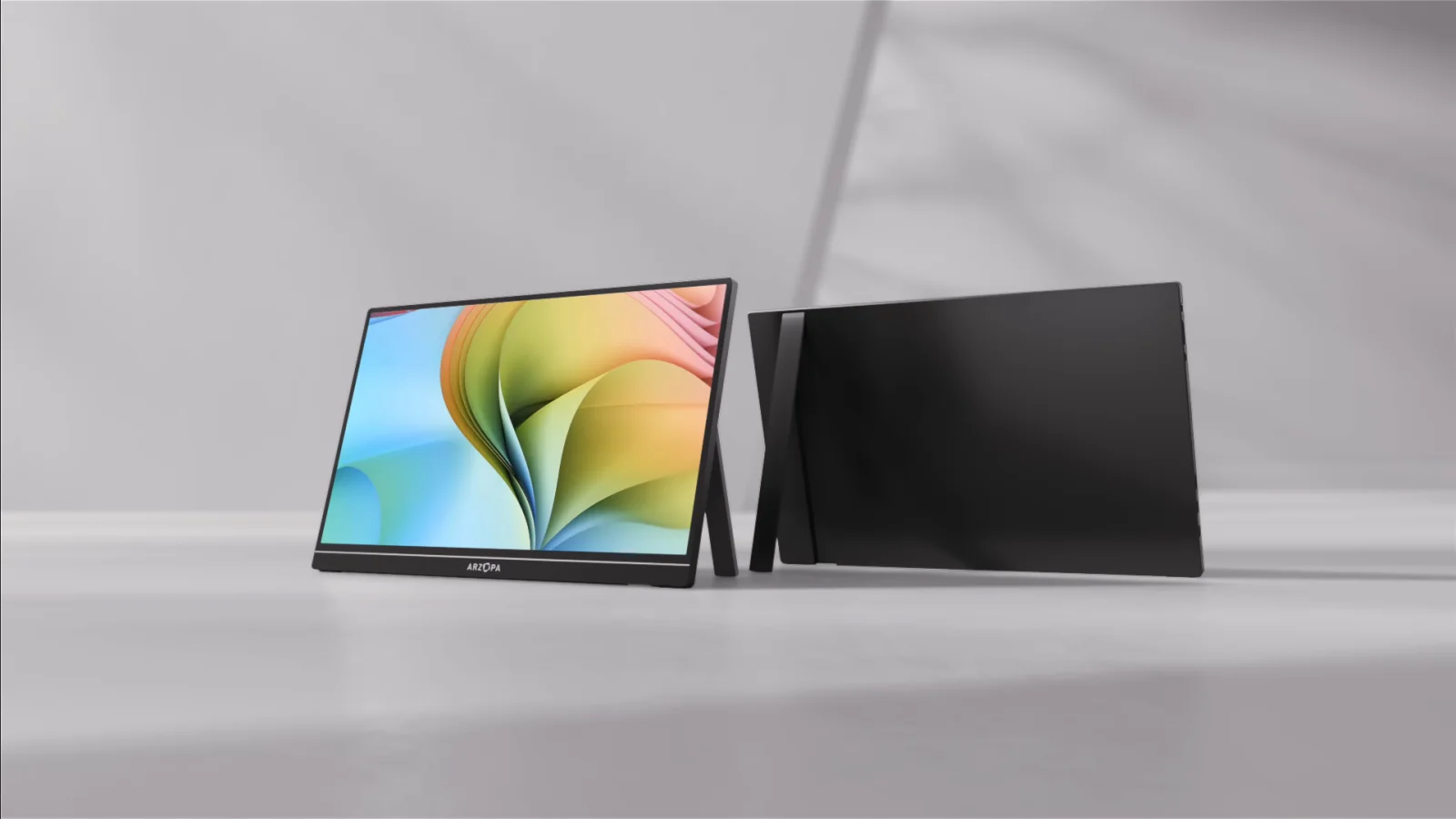
Screens & connections
Arzopa Z1FC vs Z3FC for ROG Ally X?
With an ROG Ally X, the Z1FC is the easier FHD match, while the Z3FC is the sharper, faster step when your dock, cable, power, and games support QHD output. Decide from the Ally setup you own, not just the monitor’s maximum mode.
Choose Z1FC for FHD 144Hz efficiency; choose Z3FC for QHD detail and up-to-180Hz DisplayPort output.
FHD docks fit Z1FC; QHD-capable ROG Ally X setups can justify Z3FC.
Z3FC high modes depend on dock, cable, game, and power; Z1FC stays FHD.
Our take is based on published specifications and linked sources. We have not hands-on tested these products. Some links may earn a commission.
Buying links, offers & research notes Expand
By WorkChoose Editorial TeamUpdated September 11, 2026Specification-backed
Eligible Z1FC and Z3FC purchase buttons open Amazon US through approved PartnerBoost affiliate links, so WorkChoose may earn a commission at no added cost. Product evidence and coupon references remain direct to Arzopa Global. Region, stock, bundles, shipping, warranty, returns, and final terms can change after this check date.
Check verified Arzopa offers before checkoutConfirm the Global-store region, eligible model, stacking rule, and final cart total. The offer page records regional boundaries and can change as listings change.See Arzopa coupon codes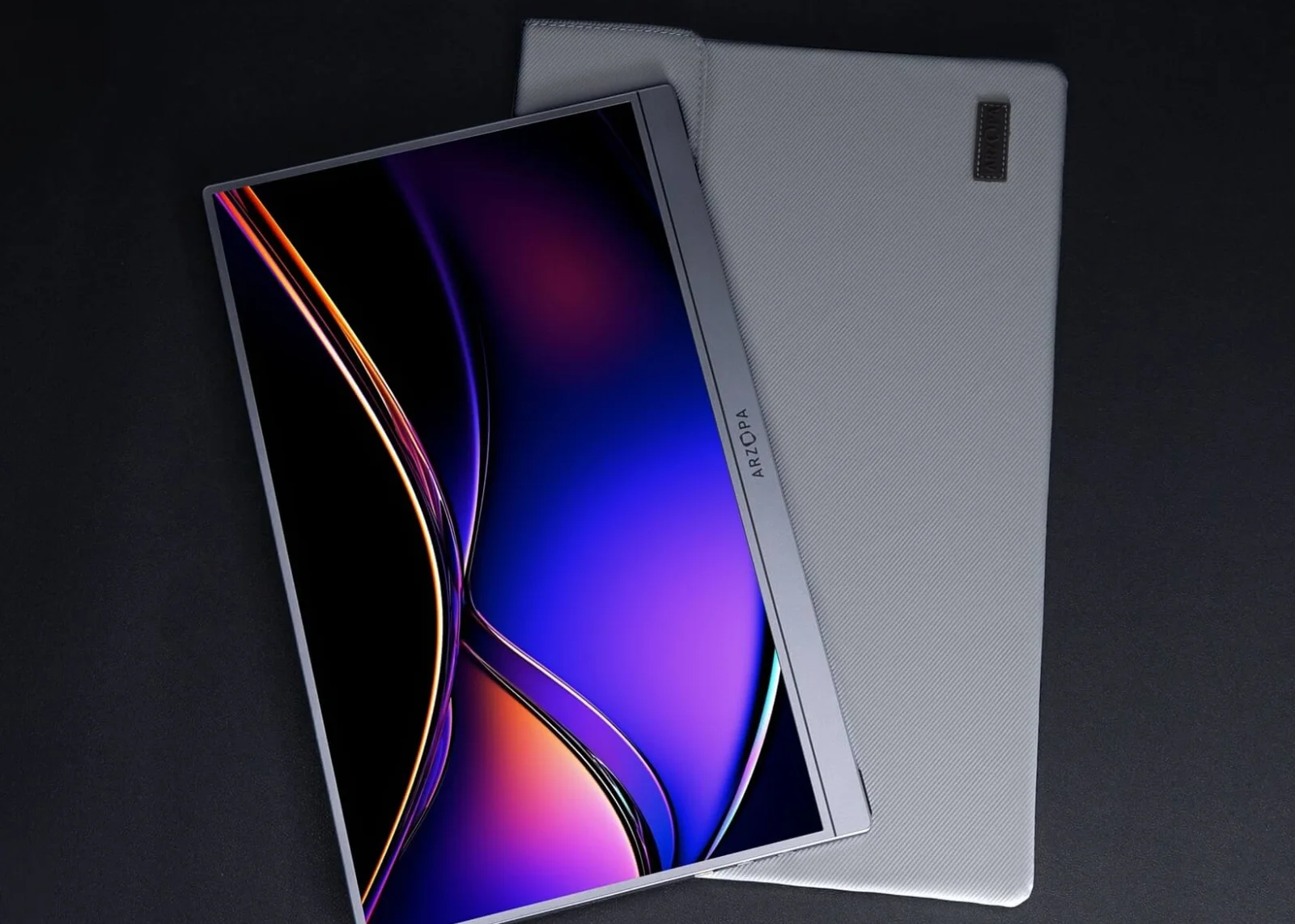 Photo: manufacturer
FHD lower-load Ally X choice
Arzopa Z1FC
16.1-inch IPS · 1,920 × 1,080 · 16:9
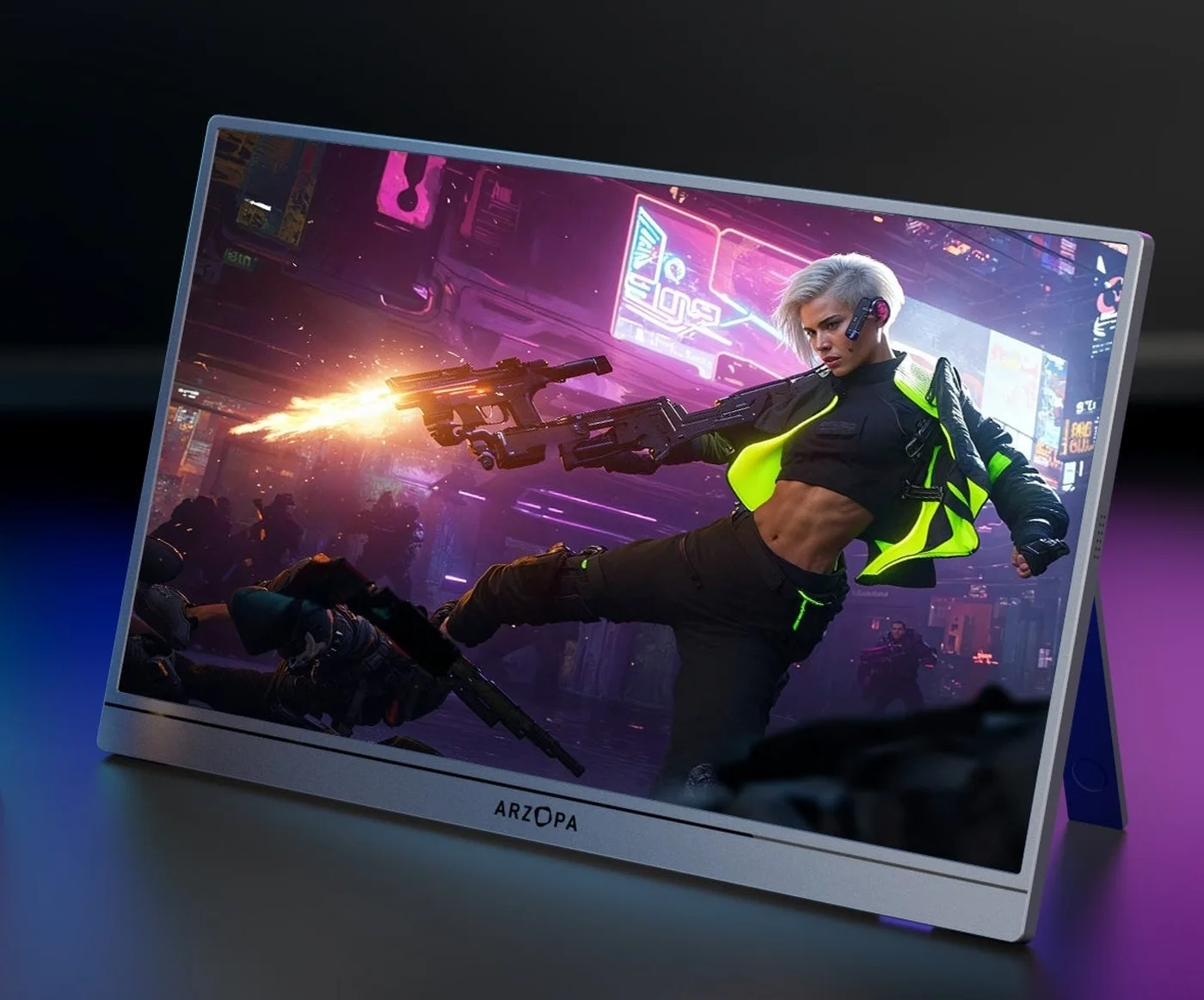 Photo: manufacturer
QHD detail and high-refresh Ally X choice
Arzopa Z3FC
16.1-inch IPS · 2,560 × 1,440 · 16:9
Direct answer
Z1FC keeps the Ally X target at FHD; Z3FC buys QHD detail and refresh headroom.
| If your Ally X priority is… | Start with… | Why |
|---|---|---|
| FHD gaming with a lower native pixel target | Z1FC | 1,920 × 1,080 at a 144Hz listed ceiling. Actual FPS and mode still depend on the game, power mode, cable, and Windows display settings. |
| QHD detail for games or a second gaming-PC screen | Z3FC | 2,560 × 1,440 with up to 180Hz over DisplayPort/USB-C and up to 144Hz over HDMI. The Ally X does not automatically reach either ceiling. |
| One-cable USB-C attempt | Verify the path | Ally X must expose DisplayPort over USB-C, the cable must carry video, the monitor must accept the mode, and the power budget must be enough for the monitor without breaking the handheld charging plan. |
| Docked setup with charging and peripherals | Powered dock + monitor power | Use a dock with a verified Ally X display output and PD passthrough, send HDMI to mini HDMI, and plan separate USB-C power for the portable monitor. |
FHD lower-load Ally X choice
Arzopa Z1FC
- Panel
- 16.1-inch IPS · 1,920 × 1,080 · 16:9
- Refresh
- 144Hz listed
- Brightness
- 300 nits listed
- Inputs
- 2 × USB-C with DP/PD shown · 1 × mini HDMI 2.0
- Power
- 10W rated power listed · no integrated battery listed
Choose Z1FC when FHD is the target, you want the lower native pixel load for a handheld GPU, and the 144Hz ceiling is enough for the games and settings you actually use.
Skip it when QHD detail is the reason for the purchase. A 144Hz label still depends on the Ally X mode, game, cable, input, and dock or adapter path.
Ally X fit: The practical baseline for an Ally X: 1,920 × 1,080 keeps the rendering target lower than QHD while leaving room for a high-refresh display mode when the complete USB-C or HDMI path exposes it.
Check Arzopa Z1FC US listingQHD detail and high-refresh Ally X choice
Arzopa Z3FC
- Panel
- 16.1-inch IPS · 2,560 × 1,440 · 16:9
- Refresh
- Up to 180Hz over DisplayPort/USB-C · up to 144Hz over HDMI
- Brightness
- 400 nits listed
- Inputs
- 2 × USB-C with DP/PD shown · 1 × mini HDMI 2.0
- Power
- 12.9W rated power listed · no integrated battery listed
Choose Z3FC when QHD detail, a higher-refresh ceiling, or one screen that can also serve a stronger gaming PC matters more than keeping the handheld rendering target at FHD.
Skip it when FHD is enough and the Ally X is the only source. QHD and 180Hz are panel capabilities, not a promise that every game, power mode, cable, dock, or operating-system setting will reach them.
Ally X fit: The higher-detail option for an Ally X setup that can supply the signal and power. Use the published 180Hz figure as a ceiling to verify over the DisplayPort/USB-C path; HDMI is listed at up to 144Hz.
Check Arzopa Z3FC US listingNeed a discount check before opening a merchant page? Review the verified Arzopa offers and confirm the US region, eligible model, stacking rule, and final cart total.
ROG Ally X connection facts
ASUS gives the Ally X two DisplayPort-capable USB-C choices; your dock and power plan still matter.
ASUS's current ROG Ally X specification lists one USB 3.2 Gen 2 Type-C port with DisplayPort and power delivery, plus one USB4 Type-C port that is Thunderbolt 4 compatible and lists DisplayPort 1.4 with Power Delivery 3.0. ASUS lists the Ally X's internal display as FHD 1,920 × 1,080 at 120Hz, and its power supply as a 65W USB-C adapter. These device facts do not establish that an external Z1FC or Z3FC will run at a particular refresh rate or FPS.
USB-C DisplayPort path
Use a full-featured USB-C cable from an Ally X port that exposes DisplayPort to the monitor USB-C input. The monitor may draw power from the Ally X, so check charging and runtime instead of assuming one cable solves both.
Dock plus HDMI path
Use a dock with verified external-display output and PD passthrough, send HDMI to the Z1FC or Z3FC mini HDMI input, and connect independent USB-C monitor power. HDMI carries the picture, not monitor power.
Mode and power boundary
The game, TDP or operating mode, resolution, graphics settings, cable, Windows mode, monitor input, and dock determine the usable result. A 144Hz or 180Hz panel label is not a stable-FPS promise.
Direct USB-C for gaming
Start with the Ally X USB-C port, a full-featured video cable, and the monitor USB-C input. Select the monitor resolution and refresh in Windows only after the signal is stable. Z1FC is the lower-load FHD target; Z3FC is the QHD target with the higher published refresh ceiling. Neither is proof of a particular game FPS, VRR behavior, HDR result, or battery runtime.
Check the complete connection pathCharging plus monitor power
For a desk setup, connect the Ally X to a powered dock that explicitly supports its display output and PD passthrough, then send HDMI to mini HDMI and power the monitor separately through USB-C. A suitable dock may simplify peripherals and charging, but the exact dock, adapter, cable, selected mode, and monitor power behavior must still be checked.
ASUS ROG Ally X technical specificationsOfficial source boundary
The official pages establish the connector and panel facts; they do not promise your game result.
The Ally X port, DisplayPort, Power Delivery, internal-display, and adapter facts come from ASUS/ROG pages. The Z1FC and Z3FC panel, refresh, port, and rated-power figures come from the current Arzopa Global product pages checked on September 7, 2026. They are published specifications, not WorkChoose measurements. No price, stock, FPS, battery-runtime, or hands-on performance claim is used here.
Continue the decision
Check the gaming use case, adjacent model, and complete cable path.
Best portable gaming monitor
Compare portable gaming screens by console and handheld connection constraints.
Read nextArzopa Z1FC review
Read the separate specification-backed review for the FHD high-refresh model.
Read nextArzopa Z3FC review
Check the QHD, USB-C/DP high-refresh model and its input boundaries.
Read nextArzopa Z3FC vs Z1FC
Compare the same two monitors without the Ally X device-specific connection layer.
Read nextPortable monitor for Steam Deck
Use the adjacent handheld comparison for USB-C power and dock tradeoffs.
Read nextPortable monitor for PS5
See why HDMI limits, power, and console output matter separately from panel refresh.
Read nextBest Arzopa portable monitor
Use the Arzopa hub to choose by work, travel, gaming, and resolution needs.
Read nextPortable monitor connection checker
Walk through source port, cable, adapter, input, mode, and power.
Read nextArzopa coupon codes
Check the regional offers and confirm model eligibility before checkout.
Read nextFAQ
Arzopa Z1FC vs Z3FC for ROG Ally X questions
Which Arzopa monitor is better for ROG Ally X: Z1FC or Z3FC?
Choose Z1FC when FHD is enough and you want the lower native pixel load with a 144Hz listed target. Choose Z3FC when QHD detail or a higher-refresh ceiling is the reason for buying: Arzopa lists up to 180Hz over DisplayPort or USB-C and up to 144Hz over HDMI. Neither figure guarantees a particular Ally X game, FPS, or output mode.
Does the ROG Ally X support an external Arzopa monitor over USB-C?
ASUS lists two USB-C ports on the ROG Ally X. One is USB 3.2 Gen 2 Type-C with DisplayPort and power delivery; the other is USB4 Type-C, Thunderbolt 4 compatible, with DisplayPort 1.4 and Power Delivery 3.0. A compatible port is necessary, but the cable, monitor input, selected resolution, refresh mode, and power budget still determine the result.
Can ROG Ally X run the Z1FC at 144Hz?
It may expose a 144Hz mode when the Ally X port, cable, monitor input, resolution, Windows display settings, and any dock or adapter support that mode. The Z1FC 144Hz listing is a monitor specification, not a guarantee of stable 144 FPS or a universal Ally X output mode. The game, TDP or operating mode, thermals, and graphics settings control actual frame rate.
Can ROG Ally X run the Z3FC at 180Hz?
Do not treat 180Hz as a promise for the Ally X. Arzopa lists up to 180Hz over DisplayPort or USB-C and up to 144Hz over HDMI. The Ally X game, power mode, resolution, graphics settings, cable, operating system, input, dock, and signal negotiation determine the available mode and the FPS the system can render.
Which monitor puts less load on the ROG Ally X GPU?
Z1FC is the lower native pixel-load choice because it is FHD at 1,920 × 1,080. Z3FC is QHD at 2,560 × 1,440, which asks the GPU to render more pixels at native resolution. That comparison describes resolution workload; it does not predict a specific game’s FPS, battery life, or thermals.
Can one USB-C cable power the Arzopa monitor and charge the Ally X?
Do not assume it. ASUS lists DisplayPort and Power Delivery capabilities on both Ally X USB-C ports, while Arzopa lists rated monitor power and USB-C DP/PD inputs. A single cable may carry video and monitor power, but it may draw from the Ally X instead of charging it. For a stable setup, verify the exact dock or charger arrangement and plan an independent monitor power path when needed.
What is the most reliable dock setup for Z1FC or Z3FC with ROG Ally X?
Use a dock that explicitly supports the Ally X display output and Power Delivery passthrough, connect the dock to the Ally X, send HDMI from the dock to the monitor’s mini HDMI input with the correct cable, and power the monitor through its USB-C power input. Confirm the dock’s output mode and the Ally X charging behavior before treating the setup as complete.
Can I connect either monitor through HDMI?
Yes, where the source or dock provides a compatible HDMI output and the cable reaches the monitor’s mini HDMI 2.0 input. HDMI carries the picture; it does not replace the monitor’s USB-C power path. For Z3FC, Arzopa lists up to 144Hz over HDMI, while the exact source, cable, adapter, resolution, and operating system still control the available mode.
Do the Arzopa Z1FC or Z3FC have a built-in battery?
An integrated monitor battery is not listed in the cited current US product specifications for either model. Treat both as externally powered displays. The ROG Ally X itself has an ASUS-listed 80Wh battery, but using it to power a monitor can reduce handheld runtime; a charger, power bank, or suitable dock may be required.
Does the ROG Ally X have one or two USB-C ports?
ASUS lists two USB-C ports. One is USB 3.2 Gen 2 Type-C with DisplayPort and power delivery. The other is USB4 Type-C, Thunderbolt 4 compatible, with DisplayPort 1.4 and Power Delivery 3.0. ASUS also lists the Ally X’s internal display as FHD 1,920 × 1,080 at 120Hz; that does not define every external-monitor mode.
Did WorkChoose test these monitors with an ROG Ally X?
No. WorkChoose did not connect, measure, calibrate, load-test, or benchmark either monitor with an ROG Ally X. This page uses the current ASUS and Arzopa specifications and explains the signal and power checks required before buying. Actual refresh, FPS, color, HDR, input latency, battery draw, and dock behavior need verification on the exact setup.
Are the Arzopa purchase links affiliate links?
Yes. Eligible Z1FC and Z3FC purchase buttons open Amazon US through approved PartnerBoost affiliate links, so WorkChoose may earn a commission at no added cost. Product sources and coupon references remain direct to Arzopa Global. Offers, stock, shipping, warranty, returns, bundles, and product specifications can change, so confirm the final listing and cart details.
Final choice
Z1FC for FHD/144Hz and lower pixel load; Z3FC for QHD detail and high-refresh headroom.
Check the Ally X game and power mode, source port, cable, dock, monitor input, selected resolution, refresh mode, and separate monitor power before opening the US listing. Then check the regional offers page for eligible codes.
Sources checked September 7, 2026; page updated September 11, 2026. Product pages, variants, bundles, policies, firmware, compatibility, and device software can change. This page uses official specifications and does not claim hands-on testing.