Screens & connections
MacBook Air M4 with two portable monitors: plan the chain
Two portable monitors can turn an M4 Air into a useful travel desk when the cable chain stays simple. Check native output, dock capability, power, and where the screens will sit before assuming a universal one-cable setup.
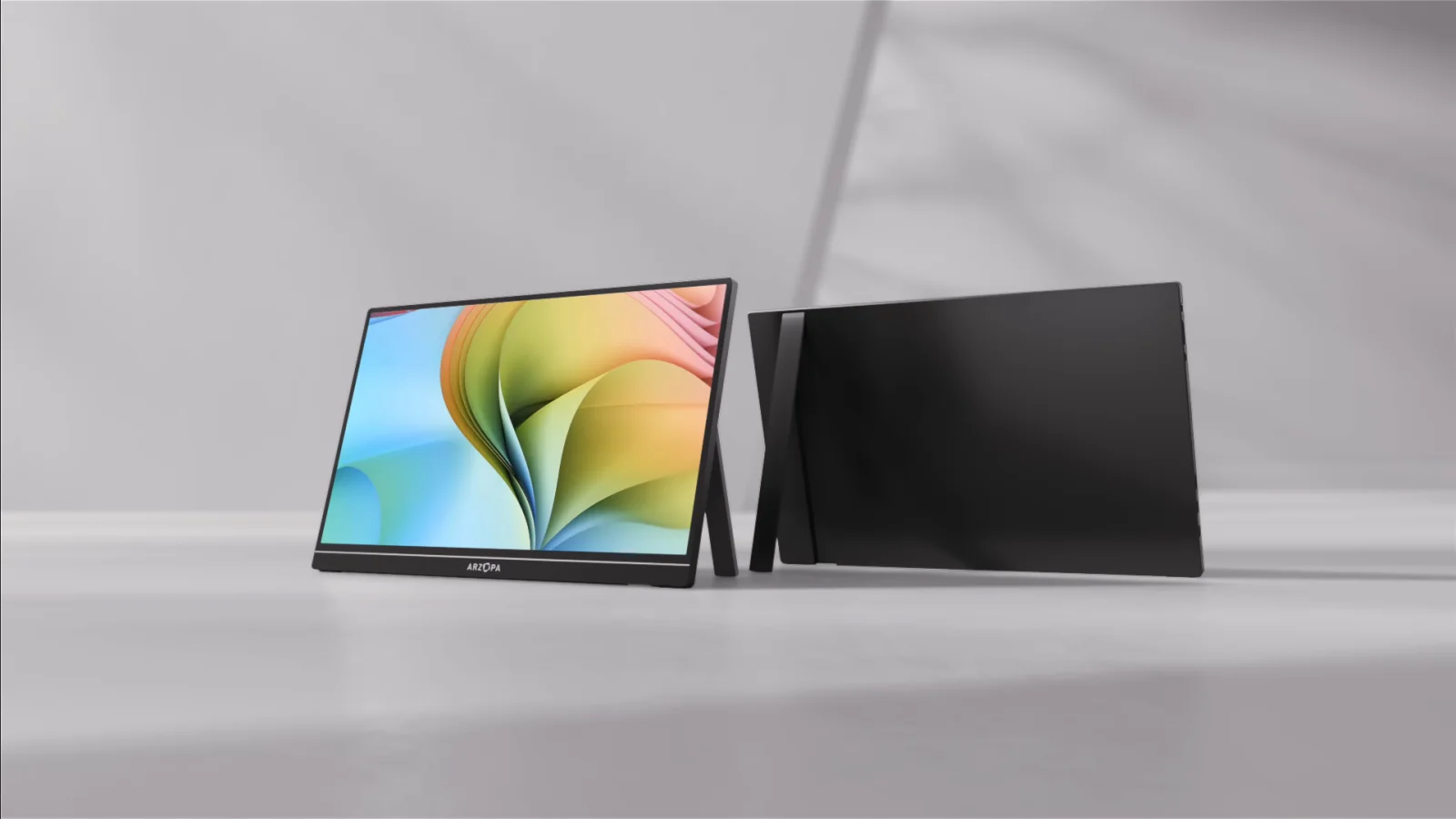
Map the M4 Air’s ports and desired display count first; choose the monitors after the signal path is clear.
M4 Air owners who want a flexible dual-screen setup for work or travel.
The Mac model, operating system, dock, cable, and monitor power draw all shape compatibility.
Our take is based on published specifications and linked sources. We have not hands-on tested these products. Some links may earn a commission.
Connection plan
Two ports, two signals, two power decisions.
Display 1
M4 Air Thunderbolt 4 port → full-featured USB-C cable → portable monitor USB-C video input.
Display 2
Second M4 Air Thunderbolt 4 port → second full-featured cable → second monitor video input.
Power fallback
If either panel flickers, dims, disconnects, or drains the Mac too quickly, give that monitor separate USB-C power.
A dock with two sockets is not proof of two displays. Verify that it explicitly supports two extended displays on Apple silicon. A simple MST hub can mirror or leave one output inactive on macOS.
Before you buy two screens
- Both cables support USB-C video, not charging only.
- Each monitor input supports DisplayPort Alt Mode.
- You have separate power available for each display.
- The two stands and cables fit your actual desk width.
- Your workflow stays within Apple’s two-external-display limit.
- You verified the exact model, price, returns, and warranty.
MacBook Air M4 dual-monitor FAQ
Can a MacBook Air M4 run two portable monitors?
Yes. Apple lists support for up to two external displays at the same time as the built-in display. Each portable monitor still needs its own video signal and enough power.
Do I need DisplayLink for two monitors on an M4 Air?
No for a normal two-display setup within Apple’s published limit. Use the two Thunderbolt 4 ports as independent native video paths. DisplayLink is mainly relevant when the Mac model lacks enough native display support or the setup exceeds it.
Can one USB-C hub split the signal into two extended displays?
Do not assume it can. Two physical outputs do not prove two independent macOS display paths. The simplest plan is one video-capable cable from each M4 Air port to one monitor.
Will two portable monitors run from MacBook power alone?
Possibly, but do not plan around it without checking the exact screens and workload. Two panels can increase battery drain or become unstable. Keep separate USB-C power available for one or both monitors.